

TECHFUN 2K HD Webcam for PC with Noise Reduction Microphone, Privacy Shutter, 360° Rotation, Plug & Play USB Web Camera, Wide-Angle Lens, Ideal for Zoom, Skype Compatible with macOS & Windows
£15.99



Price: £15.99
(as of Jun 06, 2025 02:44:12 UTC – Details)
Product Description
TECHFUN 1080P FHD Webcam for PC with Microphone


Specifications: Item Type: Webcam for PC
Material: ABS
DSP Chip: Driver Free (Plug and Play)
Image Sensor: CMOS
Dynamic Resolution: 1920*1080P
Effective Pixels: 2.0 Mega Pixels
Focus Mode: Fixed-focus with Auto light correction
Frame Rate: 30fps
Interface: USB 2.0
Lens Angle: 97°-110°
Horizontal Rotation: 360°
Product Features:
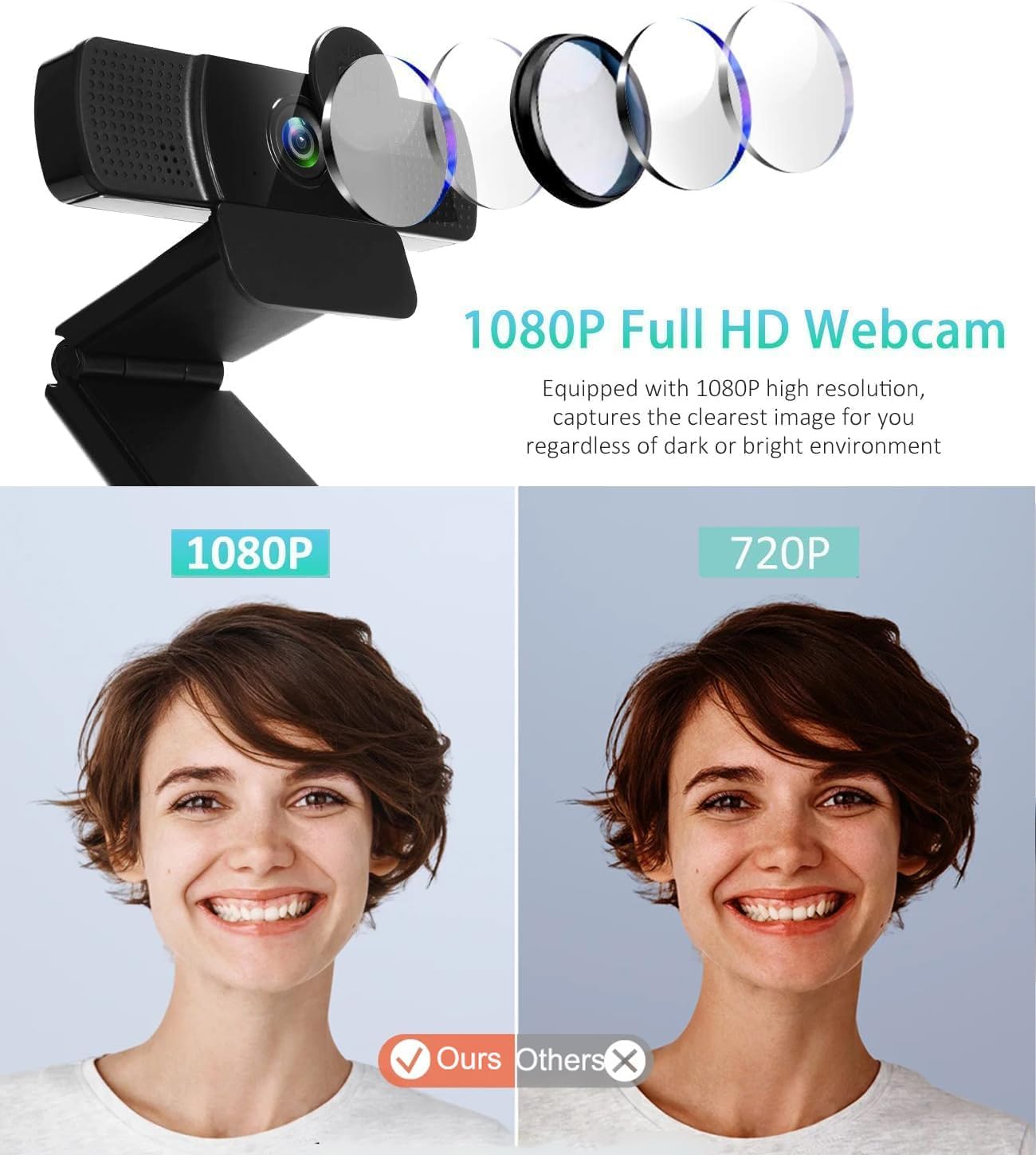
1080P Full HD Webcam: Computer camera with Full HD glass lens deliver crisp image and crystal clear video at a fluid 30 frames per/sec.
Plug and Play: USB webcam camera can be easily install and use, plug and play, no additional driver required, no need to set up.
Built-in 2 Microphone: This newest webcam with microphone is built-in 2 stereo omnidirectional microphones makes the sound output higher than usual. it’s better turn down volume before use. It can pick up your voice even at 17ft/ 5M distance to make sure everyone hears the real you.
Easy to Set Up: It also features a tripod-ready adjustable universal base that fits to laptops, desktops, computers, PC, LCD monitors.
97-Degree Wide View Angle Webcam: Fixed focus Webcam captures HD video at a wide angle up to 97 degrees, Perfect for live streaming, video calling, recording, and conferencing, etc.
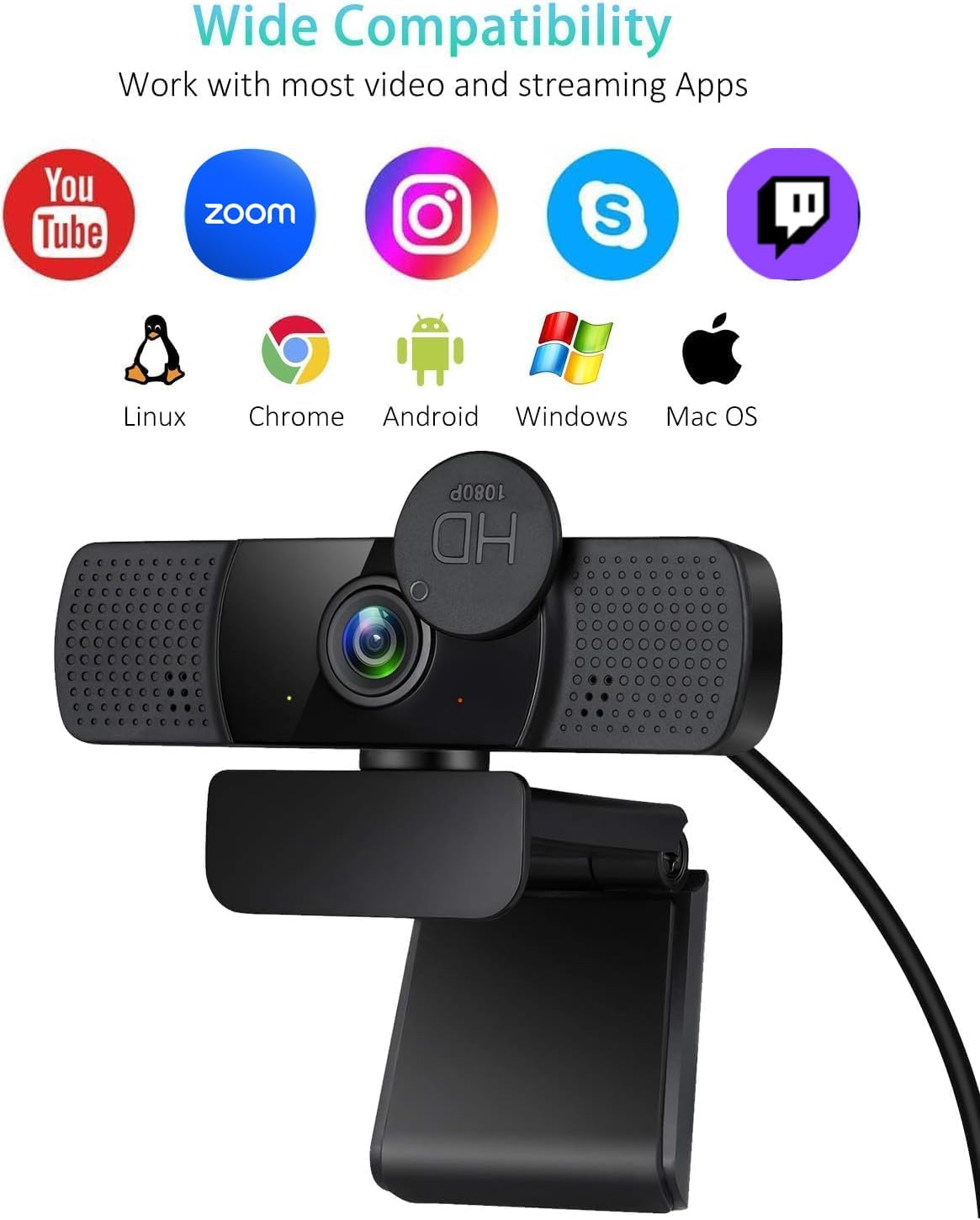
Wide Compatibility: Work with Windows 7/8/10, Mac OS, Linux, Chrome OS, Smart TV and Android systems; Suitable for Skype, YouTube, and other mainstream software & Apps.
Package Included:
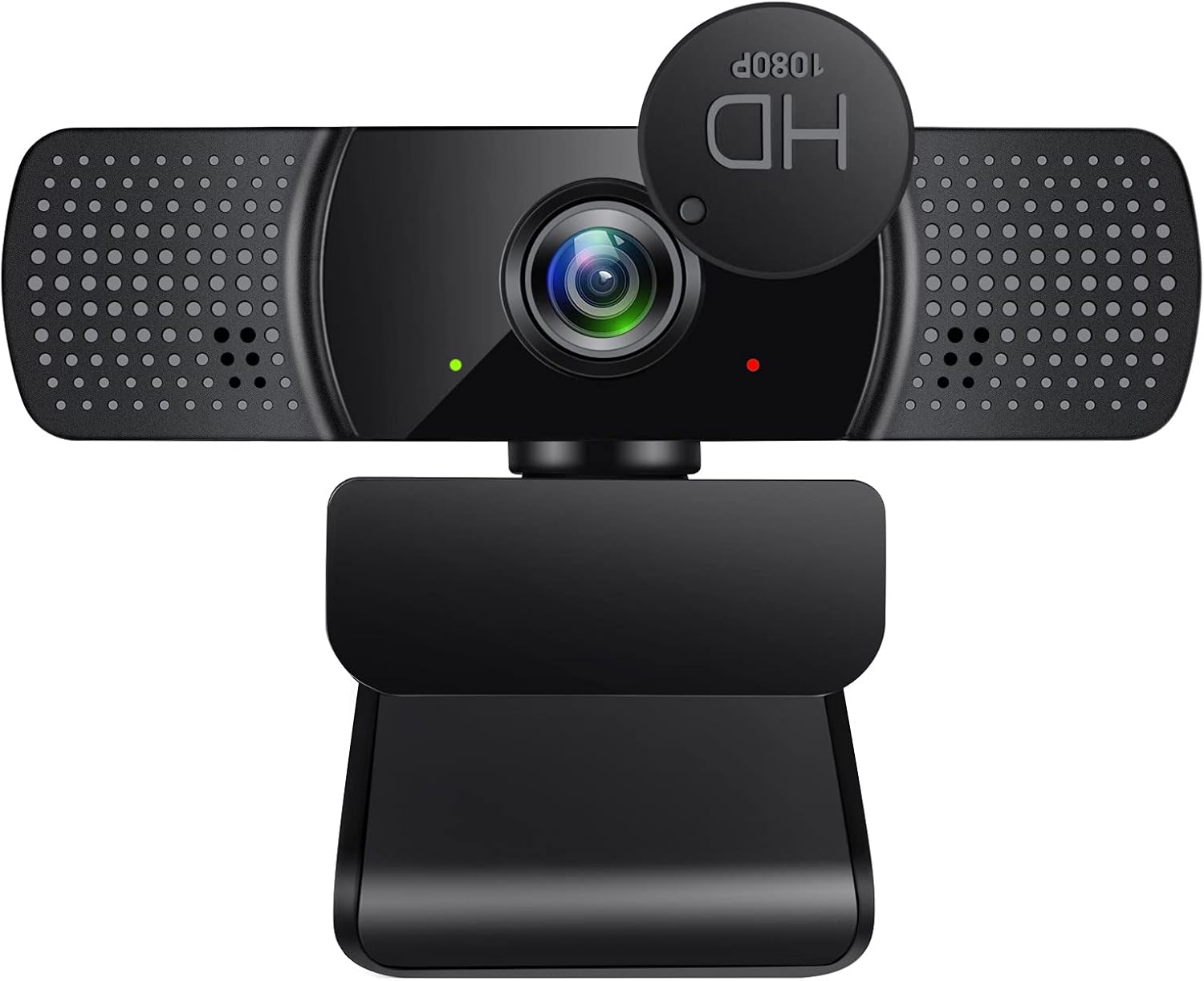
1 x Webcam with Privacy Cover
1 x User Manual
2000 PIXELSs FHD Clarity & Wide-Angle View: Experience sharp 2K videos and 110° wide-angle with 30fps. The webcam auto-adjusts for clear visuals, even in low-light conditions.
Noise Reduction Mic for Clear Audio: The dual microphones capture voice clearly up to 8m/26ft away, reducing background noise for seamless conversations in meetings or chats.
Plug & Play with Privacy Protection: Easy USB 2.0 connection, no drivers needed. The switchable privacy cover shields your webcam, protecting you from potential hacks.
Universal Compatibility: Works with Windows, macOS, Linux, and major platforms like Zoom, Skype, and OBS. Versatile for conferences, streaming, or everyday use.
Flexible Mounting & 360° Rotation: Equipped with a hinged clamp and 360° rotatable design, this webcam mounts easily on monitors, laptops, or tripods for optimal positioning.
Customers say
Customers find the webcam’s camera quality excellent. They also appreciate its good price.
6 reviews for TECHFUN 2K HD Webcam for PC with Noise Reduction Microphone, Privacy Shutter, 360° Rotation, Plug & Play USB Web Camera, Wide-Angle Lens, Ideal for Zoom, Skype Compatible with macOS & Windows
Add a review
Related Products


£15.99
Oana M –
Clear Video, Noise-Reduction Mic & Privacy Shutter for PC & Mac
â Pros:2K HD Resolution â Delivers sharp and clear video quality for calls, streaming, and recording.Built-in Noise Reduction Microphone â Enhances voice clarity by reducing background noise.Privacy Shutter â Provides added security when not in use.360° Rotation â Allows for flexible positioning and easy angle adjustments.Plug & Play USB Connectivity â No drivers needed, making setup quick and hassle-free.Wide-Angle Lens â Captures more of the background, ideal for group calls or presentations.macOS & Windows Compatibility â Works with Zoom, Skype, Microsoft Teams, and other conferencing apps.â Cons:No Autofocus â May require manual adjustments for best clarity.Low-Light Performance Varies â Lacks built-in lighting, so results depend on room lighting.Microphone Quality May Be Basic â While noise reduction helps, external mics may provide better audio.Fixed Field of View â No zoom or FOV adjustments, which may not suit all users.ð Best for: Users needing an affordable, high-resolution webcam with privacy features and wide compatibility.â Not ideal for: Those needing autofocus, built-in lighting, or professional-grade microphone quality.
Jason Ye –
excellent quality and very high clear image using webcam for my PC
I Order this item for my PC and my laptop , and item is very easy to use and easy to set it up , you donot need install any other software for start it , or you donot need install software to match this webcam , item is very good quality and plug in and play straight away , i recommend this products in this fair price. value of this money and good material made this
RAbd –
Functional
Its not the best quality image or audio but it doe the job, It is perfectly functional for use on older deivces taht have no buiilt in camera and works adequately for that.My family have an anoying habit of large whatsapp group video conference calls all the time when simple audio woudl suffice, but then agin it is nice for grandparents siblings and kids to all cathc up and chat gobbledygook at the same time. Its always quite chaotic with 2 or 3 cross-conversations taking place at the same time with 5 different participants.So I bunged this cam on top of the TV and hooked it up tothe mediacentre box I have in the living room so whenver one of these conferences tekes palce I just take it on the TV and everyone in teh living room can freely taek part.The viewing angle is decnt on teh camera to cappture the whole room and all the audio. As I menituoned its no the highest quality audio and video but then again for less than 20 quid it is exactly wehre it needs to be. I do have far more expensive proper conference qulity units at hand but dont feel the need to set them up in the living room so I appreciate havin this cheap litel webcam avauilbale for that specific use case
Top Cats –
Excellent budget webcam. Very good mic, lowlight images but slight fish eye effect
I’m currently using a well known brand’s entry level webcam on my desktop set up in my home office. I wanted to get a second webcam for when I’m working at a table downstairs. I did already have a second webcam but in all honesty it was rubbish – so I was pleased to try out this one from Techfun.The TL;DR here is that it’s really good – especially for a budget webcam. I haven’t used it it ‘really low light’ situations but what I’ve seen so far there’s been no grain on the image at all. Colour correction has been excellent and retains a natural tone consistently. The only downside here is that there is a slight fisheye effect to the wide angle lens. If you are quite close to the camera there’s no issue. If you are a 1m+ away you’ll probably notice the edge of the image bending slightly. It’s nowhere near as bad as the camera this is replacing but it’s there.The microphone quality is really good and matches my well known brand easily. I’m not sure how noise cancellation factors in here as I could still here background sounds in my testing.The stand is the usual style that is mainly for clipping on the top of a monitor although it can also be stood up. A neat point is that it does have a thread in the base for mounting on a tripod.At the time of review there is no price on this product. I have an idea of what it was supposed to be originally – so I’ll say if the price seems in the budget range when it becomes available it’s well worth trying.
duanxiaochen1996 –
Excellent quality sound and vision , easy to install and
I purchased very old laptop but camera is not work , and I wanted a webcam to keep in touch my family to chat every day , I buy this item and collected it cable in my laptop and easy to install and play , picture quality very clear , camera quality is easy for every using , value of this money
Sean Charmer –
Affordable webcam for basic video comms
Plug and play so it can be immediately recognised by your PC/laptop and is ready to go. I have tested this using various communication software from Zoom, FB Messenger and Skype and all recognised the camera and its microphones right away. The microphone quality is pretty basic and as I always recommend, investing in a good external microphone will make all the difference, so though this camera does have the feature, good if you do not have a dedicated microphone to use, the quality is not that great.The picture quality however is good, very sharp for a 1080p HD view and uses the light in the room very well even if not well lit. Where it falls over is that there are no options to modify the Zoom in any of the software I tested this with, even OBS which is a streaming software, was not able to adjust or give any option to adjust the zoom which is a shame. Being a bare-bones plug n play style webcam, there is no additional software to install to add or modify any settings for the cam, so unless the software allows you to modify the video aspects. Lightweight with a good length USB cord, this webcam can be up and running in just seconds of plugging in and with a built in lens cover you have that added protection of knowing the camera is covered.Perfect for communication software and making videos, considering the low price point, this does a lot of things very well but the limitations are understandable at this price point.