

TOALLIN 2K QHD Webcam for Windows Hello Face Login, IR Facial Recognition Camera, USB Webcam with Microphone, 92° Wide Angle View, Computer Web Camera for Video Calls
£59.99


Price: £59.99
(as of Jun 08, 2025 10:49:23 UTC – Details)
Product Description


1 Noise Canceling Mic
2 Sliding Privacy Cover
3 Windows Hello Settings
TOALLIN Hello Pro
TOALLIN Comparison Table
Facial Recognition
Special Features
Facial Recognition
2K & 30fps
Resolution@Fps
1080P & 30fps
4MP 1/3″ CMOS
Sensor
2MP 1/2.9″ CMOS
Fixed Focus
Focus Type
Fixed Focus
Built-in
Microphone
Built-in
92°
Field of View
90°
Built-in
Privacy Cover
Built-in
Facial Recognition
Special Features
Facial Recognition
2K & 30fps
Resolution@Fps
2K & 30fps
4MP 1/3″ CMOS
Sensor
5MP 1/4″ CMOS
Fixed Focus
Focus Type
Auto Focus
Built-in
Microphone
Built-in
92°
Field of View
84°
Built-in
Privacy Cover
Built-in
TOALLIN Hello One 
TOALLIN Hello SE 
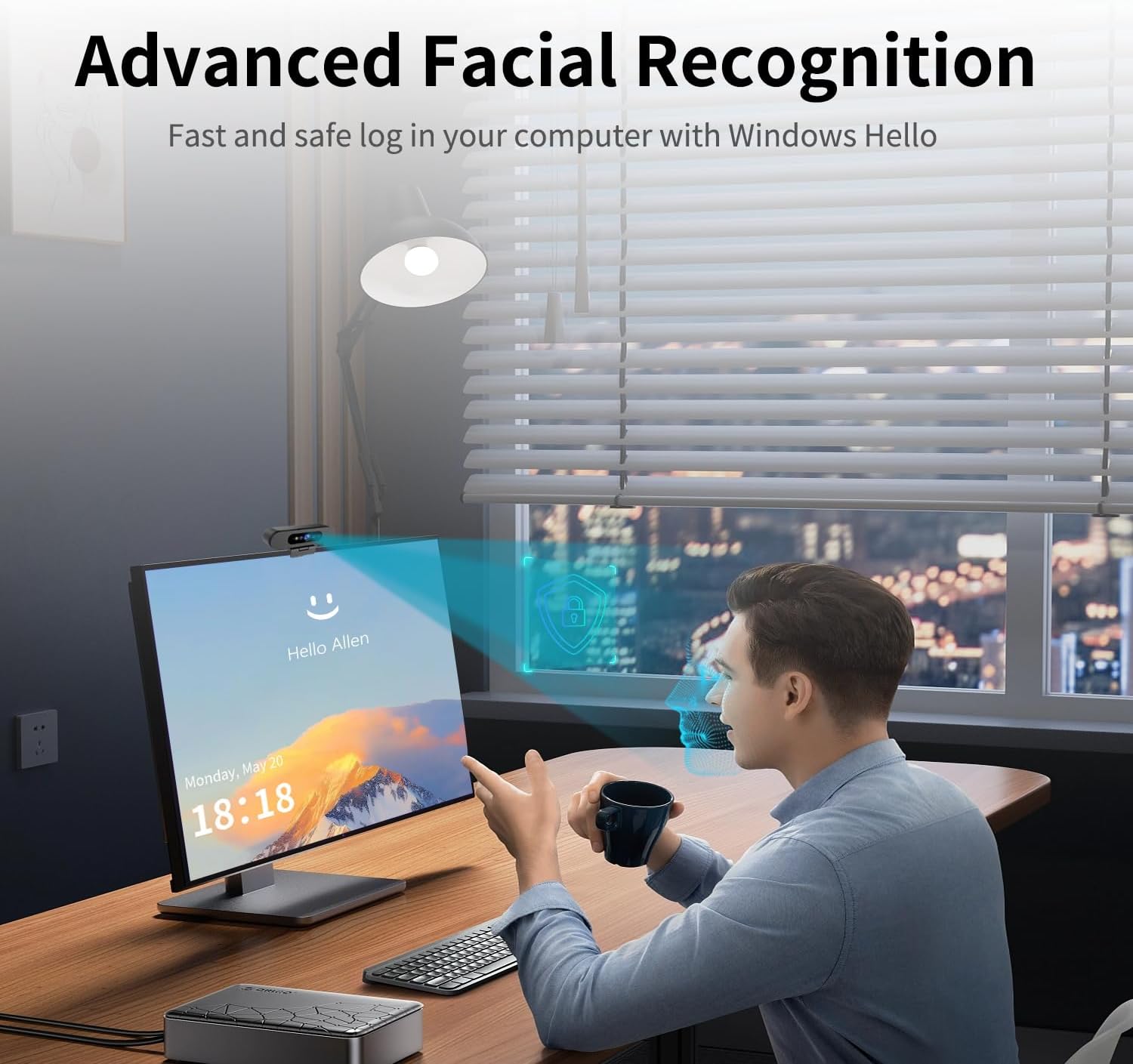
【Windows Hello Compatible Webcam】 Hello-Pro webcam can be used as a normal pc camera, but also compatibles with Windows Hello Face, fast facial recognition, safe and passwordless to log in your PC within few seconds.
【Warm Prompt】: 1. Only compatibles with the Official Windows version(Win10 or above) which has installed Windows Hello Face. 2. If Windows Hello prompts that the camera cannot be recognized, please try rebooting your computer and try again. 3. When unlocking with Windows Hello, look at the screen prompts and please don’t be too far or too close to the camera.
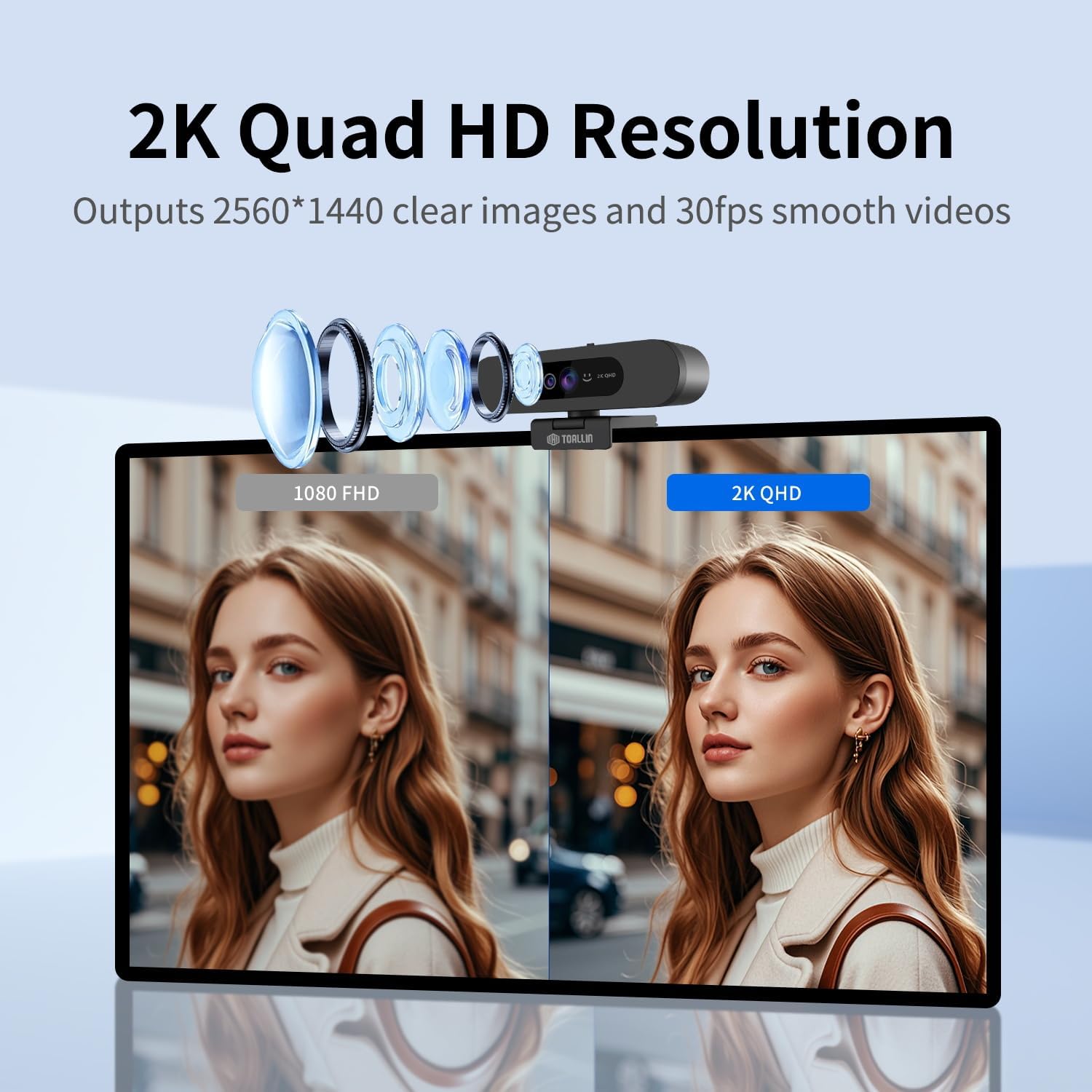
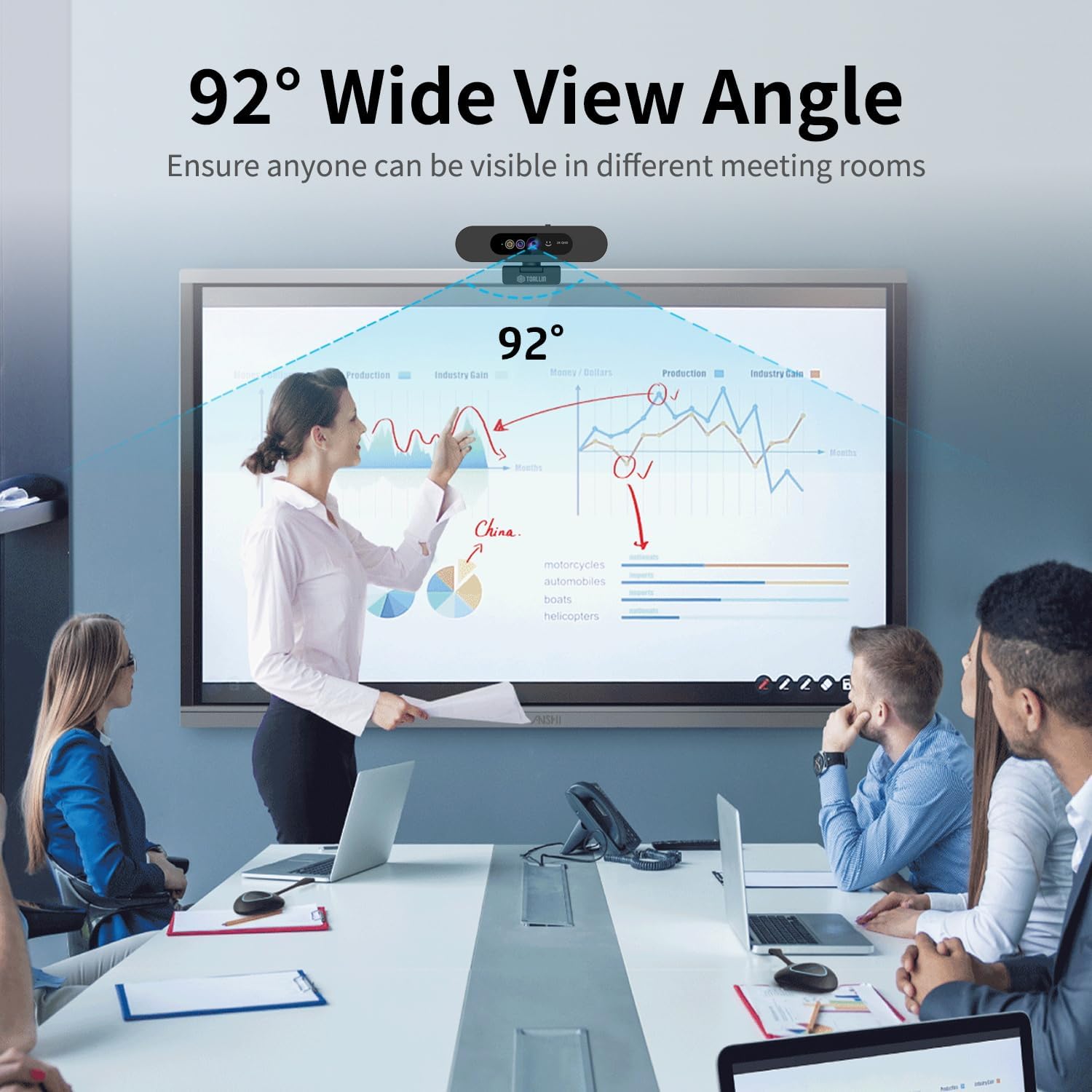
【2K QHD Resolution & 92° Wide Angle Camera】This computer camera built-in 2K Quad HD CMOS sensor, can output 2560*1440 clear images and 30fps smooth videos. 92° wide angle view ensures anyone can be visible in different size of meeting rooms, ideal for online video conferencing.
【Built-in Noise-Canceling Mic】With Noise-Reduction Algorithm, automatically reduce background noise, and amplify your voice to achieve a clearer conversation.
【Built-in Sliding Privacy Cover】With the built-in privacy cover, you can be visible or invisible at any time without exit the conference or turn off the web camera, better and easy to protect your privacy.
【Customer Service】We provide 7*24-hours customer support, please feel free to reach out to us if you encounter any problem about the product, we are committed to providing you with sincere and professional services.
11 reviews for TOALLIN 2K QHD Webcam for Windows Hello Face Login, IR Facial Recognition Camera, USB Webcam with Microphone, 92° Wide Angle View, Computer Web Camera for Video Calls
Add a review
Related Products


£59.99
adhesiveduck –
Plug and play – works perfectly with hello windows login
The camera arrives in a non-descipt brown carboard box – don’t be put off – what’s inside is what matters.It comes with everything needed to get it up and running in minutes – USB cable, adapter and of course the camera.Having a gravity style clamp it slides on top of my laptop screen and is held in place no screws, threads or anything to worry about.As soon as it was connected using the supplied USB cable Windows recognized the camera and that it was hello capable and started the setup routine. I wear glasses so was unsure if I had to take them off or not – I needn’t have worried – the first picture was with me wearing glasses after that windows asks if I would like to improve the recognition and took one without my glasses.So far using facial recognition has been flawless with no problem unlocking my laptop – just to check I got someone else to try loigin – nope they were rejected – so as far as I can tell the camera and hello work together well.I’ve been told that the picture quality has improved over my old camera when I’ve used it on team meetings with no issues with the camera trying to refocus if something passes behind me.The camera also has a built it privacy shield which just slides across allowing control of what pictures sre sent just remember to also mute the microphone as well.Overall have found this to be a really well built camera that provides improved security on my laptop as well as clear images when used for online meetings. It is well priced and gets my recommendation.
Chris Tarrant –
Worth the Money
The Web cam is good quality with a good field of view, really easy set up just plug and play. Good Value for money as it has windows Hello built in. The colour accuracy looks good, could be better but over all good. It has a good good range of tilt and feel sturdy on top of my monitor
Sully –
Excellent Quality
Genuinely pleasantly surprised with the quality of this camera, despite the cheap looking basic packaging, the funds seem to have gone into the camera itself and that’s a good thing.The actual camera body is plastic like all webcams and is relatively light but not cheap feeling.The stand works well, and the tilt and slight rotation is useful.Love that there’s a privacy slider on the front as well.Now onto the main thing, the camera quality, it’s genuinely excellent, everything is bright, crisp and the colours look neutral. A lot of third party webcams for some reason like to saturate colours (to make them look warmer and more appealing) but this gets distracting very fast, this camera keeps everything neutral and works amazing in decent-light conditions, even low-light it performs admirably giving great picture quality.It was essentially plug and play and you can adjust the saturation, brightness and contrast in windows settings.The field of view is nice and wide if you like that, with many programs like OBS you can crop this if you don’t (but you can’t make the FOV narrower in the windows camera settings). I do feel this FOV may be too wide for some though so be sure to check on that if it fits your use-case.Also can confirm this is actually 2K if the Windows settings is anything to go by which is good to see.Incorporating a Windows Hello feature is a great touch as well for computers and laptops that don’t have that (requires infrared to make sure your head is “3D”.Overall can definitely recommend, if you want a wide FOV especially.
Lydia –
Great Value for a Windows Hello-Compatible Webcam
I recently purchased the TOALLIN 2K QHD Webcam, and overall, I’m quite impressed. The setup was straightforwardâplug-and-play with no complicated drivers needed. The facial recognition feature works seamlessly with Windows Hello, allowing me to log in quickly and securely.The 2K resolution provides sharp and clear video quality, which is excellent for video calls and streaming. The autofocus feature ensures that I’m always in focus, even if I move around a bit. The 84° field of view is wide enough to capture multiple people, making it suitable for small group meetings.The built-in microphone delivers decent audio quality, and the privacy shutter adds an extra layer of security when the camera is not in use. The compact design makes it easy to position on top of my monitor without taking up much space.
Customer review –
2K Webcam with facial recognition
Very nice webcam. An unusual shape compared to the webcam it is replacing but it seems to work well. Interesting it has a privacy slider, what a good idea. We are currently using is just as a webcam without using the facial recognition or fast log in using it.The picture quality seems really good and it has a nice wide field of view. It does seem to be 2K and sound from it is also good. I was suprised how well it works in low light situations.It arrives in a fairly basic cardboard box but the actual webcam so far seems good value.
GadgetGiggles –
works well with windows hello but needs decent lighting
I mainly got this for the facial recognition and itâs been brilliant for thatâlogs me in within seconds and saves messing about with passwords. Setup was dead easy too, just plugged it in and it was good to go. The camera itself looks neat and the quality on video calls is actually sharper than I expected, definitely better than the built-in laptop ones. The micâs alright for casual chats and the wide angle is handy if youâve got more than one person on screen. The only downside Iâve noticed is that it struggles a bit when the lightingâs lowâit wonât always pick up my face in the dark so I end up typing the password anyway. Not a huge deal, but worth knowing. Iâve got it clipped onto a second monitor and it holds firm without wobbling. For the price, itâs solid and if youâve got a bright enough room, the Windows Hello part works like a charm.
Robert Hiemer-Krafft –
Ich habe die Webcam zum Testen bestellt. Das ca. 140 cm lange Anschlusskabel hat einen USB-A Stecker. Ein Adapter auf USB-C liegt bei. Die Installation erfolgt in meinem Windows 10 System vollkommen automatisch und geht sehr schnell. Die Kamera meldet sich als 2K USB Camera im System an und kann mit der Systemeigenen App Kamera genutzt werden. Das Bild ist sehr brillant und scharf. Die vor eingestellte Schärfe beginnt bei einem Abstand von mehr als 40 cm. Der durchdachte Halter hat zusätzlich ein Stativgewinde und kann flexibel und sicher an jedem Monitor befestigt werden. Eine grüne Indikator-LED zeigt den aktiven Betriebsmodus an ohne zu stören. Das eingebaute Mikrofon bucht sich in den Soundeinstellungen unter Aufnahmegerät ein und kann dort angepasst werden. Das Objektiv kann mit einem Kunststoffschieber an der Oberseite mechanisch verdeckt werden. Insgesamt ist die Toallin 2K ein sehr schönes und funktionierendes Videokonferenzsystem.Erster subjektiver Eindruck: Macht einen ausgereiften Eindruck. Die Kamera ist sehr schnell installiert.GröÃe: 129 mm 31 mm x 31 mm.Spezielle MaÃe: Verbindungskabel 135 cm USB A.Passgenauigkeit: variabel einstellbarer Fuà mit Stativgewinde und Monitorrandklappe.Oberfläche: Kunststoff schwarz.Gewicht: 94 Gramm.Anleitung: Faltblatt in Englisch liegt bei.Funktion: Webcam für Windows-Systeme.Preis/Leistung: nicht günstig aber für Bildqualität angemessen.Plus: schnelle Installation, keine Treiberprobleme, sehr flexible Halterung, mechanische Linsenabdeckung, gutes Bild, eingebautes Mikrofon. Adapter auf USB-C.Minus:-Beschreibung bei Amazon: passt bis auf einzelne Bilder. Die zeigen entweder ein geringfügig anderes Modell oder sind zu stark bearbeitet. Die Elemente im Objektivbereich sind vertauscht. Die Bezeichnung Infrarotkamera ist irreführend.Empfehlung: Wer sich eine neue Webcam zulegen möchte, kann hier bedenkenlos zugreifen.
Jorge –
Una gran opción. Conexión sencilla y funcionamiento plug and play en cuestión de segundos. El cable, de más de un metro, hace que sea sencillo conectarla en casi cualquier entorno.La calidad de imagen es asombrosa y toda la gente con la he hecho alguna videoconferencia lo comenta. El precio puede parecer caro, pero es acorde con sus funciones, puesto que, entre otras cosas, te permite añadir reconocimiento facial al login en Windows. No es un reconocimiento como el de un móvil barato, con la cámara, sino por infrarrojos, con lo que será muy difÃcil, sino imposible que pa persona pueda desbloquear el ordenador.Para la instalación, tiene una base que se puede usar enganchada a los bordes de un portátil o un monitor, al mismo tiempo que, gracias a que es sólida y tiene un peso adecuado, se puede usar como base sobre una mesa. Además, si la quitas, incluye una rosca estándar para que la puedas colocar en un palo de selfies o un trÃpode también estándar.El cable USB es un estándar USB A, pero viene con un adaptador a USB C, lo que permite conectarlo a cualquier ordenador o portátil sin dificultad.Un gran producto que merece la pena si necesitas calidad de imagen en tus videollamadas y te interesa agregar una vais extra de seguridad al login de Windows. Muy recomendable.
Client d’Amazon –
Très bien super facile à installer De bonne qualité
jfrowe1 –
I have Dell that is a couple of years old that has a built in camera. However, it won’t work with facial recognition and can’t be upgraded with software alone. This camera is the perfect fix. No software or drivers needed. I’m running Windows 10 since my laptop also can’t be upgraded to Windows 11. But that isn’t a problem. I just plugged into an open USB-A port and it recognized the camera and did all the necessary install steps and I was up and running. Depending on your computer settings you may have to make changes in your settings for this to work with all functions or Apps. But mine was already good.
Dan –
La webcam è leggermente più larga di altri modelli ma in compenso offre delle funzionalità che non tutti gli apparecchi similari posseggono. Ho molto apprezzato la possibilità di otturare meccanicamente l’obiettivo grazie ad una levetta, la predisposizione a Windows Hello per il riconoscimento facciale e l’ottima progettazione del sistema di aggancio. Quest’ultimo consente una presa davvero salda sul monitor e possiede anche la predisposizione per essere fissata ad un perno a vite, ad esempio di un cavalletto. Il cavo Usb C in dotazione è davvero lungo e nella confezione è incluso anche un adattatore USB A femmina – USB C maschio. A livello costruttivo le plastiche della scocca sembrano abbastanza leggere, ma del resto non è un dispositivo che deve sopportare particolari sollecitazioni.Per quanto riguarda la qualità dell’immagine ho solamente riscontri positivi. La risoluzione è realmente 2K e la qualità dell’immagine buona, anche in contesti dove la luminosità ambientale è abbastanza scarsa. Naturalmente si tratta di un apparecchio “plug & play”, quindi non è necessaria alcun tipo di installazione o configurazione. Questo almeno lo posso certificare in ambiente Windows 10 e 11, i sistemi operativi dei computer su cui ho testato la webcam. In conclusione un prodotto assolutamente valido e ben fatto, sicuramente consigliato.