

8K HDMI KVM Switch 2 Monitors 2 Computers, 4K120Hz USB 3.0 Dual Monitor HDMI KVM Switcher 2 In 2 Out for 2 PC Share Two Monitors and Keyboard Mouse printers and more
£39.96



Price: £39.96
(as of Jun 12, 2025 00:33:13 UTC – Details)
Product Description
HDMI KVM Switch 2 Monitors 2 Computers Supports 8K60Hz 4K120Hz USB 3.0

This versatile 8K HDMI KVM switch 2 monitors 2 computers allows you to control two computers using a single set of peripherals, including a keyboard, mouse. It’s designed for professionals, gamers, and home office setups.
This dual monitor HDMI KVM switch offers easy switching between 2 PC and supports ultra-high-definition video output for an unparalleled visual experience.

Key Features
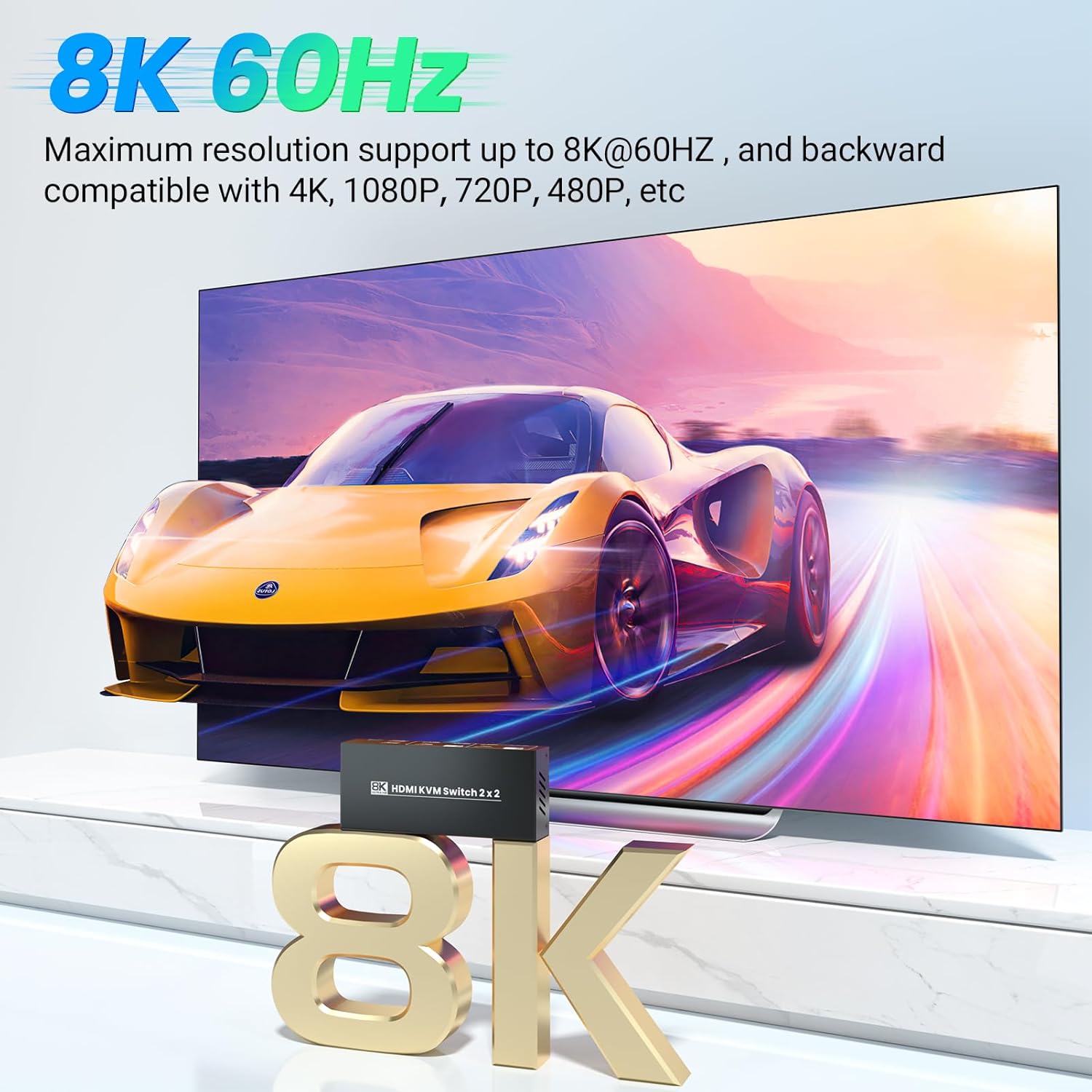
1. High-Definition Video Support: Enjoy stunning Ultra HD resolution 8K@60Hz 4K@120Hz.
2. Dual HDMI Inputs and Outputs: Connect and control two computers with one set of keyboard, mouse, and 2 monitors.
3. Comprehensive Connectivity: Equipped with two HDMI inputs for each computer and two HDMI outputs, additional USB ports support peripherals like keyboards, mice, and external storage devices.
4. Plug and Play: No need for drivers or software installation.
5. Compact design
Note: The graphic card of each connected computer must has 2 HDMI output ports.
Connection Diagram

Two Switching Methods–Button Swtich & External Switching Kit(No Hotkey Switching)

Switch between 2 connected computers using two convenient methods: a physical button on the HDMI KVM switch, or the external switching control kit. The external switching cable is 1.5 meters(4.9ft) in length, so that you can place the KVM switch outside the work area to make your desktop cleaner.
Note: No hotkey switching
Wide Compatibility

This HDMI KVM switch 2 monitors 2 computers is widely compatible with Windows, M-a-c OS, Linux, and other PC systems. Sturdy construction for durability and reliability

8K60Hz 4K120Hz Ultra HD Resolution
This 2 port HDMI KVM switcher allows users to connect two computers to the switch via HDMI, enjoy stunning visuals with support for resolutions up to 8K (7680 x 4320) at 60Hz and 4K at 120Hz.
Note: to achieve 8K resolutions output, both computers and HDMI cables must support 8K@60Hz.

4 Port USB 3.0 Hub
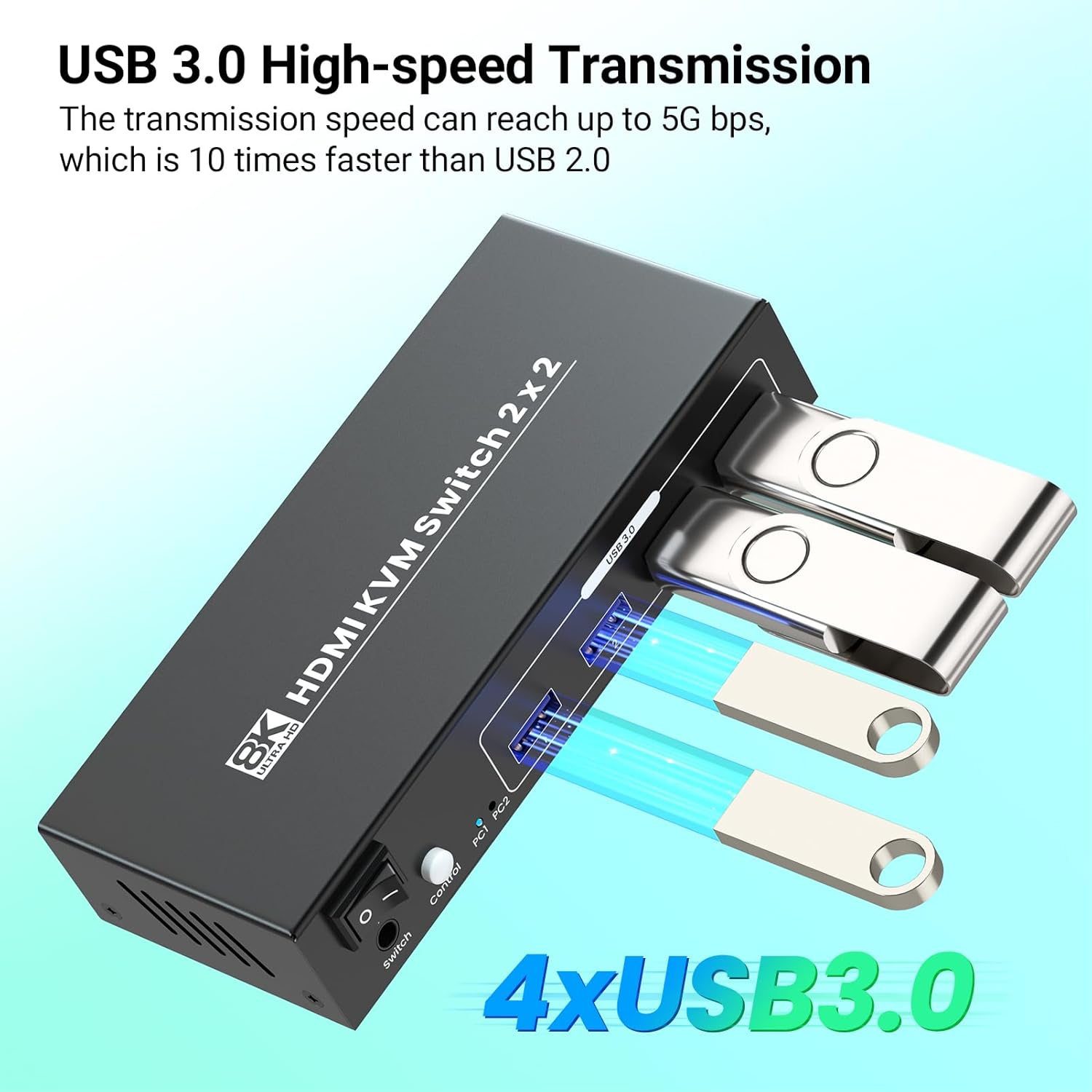
Totally 4 USB 3.0 ports are available for peripherals like keyboard, mouse, printers, external drives, and more. The transmission speed of USB 3.0 can reach up to 5G bps, which is 10 times faster than USB 2.0. And USB 3.0 backward compatible with USB 2.0.

Package Includes
2 in 2 out 8K HDMI KVM Switch x 1pcs
USB Cables x 2pcs(1.5 meters long)
Power Adapter x 1 pcs
User Manual x 1pcs
external switching controller kit x 1pcs
【Dual Port 8K HDMI KVM Switch】The 8K HDMI KVM switcher 2 monitors 2 computers allows users to easily switch and control two computers or devices with a single keyboard, mouse, and 2 monitors setup, without needing to swap cables. Please make sure the graphic card of each connected computer has 2 HDMI output ports.
【8K/60Hz Ultra HD Resolution】This 2 port HDMI KVM switch allows users to connect two computers to the switch via HDMI, enjoy stunning visuals with support for resolutions up to 8K (7680 x 4320) at 60Hz. Ideal for tasks requiring high-definition clarity, such as video editing, graphic design, and gaming.
【4 Port USB 3.0 Hub】This versatile HDMI KVM switch 2 in 2 out allows you to control 2 PC using a single set of peripherals, including a keyboard, mouse, and monitor. Totally 4 USB 3.0 ports are available for peripherals like keyboard, mouse, printers, external drives, and more. The transmission speed of USB 3.0 can reach up to 5G bps, which is 10 times faster than USB 2.0. And USB 3.0 backward compatible with USB 2.0.
【Two Switching Methods】Switch between 2 connected computers using two convenient methods: a physical button on the HDMI KVM switch, or the external switching control kit (Note: No hotkey switching). The external switching cable is 1.5 meters(4.9ft) in length, so that you can place the KVM outside the work area to make your desktop cleaner.
【Wide Compatibility】This dual monitor HDMI KVM switch is widely compatible with Windows, M-a-c OS, Linux, and other PC systems. Sturdy construction for durability and reliability
13 reviews for 8K HDMI KVM Switch 2 Monitors 2 Computers, 4K120Hz USB 3.0 Dual Monitor HDMI KVM Switcher 2 In 2 Out for 2 PC Share Two Monitors and Keyboard Mouse printers and more
Add a review
Related Products


£39.96
Derek & Di –
high performance
This device is great for anyone who frequently switches between two computers while sharing a single keyboard and mouse. The image quality is amazing, especially at 4K 120Hz, which makes everything look sharp and smooth on my monitors. The switch works flawlessly, and I appreciate the quick response time when changing inputs. The build quality is solid, and it feels durable.
Fernando Rui Pinto –
Doesnât work properly
This doesnât work properly, I wouldnât recommend it.
Mike T –
YES! POWER BUTTON! FINALLY!
I’m weirdly excited about this product. There are so many KVM’s out there, but this one… Has a power switch! Plus it runs on a 5V USB-C connector, so if you already have USB-C cables on your desk, you have options for power.The resolution and fidelity of transmission is perfect. I only use two 4k monitors at 60Hz, so I’ve not been able to test the 8k 120hz… But everything is spot on. No loss in bitrate during transmission and I am estimating about a 2ms increase in latency, which is virtually undetectable without professional gear measuring it. The USB hub has a good ampage for charging and the transfer rate is rapid using the USB 3.0 connectivity. I have a wireless headset dongle, keyboard/mouse dongle and a Microsoft LifeCam attached via the hub – and they all work perfectly with both devices.The remote button for switching inputs is great, fits in nicely on any desk and stays in place easily enough. It feels like it’ll last for a long time as well, with the resistant rubber housing.All in all, a fantastic product. If it’s as good with 8k120Hz as it is with 4k60Hz… It’s well worth the current price (£89.96 at time of review). Absolutely over the moon with this.
Delonghi –
Just what I needed
Make sure you have all the extra cables you will need though.
Massive –
Versatile for multiple uses
The device allows me to control two computers using a single pair of monitors, keyboard, mouse, and other peripherals, such as printers or USB devices.The model offers a series of advanced features for efficient management of multi-monitor and high-resolution setups.This switch supports up to 8K resolution, ideal for those who use the highest quality monitors for graphics, gaming or professional applications.It also allows me to manage 4K resolutions at a refresh rate of 120Hz, which guarantees extreme fluidity in the images, I appreciated it in gaming and animations.It allows me to connect two monitors to two different computers and easily switch between them without having to physically disconnect the cables. This configuration is perfect for those who work with multiple computers at the same time and need to view content on multiple screens.The switch includes USB 3.0 ports so I can share peripherals like keyboard, mouse, printers, and other USB devices between the two computers, allowing me to work with large files and high-performance peripherals without slowing down.This device is compact and rugged, with a design that makes cable management easy.Save desktop space and reduce cable clutter.It is an advanced and versatile solution for those who need to manage multiple computers with a single monitor and peripheral configuration, while offering support for the latest generation resolutions and refresh rates.
Amazon Customer –
Total crap, do not waste money
I spent +3 hrs testing this device to no avail.Just avoid.ZERO starts
ReviewMan –
Great construction and everything you need to get going in the box (minus HDMI cables)
Great KVM for people who need to use 2 different systems but only have the space for 1 set of monitors. The build quality is great and the included remote button is great to have if you hide the box out the way. I tested this on my windows PC with a 3060 using a HDMI cable and a DisplayPort to HDMI and my 2013 Mac Pro with mDP to HDMI cable and using the HDMI out and it worked seamlessly once it was all setup. Only thing to note is that MacOS is fussy, you will want to make sure that you are on the Mac input when powering it on otherwise it may not load properly. Otherwise itâs a great product for those who need it and know what they need.
Deelightful99 –
Does what I need it to
Decent quality switch – it works so that’s obviously the most important thing. I am wondering if this is over-engineered and marketed with 8K and all of that, I don’t know anybody who has let alone ever seen something in 8K – but I suppose this is future proofing.My needs are simple – I have a work PC and a personal MacBook Pro. I use both simultaneously whether I’m working my day job, doing personal stuff, or photography and video editing which blurs the line between my day job and my personal side AV gig. I have one 4K monitor and one 1080p monitor – and a whole lot of peripherals.With this I plug in my monitors and can have both laptops connected them simultaneously – and with just pressing a button switch between the two. It works perfectly. The way this works is you need to use 4 HDMI cables – two from the monitor into the KVM and two from the KVM into your computers. It comes with a handy little wired button that’s long enough in the lead to put on your desk somewhere so you don’t need to reach to the unit to switch, which is good because I keep as much stuff as possible under the desk and out of the way.No problems with either computer recognising this or issues with resolution. This is very good, albeit I think it’s overkill with the 8K stuff and the cost reflects that.
Ocean State Prime –
I use this to switch between the Windows PC I am typing this on and a Pi5. I have two displays, one keyboard and one mouse and it switches them back and forth between the two computers perfectly. I also have a couple of USB hubs that I ended up dedicating one to each computer because the switching didn’t work well with hubs. Other than that, this device meets my needs perfectly.
s –
Expensive junk. Constantly disconnecting keyboard and mouse for lots of disruptions several times a minute. Sadly I am outside of return window so I am stuck with this. Donât buy it, wish I didnât.
Carlos –
This KVM switch does exactly what I neededâlets me share two monitors and peripherals between two computers without dealing with a mess of cables. Setup was simple, and the included cables were a nice touch. Video quality is sharp, and it handles 4K at 60Hz with no issues.Switching between computers is smooth, though thereâs a brief delay when changing inputs. The USB ports work fine for a keyboard and mouse, but if you plan to use them for high-power devices like external hard drives, you might need an extra power source.Overall, a solid option for anyone looking to manage multiple systems efficiently. Itâs a good value for the price and helps keep the workspace clean and organized.
ColleenDespina –
Setting this up was a bit tedious but it was worth the effort. I work from home and run a work laptop at my desk with two monitors, but also have my own tower I use for gaming. I wanted the ability to be able to switch back and forth without having to constantly change cables and this KVM has done the trick.The box is small but solid, made of metal. It has plenty of USB ports. You can switch with a button on the box itself or the remote switch – I favor the remote because my cable management is under my desk.So far it has been working very well. I have good image quality on both monitors. I have a keyboard and mouse dongle, wed cam, and headset plugged into this also and have not had any issues with any of them as I switch back and forth. My tower is duel booted with Windows and Linux and both work just fine.This is my first time using a KVM and I am pleased with the outcome. The price seems competitive compared to other KVMs. Brownie points because it has a power switch.
Alonvia starks –
Itâs works for what itâs intended for it just didnât charge my laptops and my usb for mouse and keyboard board wouldnât work