

Kasa Smart Plug by TP-Link, WiFi Outlet, Works with Amazon Alexa (Echo and Echo Dot), Google Home and Samsung SmartThings, Wireless Smart Socket Remote Control Timer Switch, No Hub Required(HS100)
£27.99




Price: £27.99
(as of Jun 13, 2025 01:41:44 UTC – Details)
From the manufacturer


No Hub Required
Works with any Wi-Fi router without the need for a separate hub.

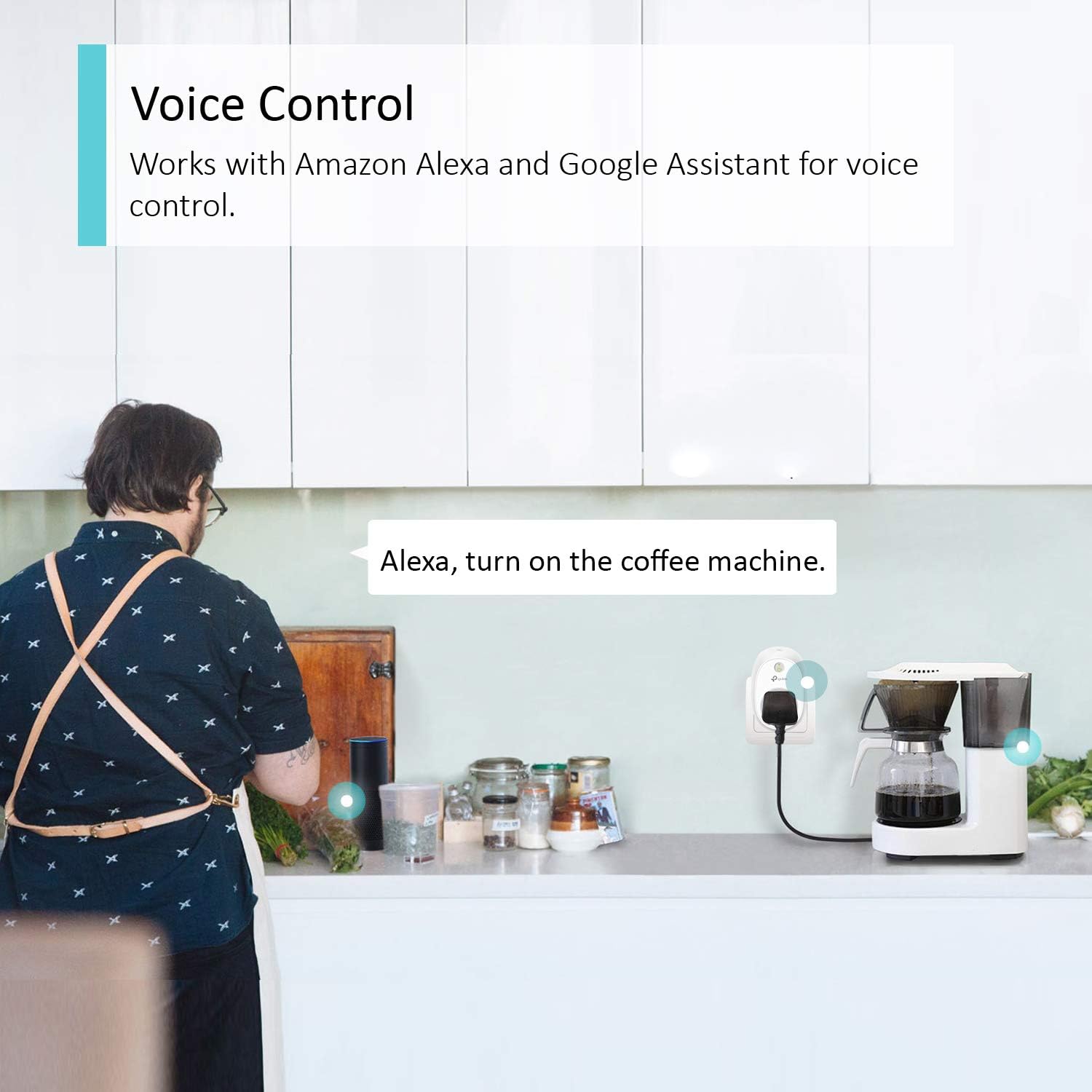
Voice Control
Works with Amazon Alexa and Google Home to manage your devices through Voice Control.

Remote Control
You can check to see if connected devices are on or off, even when you’re away from home.

Easy Set Up
Step 1: Download the free ‘Kasa’ app
Step 2: Plug the HS100 into a socket
Step 3: Follow the guide on the app

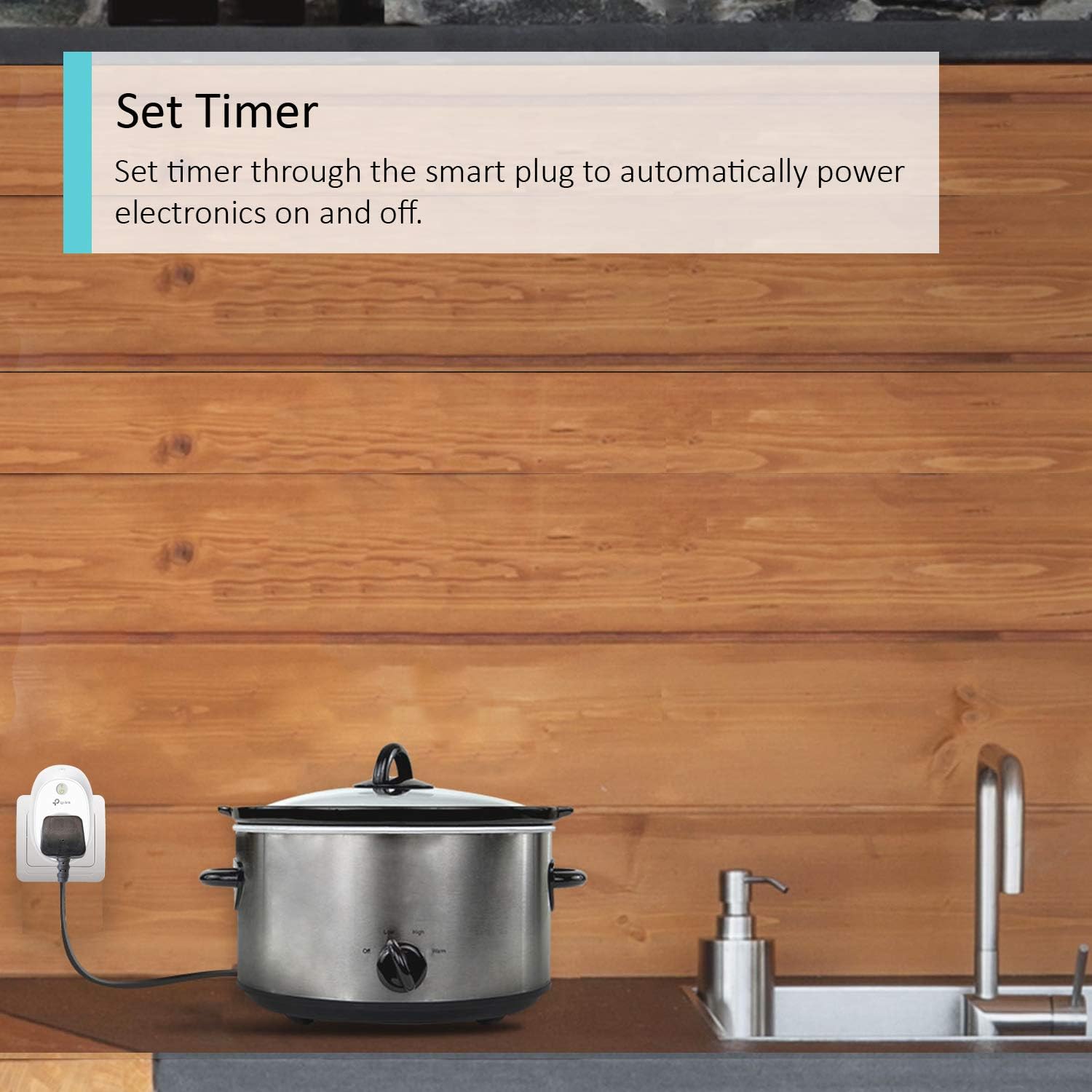
Schedule & Timer
Control appliances according to preset schedule and count-down timers.

Away Mode
Automatically turns devices on and off at different times to give the appearance that someone is home.
Customer Reviews
4.6 out of 5 stars 5,249
—
—
4.5 out of 5 stars 4,771
Dimensions
100.3*66.3*46.8mm 100.3*66.3*46.8mm 100.3*66.3*46.8mm 72.5*51.5*30.6mm
No Hub Required
✓
✓
✓
✓
Control from Anywhere
✓
✓
✓
✓
Alexa, Google Assistant & Samsung SmartThings Compatible
✓
✓
✓
✓
Power on/off Scheduling and Timer
✓
✓
✓
✓
Away Mode
✓
✓
✓
✓
Energy Monitoring
no data
✓
no data
no data

Compatibility: Works with Amazon Alexa and Google Assistant for Voice Control
No Hub Required: Works with any Wi-Fi router without the need for a separate hub
Remote Access: Control devices connected to the Smart Plug wherever you use the free Kasa app on your phone;
Schedule and Timer: Schedule/Timer the smart plug to automatically power electronics on and off as needed
Away Mode: Turns your devices on and off at different times to give the appearance that someone is home
Customers say
Customers find the smart plug easy to set up, particularly with Alexa and Google Home integration, and appreciate its reliability compared to smart bulbs. They like its functionality, with one customer noting it works more reliably than Wemo sockets, and consider it excellent value for money, mentioning it helps save electricity. The plug’s connectivity receives mixed feedback – while some report excellent WiFi connections, others experience disconnections. Customers like its switchability, being able to turn devices on and off remotely using the app.
8 reviews for Kasa Smart Plug by TP-Link, WiFi Outlet, Works with Amazon Alexa (Echo and Echo Dot), Google Home and Samsung SmartThings, Wireless Smart Socket Remote Control Timer Switch, No Hub Required(HS100)
Add a review
Related Products


![Ikea DIRIGERA Hub for Smart Home Lighting Devices, Alexa/HomeKit/Hey Google/TRADFRI Compatible, 505.034.09 [UK Plug]](https://i2.wp.com/m.media-amazon.com/images/I/6135o4C4YAL._AC_SL1500_.jpg?w=300&resize=300,300&ssl=1)


£27.99
Craig Laws –
An excellent addition to your smart home
Our smart home experience began several years ago, initially with a Nest thermostat, but has quickly grown since Alexa came into our lives. We now have 6 Echo Dot 3rd generations, 2 Sonos Ones with Alexa, Logitech Harmony remote control Denon AVR with Alexa dotted around house, outbuildings and garden. While our audio and visual experience is catered for, Alexa really starts to impress when given the power to control other electrical devices around the home.To do this, you need a smart socket. There is an increasing number of suppliers of these, including Amazon themselves, however, I still stick with TP-Linkâs sockets as theyâve proven utterly reliable over the last two years. I currently have eleven of these sockets controlling a range of devices, and Iâve not once had any reason to doubt them.Obviously, the device needs to be something that can be operated by a switch at the socket. A pendant light, for example, wonât work. Nor would something that would go to stand-by when turned on at the mains, like a TV or radio. But desk, bedside and floor lamps are perfect. Christmas lights are common functions too. I have a particularly useful operation for them, in that I have two aquariums in which the lights are controlled by the timer function on the Kasa plugs. The App has a great function to set automatic timers for lights where they can take into account sunrise/sunset and adjust what time they come on.The App is very good, and devices can be controlled from within it, however it reaches the next level when integrated with Alexa or Google Home. Setting up macros (routines) that control multiple actions really do make sense. For example, I have a voice command that simply says âAlexa, goodnightâ. With that all of the Kasa sockets turn off, except for the hallway and bedside lamps which come on to light the way to bed. At the same time my Logitech Harmony hub turns off all audio/visual equipment and Nest lowers the temperature in the house. And for good measure, Alexa wishes us a goodnight too.If I have a criticism of the product, itâs only that the socket is quite bulky. In a multi-gang socket, it can be a restriction as to what you plug in next to it. Youâd certainly struggle to have two Kasas side-by-side. It just needs a bit of careful thought. The inclusion of a manual button on the front to turn the device on and off is a good feature though.With home automation you can go a long way, limited only by imagination and how much you want to spend. And these TP-Link Kasa smart sockets are a reliable part of that system.
Richyrich –
Works with Homekit!!!! (if you are willing to take a walk on the wild side,,,)
I got one of these with the intention of using it as a glorified timer (given the cheap-as-chips nature just now, why bother with the wind-up ones or even the digital ones).Was quite impressed when I opened it, well presented, seems sturdy enough, if not quite up there with the best (but still excellent value) and quickly had it up and running on the native app, which is neat and unfussy, and speaks towards TP-Link’s ambition of developing a connected home ecosystem (although a UK version of the app would be good as half the devices aren’t available in the uk, yet)When I noticed the lack of geofencing, I decided to dig into IFTTT, which I wasn’t as impressed with, but once I figured out what was going on (quite simple really but maybe the interface could be better) I soon had it operating reasonably reliably when I came within about half a mile of the house (I’d like to see this more accurate, but apparently I had to *zoom out* for more accuracy, which was counter-intuitive…)Being an Apple fanboy (I make no apologies, just like I don’t judge Android users for their choice of Ice-cream-cake-popcorn-biscuit-soup-jellybaby operating system) I then started to look into Homekit, and Homebridge – when I realised I could get this running on my Mac, I thought it was worth a try.I’m an ex-IT guy, but not a big Unix fan. However, an hour later, I had it up and running using custom triggers through IFTTT, which again was only about 60% reliable. I then discovered that someone far more talented than me had already put together a Homebridge package for Kasa devices. I installed that, binned IFTTT, did a bit of config, and it now works pretty flawlessly from within the Home app, and even Siri can control it (when she can be bothered understanding my Scottish accent).I have ordered a WIFIPLUG Homekit-enabled socket as well, so I will be able to compare the two – but so far I can’t see how it will justify the x2 price-tag, when I could spend the difference on a Raspberry, build a dedicated Homebridge bridge in an hour or two , and then fill my boots with less expensive automation kit (assuming it’s all this good).So all in, recommended – I can’t comment on Alexa or Google, but if it can work this well with something it; wasn’t designed for, then I’d have high expectations.
Andrew –
One of the Best Smart Sockets Available
I have a small selection of smart sockets dating back to before Alexa was a glint in Jeff Bezos’ eye, inlcuding the Belkin Wemo sockets which I have always been a fan of.A few years ago I bought a TP Link Kasa socket and was so impressed with how simple and quick it is to configure these units and how user friendly their App is to work.Now we have half a dozen of these dotted around at both home and work all sitting happily in the same app.Adding a device is simple, the wizard on the smartphone app guides you though, allows you to name the socket and add an icon so you know what it’s controlling.You can easily set a schedule for on and/or off times, timers and runtimes. The only thing I preferred the Wemo schedule for was the ability to select sunset or sunrise +/- time… for example if you want your table lamp to come on 30 mins before sunset every day which TP Link didn’t have, but now they have that too, so it’s my preferred smart socket now!Integration with Amazon Echo/Alexa is flawless – as soon as you’ve added your Kasa device Alexa picks it up and adds it to her inventory of your devices and is available for integrating into Routines and control using Alexa.I picked these up on a Lightning Deal for around £12 each, which is an absolute bargain for something that works flawlessly.I’ve heard that the alternative TP Link smart sockets (not branded as Kasa) are not as good and you cannot control them using the Kasa app – so if you just want something simple, powerful and excellent value I would not hesitate in grabbing these.
Dr.Mohammad_Mahmoud –
it is essential for me as I have an obsession whether I turned off the iron after I go to work, now I no longer worry as I can control it from anywhere any time. it also calculates how much energy have I spent on every usage. Badly recommended.
lothar berger –
Habe schon mehrere Verbrauszähler davon. War immer zufrieden. Gibt aber ein neues Modell
TGRZ –
Works well as with all other TP Link devices. No issues or problems.
Jibreel –
Excellent product. Does what it says but makes a click sound when you switch it on and off.
MJVG –
Great little product. Not the most slim product, but work great. Easy installation.