

BSEED ZigBee Light Switch,1 Gang 1 Way Smart Wall Switch Compatible with Alexa and Google Home,Compatible with Smart Life App,WIFI touch switch White-NO Neutral Wire Required(need Zigbee gateway hub)
£14.90




Price: £14.90
(as of Jun 16, 2025 12:57:37 UTC – Details)
From the brand


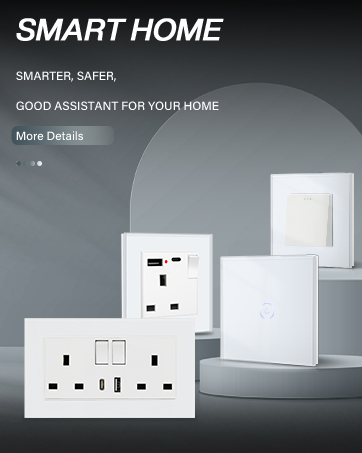
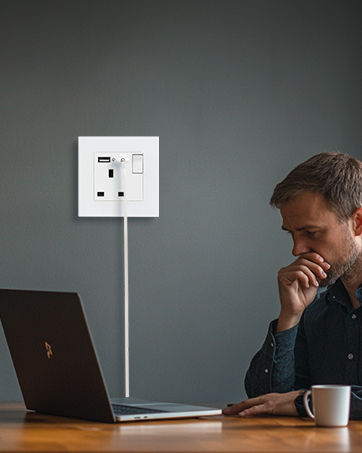
BSEED UK Socket
Socket with USB A and Type C
UK Socket
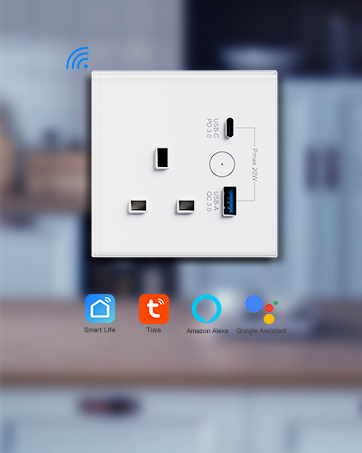
BSEED Smart Socket
Smart Socket 20W Fast Charging
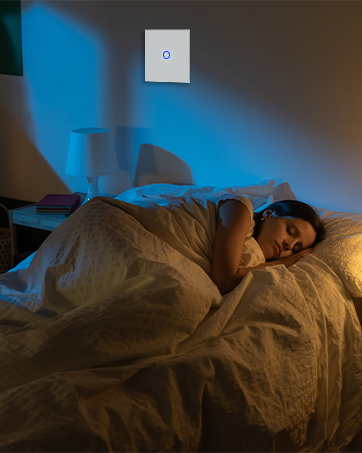
BSEED Touch Switch
1/2/3 Way Touch Switch
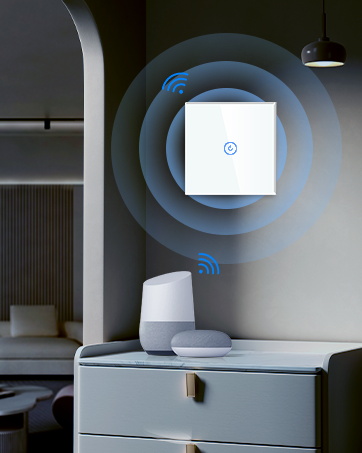
BSEED Smart Touch Switch
WiFi Light Switch up to 4 Way
WiFi Switch-No Neutral Wire
ZigBee Switch-No Neutral Wire
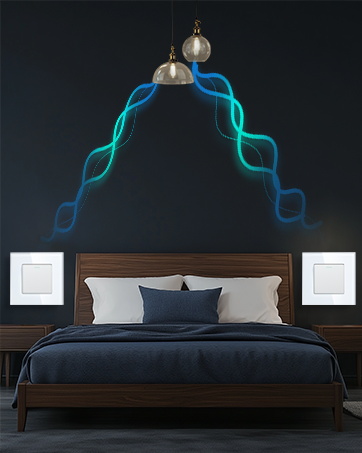
BSEED Toggle Light Switch
Toggle Switch up to 3 Way

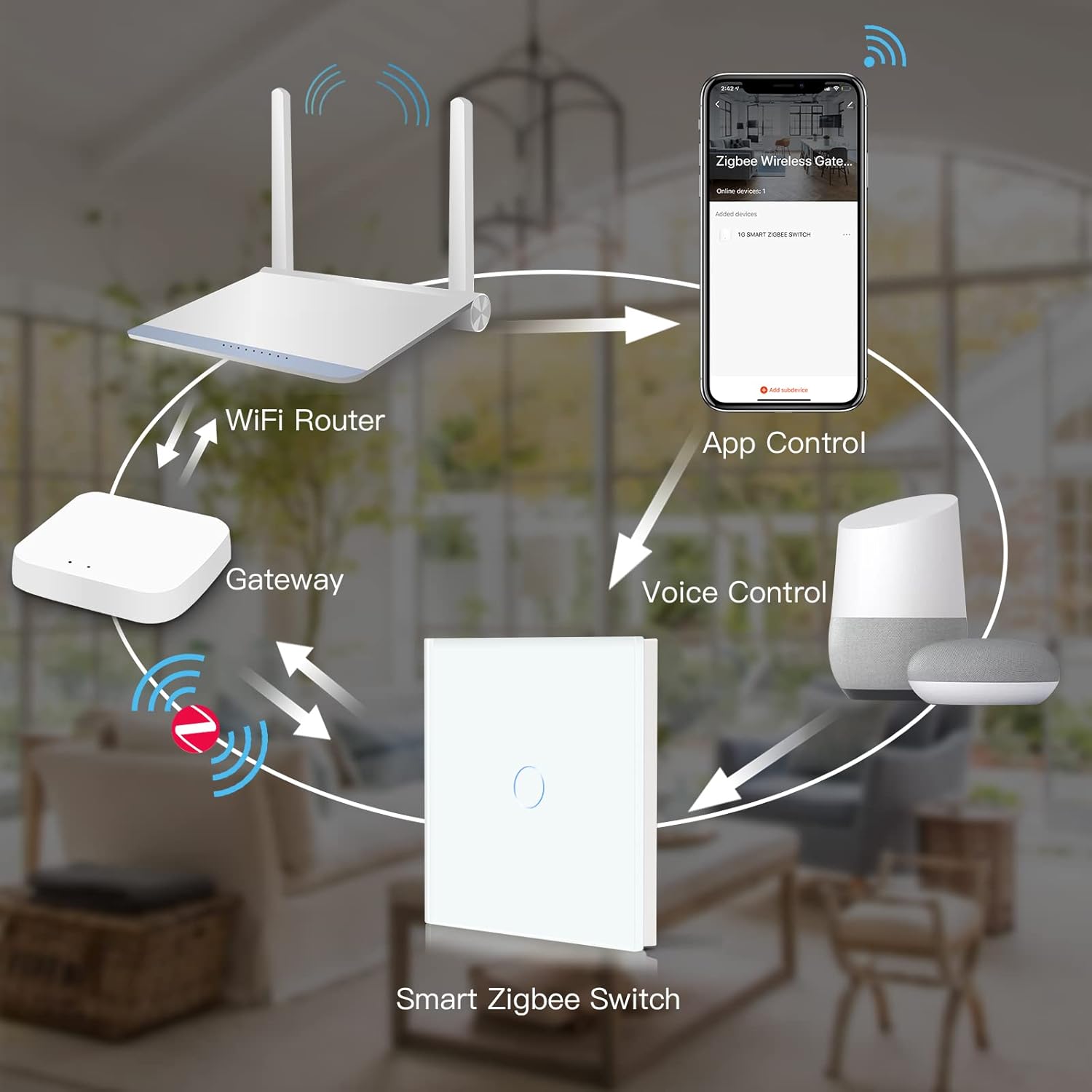
💕Compatible with ZigBee Gateway Hub:Simply add the ZigBee Gateway Hub to the app then add your switch through the app;💕Please note that the gateway is not included in this package.
💕Voice Control: Compatible with Amazon alexa, Google home assistant, control your home appliances with the smart switch by simply giving voice commands to Amazon Alexa or Google Assistant.
💕Remote Control: Control your electrical items via your phone whenever and wherever you are after downloading the APP Smart Life or Tuya as long as there is a network. Suit for someone who can not move around very well and needs easy access to turn on/off a device
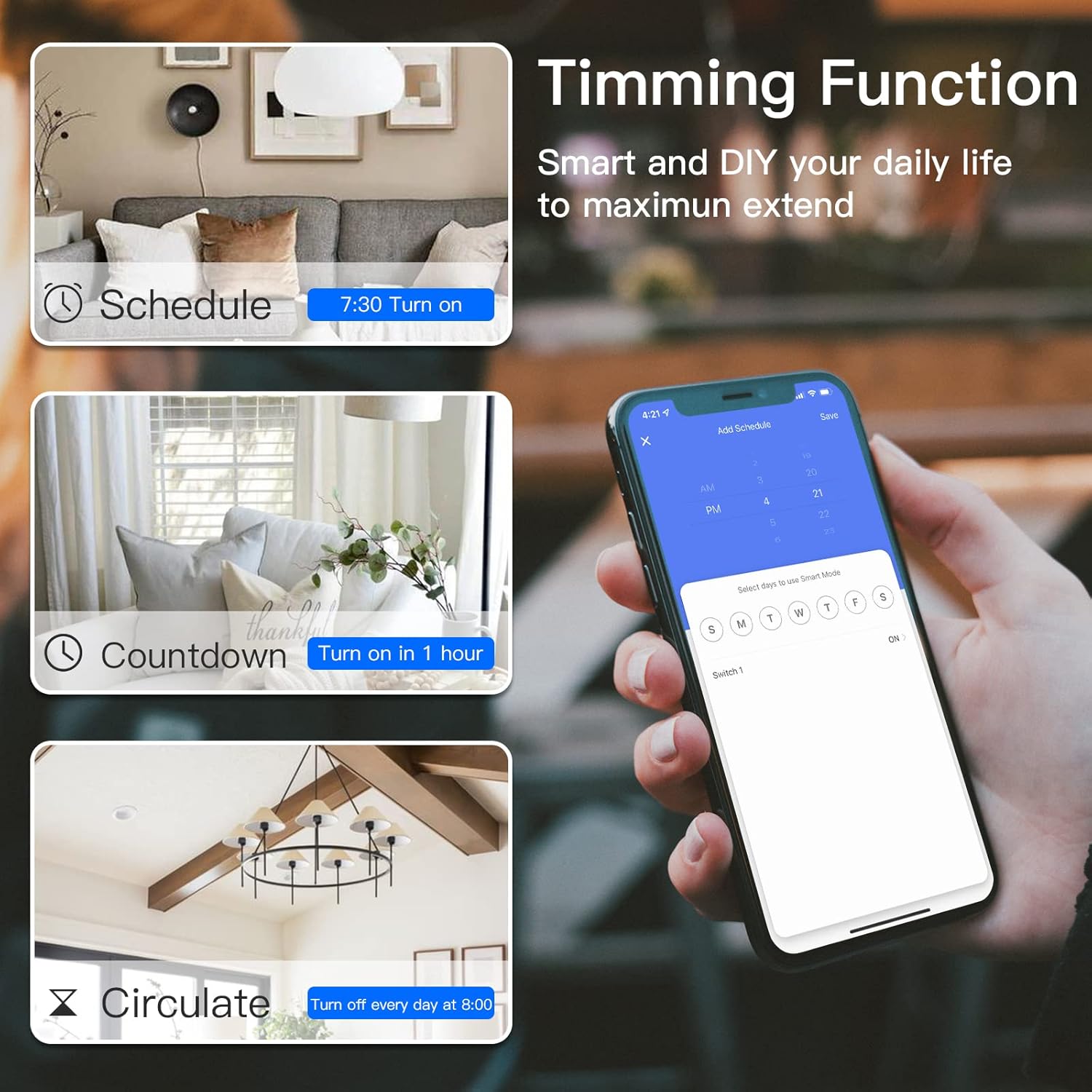
💕Schedule & Timer:Get ready to have a smart home and create customized schedule to automatically turn on and off any home Electronics or appliances such as lamps, Christmas Lighting,etc
💕Multiple Control&Memory Function: Enable to control a group of devices in one app, sharing all of your home smart devices with your family and friends. When the power outage it works again on the same setting which means the device will be back to the previous status.
7 reviews for BSEED ZigBee Light Switch,1 Gang 1 Way Smart Wall Switch Compatible with Alexa and Google Home,Compatible with Smart Life App,WIFI touch switch White-NO Neutral Wire Required(need Zigbee gateway hub)
Add a review
Related Products
![Tapo Smart Bulb, Smart Wi-Fi LED Light, B22, 60W, Energy saving, Works with Amazon Alexa and Google Home, Colour-Changeable, No Hub Required Tapo L530B(2-pack)[Energy Class F], Multicolor](https://i0.wp.com/m.media-amazon.com/images/I/71C8N4cbiML._AC_SL1500_.jpg?w=300&resize=300,300&ssl=1)


![Ikea DIRIGERA Hub for Smart Home Lighting Devices, Alexa/HomeKit/Hey Google/TRADFRI Compatible, 505.034.09 [UK Plug]](https://i2.wp.com/m.media-amazon.com/images/I/6135o4C4YAL._AC_SL1500_.jpg?w=300&resize=300,300&ssl=1)


£14.90
D –
Great
They work well with home assistant and zigbee2MQTT, Love the fact the facia panel is actually glass. Lights respond well to touch, and they have a nice satisfying click when light turns off and on.Will be ordering more.
neko –
Perfect ð
Love it, works great with my Home Assistant, Zigbee2mqtt integration, very recommended.
Koper –
De schakelaar is goed te installeren en erg eenvoudig aan te sluiten op een zigbee gateway. Het enige puntje is dat het jammer is dat de achtergrondverlichting niet kan worden uitgeschakeld.
sellforcemania –
Der Schalter war einfach einzubauen und gunktioniert super.Ich habe diesen über ein Zigbee gateway verbunden, was absolut einfach war.Smartlife ist bei mir mit Alexa verbunden und der Schalter lässt sich darüber super bedienen.Das Material ist hochwertig verarbeitet und sieht super aus.
Soebedar –
It looks nice and easy to install.
sakabe –
Für diesen Preis unschlagbar. LäÃt sich sofort und ohne Probleme in das Zigbee-Netz einbinden (IOBroker).Ãber die Glasoberfläche ist die Bedienung uneingeschränkt möglich. Tipp: Tastfeld nicht zu lange berühren, ansonsten geht das Gerät ungewollt für ca. 1 Min in den Pairingmodus.Push-IN Klemmen wären zwar zeitgemäÃ, aber…Ansonsten 1A Ware.
hprpereira –
Produto bem embalado, conforme descrito. Apesar de não ter instruções em Português, é simples e intuitivo instalar seguindo a lógica dos pictogramas que acompanham o mesmo. Neste caso é necessário cabo de neutro. O que, numa instalação recente, normalmente, não é um problema, dado que basta “puxar” um cabo neutro da cablagem principal que alimenta o motor eléctrico dos estores. O mesmo para o interruptor de luz [cabo neutro]. Atenção particular, na 1ª vez que esteja a instalar equipamentos deste fabricante BSeed para as instruções de aplicação dos aparelhos elétricos na moldura de suporte, onde na imagem que acompanha, está bem indicado qual a parte frontal onde encaixará o espelho [painel táctil] e qual o que fica para a parede, bem como a sua posição para que fique corretamente aplicado. Quanto a sua associação [por exemplo] a app Smartlife [ou Tuya], é relativamente simples e rápida. O 1º passo, depois de ter testado localmente se tudo está a funcionar em conformidade, é [recomendo que o faça antes de aplicar o espelho, mas já com os equipamentos devidamente fixos no local de instalação e testado o funcionamento local] pressionar no caso dos estores, o botão central até os botões ficarem a piscarã note que deverá ter a app instalada e iniciada, bem como estar com o seu telemóvel numa rede de 2,4Gã, selecionar na app o botão adicionar ou + e aparecerá no seu ecrã o dispositivo [aÃ, terá de indicar, na 1a vez, os dados de rede – a mesma onde está o seu telemóvel e depois de adicionado, poderá dar um nome personalizado ao dispositivo e indicar, se tiver criado já divisões, a que divisão/sala pertence]. Depois de adicionado, carregue em cima e vá para a página de controlo do mesmo. No caso dos estores, em baixo, nas opções de configuração/settings, selecione e poderá então efetuar a calibração do mesmo… tem a opção de calibrar usando o estore e carregando em pausa no final de cada curso completo de abertura e de fecho, sendo que irá atribuir o tempo “médio” de operação. Ou usar a introdução manual em segundos do tempo. Recomendo que faça primeiro a calibração usando o tempo de abertura e fecho completos e depois poderá ajustar, se necessário, manualmente o resultado obtido em segundos…Se o tempo introduzido for muito curto em relação ao necessário para abrir ou fechar completamente, o mesmo não irá abrir ou fechar por completo, se for muito longo, irá, quando precisar de definir uma percentagem de abertura ou fecho, apresentar um desvio maior em relação ao esperado. Note que o percentual de abertura/fecho não é 100% rigoroso… há um pequeno, mas perceptÃvel, desvio em relação ao padrão. Mesmo com uma calibração rigorosa.