

Phomemo M02 Sticker Printer, Mini Pocket Bluetooth Thermal Printer for DIY Creation, Study Notes, Pictures, Receipts, List, Multiple Templates for Phone & Tablet, Black
Original price was: £13.99.£11.99Current price is: £11.99.



Price: £13.99 - £11.99
(as of Jun 23, 2025 08:48:37 UTC – Details)
From the brand

Phomemo mini Printer-best gift
phomemo m02
phomemo m02 paper
Wireless Thermal Printer – The Phomemo M02 mini printer is designed for convenience, compatible with Android 4.0 and iOS 8.0 or higher. It eliminates the need for ink, toner, or ribbon tapes, providing only black and white prints. For color prints, special paper can be used. This versatile device also has the capability to print on transparent paper.
Compact, Stylish Design – Crafted for portability, the Phomemo M02 sticker printer exhibits a sleek, modern shape and mini size (3.3 * 3.2 * 1.6 inches), making it a perfect fit in your pocket. Its portable nature makes it an easy companion for any outing.
Gift Option – With up to a week of standby time when fully charged, this pocket photo printer proves its efficiency and durability. Its combination of practicality and style make it an ideal holiday gift option for children, family, and friends during Halloween, Thanksgiving, or Christmas.
Powerful APP-Enhanced Bluetooth Mobile Printer – Simplify your printing tasks with one-click operation via the Phomemo M02. Capable of instant photo and text printing, this device enhances your productivity. The accompanying Phomemo app offers a variety of fonts, filter effects, and themes, lending more depth and clarity to your black and white images.
Versatility for Various Users – The Phomemo M02 sticker printer serves as an excellent tool for a diverse range of needs, from corporate business plans and office assistance to memos, meeting notes, study notes, and shopping lists. It fits perfectly into the routines of office workers, students, amateur archivists, and busy moms. Application Across Fields – Suitable in professional, educational, and personal settings, the Phomemo M02 printer caters to different user requirements. Its versatility extends to printing textbook content for students, helping parents create picture prints or DIY projects with their children, and facilitating craft enthusiasts with their creative endeavors.
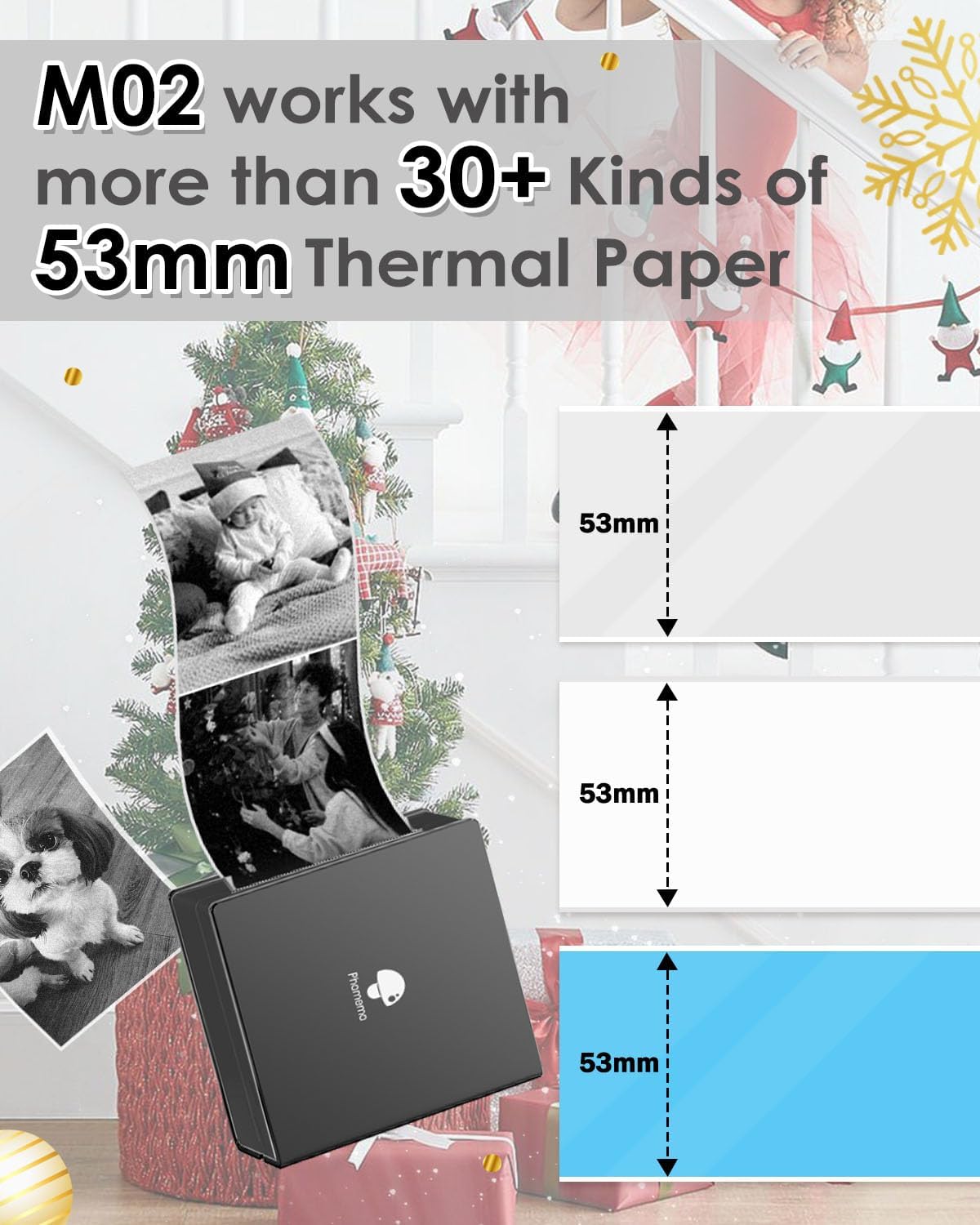
Product Details: Phomemo M02 printer comes with 1 paper roll and 1 paper holder. The holder can make sure the process of printing more smoothly. This portable printer with high-quality printing head, 50 mm (width) x 30 mm thermal paper, 203 dpi resolution and 5V2A technology makes the image more clear.
Customers say
Customers find this thermal printer easy to set up and use, with the app making everything simple to follow, and they appreciate its fast printing speed and compact size. The print quality receives mixed feedback – while some say the photo quality is good, others report that photographs don’t print clearly. Customers consider it good value for money and find it particularly useful for crafting, with one noting it’s ideal for creating post-it notes.
11 reviews for Phomemo M02 Sticker Printer, Mini Pocket Bluetooth Thermal Printer for DIY Creation, Study Notes, Pictures, Receipts, List, Multiple Templates for Phone & Tablet, Black
Add a review
Related Products


Original price was: £13.99.£11.99Current price is: £11.99.
tanyatsbl –
Great little gadget
I purchased this to help with packaging items I have sold on Vinted and EBay. Very easy to set up. Nice and small so doesnât take up space. The charge lasts really well. Prints really quick. Really good god the money and just what I needed
Wendy –
Great gift
Have brought 3 for presents for teenagers. My child 13 loves using the sticker rolls and prints endlessly. Good quality when using the original papers.
Becky –
Perfect for scrapbook/memory book
Purchased for my babyâs memory book, as getting pictures printed can be a hassle. This way any of the milestones I could just search for and print! Some do print off better than others, but it all depends on the lighting of the original picture. Overall easy to use and very handy.
Amazon Customer –
This product is as amazing as it is cute!
I love this product! I needed something to print a return label for Amazon during the lockdown without the library/post office printers. I didnât want to buy a whole ink guzzling constant drain on expenses ink printer, and this wonderful little product saved me. It literally could not be easier to use! There are demo videos on youtube, watch those, and be aware that the instruction booklet is not in English, but it does not need to be, set up and use is very easy.- Download the app first and make sure it is compatible with your device.- Next, when you get the printer, yes, just delight in how gosh darn cute it is, but also let it charge fully for 2 hours, and in general, look after it by not allowing the battery keep running down, keep it charged as much as possible.- Next, open it up and slide the paper to just at the mouth of the printer, close the lid, make sure your app is on, then just save time by double-clicking the power button and auto printing a QR code to pair the device, as soon as I did that the Bluetooth found it.The tutorials on YT are detailed and take you through printing photos, text and documents, but not return labels that I saw. Here is my advice for this:- When printing a return label, print it in separate parts. The whole thing will make the text and barcode too small.- For a Hermes return label, Rotate the barcode image the return label instructions say to put INSIDE the package sideways so it prints the label the largest and clearest that it can, and put that inside the package.- Next, crop the Returns label QR code, the return address, and the barcode and print all 3 parts separately and stick them to the front of the package close together like it is 1 joined label. This worked perfectly; the pickup driver was able to scan the information and take my return. And I NEVER have to worry about ink, and refill sticky paper is affordable. I am thrilled!
Brian –
Bit gimmicky really
Bought this for my partner for mother’s day. She used it for the day and then never used it again. It’s easy to use but the quality of the prints is pretty bad. We printed photos and cartoons for our daughter and she liked it at first but soon got bored. It’s all grey and bland looking. Even with the coloured paper I bought separately. Also, the paper rolls do not last very long at all.I imagine printing stickers for product packaging that will be discarded after opening and with very simple bold designs or maybe for teens who are out and about and want a fun little sticker of the moment it would be a 10/10 use. But for anything else I can’t really recommend it.
Huntel0921 –
Great
Bought for journal and scrap booking for daughter.Compact and easy to use.No high expectations remember itâs a black and white prints but in the app you can amend settings for lightening etc.when first received it needs to be charged.Instructions read carefully and also app downloaded made everything easy to follow. My daughter is 9 and she found it straight forward.I bought extra stickers as some reviews mentioned that the ones with it are a sample to not many but so far I havenât had to replace them.Overall for £13.99 I was really impressed.
Sarah S –
Stopped working. Not good value.
Barely used. Worked fine to start with. Reels some paper out and either prints some or nothing of the image/text. Done all the troubleshooting suggestions.
Jojo –
Fantastic little bluetooth printer
Fantastic little bluetooth printer ideal for creating postit notes or Labels.It has self adhesive thermal paper so no ink required.I sometimes have to leave notes for people and my handwriting is appallingSo this printer is perfect for messages.It has a real of continuous paper so the length of what you want to print is not fixed.The printout is very sharp.Excellent Product and app.
Beatriz S. –
Ideal para imprimir en blanco y negro dibujos y vectores en forma de adhesivos. Es fácil de conectar y de utilizar y su calidad de impresión bastante buena. Muy útil, por ejemplo, para personalizar las etiquetas con el nombre para libros escolares o carpetas de documentos.
Daniela Antichi –
Veramente carina
Barclays –
A mi hija le ha encantado. El truco es colocar correctamente los rollos de papel. espero que actualicen la App pronto