
![[Apple MFi Certified] Lightning to USB Camera OTG Adapter With Charging Port for iPhone/iPad, Card Reader, Flash Drive, Keyboard, Mouse – Plug and Play](https://i2.wp.com/m.media-amazon.com/images/I/518M6TcKdhL._AC_SL1500_.jpg?ssl=1 "[Apple MFi Certified] Lightning to USB Camera OTG Adapter With Charging Port for iPhone/iPad, Card Reader, Flash Drive, Keyboard, Mouse – Plug and Play")
[Apple MFi Certified] Lightning to USB Camera OTG Adapter With Charging Port for iPhone/iPad, Card Reader, Flash Drive, Keyboard, Mouse – Plug and Play
£9.99

Price: £9.99
(as of Jun 28, 2025 10:47:21 UTC – Details)
[Apple MFi Certified] Lightning Male to USB Female Camera Adapter for iPhone 13, USB OTG Adapter with Fast Charge for iPhone/iPad/Card Reader/USB Flash Drive/Keyboard/Mouse Plug and Play
Multifunction :
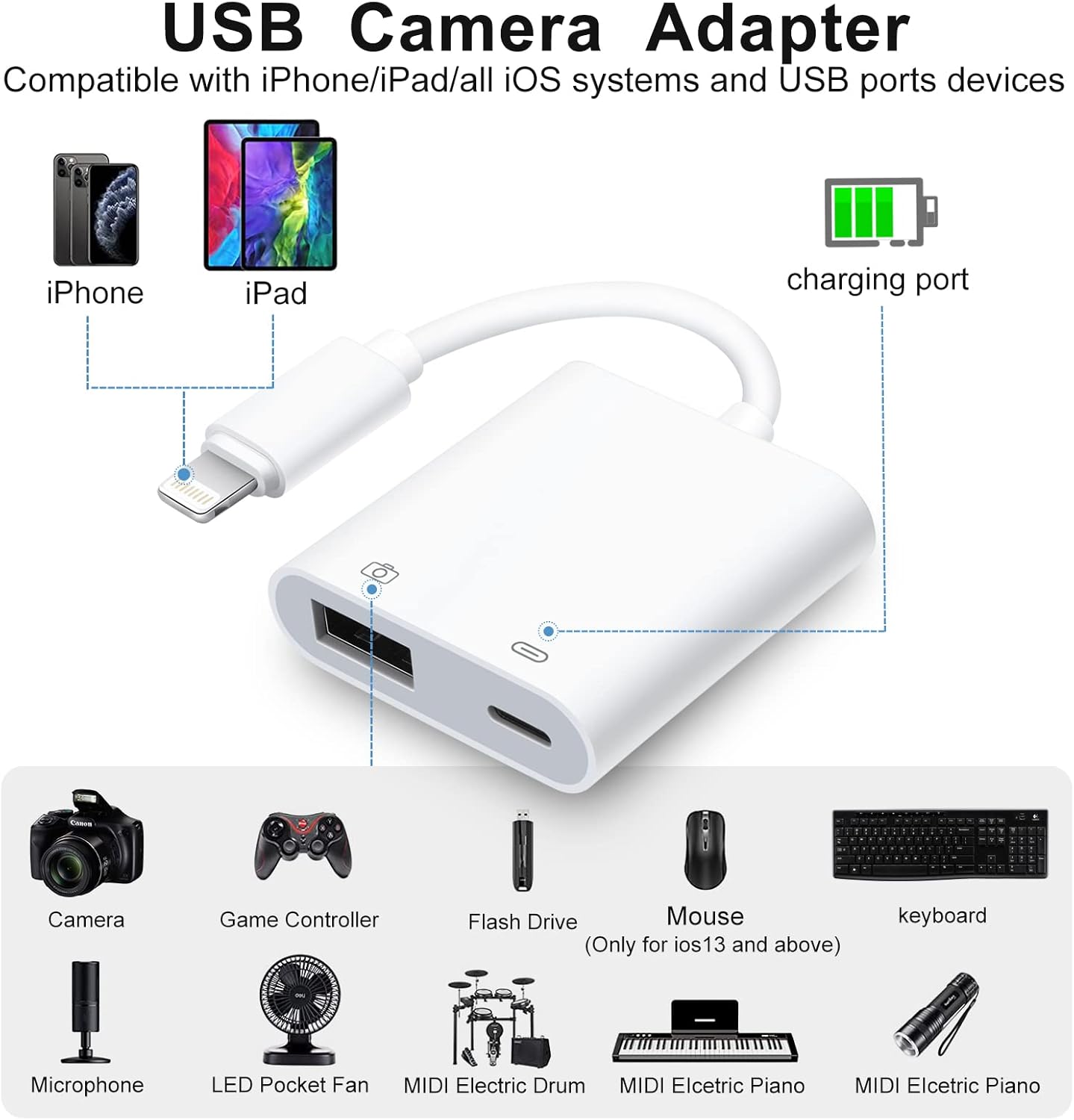
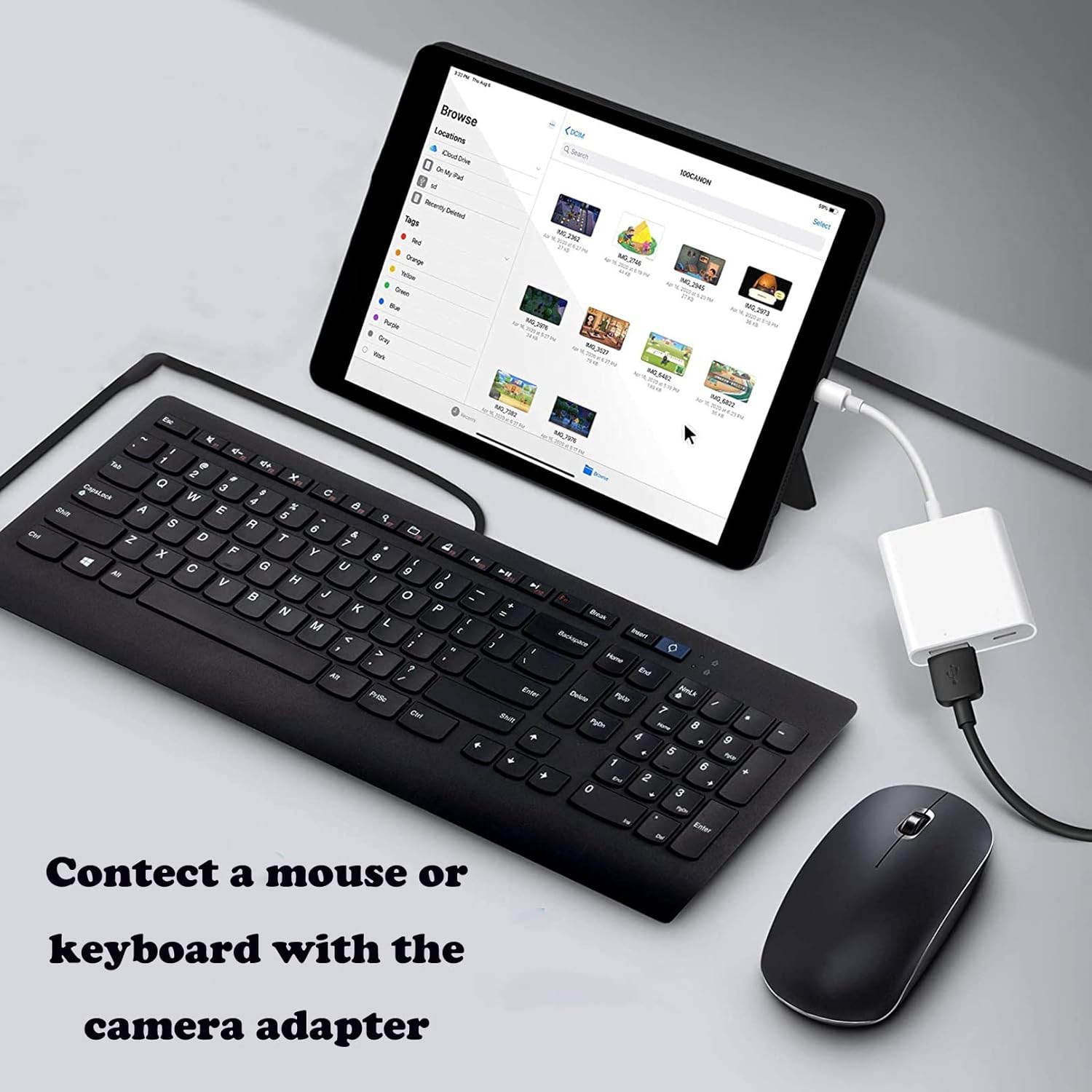
1. Connect with mouse and keyboard, easy to control, type and edit files
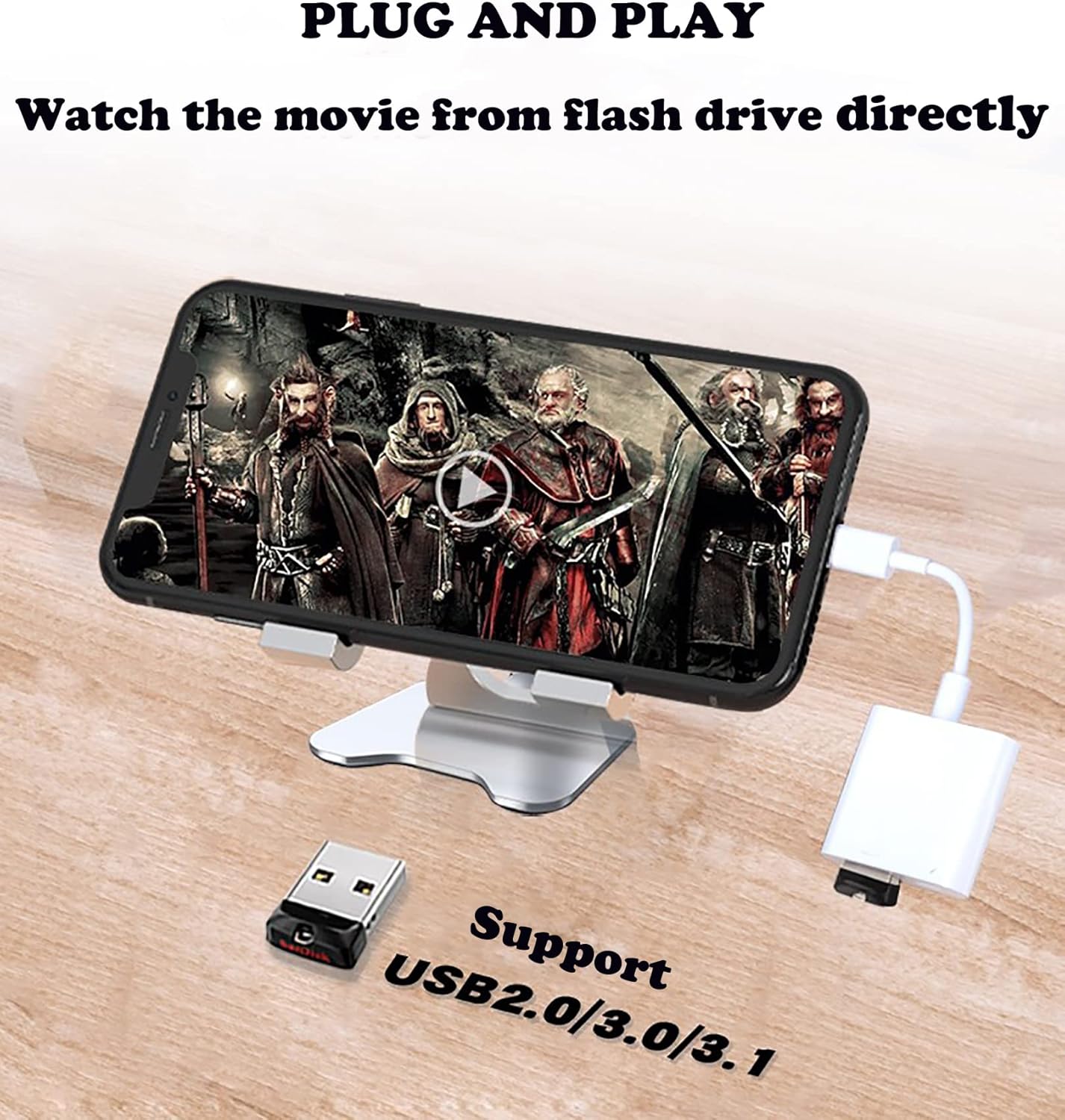
2. Watch movies from your USB flash drive, perfectly solving your problem of memory deficency
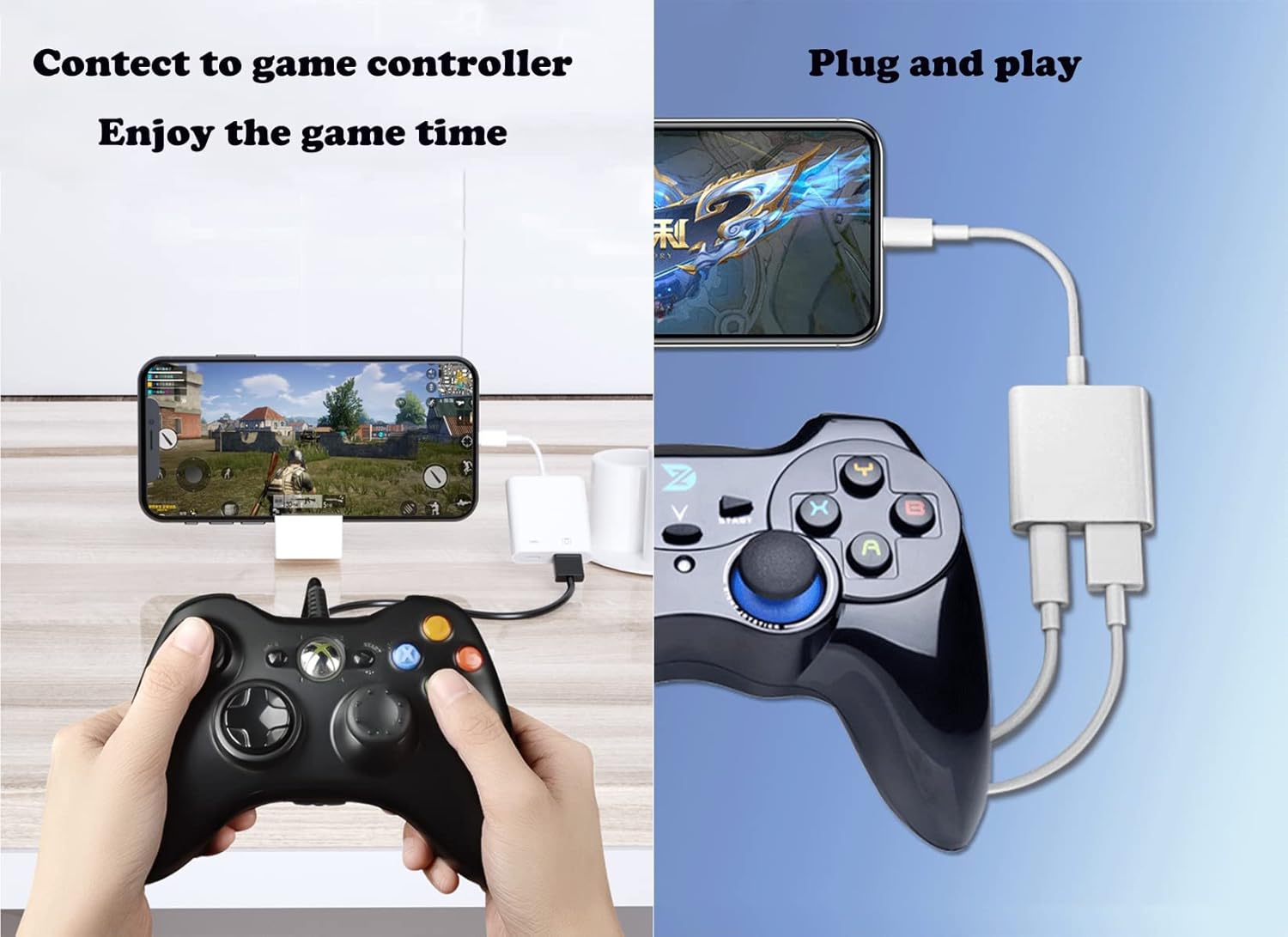
3. Connect the USB camera adapter to the game controller to give you a better gaming experience
4. USB adapter for iPhone supports connecting iOS devices to MIDI interfaces, keyboards, electric pianos, drums, microphones, etc.
Note:
1.For iOS9.2-12.4: This adapter for iphone only supports one-way transmission from SD/TF to the iPhone/iPad,connect and photo app will open automatically
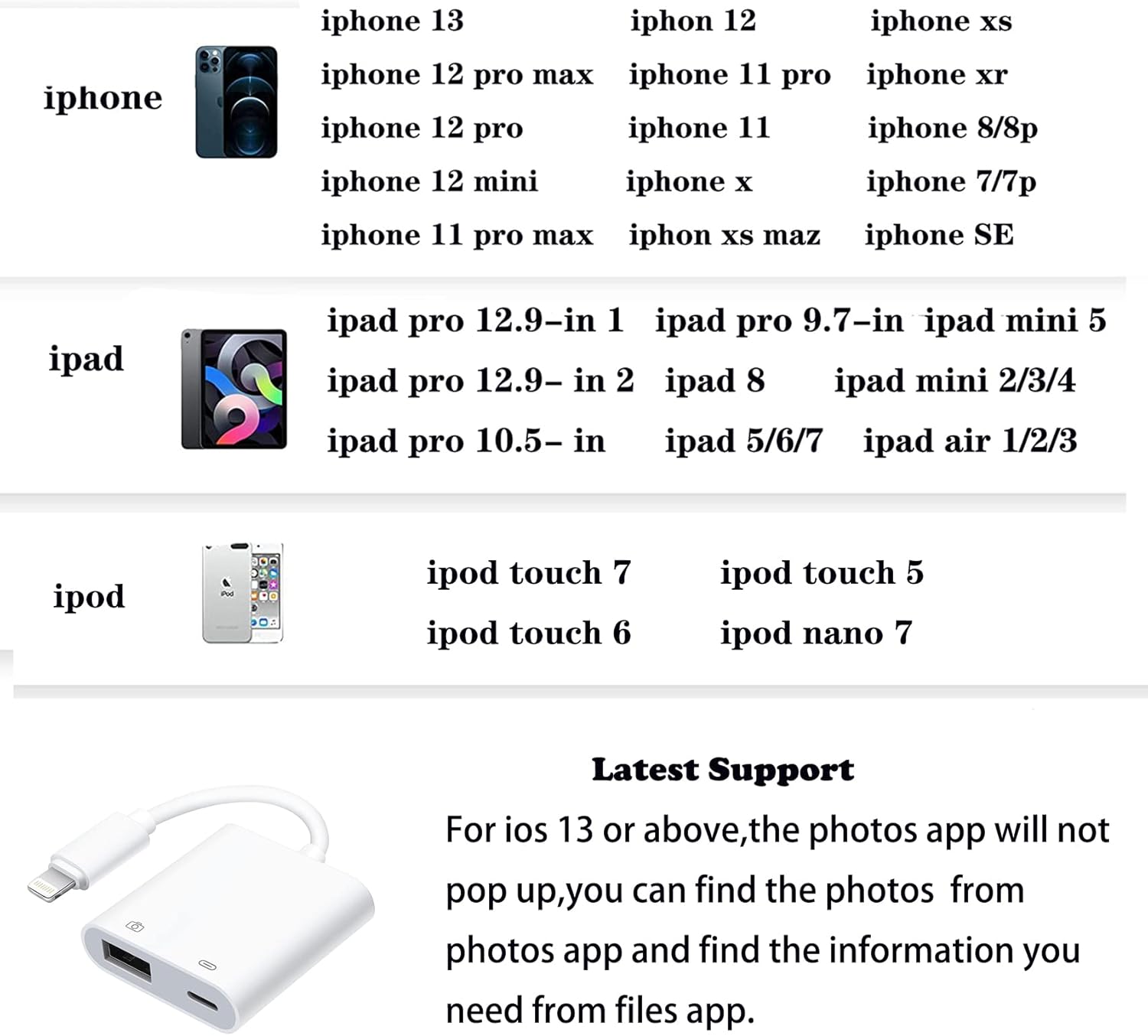
2.For iOS 13 and later supports TWO-WAY transmission(transfer not only pictures and videos but also Word, Excel, and PDF, etc.) Photos app will not pop up,you can find the photos from Photos app.Find the information you need from Files app.
3.Connect wired & wireless mouse to your iPhone/iPad (Need iOS13 and enable the Assistive Touch on your iPhone or iPad Settings.)
4.If photos and videos were not taken directly with the camera and downloaded from other locations, you can put photos and videos in the “DCIM” folder which can be created, and named IMG_000/MVI_00000. Photos and videos taken by camera will not change the folder and file name.
5.Only when the system version is IOS13 or higher,the external USB flash Drive can be connected. The supported format is “exfat” or “fat32”.
6.If the iphone to usb adapter cannot recognize your iphone/ipad (or disconnect it). It may be that the external device needs a large current, so please use a 2A power charger to charge the usb adapter while transmitting.
Packing List:
1 x USB Adapter
Package Dimensions : 13.4 x 7.6 x 1.2 cm; 10 g
Date First Available : 5 Dec. 2021
Manufacturer : SENNIPS
ASIN : B09S5R8BYJ
Item model number : earphone-l-2-1
Country of origin : China
Guaranteed software updates until : unknown
[USB Adapter Multiple Uses]: The USB 3.0 female OTG adapter for iPhone/iPad has a wide range of uses, such as connecting MIDI keyboards, USB microphones, keyboards, mice, USB flash drives, game pads, etc. For iOS 13 and above, also supports the use of the mouse function.This USB OTG adapter for iphone has a charging port, which can charge your device while viewing pictures or videos at the same time, without worrying about potential power failures.
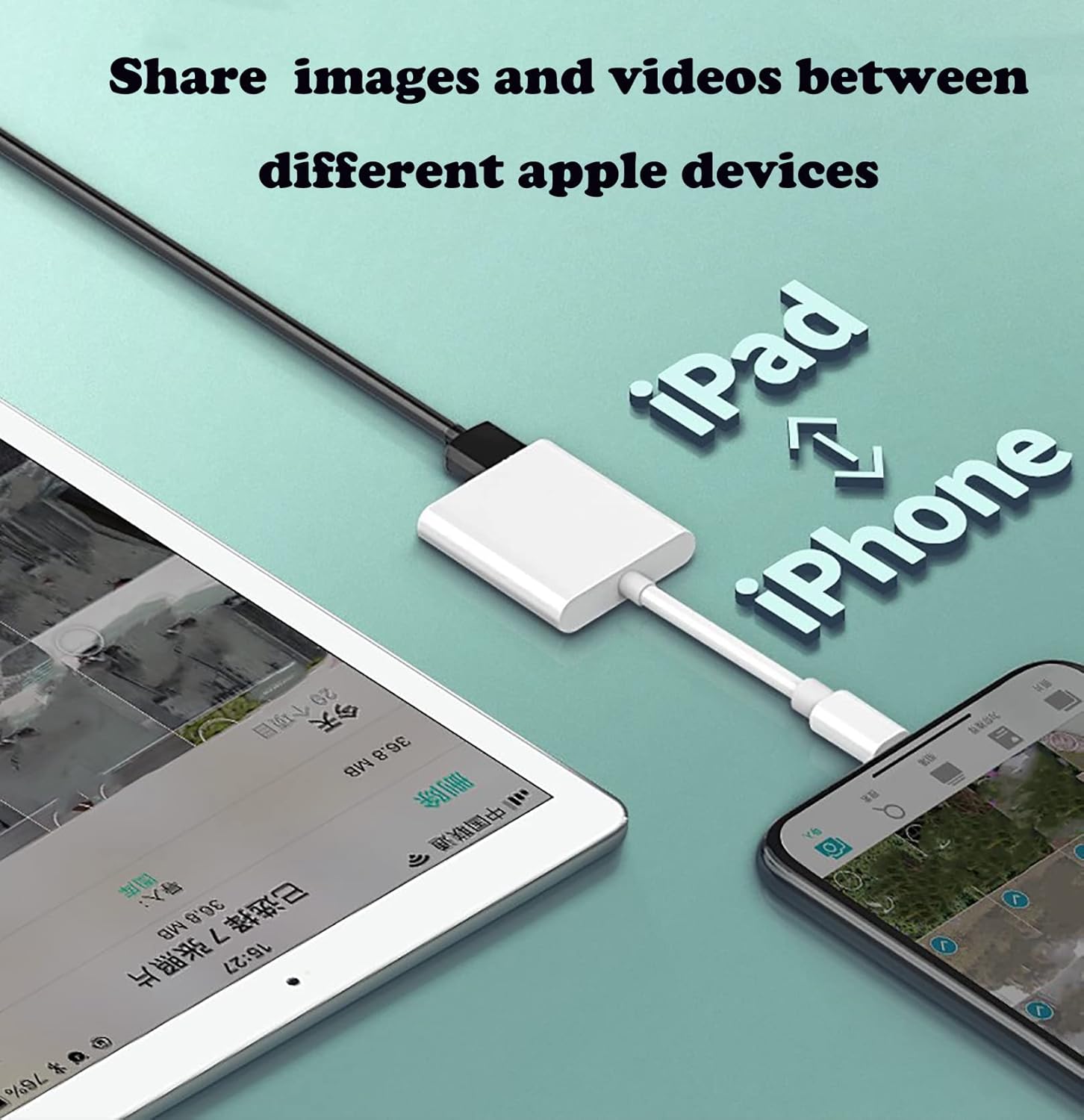
[Fast data transfer speed] : Transfer the videos and photos to your iPhone / iPad from camera / USB flash drive with the speed of 14MB~16MB/S, support maximum 256Gb USB flash drive. Easier to share images and video. Support standard photo formats, such as JPEG and RAW and HEIF/HEVC etc.
[Wide Compatibility]: Connect the USB 3.0 camera adapter to the keyboard and mouse to enjoy the faster typing speed as a computer when chatting or typing with your iPhone or iPad, and compatible with other usb peripherals, like usb flash disk, digital Camera, hubs, audio/MIDI interfaces, ethernet adapters etc.
[Plug and Play]: The iPhone to USB adapter is very easy to use, no APP application, no need to remove the memory card from the camera. Just use this USB camera adapter to share your happy time with your friends or family anytime, anywhere, or copy photos from an old iOS device to a new device, it is definitely a tourist or photographer to copy from the camera easily and quickly.And using the charging port, you don’t have to worry about power shortage when transferring images or videos.
[Attentions]: 1. For iO S 9-12, the adapter does not support mouse. 2.This USB camera connector may not work if the current over 500mAh. 3. If transferring from a USB disk, create a folder named “DCIM” in the USB disk.
Customers say
Customers find the adapter easy to use and appreciate its charging capabilities, with one mentioning it works well with USB memory sticks. However, the functionality receives mixed feedback, with some saying it works as a genuine Apple product while others report it doesn’t work at all. Moreover, the connectivity and device recognition are problematic, with multiple customers reporting issues with iPads not recognizing the adapter. Additionally, customers disagree on the value for money, and one customer mentions durability concerns.
11 reviews for [Apple MFi Certified] Lightning to USB Camera OTG Adapter With Charging Port for iPhone/iPad, Card Reader, Flash Drive, Keyboard, Mouse – Plug and Play
Add a review
Related Products


£9.99
Delta –
it works fine
handy to have and works well
CRIE –
works well
good for the price
Liv –
Doesn’t work (fresh out the packaging) at all to view things on a USB stick
First of all, it’s quite vague in the description about which iPad Airs it supports. Just said iPad Air 1/2/3. I have the 2014 iPad Air, and I don’t know which one that one falls under, but it just doesn’t work.I plug my USB stick in, go into Files to access the stuff on my memory stick (digital downloads of TV shows and movies) and nothing.I bought it specifically for a 6 hour car journey to Paris (can’t take the train since I’m going with my dog, so we have to drive. It’s practically impossible to have your laptop on your lap for a 6 hour car journey, especially if you’re travelling with luggage and a dog, hence why I bought the adapter so I could use my iPad for the car portion of the journey, and my laptop when I take a 6 hour train a few days later to our final destination. And it doesn’t work. Which is very annoying. I didn’t expect it to last long, I only really needed it to last for the trip there and the trip back (about a month) and anything else was a bonus, but it just doesn’t work right out of the packaging.Ordered the official Apple one, and it turns out that not only does this (non Apple) adapter not work, my iPad (which is listed as working with this adapter and that this adapter is ‘plug and play’ for USB sticks, movies etc) is not powerful enough to be able to use the USB (Original iPad Air, 2014)So I would take the iPad Air 1/2/3 Compatibility with a grain of salt, and not expect this item to work either.If you know your iDevice is new enough/powerful enough to be able to use a USB stick, go for the official Apple adapter.
K C. –
It works with my iPad and iPhone
Previously I bought a âcheapâ usb to lightning connector for £20.99 to download photos to my iPad and my camera would not connect at all with it. But I didnât want to pay over the odds for an Apple version so I thought Iâd try this one as the description said âApple certifiedâ and it was only £12.99. It works perfectly with both my iPhone and my iPad. This is a solution to downloading from an older camera that used a xD picture card and a compact flash card. I tried a multi card reader but it wasnât compatible with Apple only Windows.
Kliff –
It Worked for me, iPad Gen 7 and iPhone 7
I was worried whether a third party adapter would work, I have had a dud before. This one works ok on my iPad 7th Generation iPad, IpadOS 16.2, and my iPhone 7 with IOS 15.7.1 using two different USB drives. It also charges ok through the Lightning port.I have not given a rating for durability because I only just received it but it looks good.
giancarlo wilson –
It works
Easy to use but some times messes up the audio depending on the device conected like a game controller then no audio coming from the phone
Emi –
Itâs arrived
Havenât tried it but in theory it works
Liubov Vyshneva –
Finally, something that is really working
I was looking for an alternative to Apple’s one, to connect my MIDI keyboard to my iPad. Nothing was working. Except this one! Thank you!
J. Tobias –
Funktioniert einwandfrei jederzeit top empfehlung!
Kunde –
Ich wollte meine ein paar Fotos und Videos vom Handy auf den USB Stick ziehen. Es funktioniert vom UsB Stick aufs Handy aber anders rum gehts nicht. Es stürzt ab. Da ist man mit der Cloud schneller am Ziel.
Dr. Manfred Hauptreif –
Ich hatte gehofft, Fotos von einem IPhone 12 Pro Max direkt auf eine ext. Samsung SSD speichern zu können. Das ging leider nicht! Der zusätzliche Anschluss für eine Stromunterstützung reicht wohl nicht aus. Auf einen USB-Stick ging