

Kaico SD2PSx Gen2 Memory Card Compatible with Playstation 1 & 2 – PSxMemCard Gen2 – Firmware Upgradeable – Unlimited Storage – Includes an 8GB MicroSD Card – Memory Card for use with PS2/PS1/PS One
Original price was: £134.99.£34.99Current price is: £34.99.




Price: £134.99 - £34.99
(as of Jul 14, 2025 13:39:52 UTC – Details)
Product Description

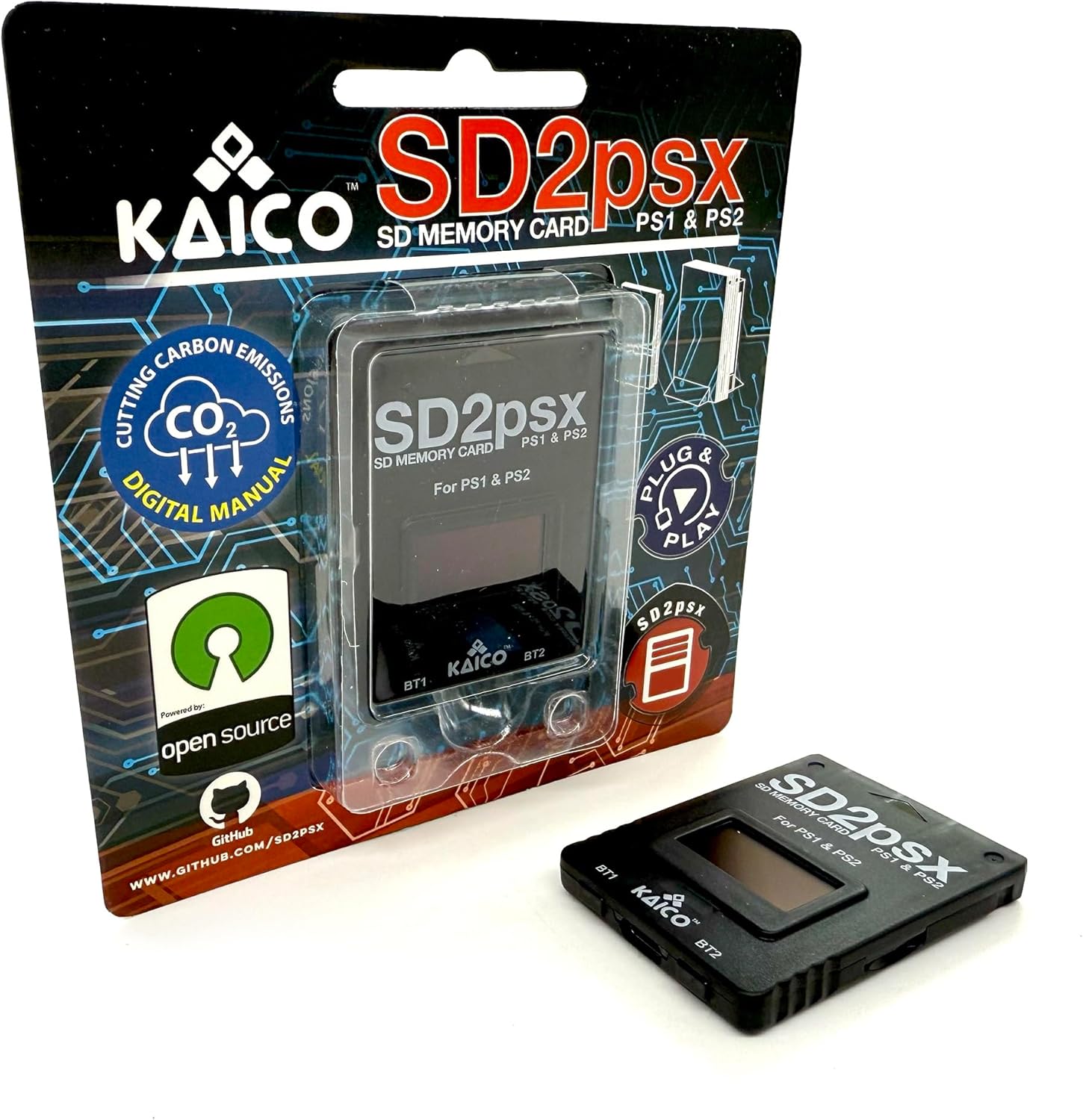
SD2PSXtd – PS1 PS2 Memory Card
The sd2psXtd Firmware is an enhanced version of the original sd2psx memory card emulator, designed to offer retro gaming enthusiasts an improved experience while maintaining the reliability of the original firmware. Developed by the talented @xyzz, this firmware introduces a range of advanced features, making it an essential tool for PlayStation 1 and 2 users. Whether you need game ID switching, dynamic mode selection, or better file system access, sd2psXtd simplifies and enhances your gaming setup.
Acknowledgments
We extend our sincere gratitude to @xyzz for creating the original sd2psx firmware, as well as to developers and contributors like @El_isra, @Mena, and Bitfunx, whose efforts have helped improve and expand this project. Your dedication and innovation have made this enhanced version possible, and we deeply appreciate your hard work in bringing new features to the community.
How to Play Games Directly from the Memory Card
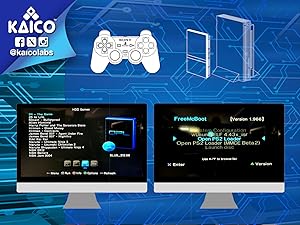
Insert the memory card into the console and launch Open PS2 Loader MMCE BETA 2. Wait for the menu to load, then navigate to MMCE Settings and configure the options as follows:
MMCE Start Mode – Auto / MMCE Slot – Auto / IGR Boot Card Slots – Both / MMCE Prefix Path – Not Set / Wait Cycles After ACK Low – 0 / Use Timeout Alarms – On
Click OK and Save Changes. When prompted, select OK to copy the required folders to the microSD card. Power down the console and remove the memory card.
Insert the microSD card into a PC and check the root folder – you should see several folders, including CD and DVD:
CD = PS1 games / DVD = PS2 games
Place your .ISO ROMs into the corresponding folders. CHD and CUE/BIN files are not currently supported. Reinsert the memory card into the console and relaunch Open PS2 Loader MMCE BETA 2. Press O to display your game list.
PS2 Enhancements
Create virtual memory cards for PS2 game saves, compatible with PS2, PSX, and arcade systems.Launch FreeMCBoot, OpenTuna, and other exploits.Supports various PS2 Virtual Memory Card sizes: 1MB, 2MB, 4MB, 8MB, 16MB, 32MB or 64MB.Launch PS2 games directly from the microSD card inside the sd2psXtd 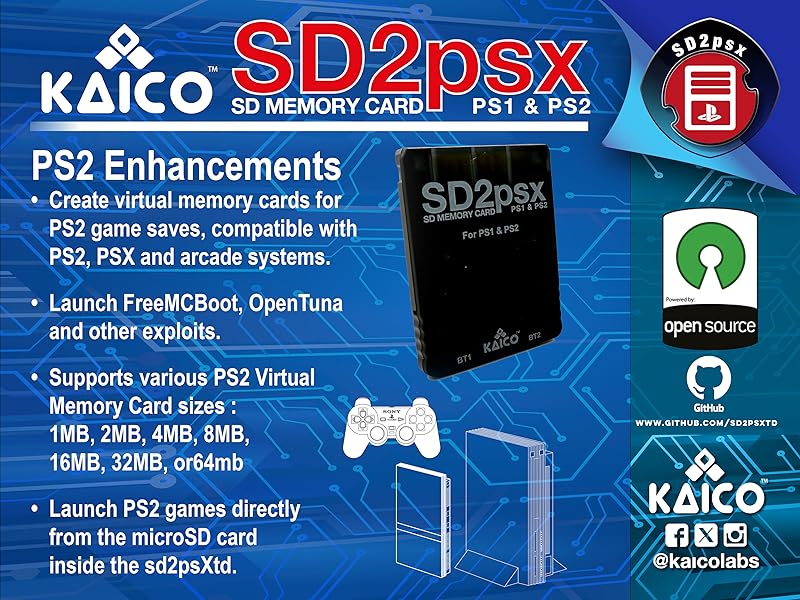

PS1 Enhancements
Create virtual memory cards (128KB) compatible with PS one and PS1 for game saves.Launch FreePSXBoot using Unirom or Tonyhax.Launch PS1 games directly from the microSD card inside the sd2psXtd.
 Automatic Game Identification
Creates a dedicated Virtual Memory Card (VMC) for each game.
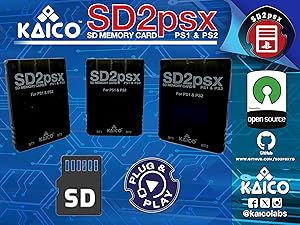 The included 8GB microSD Card
Can store over 60,000 128KB PS1 memory cards or over 8,000 8MB PS2 memory cards.
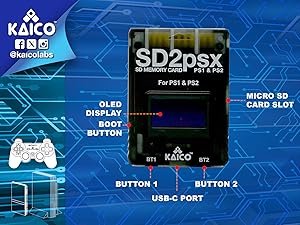 128 x 64-pixel OLED display
Displays system information and settings.
 Front-facing USB-C port
Used for firmware updates, ensuring the device remains up to date.
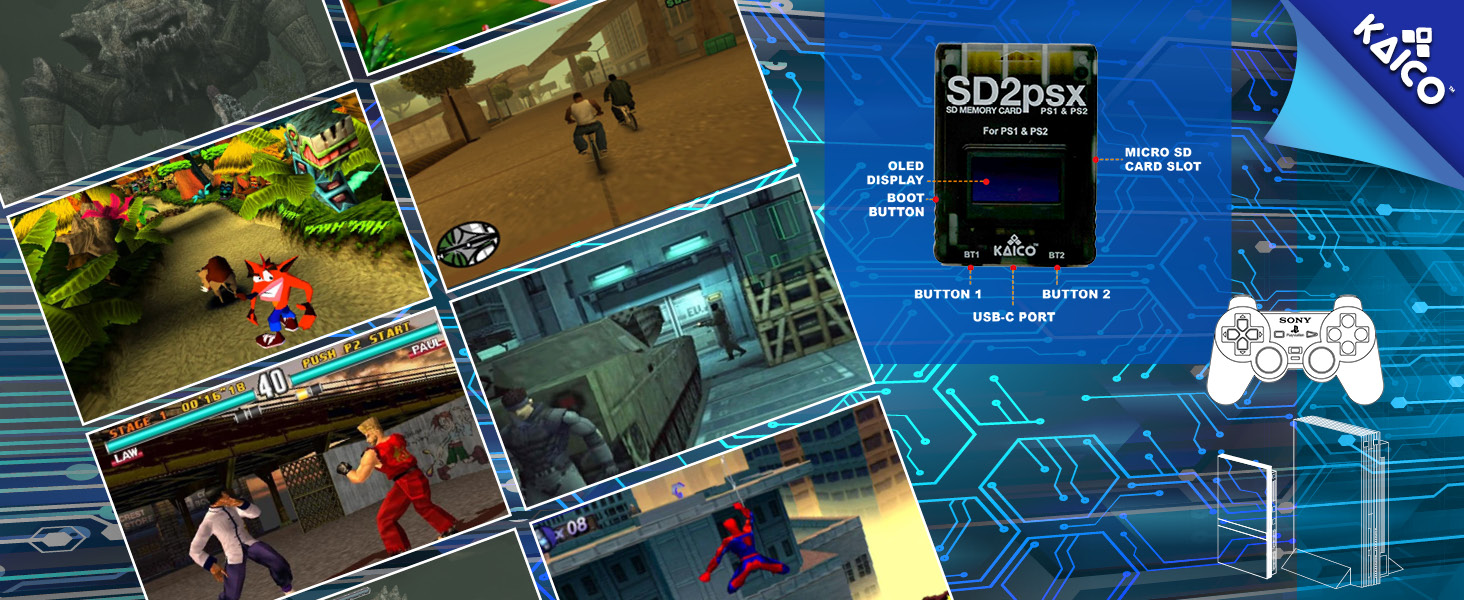
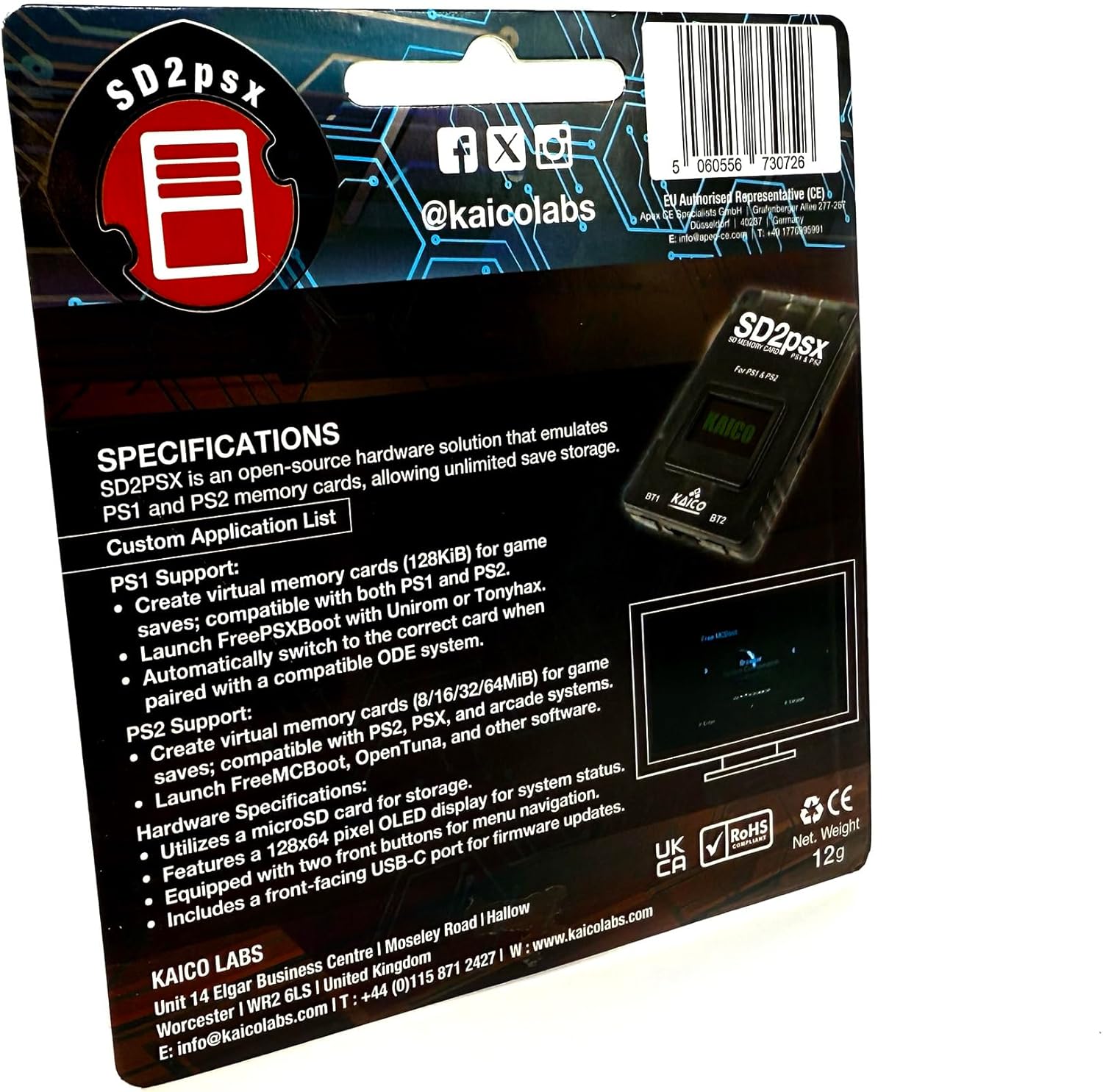
Compatible With PS1/PS one : Allows the creation of virtual memory cards (128KiB) for PS1 game saves, compatible with both PS1/PS one and PS2. Also supports launching FreePSXBoot via Unirom or Tonyhax.
Works with PS2 : Enables the creation of virtual memory cards for PS2 game saves, compatible with PS2 & PSX. Supports launching FreeMCBoot, OpenTuna, and other exploits. Allows customization of PS2 virtual memory card sizes : 1MB, 2MB, 4MB, 8MB, 16MB, 32MB or 64MB.
Unlimited Storage: Compatible with Micro SD cards up to 2TB. The included 8GB Micro SD card can hold over 60,000 128KB PS1 memory cards or more than 8,000 8MB PS2 memory cards.
Easy Firmware Updates: Features a front-facing USB-C port for seamless firmware upgrades, keeping the device up to date.
12-Month Warranty: Includes support, repairs, and replacements for all SD2PSxtd adapters from Kaico.
12 reviews for Kaico SD2PSx Gen2 Memory Card Compatible with Playstation 1 & 2 – PSxMemCard Gen2 – Firmware Upgradeable – Unlimited Storage – Includes an 8GB MicroSD Card – Memory Card for use with PS2/PS1/PS One
Add a review
Related Products


Original price was: £134.99.£34.99Current price is: £34.99.
K. Davies –
Breathing new life in retro tech the easy way!
Superb! Simple to use and 100% effective whilst being used. So much easier than the ball-ache that is the HDD method of playing backups. This is plug and play as it should be and anyone with an interest in retro gaming, PS1 or PS2 in particular, should definitely check this great product out. 10/10, flawless product.
RayG –
Fantastic Retro Gaming Hardware
Having bought several great products from Kaico in the past, my expectations were high for this – and it did not disappoint. If you’re into retro gaming, particularly PS1/PS2 gaming, then this is a transformative bit of kit. Firstly, it allows you to expand your memory card storage using ‘virtual’ memory cards, and you can have as many as you can fit on a 2TB micro-SD card. Secondly, and probably most importantly for retro enthusiasts, is the ability to boot into custom firmware for your PS1 and PS2. This opens up a whole world of possibilities, including storing your own game backups on the card, and playing custom/modified games from the retro gaming community. In the olden days you needed to physically mod your PlayStation to do this, but being able to boot from this memory card means you can do it straight out of the box with original hardware.Honestly, this is such a fantastic product, it’s an absolute must-buy for any interested retro gamers.
kerry –
Great product
Really nice memory card perfect for the retro computers holds a lot of memory great quality
Amazon Customer –
Worth the price just for the saving side of things, but the homebrew stuff is where the fun begins
This professionally produced version of the SD2PSX arrives in what I currently consider to be the gold-standard when it comes to clamshell packaging. You donât even need to pull out the scissors to open this up, you can pop it open with a finger and get your product out without any fuss.Even if you ONLY use this for the unlimited saves, backing up, and editing saves, then the asking price is well worth it, as itâs just not worth the hassle of using OEM memory cards. However, this also lets you mess around with exploiting your PS2 without any extra equipment, hardware adjustments or knowledge necessary. This gives you access to the rabbit hole that is homebrew software for the PS2 which is an ever-changing landscape of plugins, apps and software produced by dedicated developers, which let you do all sorts of things with this GOAT console. Itâs worked great with both of my original PS2âs and I’ve only just begun messing around with the things that are possible due to this product.The SD2PSX is a fully open source project and while you can technically make your own, youâll need to be proficient with a soldering iron and own or know someone with a 3D printer to complete it. Being able to get one with a professionally produced shell/case and soldered to perfection for £34.99 is hard to complain about.
Minko2211 –
Plenty of storage for saves
I dusted off my old games console, the one from the late 90s, hoping to replay some classics. My original memory cards were long gone. I put this one in, and the console recognised it without any issue. I loaded up a game and played for an hour or so before hitting the save point. I turned everything off, left it for a day, and came back. The save file was there and loaded perfectly. The real benefit is the sheer amount of space. I know I can save games from my entire collection without ever having to worry about deleting old files to make room. It just works, sitting discreetly in the memory card slot, doing its job reliably in the background.
Slipstream –
Glad I still kept my PS
I’m so glad I kept my modded Playstation. I still have loads of games, but not got them on as Bin files on the existing cards, but I have managed to get some downloaded and just need to now transfer to an SD card and then get them loaded via this Kaico adapter.I’m still partway into setting this up, but as far as this goes for saving games, it’s a no-brainer not to get this, the flexibility and adaptability is awesome and quite nostalgic.
Dale Howell –
It will change your PS2
I already owned the freemcboot card that kaico offered so this was a very welcome upgrade.Compared to that it comes with a more up to date version of opl, I would reccomend if you have used that other card to set this one up in slot 1 on its own as when you save settings in opl it saves to slot 1 and if you have your normal card there it’ll create conflicts with the freemcboot card. Just a snag I ran into and solved so thought I’d share.The card itself is good quality. The screen is bright and the options easy to navigate. The software such as elf and opl come pre installed but the built in USB c port makes it possible to upgrade these which is amazing!The built in SD slot is fantastic, it made it so easy to transfer album art to my built in SSD (also using the kaico hard drive adapter). I would reccomend using a better SD card as I had a virtual memory card corrupt when I tried to copy a large save to it.I put it in slot two and use it to boot freemcboot. Its amazing, you can even select different versions to boot or other programs from the memory cards built in profiles. I didn’t know I needed this but it does everything, unlimited saves are also such an awesome feature. I’ve not tried yet but should make save editing possible via PC.This is an open source project that you can 3d print and create yourself but kaico have taken all the hassle out and built a quality product.If you have a ps2 buy this. It will allow you to modernise your system and enjoy the best console ever made. Would definitely reccomend.
Juan –
Bueno,es lo que dice y funciona a la perfección.
Aaron Baker –
This is preconfigured with everything you need, whether you’re looking to simply save games or utilize the new MMCE protocol to play your hard-to-replace personal game disk backups directly from your memory card. I followed the tutorials, just to discover that everything was already done for me! I spent all that time learning how it all worked, and I didn’t need to! This card comes right out of the box with literally everything you could possibly expect for your PS2 gaming needs. It’s great that it comes with a Micro SD card too, so you can get used to how it works, but if you’re using it to your full potential, forget about it and grab yourself a 256 GB or 512 GB micro SD card to go with it – they’re a lot cheaper than they used to be!
MYBA –
It works perfectly as long you SD formatter if you copy bigger micro sd card. You can search youtube for tutorial if you unsure what to do.
Alexander Schander –
Die Karte wirkt hochwertig verarbeitet und fühlt sich robust an. Das OLED-Display ist klar und informativ, und die Navigation durch das Menü mittels der Fronttasten ist intuitiv.Die Einrichtung war unkompliziert. Besonders beeindruckt hat mich die automatische Erkennung von Spielen und das Anlegen dedizierter virtueller Speicherkarten. Die vorinstallierten Tools wie FreeMCBoot und FunTuna RS ermöglichen es, Homebrew-Anwendungen direkt zu starten, was den Zugang zu einer Vielzahl von Funktionen erleichtert.Das kompakte Design passt perfekt zur Ãsthetik der klassischen PlayStation-Konsolen.Die Kaico PSXMemCard Gen2 ist eine hervorragende Investition für jeden Retro-Gaming-Enthusiasten.Klare Kaufempfehlung!
Ripp –
If using in a ps1 on an ode will need firmware update. Also can not get game id to work properly with ps1. Overall still good product. Olif it was as fluid as it is on ps2 it would be 5 stars.