

Xerox C235dni A4 22ppm Colour Wireless Laser Multifunction Printer with Duplex 2-Sided Printing – Copy/Print/Scan/Fax – Colour Touchscreen
Original price was: £259.00.£210.00Current price is: £210.00.


Price: £259.00 - £210.00
(as of Jun 02, 2025 03:12:27 UTC – Details)
From the brand


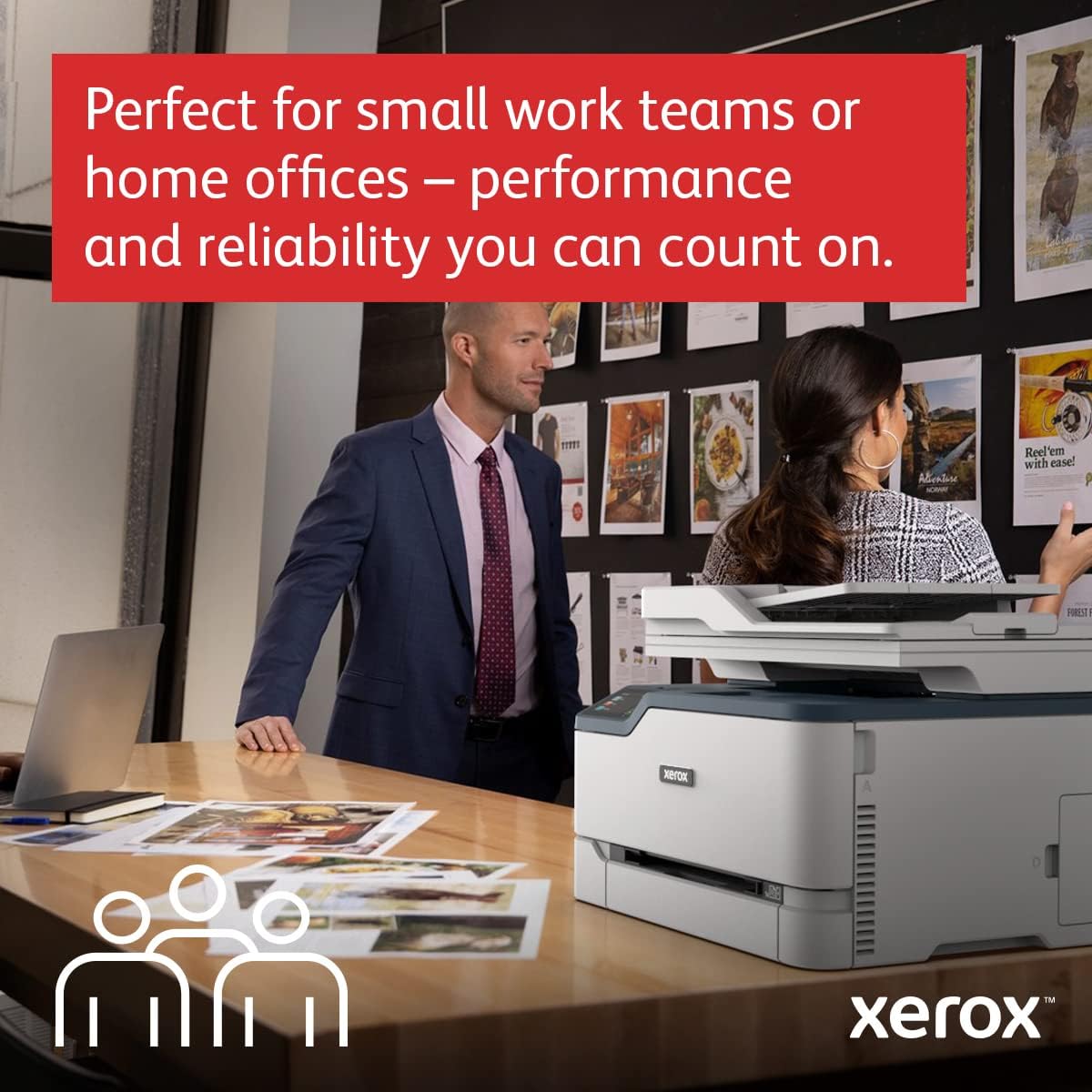
WORK FROM HOME: Perfect for small work teams or home offices that need technology that fits in tight spaces and is easy to setup The Xerox C235 Colour Multifunction Printer is perfect for anyone looking for a small, reliable, wireless Colour all-in-one printer
OUTSTANDING PERFORMANCE: Colour wireless All-In-One printer that can print, copy, scan fax and email with print speeds up to 24 Letter pages per minute / 22 A4 pages per minute, automatic two-sided printing, 250-sheet paper capacity and high resolution image quality
CONVENIENCE AND CONNECTIVITY: Built-in Wi-Fi for Apple AirPrint, Mopria Print Service and Chromebook And, simple installation without the need for local IT support means you are up and running right out of the box
STAY SECURE: Comprehensive security features protect against rising and increasingly sophisticated cyber threats by safeguarding access and protecting sensitive data and documents
INTUITIVE INTELLIGENCE: Simplicity drives productivity with Xerox Print Drivers and the Xerox Print & Scan Experience, take the guesswork out of complex tasks like auto straighten, receipt scanning and auto cropping images
Customers say
Customers find the printer easy to set up, fast, and compact, with one mentioning it connects wirelessly to their mesh network. They appreciate its versatility, with one noting its multi-sheet feeder capability. The print quality and value for money receive mixed feedback, with several customers reporting issues printing full A4 sheets and considering it expensive. The memory capacity receives negative feedback, with one customer reporting memory-related errors when printing complex graphics.
AI-generated from the text of customer reviews
11 reviews for Xerox C235dni A4 22ppm Colour Wireless Laser Multifunction Printer with Duplex 2-Sided Printing – Copy/Print/Scan/Fax – Colour Touchscreen
Add a review
Related Products


Original price was: £259.00.£210.00Current price is: £210.00.
MikeyC –
Great multifunction laser colourprinter
The printer is quite compact but larger than expected. Easy to install and configure on my network. Print quality is excellent. Xerox crafting does software updates without asking you first! Also the cost of consumables is high . However I wanted an all-in-one and a printer that could do duplex printing which this one does! Time to first page is fast.
Overall, I am happy.
Manninagh –
Great option for home use.
This is excellent value for money! I needed a compact color laser/scanner/copier/printer for my home office post retirement. Itâs a little slow, but only compared to its big brother that I had in my offices. It does a good job, is easy to set up, and has a small footprint. It connected wirelessly to my mesh network with no issues.
Stephen –
At last a decent printer
For years we have used inkjet printers from the Epson/HP/Canon products and those all performed adequately. However with infrequent use they all exhibited problems at times particularly frustrating when you attempt to print simple pictures on A4. The most recent MG5750 threw a printhead error ( ! ) and so I switched technology.
The Xerox C235 was chosen because it has a small footprint and easily fits the space vacated by the previous device. Also the per-copy costs on this printer are allegedly low, not the cheapest but lower than some other competitors.
The first picture I printed was well received by the main critic, who exclaimed how it actually looked like the image on an iPad. This is a first, after years of fiddling with settings and failing to produce an image that matched what was on a screen this is a revelation. So even though this purchase was quite expensive I am well-pleased with its performance.
The C235 was delivered a couple of months ago. One or two days after placing an order it arrived in excellent condition. The device is quite heavy but not a problem for an average man. It took me a while to figure out how to remove all the packaging and transit retainers but 30 minutes later it was powered and connected to WiFi.
We don’t need the fax (untried) but we do need print/copy/scan and these all work well. The various machines that we have can all print via WiFi, however scanning is dependant upon which operating system you are using. With W7 and a direct USB connection the scanner works fine, also the device will still accept print jobs via WiFi when a USB connection is in place. If you want to scan over WiFi the you need to run Windows 10.
I use Linux Mint, again printing is not a problem but with the scanner it would not function over WiFi until I upgraded to Mint 21 (which I think uses Ubuntu 20 as a base). I did not try Linux with a direct USB connection but expect that it would perform as well as previous devices. However after installing the latest version of Mint on one of my machines I was impressed to discover that Simple Scan would read all the pages from the multi-sheet feeder on the C235, so that is a welcome improvement with multi-page scanning.
Overall I am please with this purchase.
William D –
Broken printer requiring parts and terrible customer service.
Had a couple errors/issues which have required parts. Customer service and repairs have been poor. Over 1 month since originally reporting and still awaiting repairs. No offer of a replacement. Would not recommend Xerox.
Liamd –
It’s okay not great
Print quality is not great, looks although there is moisture or condensation under the display, also you cannot print a full page in colour it just says memory full and aborts, trying several different ways I cannot get it to work, prints letters and invoices fine although quality isn’t great, I would be returning this if it wasn’t so much hassle and I’d buy a better one, but like I said I only need it for invoices so I’m just gonna grit my teeth on this one, I wouldn’t recommend if you want good quality prints and need full colour pages.
Bri –
Great value
Been wanting a colour laser printer for quite a while. I’ve been using this now for over a year – having bought it in December 2021. It’s performed perfectly. Easy to install and set up on my network. It’s quiet, fast and relatively small. If there’s one downside it’s the cost of the toners, which are around £70 each, but I knew this before I bought it, so I can’t exactly criticise for that.
Fast, reliable and versatile. Very recommended for a home or small office with light use, and with the Mopria app, works great when printing from mobile.
Colin D –
Fast, easy to set up, heavy
We have this for a home office. It prints quickly, with none of the usual ink jet clicking and clunking before you get the first print.
Colour quality on plain paper is probably not as good as inkjet, a little washed our.
It connected on our network first time with no manual intervention.
It picked up generic Microsoft drivers I itially, I had to find the Xerox drivers
Amazon Customer –
Easy to use
The printer has a lot of print options available but is just a printer not an all singing and dancing printer that has a scanner and copier. The print quality is very good the prints come out quickly and it doesn’t take up too much room in my office. The quality of print is determined by the quality paper obviously but even in 90gsm plain bind paper the black text is sharp and whilst colour photos are not 100 sharp they are totally acceptable. Colour graphics are much sharper and look great.
Client d’Amazon –
Commandée le dimanche soir, reçue le mardi matin. Installation simple, il me reste à la configurer avec les mails.
Rapide et très bonne qualité d’impression, pourquoi avoir attendu si longtemps avec ma précédente jet d’encre avec ses impressions de basse qualité.
Plus qu’Ã voir avec le temps… mais je vous la recommande.
Chris –
Druckt und scannt Duplex, super Preis Leistung. Für normale Drucke im HomeOffice bestens geeignet. Bei Foto sollte man jetzt keine zu hohen Erwartungen haben.
Franck –
Installation et mise en route simples comme bonjour. Pour des réglages plus fins (envois par mail par exemple), il vaut mieux télécharger le guide complet en français sur le site de Xerox.
La qualité d’impression est au rendez-vous. La rapidité est très correcte si on excepte la 1e page en sortie de veille qui peut être particulièrement longue.