

Brother ADS1300 Portable Document Scanner|20 sheet ADF |ID card slot |USB type C |OCR and PDF software included | UK Plug
£148.80




Price: £148.80
(as of Sep 29, 2025 14:14:04 UTC – Details)
From the manufacturer


Scanning on the move
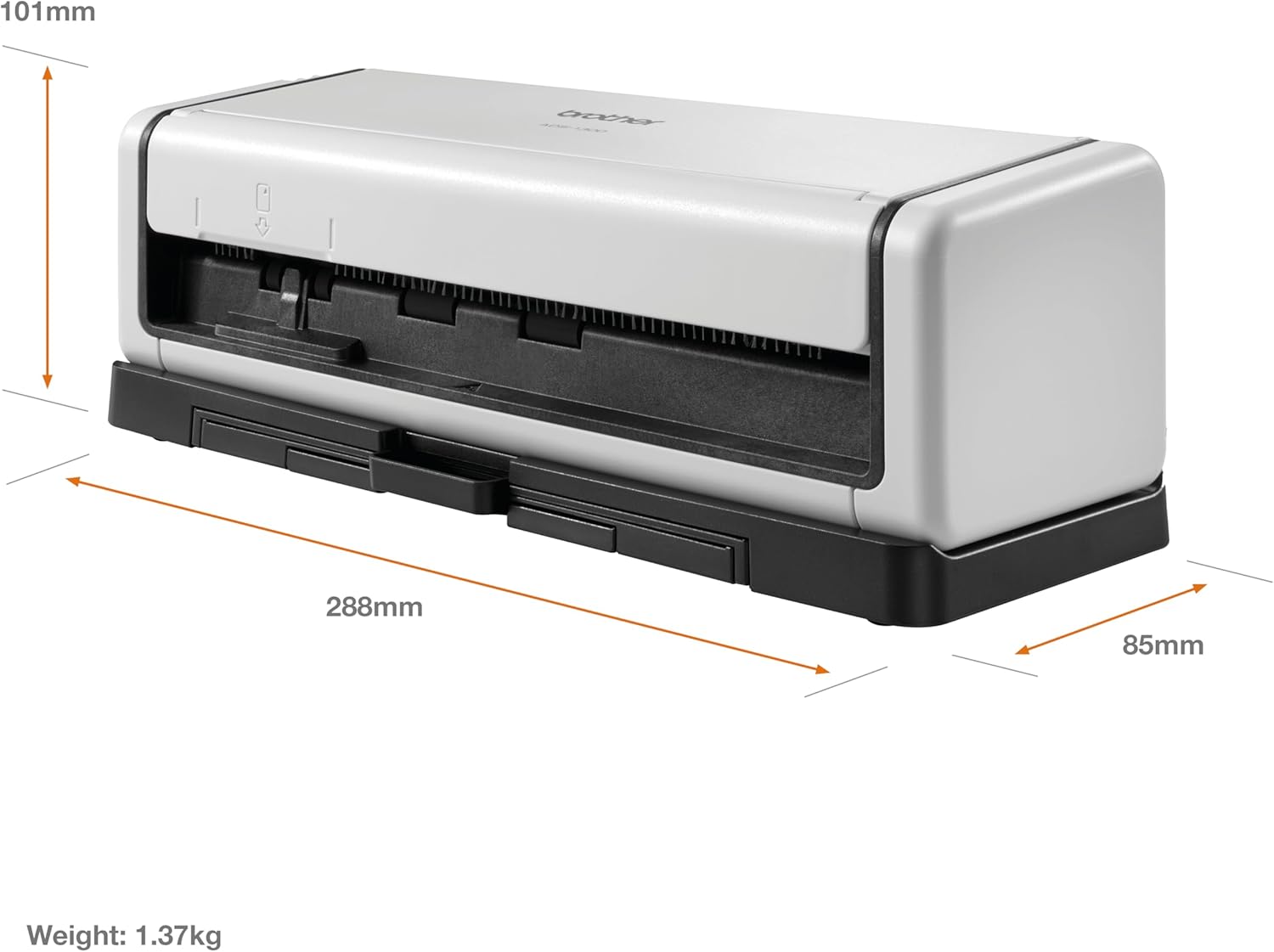
Designed with flexibility in mind, easily scan and save your paper documents whilst you are out of the office. Once plugged into your laptop, you can use the ADS‑1300 to scan documents when it is most convenient for you.

High performance, every time
No matter where you scan from, you will get the same high performance, every time. With scan speeds of up to 60ipm (2-sided), documents are saved quickly and effortlessly to PDF, file, email and USB host.

Versatile media handling
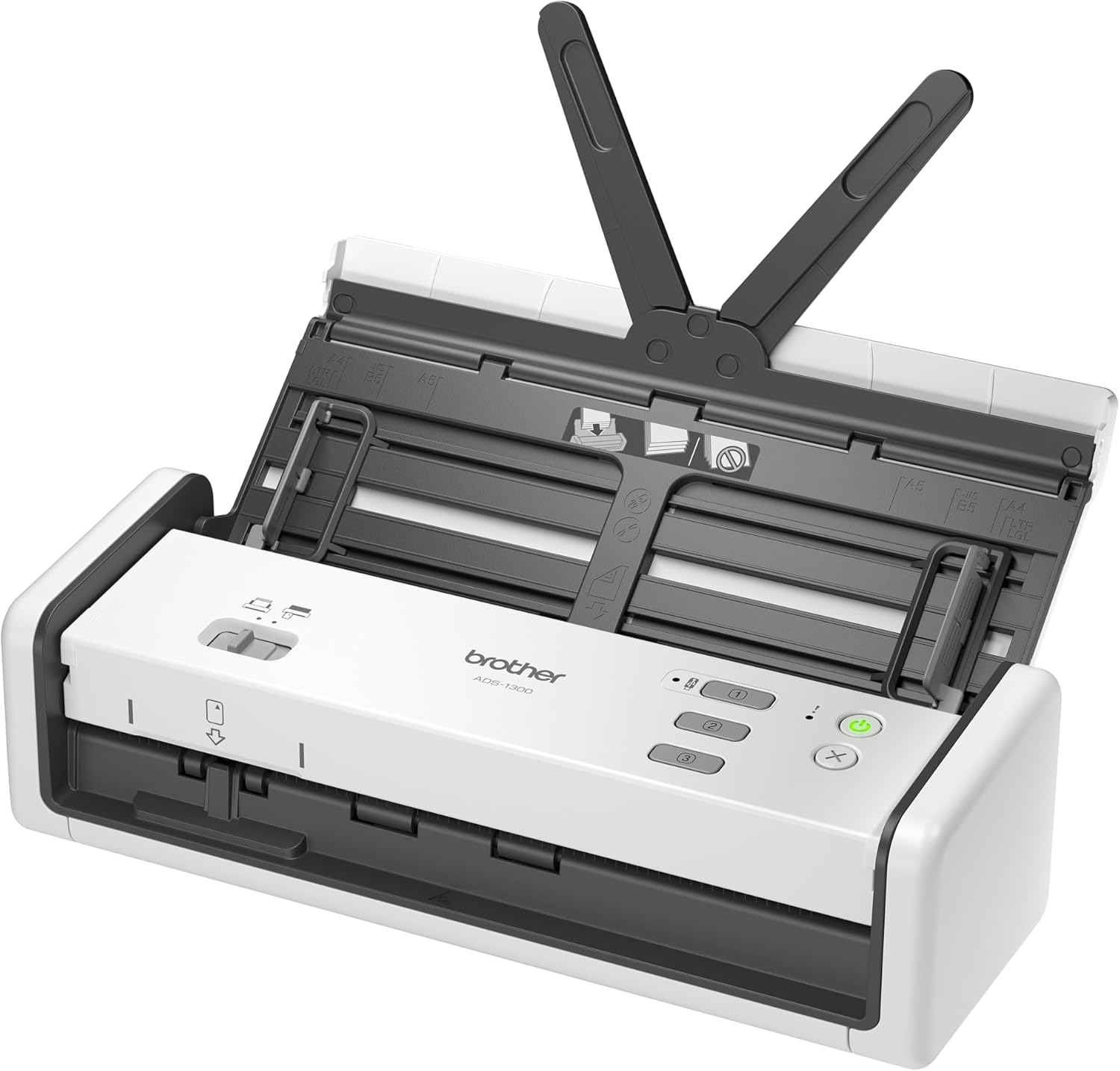
The time-saving 20 sheet ADF manages various sizes and thicknesses of paper (up to 128gsm) with ease. Whilst the dedicated card slot comfortably handles plastic ID cards.

Industry-leading software
Available as standard, Power PDF provides you with the flexibility to easily convert, edit and share documents in seconds. Together with Kofax PaperPort, a document management solution, workflows can be created so that you can share, search and organise documents with ease and accuracy.
Scanning on the move
High performance, every time
Versatile media handling
Industry-leading software


100 years of technology innovation
Brother UK supplies and supports a complete range of technology products and services across the business and consumer markets. We are dedicated to helping people work smarter and more efficiently. We create solutions that inspire people to achieve more.
Add To Basket
Add To Basket
Customer Reviews
3.8 out of 5 stars 58
3.8 out of 5 stars 58
Price
£148.80£148.80 £195.60£195.60
Scan speed
Up to 30 pages per minute Up to 30 pages per minute
Connectivity
USB Type-C USB Type-C
Paper handling
20 sheet ADF 20 sheet ADF
2-sided scan
✓
✓
Display
LED keys 7.1cm colour touchscreen
Power requirements
Power directly via USB Type-C Power directly via USB Type-C
Scan to
PC, Cloud, USB host PC, Cloud, USB host
SCAN SPEEDS: Scan up to 30 pages/60 images per minute, 2-sided colour scan
CONNECTIVITY: Power directly via USB Type-C
AUTOMATIC FEEDER: 20 sheet Automatic Document Feeder (ADF)
SOFTWARE: PDF editing software included
SCAN SHORTCUTS: Control up to 3 scan activity shortcuts direct from the device
Customers say
Customers find the scanner excellent for document archiving and appreciate its portability and ease of use. They like its page scanning capabilities, with one customer noting it can scan 20-page ADFs, and one mentioning it can scan both sides in one sweep. The functionality receives mixed feedback – while it works well as a network scanner, some report it throws loading errors frequently. The speed and color accuracy also get mixed reviews, with customers describing it as super-fast but one noting it’s slow, and one customer mentioning the color is slightly plain.
8 reviews for Brother ADS1300 Portable Document Scanner|20 sheet ADF |ID card slot |USB type C |OCR and PDF software included | UK Plug
Add a review
Related Products


![Scanners [Blu-ray]](https://i0.wp.com/m.media-amazon.com/images/I/81LRrjJhvbL._AC_SL1500_.jpg?w=300&resize=300,300&ssl=1)


£148.80
tp –
Excellent network scanner for archiving documents
I use this scanner to scan and automatically add documents over the network via SMB to paperless. For this purpose it works excellent, you can quickly add a shortcut to one click send documents straight to the network share or have it automatically scan as soon as you put the document in.Honestly if you are just looking for a basic USB scanner this probably isn’t it, hence why it doesn’t even come with a USB cable in the box. I’ve never even attempted to connect it via USB. This works perfectly however as a network scanner.You can scan the full 20 page ADF if you like, I routinely scan multiple documents at once using patch code separator pages to automatically split into multiple documents. I see other reviews complaining it can’t scan more than a few pages at once – you do need to follow the instructions and fan the pages as directed though!
Sarfraz Mehmood –
Scanner would not turn on
Sent me a scanner which would not turn on.
Jessica –
Small but powerful
As what it said ‘small but powerful’. Simple to use but served the purpose. It’s cute and convenient to carry around. Once you have it, you don’t want a standard printer. I used it to scan lots of old-school photos (like name cards) but never with one as thick as postcard. It triggered warning light & didn’t go till now. I tried carrier to copy photos but triggered warning light @ time & it is expensive. For ordinary photos the result was brilliant. The colour was tiny bit plain, ~2 to 3 degrees less vibrant than with carrier. What can I expect when compare with old-school photos! If photos can, no need to say documents. There’s one negative side. If scanning pass 10,000 copies, I have to reset the count on pc. It’s beyond my expect. Jessica
Interchange –
Super useful on the go
Portable at long last with a feed
E71 –
Great portable scanner with software issues
Sub-par, slow to respond LCD touchscreen with config menu that’s missing date format localization aside, this is the best portable scanner available.There is a cheaper USB-only touchscreen-less model available if you can get hold of it (ADS-1200).Anyway, this is as good as it gets on the hardware side, but the provided software, “Brother iPrint & Scan” is a bit flawed and causes some irritation in certain situations. For instance, it has several document size profiles: Letter, A4, etc. which are fine when you are scanning documents of those sizes. However, there’s also an Auto size for all the non-standard sized documents, which is great, as long as the document isn’t too long.Why is this an issue? Because this scanner is supposed to be able to scan long documents up to just under a meter in length. I put ~60cm long receipts in there for it to scan in Auto, but it detects a “jam” after about the length of an A4 page, simply because for long paper, you’re forced to use the fixed-width, variable-length profiles “Long paper” or “Long paper (narrow-width)”.As you’ve probably guessed, this means your documents won’t automatically be cropped to their actual widths but have gray bars (excess scan) on the sides. Not a problem if you don’t like your PDFs to be relatively clean and cropped to the size of the document instead of some amateur work. If you’re often scanning a variety of document sizes including long ones, having to keep switching from Auto size to Long paper is also very annoying.Until they fix this issue that’s bothered me for some time, I’ll have to give it a 4/5.
A J Allen –
What did I do without this piece of equipment???!!!
This is a great little piece of equipment. Very efficient very fast and so easy to use . It was worth every penny !!!!!
Adi –
scan quality is good but has problems with evrything else
scan detail is good, touchscreen is ok and it is compact. the entire rest of the scanner is quite rubbish.20 adf is a lie, 10 pages at the very max if A4. thin A4 maybe 5 at a time.Scan to USB, no idea. I am yet to find a usb device it will work with…wonky pages, oh yes, nearly every one because the paper guide is flimsy little folding tabs that move as it scans.not recommended, unless you like baby sitting a scanner that is barely functional.
Steve iFish –
Software
Corrupt software