

Logitech MX Ergo S Advanced Wireless Trackball Mouse, USB-C Rechargeable Wireless Ergonomic Mouse With Bluetooth and Encrypted Dongle, 6 Programmable Buttons, for PC/Mac – Graphite
£109.99



Price: £109.99
(as of Nov 14, 2025 06:19:36 UTC – Details)
From the manufacturer
The video showcases the product in use.The video guides you through product setup.The video compares multiple products.The video shows the product being unpacked. hero-video Merchant video
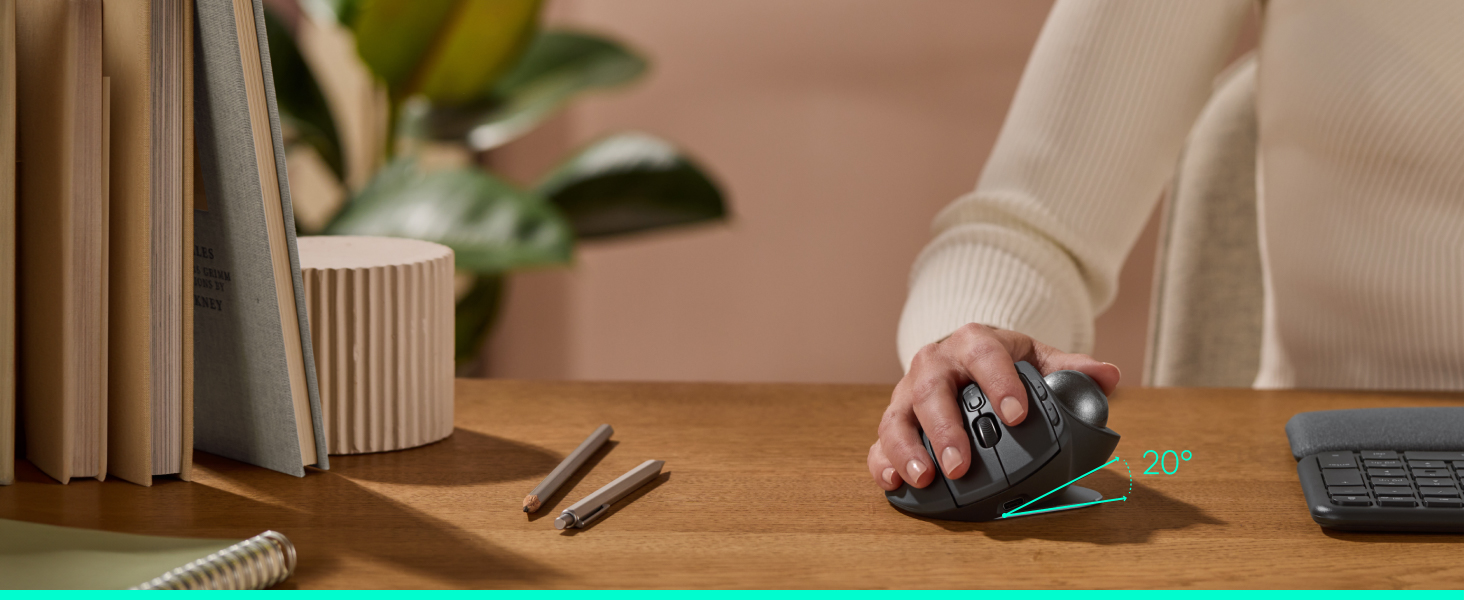 More precision. More degrees of comfort.
MX Ergo S, Logitech’s most advanced wireless ergonomic trackball yet with a 20° tilt angle and 6 customisable buttons – now with 80% quieter clicks (5) and fast USB-C charging (cable not included).
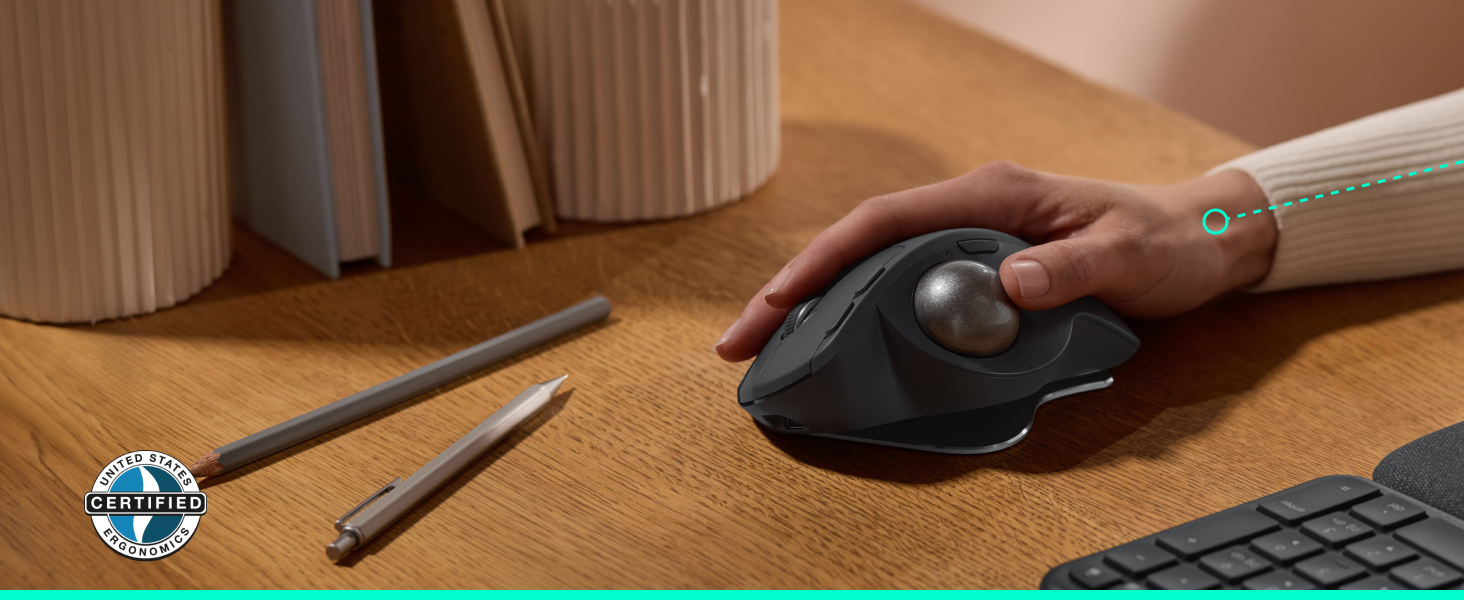 User-tested. Ergo-certified.
MX Ergo S is sculpted for the palm of medium to large sized hands, with a 20° tilt angle that puts your forearm into a better posture, reducing muscle strain by 27% (1).
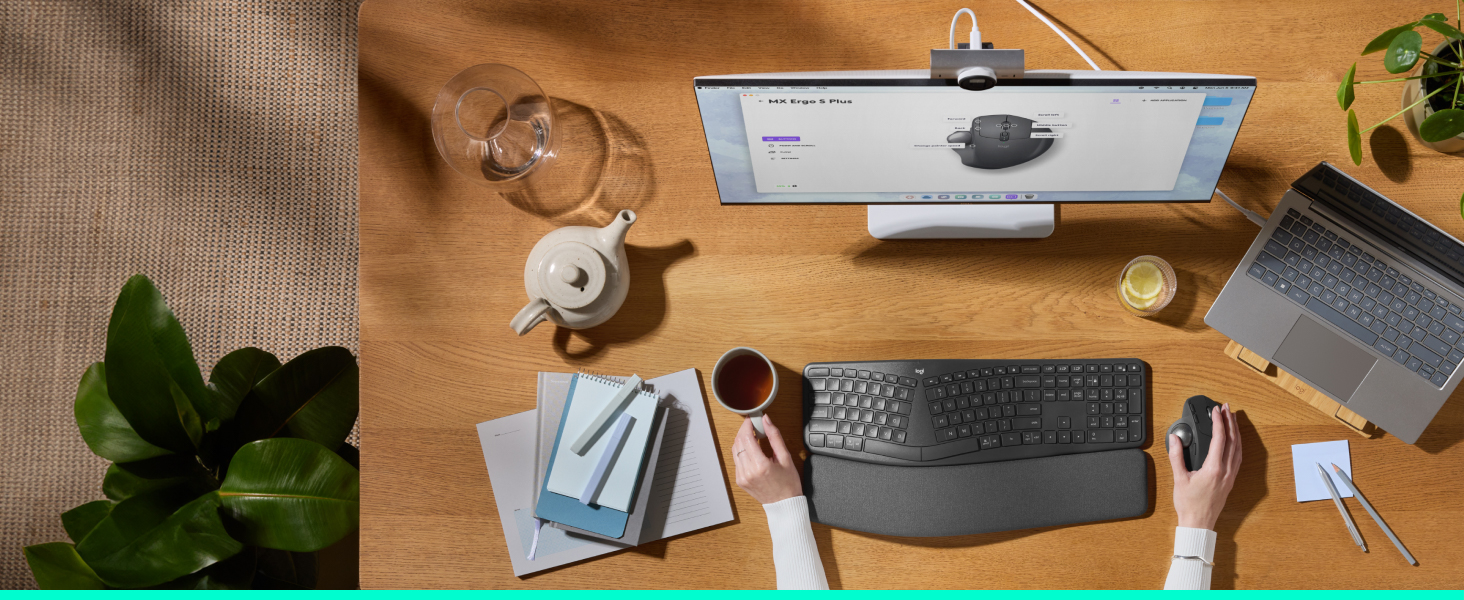 More control with the Logi Options+ App
Work faster with 6 customisable buttons and a DPI button to effortlessly switch cursor speed. Assign time-saving shortcuts, or Smart Actions tailored to your needs, and adjust DPI using the Logi Options+ App.(2)
 Built for advanced setups
Connect up to 2 devices via Bluetooth or the included Logi Bolt receiver, and seamlessly switch between computers with the Easy-Switch button.
 Quick USB-C charging
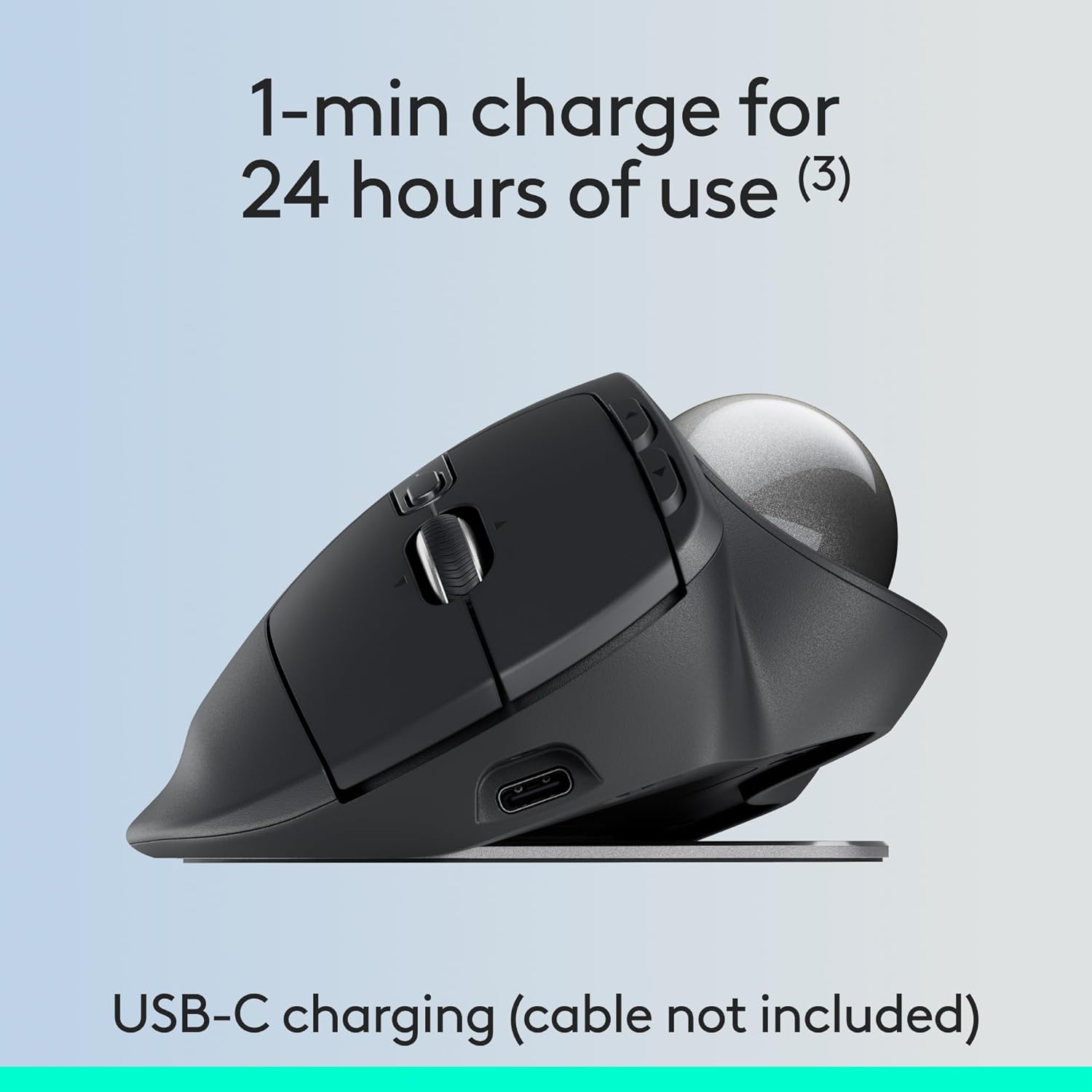
Get 24 hours of use from a 1-min charge – full charge lasts up to 120 days (3). Charge with a USB Type C to Type C or USB Type A to Type C cable (not included).

 Complete your setup with ERGO K860
Get comfier with ERGO K860 split ergonomic keyboard with cushioned palm rest for the ultimate ergonomic setup and advanced performance.
 Better posture. Less muscle strain.
ERGO K860’s curved keyframe places your hands and forearms in a more natural posture. The cushioned palm rest gives your wrists more support.
Advanced thumb control: The MX Ergo S Advanced wireless trackball mouse gives more control with less movement; switch between speed and high-precision tracking at the tap of a button
20-degree tilt: A wireless ergonomic mouse with a tilt angle for better forearm posture, reducing muscle strain by 27% (1); now with 80% quieter clicks (5)
Contoured for your hand: The MX Ergo S is certified by ergonomists for improved comfort, with a sculpted ergonomic design, 20-degree tilt angle, and soft rubber grip; for medium- to large-sized hands
Boost your productivity using the Logi Options+ App (2): Experience enhanced control in your daily tasks with 6 customisable buttons, time-saving shortcuts, and Smart Actions
Quick USB-C charging: Enjoy up to 24 h of use from a 1 min charge or up to 120 days (3) with a full charge; charges with a USB Type C to Type C or USB Type A to Type C cable (not included)
Dual wireless connectivity: Connect your rechargeable wireless mouse via Bluetooth or Logi Bolt USB receiver (included); switch between computers with a tap of the Easy-Switch button
Made with recycled plastic: The plastic parts in the MX Ergo S wireless rechargeable mouse are made of 20% certified post-consumer recycled plastic (4)
Customers say
Customers find the trackball mouse excellent in quality, with recharging via USB-C and great battery life. They appreciate its Bluetooth connectivity options, speed, and programmable buttons that can be customized for different applications. While some customers consider it well worth the money, others find it disappointing for the price. The mouse’s reliability receives mixed feedback, with some saying it works well for its intended purpose while others report issues.
13 reviews for Logitech MX Ergo S Advanced Wireless Trackball Mouse, USB-C Rechargeable Wireless Ergonomic Mouse With Bluetooth and Encrypted Dongle, 6 Programmable Buttons, for PC/Mac – Graphite
Add a review
Related Products


£109.99
Joseph –
Excellent product.
Excellent product. This is my 4th one. I trashed one by accident so I purchased a protective case for travel. I would advise anyone who travels with this to get a case. I have one for my personal computer and a spare. Once you’ve used this for a while the RSI you didn’t know you had goes away and you’ll never go back to a normal mouse unless you have no choice.
Andrew Z –
The best wireless trackball you cen get.
This is my third MX Ergo trackball (and the second one with the ‘S’). It fits the palm of my (male) hand very well, just the right size, and I love the fact that you can tilt it another 20 degrees. The ability to switch its use between two computers with a click is convenient, as are many other features: precise guidance, sideways scrolling, USB-C charging, and the ability to connect either by Bluetooth or a dongle. The previous one (without the ‘S’) developed a slight fault with the scroll wheel – scrolling OK in one direction but becoming jerky/unreliable in the other direction. However, this issue only occurred after 4-5 years of use. I now have the two new ones in use, and I’m very happy with them.
Rebecca B –
Great purchase!
Mouse is perfect – havenât had any issues at all and super easy to set up.Would recommend to anyone with wrist issues or arthritis. Scrolling speed is adjustable and perfect. Design is sleek and modern looking.Perfect for everyday use!
Laurence –
Recommended
Very expensive for what it is, but it’s the only decent option on the market. If you’ve got RSI, I’d strongly recommend this. I have multiple devices for home and work.
Paul –
Superb trackball mouse, very high quality
Bought this as a replacement for the previous version of the MX Ergo after the click switch failed after nearly 6 years of heavy use. I’m confident this one will last even longer, the quality feels a step up and adds USB-Charging and Bluetooth connection without a dongle.
alfabetizado –
Good gets better.
Just as good as the previous model for keeping repetetive strain at bay and improved with USB C, smoother navigation ball action and almost noiseless buttons.
Gigi2017 –
Great!
Really great âmouseâ. Solved my RSI problems and the programmable buttons are so handy. Good software is included and you can program it to respond differently in different applications. Very good bit of kit.
hello33333 –
Detail mode switches off every few minutes plus STUTTERS
Detail mode switches off every few minutes. This makes it not worth using. I know whether I want details mode or not (ie the mouse pointer moves slowly). It should stay on till I turn it off. Also, by removing the click you get when you hit a button, you’ve lost the feedback, you have to look at the screen and think consciously to know whether or not the click has registered. I totally regret buying this. I didn’t figure out how bad it is till after it was too late to return it, I was giving it the benefit of the doubt. The old version was just awesome (aside from it had the old USB), but too bad, they had a perfect product and they made it unuseable in the name of trying to be cool and slick.Also, it constantly stutters. It’s supposed to charge quickly, yet it constantly acts like it is about to run out of power. It’s just horrific to use. I bought it because the previous version was perfect aside from being old USB, and now I have spent a fortune on this piece of garbage that is just not useable. A HUGE waste of my money.
Pep Insa –
El mejor trackball que conozco, el resto dan problemas en MacOs. Es el tercero que tengo he intentado probar otros y nada. Duración aproximada seis años.
ALAIN DHEILLY –
Je ne sais pas pourquoi les gens utilisent encore des souris. Jâutilise ce type de trackball depuisprès de 30 ans. Celui-ci est top. Le précédent a fonctionné pendant près de 20 ans.
Jonathan Wilson –
Mouse is fine, but at this price no cable is unacceptable. Knew that before purchasing but still leaving a negative review encase logitect cares about customer feedback. This is not a budget mouse leaving out a key item is cheap at this price point and if I had other others I would have chosen a different product.
MC –
Perfekt storlek och vinkel för att handen och handleden alltid är i naturlig position.
fahri –
Bu mousea alıÅması çok zor.ben 3 4 gün denedim, baktım olacak gibi deÄil bıraktım.ama ürün güzel ürün