

Canon PIXMA TR150 Wireless Portable Colour Inkjet Printer w/Battery – A4 Print | Wi-Fi, 2.4 and 5 GHz Support, Smartphone Printing | USB Charge | Compatible w/iOS, Android, Windows
£259.99




Price: £259.99
(as of Jun 03, 2025 15:14:21 UTC – Details)
From the manufacturer


Print on the road
Sleek and robust for easy transport, print up to 330 pages from a full charge* and top up in the office, at home or on the move via a USB Type C cable.

Couple up with easy connectivity
Link up with Wireless Connect and control via the Canon PRINT app, AirPrint (iOS), Mopria (Android) or Windows 10 Mobile. No internet router? Tap into Wireless Direct.

Look sharp with superb quality
Get crisp prints with superb quality in darker areas. Hybrid ink with a dedicated pigment black ink creates sharp text while dye-based colours give vivid prints with up to 100 years of album life**.

Keep it simple
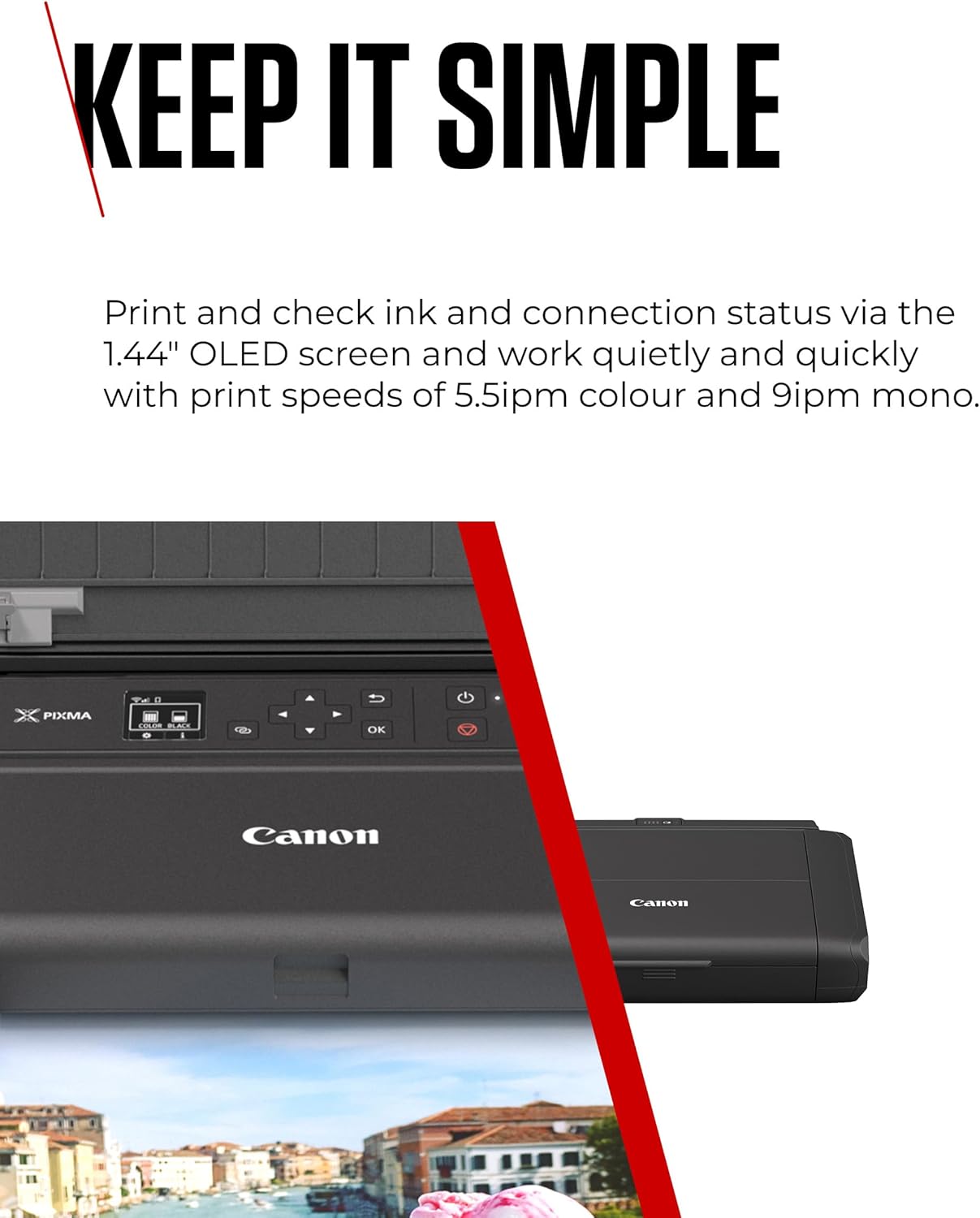
Print and check ink and connection status via the 1.44″ OLED screen and work quietly and quickly with print speeds of 5.5ipm colour and 9ipm mono***.

Custom fit
Save time with quick-fire printing. Store up to 5 custom templates to print contracts and forms straight from the printer without a PC, laptop or smart device.
FOOTNOTE
* Printed via USB connection without Wi-Fi connection
** Based on accelerated testing by Canon in dark storage under controlled temperature, humidity and gas conditions, simulating storage in an album with plastic sleeves. Canon cannot ensures the longevity of prints; results may vary depending on printed image, drying time, display/storage conditions, and environmental factors
*** Document print speeds are the averages of ESAT (Word, Excel, PDF) in Office Category Test for the default simplex mode, ISO/IEC 24734.Print speed may vary depending on system configuration, interface, software, document complexity, print mode, page coverage, type of paper used etc
Travel light with a portable printer – Sleek, light and robust, it’s ideal for a business on the move. Tight on space? All cables and connections are fixed to one side for space-saving efficiency
Couple up with easy connectivity – Print wirelessly with the Canon PRINT app, AirPrint (iOS), Mopria (Android) or Windows 10 Mobile. No internet router? Tap into Wireless Direct
Look sharp with superb quality – Get crisp prints with superb quality in darker areas. Hybrid ink with a dedicated pigment black ink creates sharp text while dye-based colours give vivid prints with up to 100 years of album life
Keep it simple – Print and check ink and connection status via the 1.44″ OLED screen and work quickly and quietly with print speeds of 5.5ipm colour and 9ipm mono
Custom fit – Save time with quick-fire printing. Store up to 5 custom templates3 to print contracts and forms straight from the printer without a PC, laptop or smart device
Customers say
Customers find the printer’s print quality excellent and appreciate its compact size, with one mentioning it fits in a drawer. The device is straightforward to set up, with one customer noting it’s ready within seconds of switching on, and they value its portability, with one highlighting its usefulness for travel. They consider it worth the money and like its sleek design, though some report issues with color printing.
8 reviews for Canon PIXMA TR150 Wireless Portable Colour Inkjet Printer w/Battery – A4 Print | Wi-Fi, 2.4 and 5 GHz Support, Smartphone Printing | USB Charge | Compatible w/iOS, Android, Windows
Add a review
Related Products


£259.99
Steven –
Great printer
I wanted a printer that I could pack away easily (in a draw) as I donât often need to print things. This printer is perfect, very compact, easy to use and itâs so convenient as it can be powered off a battery expansion pack that neatly bolts onto the back of the device, so no need for cables. I found the set-up to be easy on my iPad (it failed the first time I tried to connect it to my phone, but I think thatâs because I faffed about trying to find the WiFi code, so have that handy). The set-up videos on their website are helpful and the on-screen instructions are very clear. The menu and settings on the printer are easy to navigate. Once I had completed set-up everyone in the household was able to air print from all our Apple devices and the usb cable allows me to connect it to my work laptop without the need of downloading any software. Finally I can print those annoying shipping labels from home.
Avid reader –
So handy and versatile.
Having owned a Canon (Pixma 9000 pro) A3 size photo printer, I looked carefully at the specs of other printers to replace it. That printer printed Pro quality prints but was flawed by massive ink consumption during cleaning.We needed a replacement that was very small and ideal for return labels and private letters.Setting up through WiFi was very easy for 3 Dell PCs and Android phone. There was no app to print from a Kindle Fire.Simply click on the image and print. There is a basic App for the Android.Set on ink saving, because the cartridges are miniscule, the print quality of colour photos or diagrams is quite clear though faint on cheap photocopy paper. Not actually an issue, practically speaking.I have printed out a number of A4 photos on glossy paper and was quite surprised at the high quality.Users should understand that the colour rendering in a photo print will vary a lot between paper brands but more important, if you select to print as the printer sees the data or as the application you are printing from sees the data.The photo you see on your screen is unlikely to be reproduced on photo paper unless either the printer OR app is set correctly. Don’t blame a printer if you dislike the colour of the print. You must adjust settings to make it right.I highly recommend this simple and well thought out printer.So far, the ink is lasting very well. Remember, the first cartridges have to fill the system with ink after unpacking. This consumes a lot of ink. After that, what you print and cleaning use ink.
Susie –
Very Handy and so small!
Great not to need a full size printer when we hardly ever print anything any more. The print quality isnât amazing but you would go to a specialist shop or whatever to print photos etc. this is for those maddening places that still want you to print a return label or if you want your boarding pass printed as a back up for your phone or whatever other random bits. And itâs so small you can pop it away in a cupboard and take it out as needed.
Rudi F –
Not cheap but an invaluable device
I travel and stay in hotels for work, and having a printer to hand is a must. This printer is well made and it has not let me down so far. The print quality (B&W and colour) has been very good, crisp and clear.
Amazon Customer –
Sleek design, very compact
So glad we got this! Great design, compact, easy to navigate. Ink cartridges very good value compared to standard size printers- states 500 sheets so will see how long they last.Ideal convenience of size. and portability- fits on desk side and looks nice.Not a printer if for high volume photo quality. Other makes of full size printer take up lot of space, usually complicated wireless connections since manufacturers want to monitor print use directlyFunctional but does job for us. hoping it will last a few years
Michelle –
Canon TR150 5*
I don’t often write reviews but I had to with this product.All I can say is WOW. easy set up with the QR barcode, just scan and all the setup information is there with videos included.The size is compact and the printing is flawless. I don’t often use a printer so I just wanted to have one that fitted in a draw and use when and if needed, and this is all that plus more.
Ross the Rhosesian –
So small and prints beautifully
It is a bit complex to assemble, but it is doable, and its small size fits my space available. I will probably never use the mobile bit, but great for limited printing
J de Meza –
Cheap plastic side panels otherwise excellent
Best portable printer that can print high quality color. To the people complaining, increase the color quality settings using properties, the color prints are fine and not washed out. Sides are cheap plastic and came off, but the printer itself is very robust and gets the job done.