

Epson EcoTank ET-8500 A4 Wi-Fi Ink Tank Photo Printer
Original price was: £649.99.£577.95Current price is: £577.95.

Price: £649.99 - £577.95
(as of Dec 15, 2025 23:21:05 UTC – Details)
From the brand


Explore the Epson Range
As a global technology leader, Epson is constantly developing new ways to help meet environmental standards, and our research and development allows us to deliver innovative technologies with multiple energy-saving features.
Projectors for every moment
Epson EcoTank
Printing for Home
Printing for Small Businesses
Genuine Epson Inks
Home Cinema Projectors
Scanners

Building a Better Future
We are committed to delivering value for our customers through initiatives that reduce our impact on the environment.
We cut emissions and reduce paper and water use by creating sustainable products.
We are making strides in advancing a circular, low-carbon economy within our own product designs and partners that we work with.
*See Epson website for details.
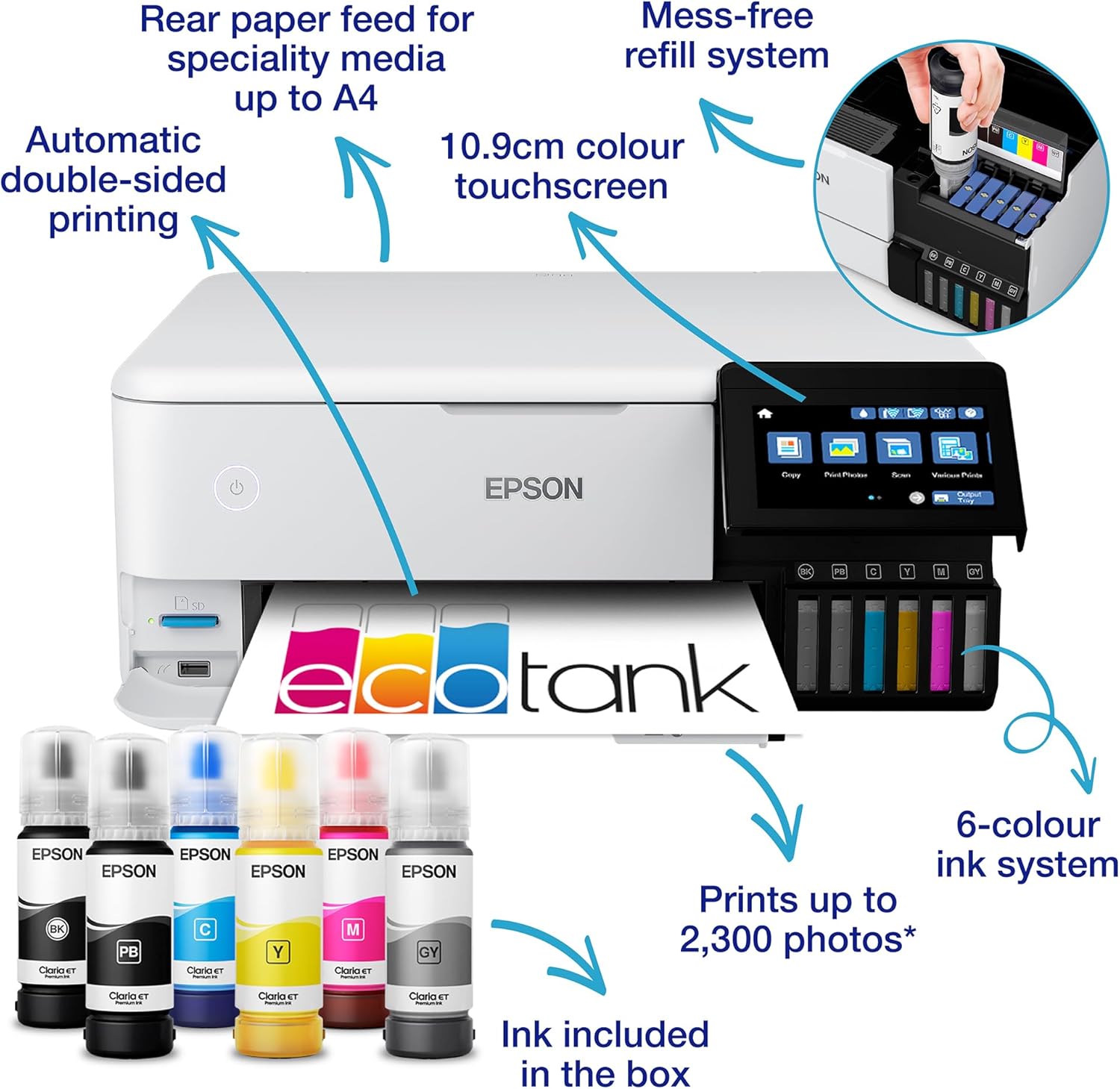
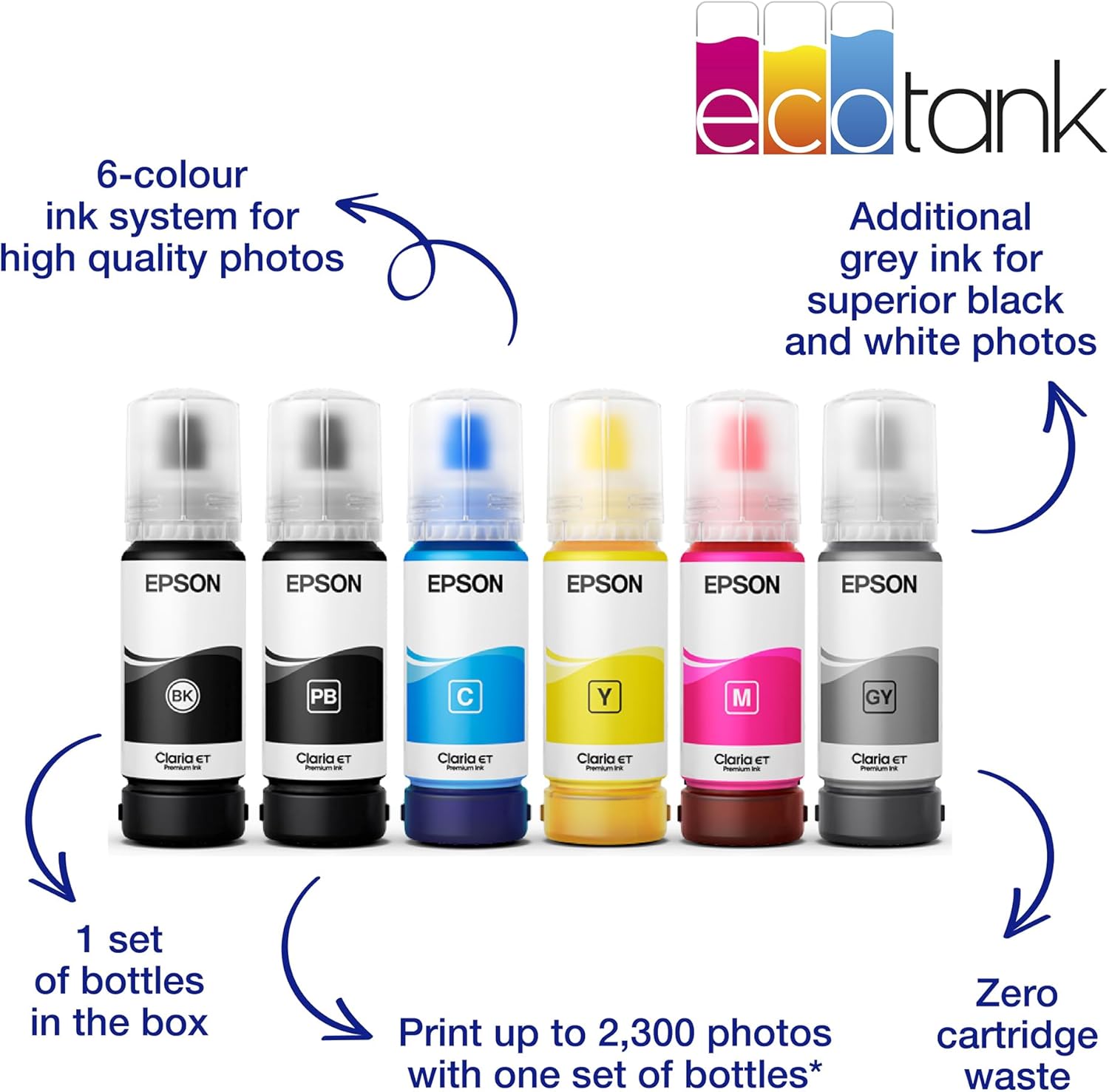
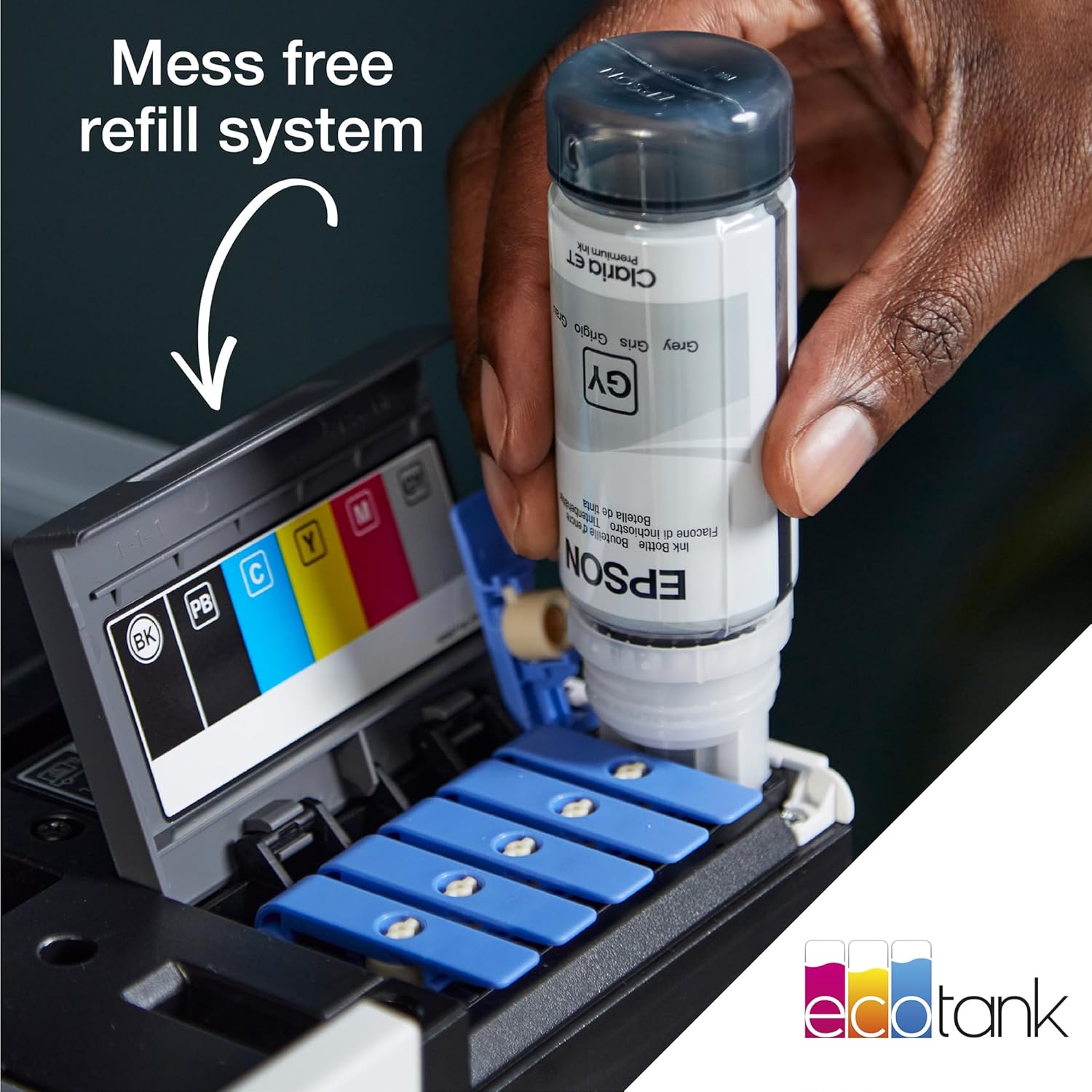
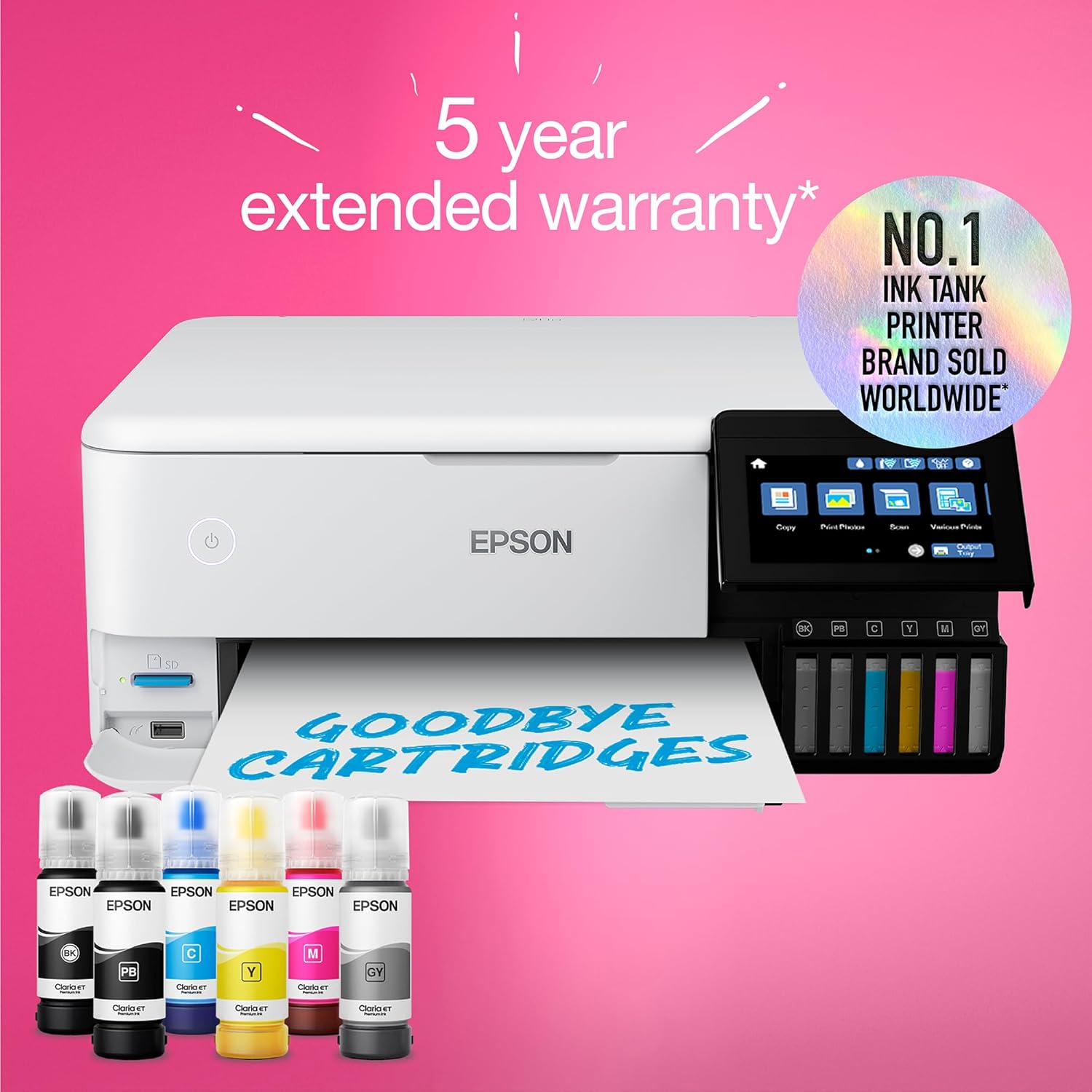
6-COLOUR INK SYSTEM – The Epson Claria ET Premium inks produce high-quality, long-lasting photos up to A4 size as well as outstanding black and white photos with the new grey ink, The pigment black ink is ideal for printing sharp text on plain papers.
SAVE TIME and MONEY – This economical printer allows you to print up to 2,300 high-quality photos with one set of ink bottles, The bottles and tanks are designed for ease of use, meaning no hassle or mess when it’s time to refill.
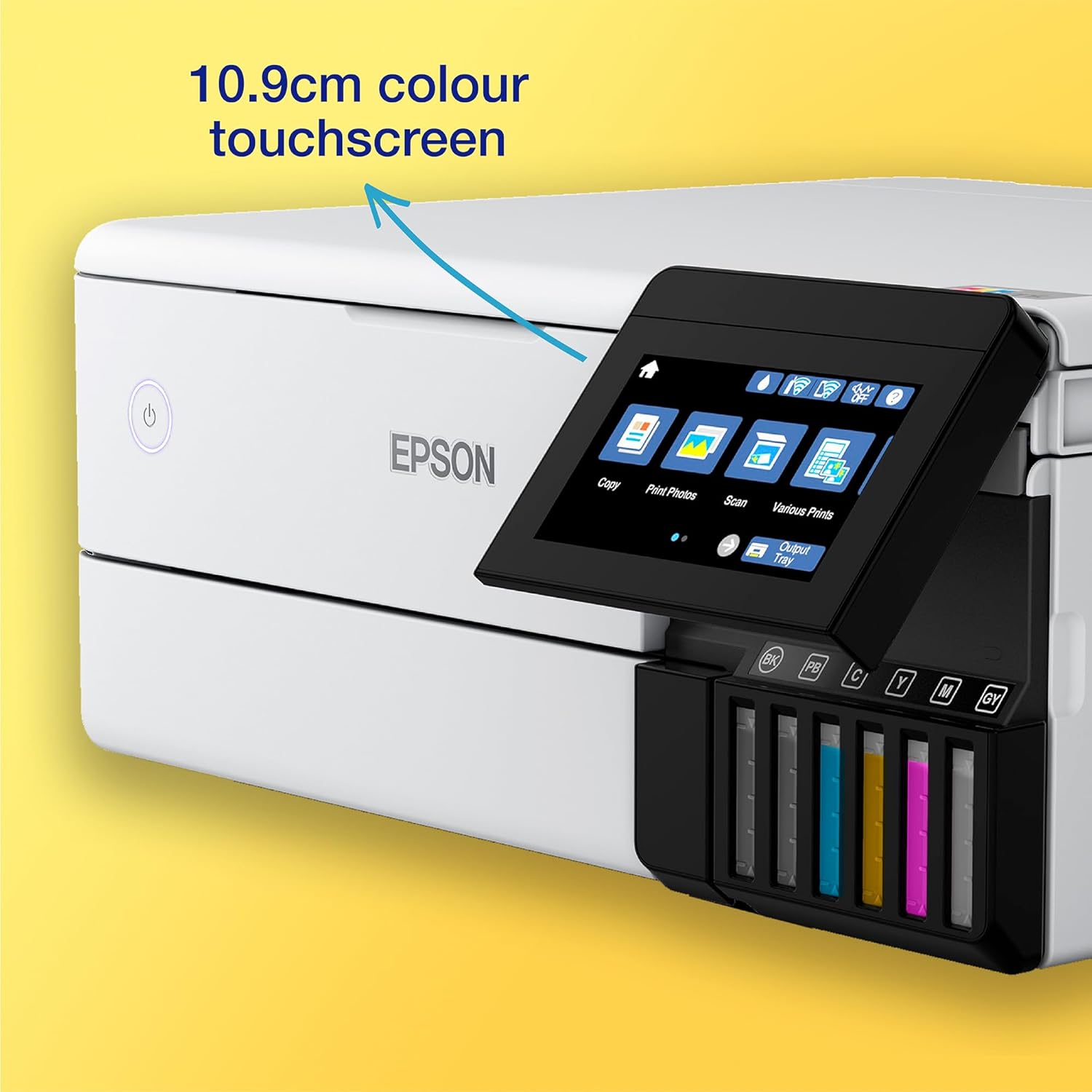
MODERN FLEXIBILITY – with full Wi-Fi, Wi-Fi Direct, and Ethernet connectivity, you can easily integrate this printer with your existing home set-up, You can also print from SD cards and USB flash drives through the 10.9cm colour touchscreen.
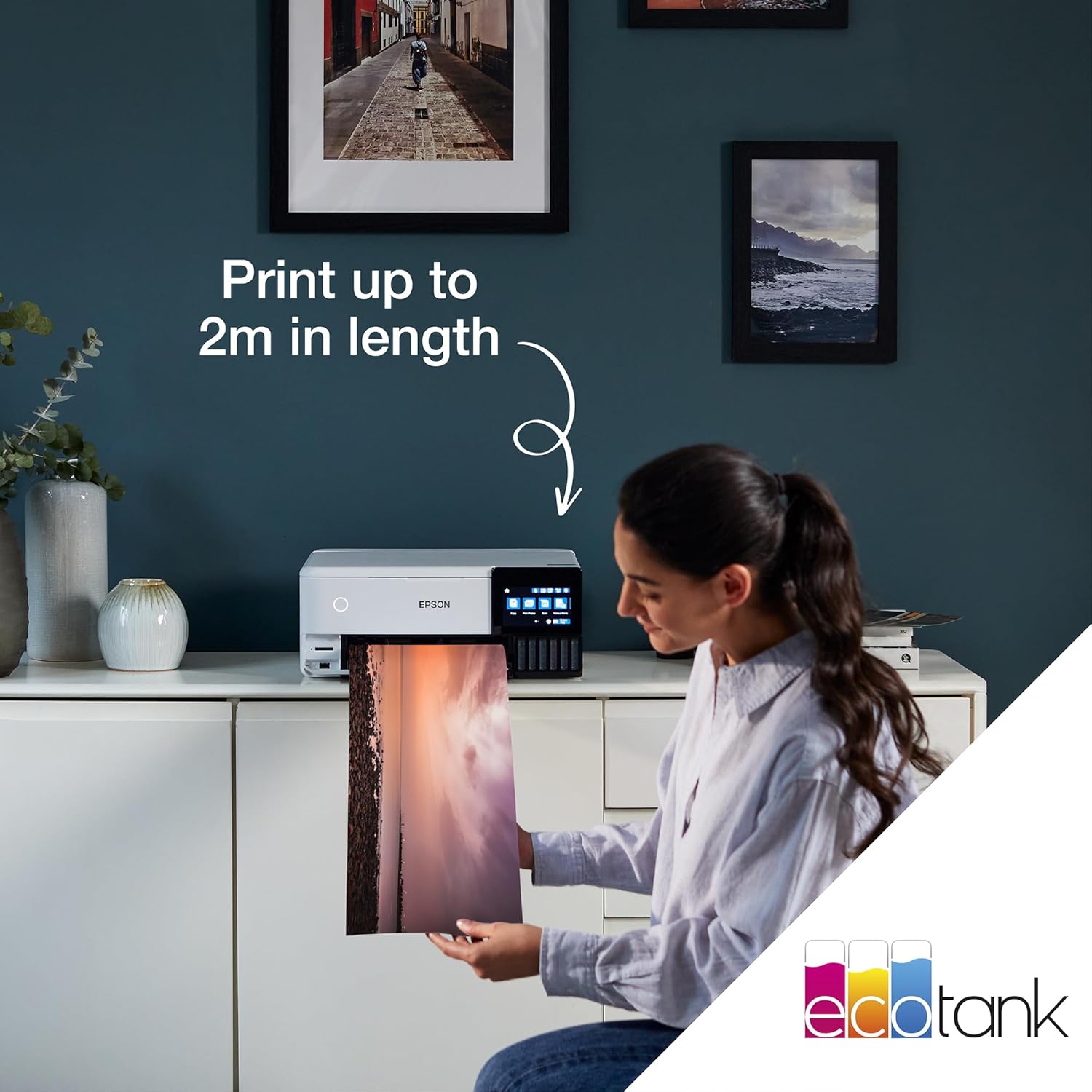
ARTISTIC MEDIA COMPATIBILITY – The ET-8500 has photo-size and A4 front paper trays plus will print directly to suitable CDs/DVDs, The rear tray accepts speciality media such as craft papers and card, whilst the A4 straight paper feed means you can print on media up to 1.3 mm thick and 2 m long!
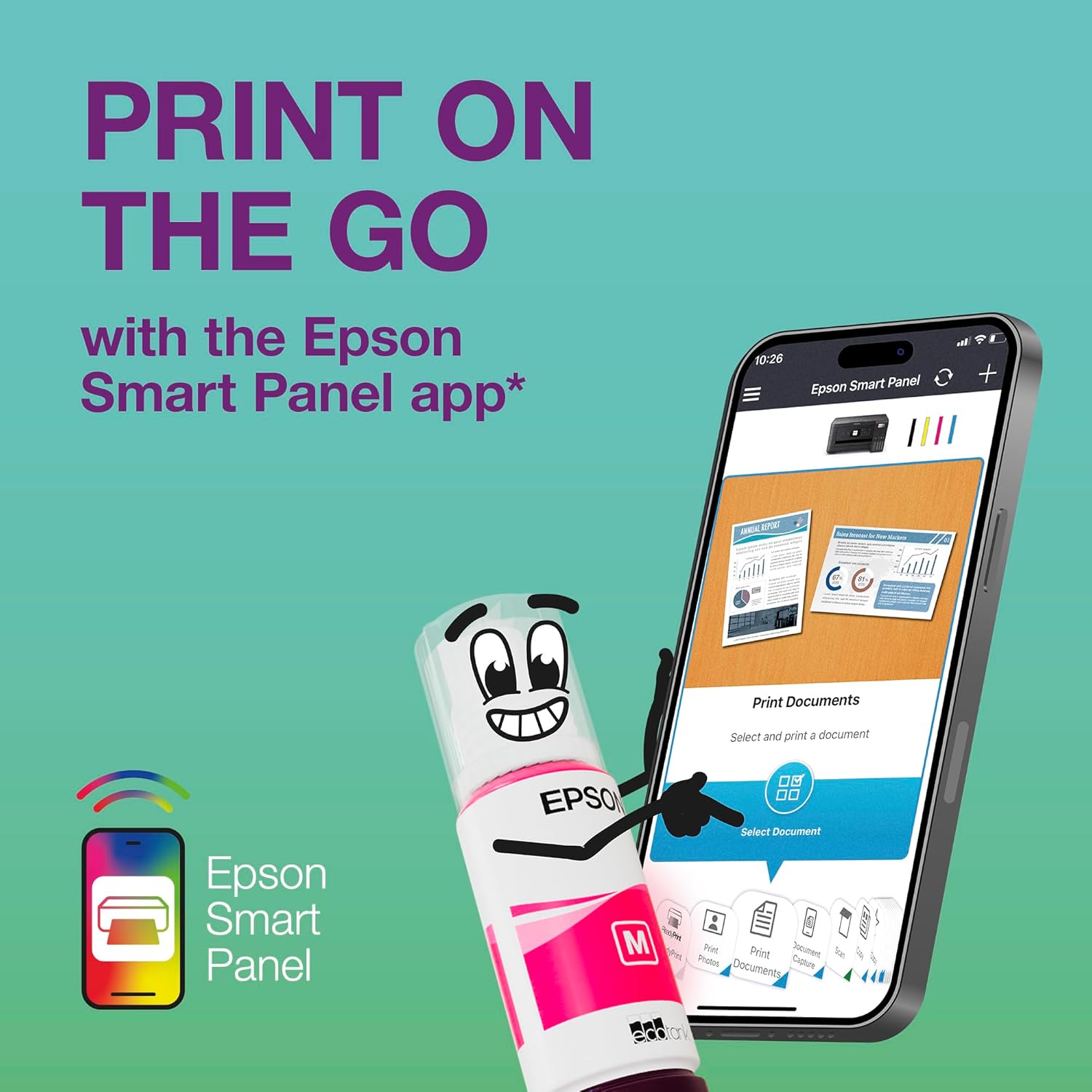
EPSON SMART PANEL APP – This app enables you to control your printer from your smart device, Print photos, copy documents, set up and troubleshoot your printer, and let your creativity flow with a wide range of artistic templates.
HEAT-FREE TECHNOLOGY – Engineered with Micro Piezo heat-free technology, you can enjoy consistent high-speed printing, with greatly reduced energy consumption so you can save time and money.
Customers say
Customers praise the printer’s print quality, particularly for lab-quality photos, and find it easy to set up and use. The ink longevity is positive, with customers noting it lasts a long time, while opinions on functionality are mixed, with some reporting paper refusal issues. The color quality and paper quality receive mixed feedback – while some appreciate the good color rendition, others note the printer doesn’t always print in color, and while some like the refillable ink system, others report issues with ink levels. The cost-effectiveness of the printer is also mixed, with some finding it cost-effective while others consider it expensive.
7 reviews for Epson EcoTank ET-8500 A4 Wi-Fi Ink Tank Photo Printer
Add a review
Related Products


Original price was: £649.99.£577.95Current price is: £577.95.
Kipi –
Good all round printer
I do photography and wanted an A3 photo printer, but also for it to be able to copy (A4), scan (A4), and print normal text paper (eg letters, office papers, etc).This printer does it all, with the advantage of cheap inks.I had a designated photo printer but it was not good for normal text paper, as it uses far too much ink. So I needed a second printer to print letters etc.When both printers died, I did a huge amount of research, then tested a friends ET-8550 and was hugely impressed. This printer really does it all.Photos are excellent, with good colour rendition especially if printed via Photoshop so that you can use the various colour profiles. Just turn off ‘printer manages colour’ to do this.A3 and A4 photo paper can be fed via the rear tray to save bending the paper. I haven’t yet used the straight feed for Fine Art papers yet, but should be easy enough. Just remove the back panel and it will glide straight through.Text, letters, and what I call ‘office’ paperwork can be printed easily and at reasonable speed. Perhaps not so good if printing a lot of papers as the paper tray only holds up to 30 sheets, but is good for normal home use.As others have mentioned, the ink tanks are easy to fill (ink bottles each have a different shape surrounding the nozzle so can only be fitted to the correct hole). Just put the bottle in the the right hole and it will fill. No need to squeeze or anything. Once filled just remove and keep the lid on if any left in the bottle.I only use Epson genuine Claria inks. I have tried ‘compatibles’ in the past and they wrecked the printer head resulting in having to buy a new printer. Whilst the genuine Epson inks are more expensive, the photos last a long time with no fading or colour bleeding. Photos are excellent, and are good enough quality for competitions.The one thing I’m not impressed with is the ‘advertising’ from Epson regarding the number of photos being able to be printed on one set of inks. It states 2300 photos, although elsewhere it states 1800 photos. Well yes it does, but if you hunt and research you will find that number is for 15cm x 10cm prints. That is 1/4 sheet of A4. If you print a full A4 photo, you can print 450 – 575, depending on the colours of the photos. This is still 10x more than most photo printers, and makes for very economical printing, but saying 2300 could be a bit misleading for some people. Obviously A3 will use twice the amount of ink, so 225 – 288 A3 photos. My old photo printer could only manage 20-40!Scanning is easy using the Epson ScanSmart programme, which is downloaded when you set up the printer.Talking of which, I removed 24-30 blue tapes from inside and around the printer when setting it up. They hold everything in place for transport, but you must remove them all before use. Do look inside, around the back, everywhere! They could stop the printer from setting up correctly.I set up manually from my tower computer, but have also used the automatic and wi-fi from my laptop. Both are easy to do if you follow the instructions. I have connected to my computer via USB, and also set up wi-fi so I can print from my laptop, both of which work well. There is also an ethernet port if you wish to connect via that.One thing which took me a while to find was the receiving tray closure. It opens automatically when printing to receive the paper, but to close it you can gently push it back in, but it is very very stiff. Or… go to the touchscreen and touch the close button, and hey presto it closes! I wish Epson would tell us!All in all a really good printer, and yes I would recommend it.
M. Casemore –
Fantastic home printer despite initial outlay
Bought to replace an aging Epson Inkjet printer for home use. We home educate so our printers get fairly heavy use for both colour A4 and photo printing.First – the obvious downside. Itâs expensive whichever way you look at it. You could get several standard cartridge inkjet printers for the price of this. Any savings you will make from having an ink tank will be realised over the course of several years after the initial outlay.Secondly, itâs not entirely straightforward to set up. The app you have to download for it walks you through the process but it still takes at least an hour to fully put the thing together, and then you need to get it talking to your computers. We live in a Mac/PC/iPhone household and it did take a while to set it up on each system. Iâm fairly confident with technology but it still felt like a bit of a chore.Now, the positives.The print quality blows any home printer Iâve had before out of the water. Photo printing is indistinguishable (to my eye) from what youâd get commercially. Standard printing on paper is quick and clear. Using the manual feed paper tray at the rear of the printer we have managed to print directly onto thick card stock which has come out perfectly.Once set up, the connection is stable and consistent. Not a single âunable to locate printerâ error and due to its AirPrint capabilities iOS devices on the same network recognise it without needing to download the app.Having spent years with the choice of either paying through the nose for genuine printer cartridges or getting cheap generic ones that only work half the time, having the ink tank system seems to be the way forwards. Despite fairly heavy use weâve barely got through any of the ink that it comes with, and replacements ink, both genuine and generic, is reasonably priced. As there is no security system like the chips you get in cartridges you wonât be penalised for using generic ink.The printerâs other features all seem to work well. The LED touchscreen is brightly lit and functional. Thereâs a button on it which can give you tutorials on pretty much all of the printerâs functions. You can load several types of media at once (we have A4 paper, glossy photos and use the rear feed for card stock or A4 photos). The scanner works well with various devices.All in all, Iâm very happy with it despite the initial outlay
pv –
Adoro questa stampante. Ma per ottenere il meglio da essa, è molto importante capire le impostazioni della macchina.Per la migliore coerenza è anche una buona idea ottenere o creare profili colore per ogni marca/tipo di carta che si utilizza.Alcuni critici diranno, in base alla loro esperienza, che ET-8550 ed ET-8500 non stampano bene su alcune marche di carta (come Kodak Premium, ad esempio). Ma, assolutamente, questo non è vero.Ciò che è vero è che queste stampanti stamperanno bene su qualsiasi marca di carta fotografica a getto d’inchiostro, con le impostazioni della stampante e il profilo colore della carta corretti.à anche importante ricordare, quando si stampa da un’applicazione di modifica delle immagini (come Photoshop, Lightroom o Affinity ecc.), di disattivare la gestione del colore della stampante se l’applicazione di modifica delle immagini sta gestendo il colore. Non farlo è uno dei motivi principali della riproduzione del colore scarsa e incoerente.
Harvey Atari –
Overall excellent quality from Epson. Moved up from the ET-2850 printer to this one. Tired out of using the expensive printer cartridges of the HP Officejet Pro 7740 printer that ends up being horrendously expensive to run/use compared to the ink tank printers. Know of the functional problems of the ET-2850 that can pop up, so I know to avoid and fix them on this printer, I hope. There were little problems that popped up using the ET-2850, so I hope not to repeat them using this ET-8550 printer. Anyway this new printer has performed flawlessly so far in it’s first few days of operation and the A3 and A4 printouts have been of very high quality indeed.
Hussin –
Ù Ù Ù٠اÙÙاع اÙاÙرا٠تطبع عÙÙÙا اÙÙÙØ´ÙØ© ٠اتطبع عÙÙÙÙ ÙÙاس٠خربت بعد Ù¨ Ø´ÙÙر Ùا٠ازÙ٠٠اÙغط٠ض٠اÙÙا بسبب اÙÙا Ø´Ø٠دÙÙÙ Ù ÙااÙØµØ Ø¨Ø´Ø±Ø§Ø¡ ش٠دÙÙÙ Ùا٠بدÙ٠ض٠اÙ
Amazon Customer –
اÙÙ Ùتج اشترÙت٠٠٠بضع٠اÙا٠ÙÙÙ٠اعطاÙ٠رÙ٠عط٠031006 ÙØاÙÙت ÙØ«Ùرا اÙاصÙØ§Ø Ø¯Ù٠جدÙÙ .. ارج٠٠ساعدت٠ÙاÙا Ù٠استÙد Ù ÙÙ ÙÙائÙا Øت٠اÙاÙ
Steve –
Excellent A4 size photo prints