

Linksys Velop Pro WiFi 6E Mesh System MX6202-KE — Cognitive Mesh Router with 6 Ghz Band Access & 5.4 Gbps True Gigabit Speed — Whole-Home Coverage up to 6,000 sq. ft. & 400 Devices — 2 Pack
Original price was: £345.62.£195.85Current price is: £195.85.







Price: EUR345.62 - EUR195.85
(as of Feb 09, 2026 04:22:28 UTC – Details)
From the brand


Legacy Driven. Future Focused.
Wide range of solutions for different WiFi users, from casual streamers to dedicated gamers.
Trusted by Internet Service Providers worldwide.
Future-proof solutions developed to handle the evolution of WiFi.
Explore our network solutions


How we get our start?
Founded in 1988, Linksys has since established itself as a premier networking brand. Today, Linksys hardware products, software, and services are sold in over 64 countries.
Why we love what we do?
We love knowing the solutions we offer enable people to work, relax, catch-up with friends & family, and so much more.
Are our products high quality?
Developed by an experienced product team and rigorously tested by engineers, our solutions are trusted by Internet Services Providers worldwide, which means they are reliable.
Smarter WiFi Network: Cognitive Mesh technology intelligently optimises network performance based on real-time data It identifies and resolves congestion issues and manages signal and channel selection
Streaming Superhighway: This WiFi 6E mesh router opens brand-new access to 160 MHz channels dedicated to the fastest and newest devices, with true gigabit speeds up to 5.4 Gbps
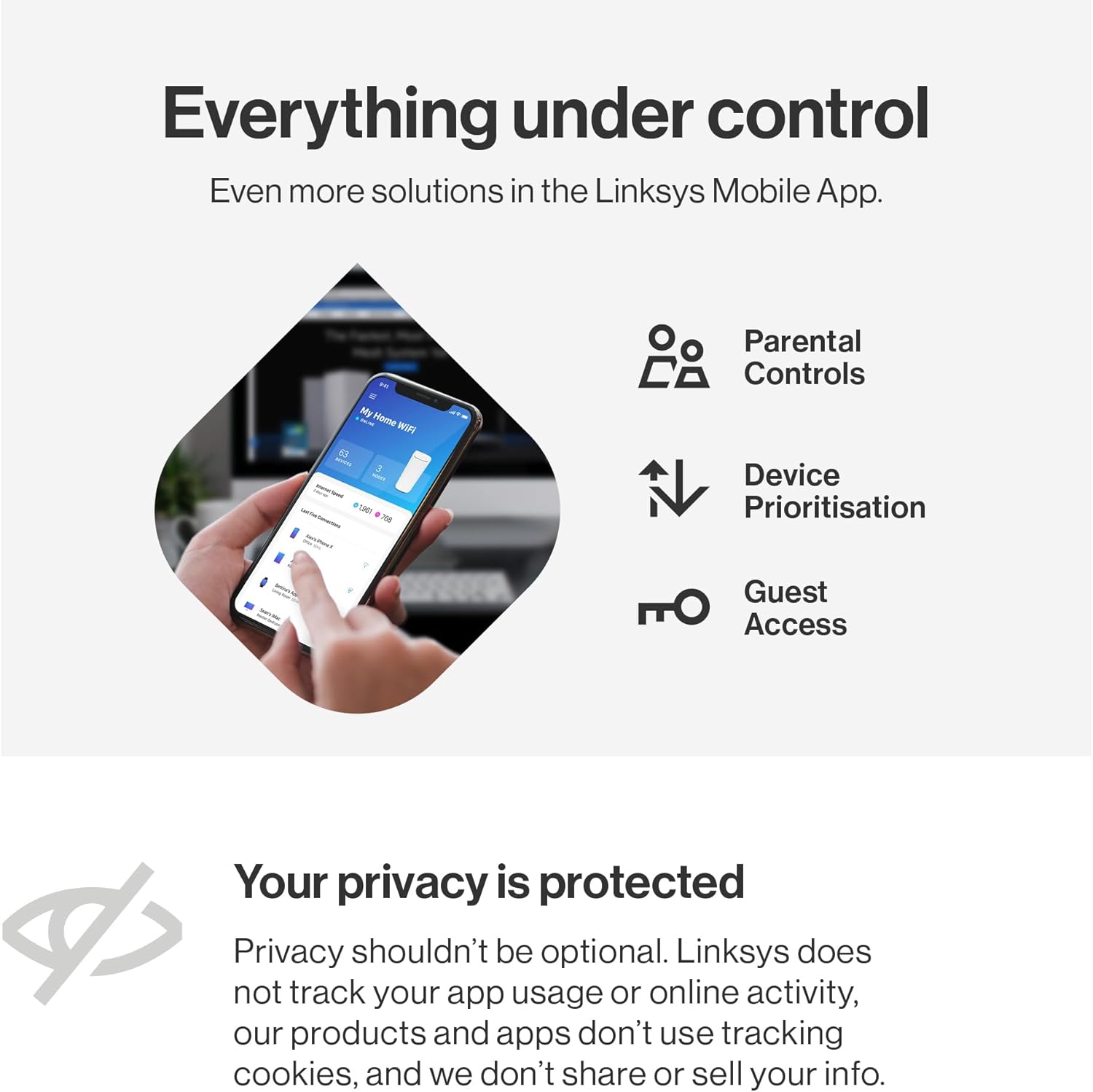
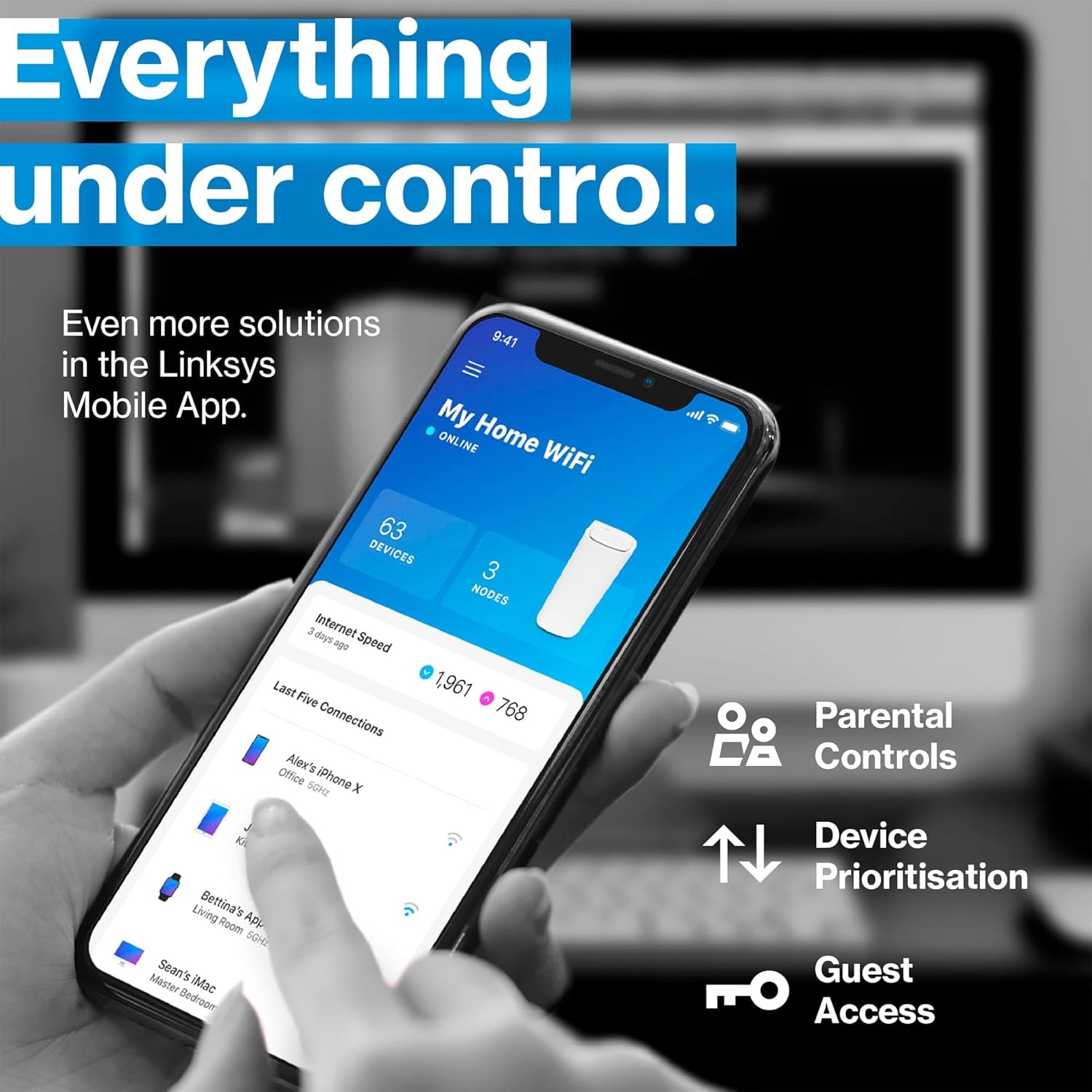
Easy-Peasy Setup: The Linksys App guides you through the easy setup process Access Parental Control features, create separate guest WiFi, and remotely manage your network anywhere in real time
End WiFi Dead Zones: With 2x Velop Pro 6E nodes, you can enjoy wire-like stability across 4+ bedroom houses. Compatible with other Cognitive Mesh nodes & incompatible with Intelligent Mesh solutions
Safe Network Privacy: No app usage or online activity tracking Backed by 3-Year Warranty and 24/7 worldwide Tech Support Auto Firmware Updates and WPA3 encryption keep your network secure and up-to-date
9 reviews for Linksys Velop Pro WiFi 6E Mesh System MX6202-KE — Cognitive Mesh Router with 6 Ghz Band Access & 5.4 Gbps True Gigabit Speed — Whole-Home Coverage up to 6,000 sq. ft. & 400 Devices — 2 Pack
Add a review
Related Products


Original price was: £345.62.£195.85Current price is: £195.85.
nanobot69 –
A non Vine opinion – Works great
Before I start I will say that nothing will improve the broadband speed to your house other than obtaining a faster internet service. If you are limited to an ADSL service then really chances are whatever router box that was provided by the service provider is as good as it will get in term of broadband speed.What these devices can do it ensure the wifi network speed inside your house operates quickly and minimises dead spots where the wifi signal is weak. If you have ever looked at your phone an date wifi signal has one bar and the internet does not work it is in a “dead spot”I do not think these devices have an inbuilt ADSL modem so if you have ADSL broadband you will still need your current box to provide the connection to the internet. If you have Fibre then you can connect the Fibre modem straight into one of the Linksys devices.= Why get the Linksys Velop Pro WiFi 6E Mesh System then?=The main use is to replace your existing router with one of the units and place the other unit elsewhere in your house. They are not the smallest devices but the smallish towers are aesthetically neutral. They don’t have multiple external antennas and with only two network ports on them and a power cable they are not going too have numerous cables attached to them.= Setting up the devices =This was relatively painless. You just need to make sure you have your existing broadband logon details and any specific settings you provided needs. They require an app available from apple/android stores and when they are first turned on they have a special wifi network you connect to to allow them to be set up. It pretty much holds your hand through the process. Just make sure you are next to two power outlets as You will be asked to turn on the second device so it can be set up and paired. Eventually you will create the wifi network for your house and the app will explain that you will be disconnected from the current setup wifi network and to reconnect to the one you just created. One both devices are set up you can switch of the second device and relocate dit to where you want it. Job Done. The app allows you to check the signal strength between the units so look for a stong signal between the two if you can.= The Wifi Network =No complaints with signal strength etc though be aware that passing through walls etc weakens it. Dont expect miracles and any device faces this challenge. The Linksys has three Wifi bands it uses 2.4,5,6 Ghz which wifi speed favouring the 5 + 6 bands. If your devices supports 6 or 6E wifi you will find your devices errs towards the best signal. For a modern device this will all happen automatically.= Whats Mesh =Essentially both devices create one wifi network in your house and as you move out of range of one device it swaps over to the other device to maintain a strong wifi signal on your device. You can if you want connect both Mesh devices together via a LAN cable. This helps avoid issues if the distance between the devices, or the physical barriers between them otherwise results in a weak connection. Using mesh you could also place another device in the middle point.My top tip. If you are buying a new house are gutting a place out. Put in a cabled network with network ports on the walls in rooms (Like phone sockets). It’s not that common but will ensure your house is best set up for internet connectivity.
PB 45 –
Absolutely shocking support from Linksys
This MX6203 system was delivered in the 25th September and it worked flawlessly for 10 days and my thought was that this was a great system. Easy to set up and working as expected and Smart home items working flawlessly.On day 10 the network started being slow and smart home devices not responding or constantly saying “updating” and not reachable, Restarted the router and this seemed to work for about an hour, Devices then started to disconnect and a message appear suggesting the password was incorrect for the network. Bearing in mid no config updated had been made and devices had been working perfectly for 10 days this was starting to be a little concerning.I have tried to contact Linksys support but their web chat just fails to connect and their online help is non existent. They have a reddit link but that has this issue known for a long time with people posting there with this error for the last 2 years and some setting to try and help resolve the issue.I have tried the fixes for now and it seems to have resolved the issues but for how long remains to be seen.If I was looking for a new router I would avoid this at all costs knowing this now and I do have the option to return the item up to 24th October so this may still happen if the issue returns. For now its a very poor 1 star review
Austin Edwards –
This Product Is A Good Wireless Hub/Extender, It Is Not A Modem As Well.
This product is very good and easy to set up. However, I’m annoyed at myself, as I didn’t realise it is essentially a wireless hub/extender, it is not a modem as well. You have to connect it to your existing modem to connect to the internet.It works great, however it doesn’t solve the issues I bought it for, as my plan is to ditch the rubbish modem router supplied by my ISP.I am not sure if it has capabilities to work with wired devices. I have some connected via a switch, however whatever do, they will not connect to the outside world when connected to the spare port on this product.
Mike Jackson –
Big speed improvement on Macbook M4 over Wifi6e
I’m using a Macbook Pro M4 with Wifi 6e and replacing my MX4200 with the MX6201 moved my Wifi internet speeds from 200mbps to 823mbps on a 900mbps fibre – Awesome results for £99
Mange –
I added it to my mesh network with eight other old Velop, and it is really easy to set up and it is very stable.
Adam –
Bardzo fajny i wydajny sprzÄt
Patrick Verheye –
Levering zoals afgesproken tijdstip.Misschien wel jammer dat de mesch niet in een anonieme doos zat maar werd verzonden in de verpakking van het toestel
Nihal Hingst –
Was easy to connect to my other nodes
Hosam –
Ù٠ا ÙصÙÙا. اÙتØÙÙ Ù٠اÙشبÙØ© ع٠طرÙ٠تطبÙÙ ÙÙÙÙسس Ù ÙÙ Ù٠اضاÙØ© اÙ٠زÙد Ù ÙÙا