

Logitech MX Keys S Wireless Keyboard, Low Profile, Fluid Quiet Typing, Programmable Keys, Backlighting, Bluetooth, USB C Rechargeable, for Windows PC, Linux, Chrome, Mac, QWERTY UK English, Pale Grey
£109.99



Price: £109.99
(as of Jun 23, 2025 14:09:17 UTC – Details)
MX Keys S Logitech Wireless Keyboard — a low-profile full-size keyboard that offers a fluid, precise typing experience and customisable, time-saving Smart Actions that automate your most repetitive tasks with a single keystroke. The backlit keyboard features smart backlighting that lights up when your hands approach it and automatically adjusts to suit the time of day.
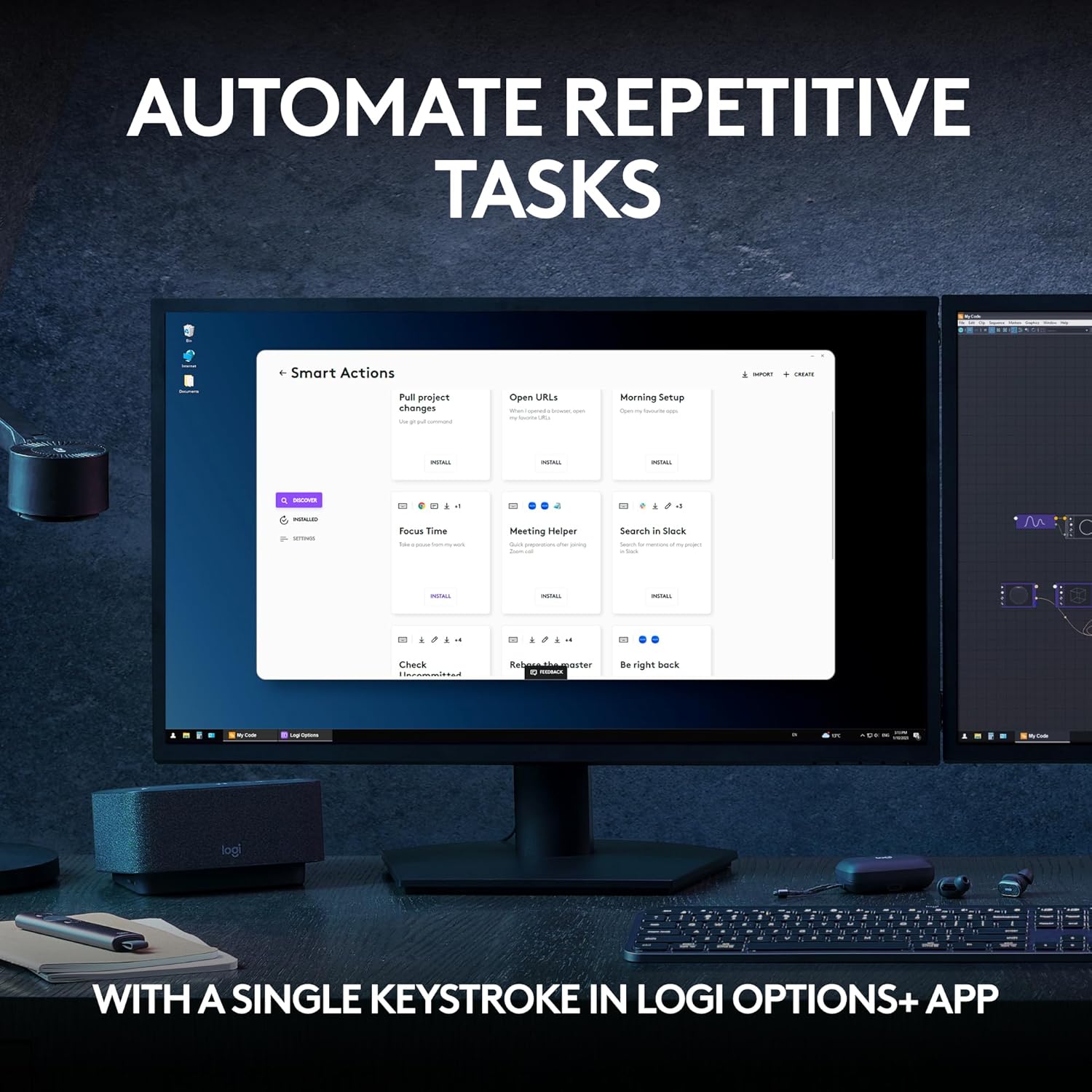
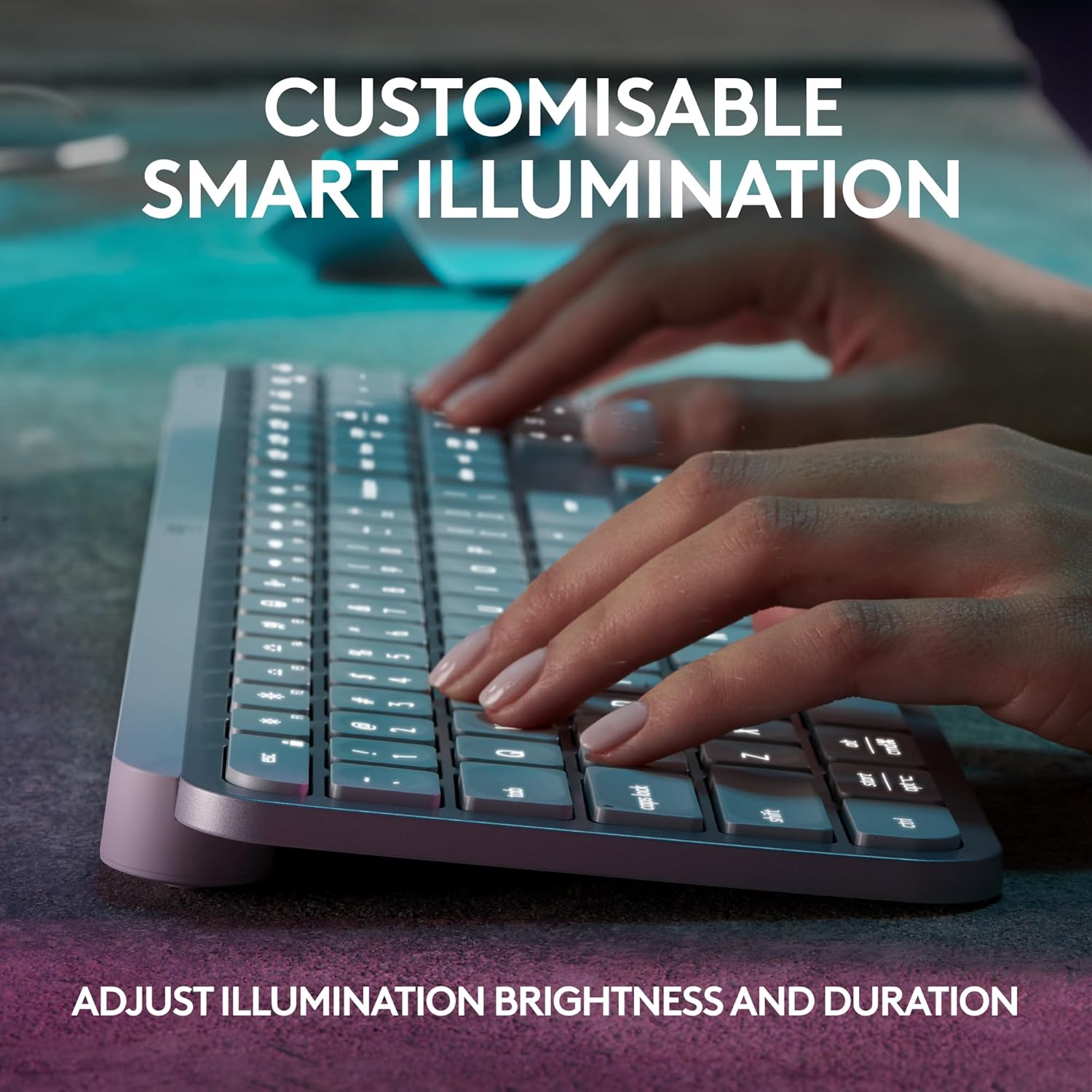
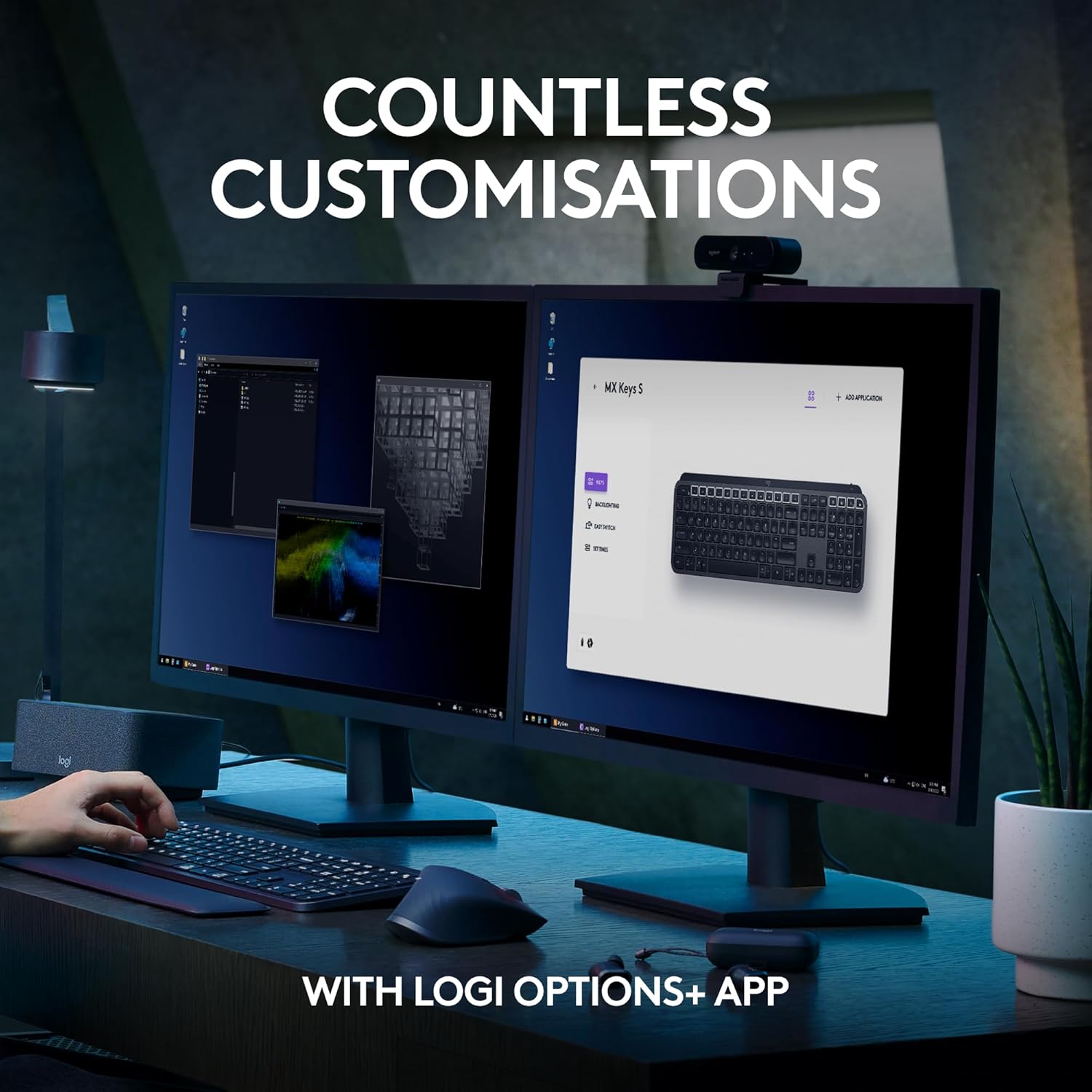
Conveniently create and customise Smart Actions, adjust illumination brightness and duration, check battery life, assign app-specific profiles with the Logi Options+ app (1).
MX Keys S Logitech Wireless Keyboard Details:
Weight: 810 g
Dimensions: 20.5 x 430.2 x 131.63 mm
Laptop keyboard compatible with Windows, macOS, Linux(3), Chrome OS(3), iOS(3), iPadOS(3), Android(3) operating systems.
Rechargeable Li-Po (1500 mAh) battery
Optional Customisation app (1): Logi Options+
Important: FileVault might be enabled on your macOS computer, which could prevent you from entering your password at start or reboot when connected to Bluetooth. In this case, use Logi Bolt USB Receiver.
(1) Requires Logi Options+ app, available for Windows and macOS.
(2) The keyboard is not compatible with other Logitech USB receivers.
(3) Device basic functions will be supported without software for other systems than Windows and macOS.
(4) Battery life may vary based on user and computing conditions.
(5) Excludes plastic in printed wiring assembly (PWA), FFC cable, cables, and packaging.
(6) 4 mm minimum glass thickness.
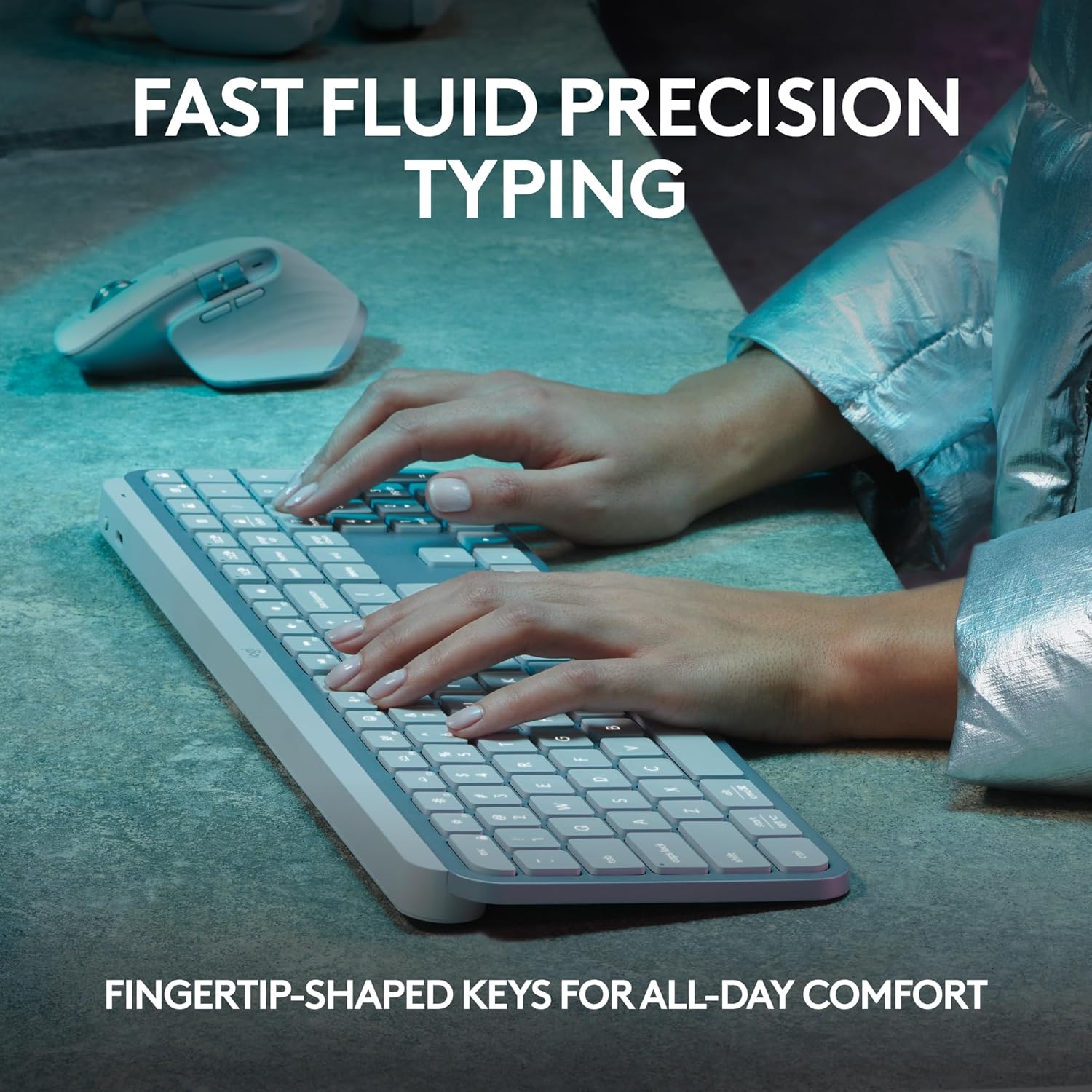
Fluid Typing Experience: Laptop-like profile with spherically-dished keys shaped for your fingertips delivers a fast, fluid, precise and quieter typing experience
Automate Repetitive Tasks: Easily create and share time-saving Smart Actions shortcuts to perform multiple actions with a single keystroke with the Logi Options+ app (1)
Smarter Illumination: Backlit keyboard keys light up as your hands approach and adapt to the environment; Now with more lighting customisations on Logi Options+ (1)
More Comfort, Deeper Focus: Work for longer with a solid build, low-profile design and an optimum keyboard angle that is better for your wrist posture
Multi-Device, Multi OS Bluetooth Keyboard: Pair with up to 3 devices on nearly any operating system (Windows, macOS, Linux) via Bluetooth Low Energy or included Logi Bolt USB receiver (2)
USB C Rechargeable Keyboard: Stays powered for up to 10 days on a full charge or up to 5 months (backlighting turned off) (4); quick charge with the included USB-C charging cable
Team with Master 3S: Pair any MX wireless keyboard and mouse with Logi Options+ and seamlessly work, transfer text and files between up to 3 computers (Windows & macOS)
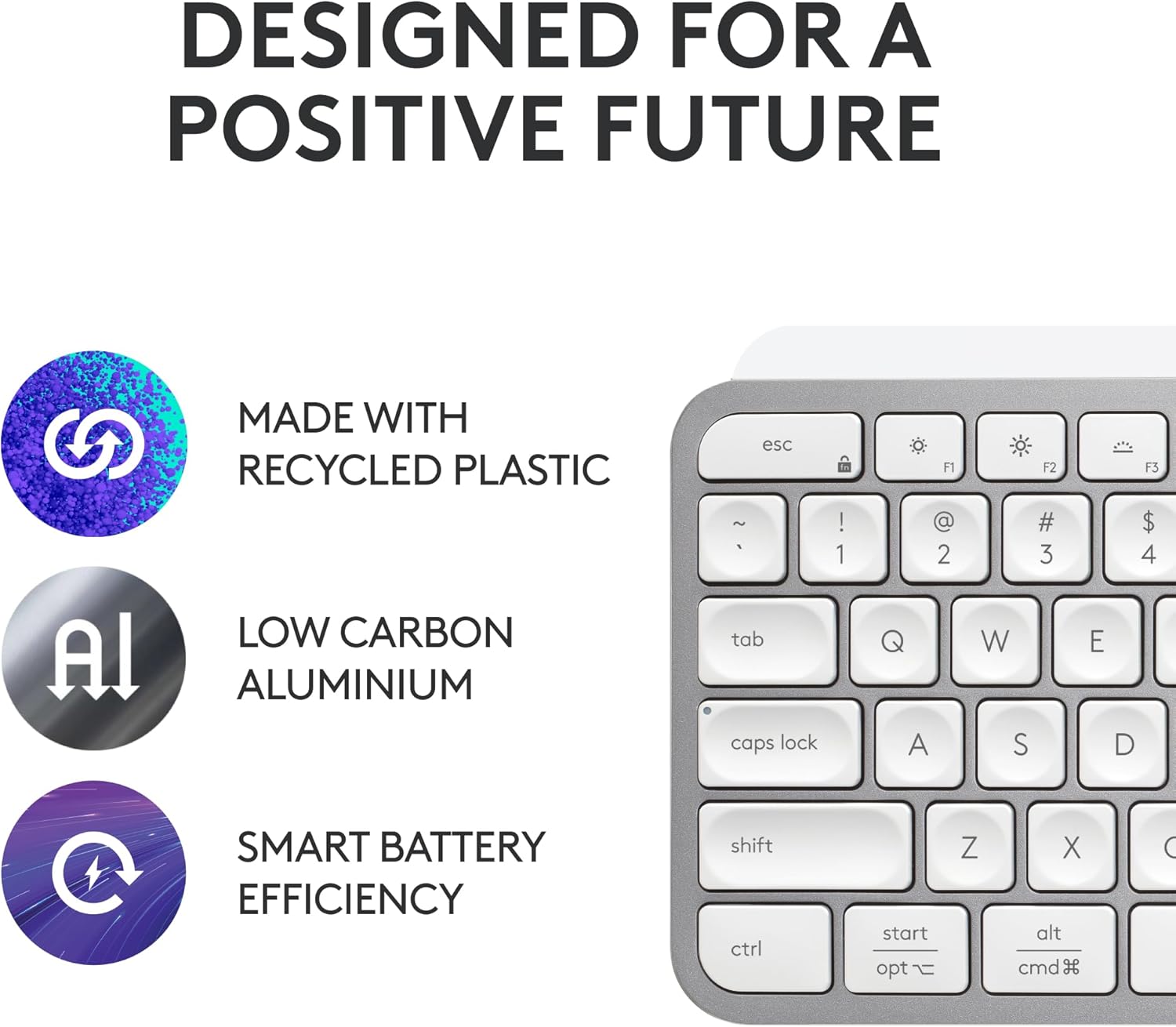
Recycled: Plastic parts in MX Keys S Wireless Keyboard include certified post-consumer recycled plastic — 26% for Graphite and 11% for Pale Grey (5)
Customers say
Customers find the keyboard well-designed and comfortable to use, with great battery life and silent operation. They appreciate its functionality, with one customer noting it works perfectly with their MX Master 3s mouse, and another mentioning it’s easy to pair with different laptops. The readability receives mixed feedback, with several customers finding it really hard to read.
10 reviews for Logitech MX Keys S Wireless Keyboard, Low Profile, Fluid Quiet Typing, Programmable Keys, Backlighting, Bluetooth, USB C Rechargeable, for Windows PC, Linux, Chrome, Mac, QWERTY UK English, Pale Grey
Add a review
Related Products


£109.99
Dave –
Soft, soft, soft, triple velvet
This thing is a beauty! My other keyboard is a loud, garish gaming keyboard with big clicky punchy buttons and multicoloured lights and all manner of extra buttons, some of which I don’t use or even know to do with. It’s designed to be mashed and shouted at when I play games, and allows for the collection of crumbs of food stuffed hungrily into my mowf hole to be dropped between the keys, and remain unclaimed for years.But this keyboard is calming, delicate, and encourages one to consider word choice, to pause and ponder if a richer more insightful word might serve better. It feels a delight to use the keys – gentle simple touches, and charges with effortless ease (obvious a little effort is required with the cable) and holds it’s charge for a decent amount of time. And the lights, oh my, what a delight to have tech respond to ones proximity! A joy to use! If heaven has keyboards they must be sporting them because I’ve got one!
AndreeaL –
Best keyboard ever
Love the lighting and the feel of the keyboard as you type, very silent also. High quality, worth every penny.
Simon M5 –
Lovely to type on. Odd Cmd/CTRL & Vol Key layouts… but would recommend.
For those wanting a cheaper version of the Mac Keyboard, this is not it. In white it certainly looks very similar. It’s raised slightly more, which I prefer. The keys feel terrific quality. Time will tell if they keep their texture or go ‘shiny’ like another Logi keyboard I had in black (this one is white).I had a few problems, but these were more down to my settings. Whereas on a Mac Keyboard there is just a £ above the 3, on here there is a £ and a # in acircle. My Mac Mini was set to British PC.So if you are getting a £ when you do Opt/3, change your Lang to just ‘British’.I like that it does have a nice look to it. The metalic look is not shiny, just a sort of shimmer. It’s a quiet keyboard on which to type. Can’t compare to the Mac one as not had one, but this feels nice. I can touch type at speed and it’s not all “clicky”.Three things I wish were different.1) The on/Off Toggle on the back. I wish it was a little easier to use. It’s not flush, but almost is, making it a bit tricky to switch. But only a bit…2) I wish the Volume buttons were independant. The Volume UP us a button all it’s own, The Down and Mute are NOT. So you have to press Fn to get it to reduce volume, which if you was not aware at the time, is a worry.I know it can’t do it, but 3) is lack of Touch ID, but that’s prob down to Trademark etc with Apple. But if you have a Watch, ait unlocks with that anyway, so no big deal.On a MAc, you have from bottom left: Function, Control, Option, Command.On this, you have CTRL, Options, Command. No Function, that’s on the right.On the Right on a Mac you have Option, Command, Control.On this it is Cmd, Fn, Option.So if you are getting this keyboard instead of Mac, as it is “the same”…. it isn’t. Not sure why Logi did it like this, when people would get this, instead of the Apple one.That being said, I still like it. I’m growing use to the positions of those keys. The Volume one is just strange. Either all in Fn or none. Not just one. Can’t quite understand how that was signed off.It’s like having a car indicator, and to go Right to click it up. To go left, you click it down, but you also need to press something.Anyway… Id recommend it over Apple’s as theirs is very costly, as one would expect from Apple.
LaraGeorgie_Home –
Great quality
Bought this as I use a Mac in personal life with a windows work laptop and this can connect to both with the correct keys. A lovely typing experience and looks great in my office
JulesZ –
A good, if expensive, keyboard!
We enjoy using this expensive keyboard and it is well-designed with the backlit keys being a pleasure to use, e.g. in poor lighting. Overall it is easy to use and has been reliable so far. There two minor issues although these don’t detract too much from the overall experience, which is still favourable.The first issue is that the keyboard sometimes doesn’t recognise an older Windows-10 desktop computer when waking up from ‘sleep’ although it is fine with a more recent Windows-11 laptop.The other issue is that being white in colour it can be hard to distinguish individual keys when using it in bright sunlight so if we were to buy another one we would probably go for a black keyboard.
Ms. L. Langston –
Beautiful
Beautiful keyboard, Iâm delighted with it
Stephen Dawson –
Quality!
Perfect weight to the keyboard, feels & sounds quality
M. Rudloff –
Always loved the MX (I got three) – but the white ones have a problem.
The white Logi mouse and keyboard have one common issue – they look dirty fairly quickly despite constant washing hands. But that is something I can live with as I can clean it.Despite being the best keyboard I ever had (besides my blank DASKEYBOARD) – the white keyboard has an issue with the backlit part.It works perfectly and I don’t know how it does that, to turn on just when you get near it, but the white colour and the lights, making it really hard to read when the light in the room is just about dark enough to turn the backlight on, but not bright enough to turn off (hope that makes sense).It is hard to capture on a (phone) camera as they tend to compensate, but basically the backlight, with the ‘correct’ light in the room, looks almost identical as they keycaps.So if you in an office setting where the light changes a lot and you cannot type blind – make sure you test it for a day to make sure you can see all the letters throughout the day.
LD Zam –
I have bought this product last year 2024. But it is still alive and worked, never disappointed me. ð
omar –
Lets be real, this keyboard is overkill in terms of price, but it feels like the complete package when it comes to productivity. It feels good to use, solid build quality, and lots of useful functionalities and shortcuts built into the keyboard. I particularly like the one button press that switch between my work laptop and my home computer.I bought the grey version, which fits well with my macbook and mx mouse.