

Phomemo M02 Mini Printer, Portable Bluetooth Pocket Printer, Mini Photo Sticker printer, Sticker Maker for Journal, Texts, Study Notes, Print Pods, Green
£47.49




Price: £47.49
(as of Jun 18, 2025 08:16:35 UTC – Details)
From the brand

Phomemo Sticker Printer
Upgraded 300DPI Photo Printer
M02X Printer and Thermal Paper
M02 Printer with Color Papers
T02/M02X/M02L Thermal Paper
Phomemo M02 Mini Printer
Phomemo M02 Sticker Printer
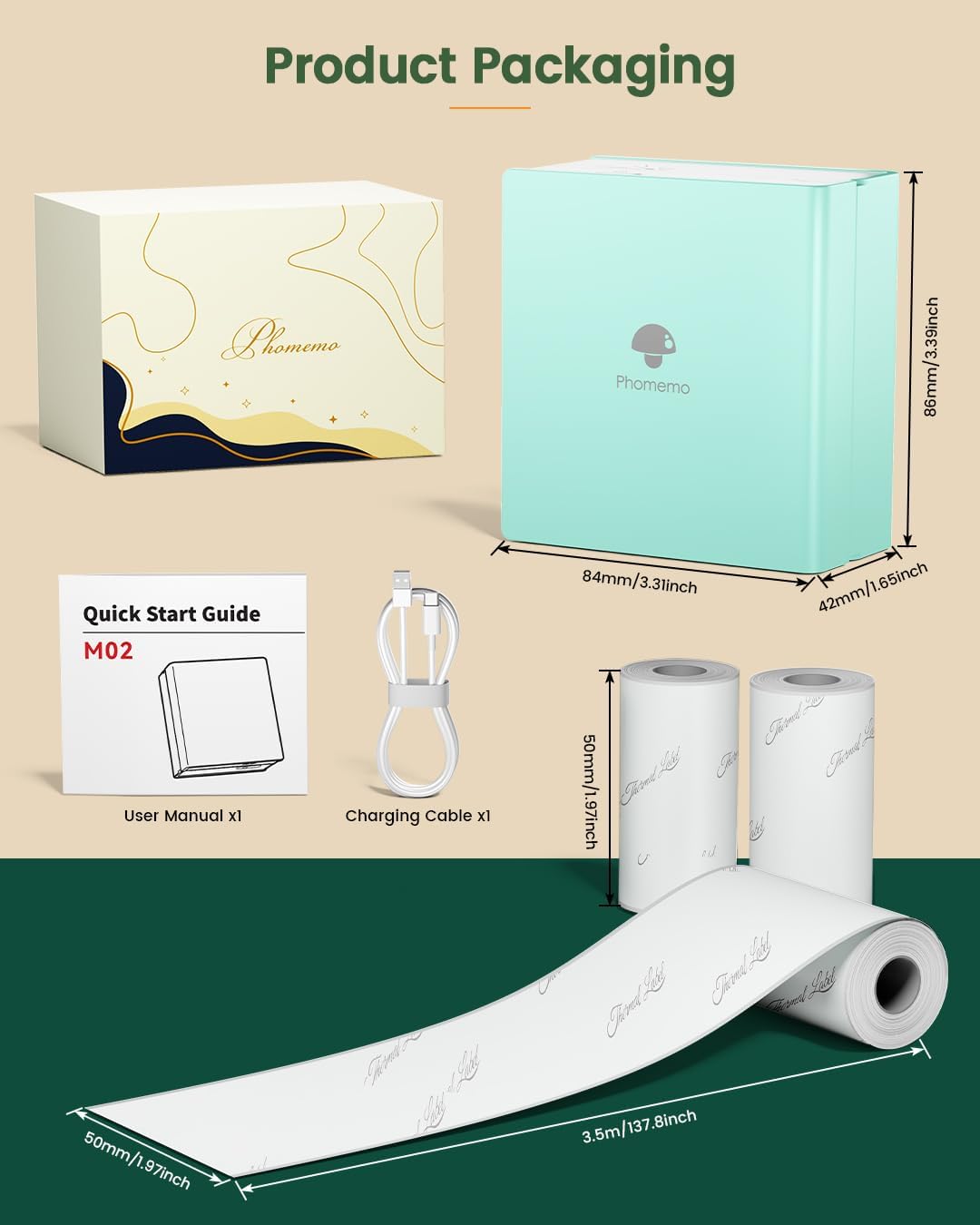
Portable Size and Fashion Design: Phomemo M02 mini printer is compact size (3.39*3.31*1.65inch) makes it a handy travel companion. Phomemo printer lightweight design ensures that you can easily carry it in your bag, making it ideal for on-the-go printing during trips
Mini Inkless Printer: Phomemo pocket printer is thermal printer, it compatible with white, frosted translucent, glossy transparent, colored and sticky and non sticky papers. m02 printer allowing you to print images and stickers directly from your smartphone or tablet without the need for ink cartridges
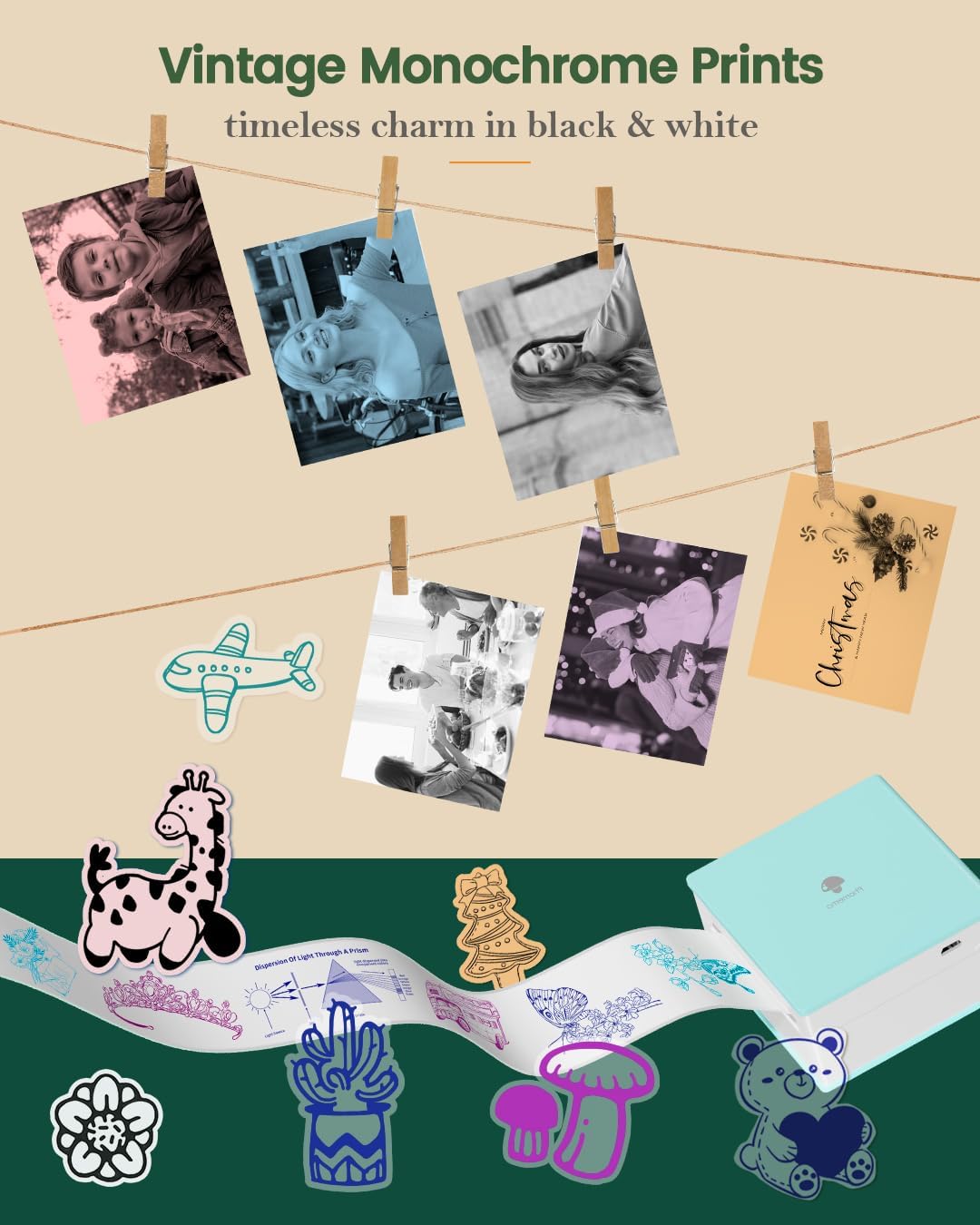
Mini Mobile Printer with Powerful APP: 1 click printing, saving time and effort, mini portable thermal printer can print photos and text, “phomemo” app offers variety of fonts, filter effects and themes, makes your black and white image more retro
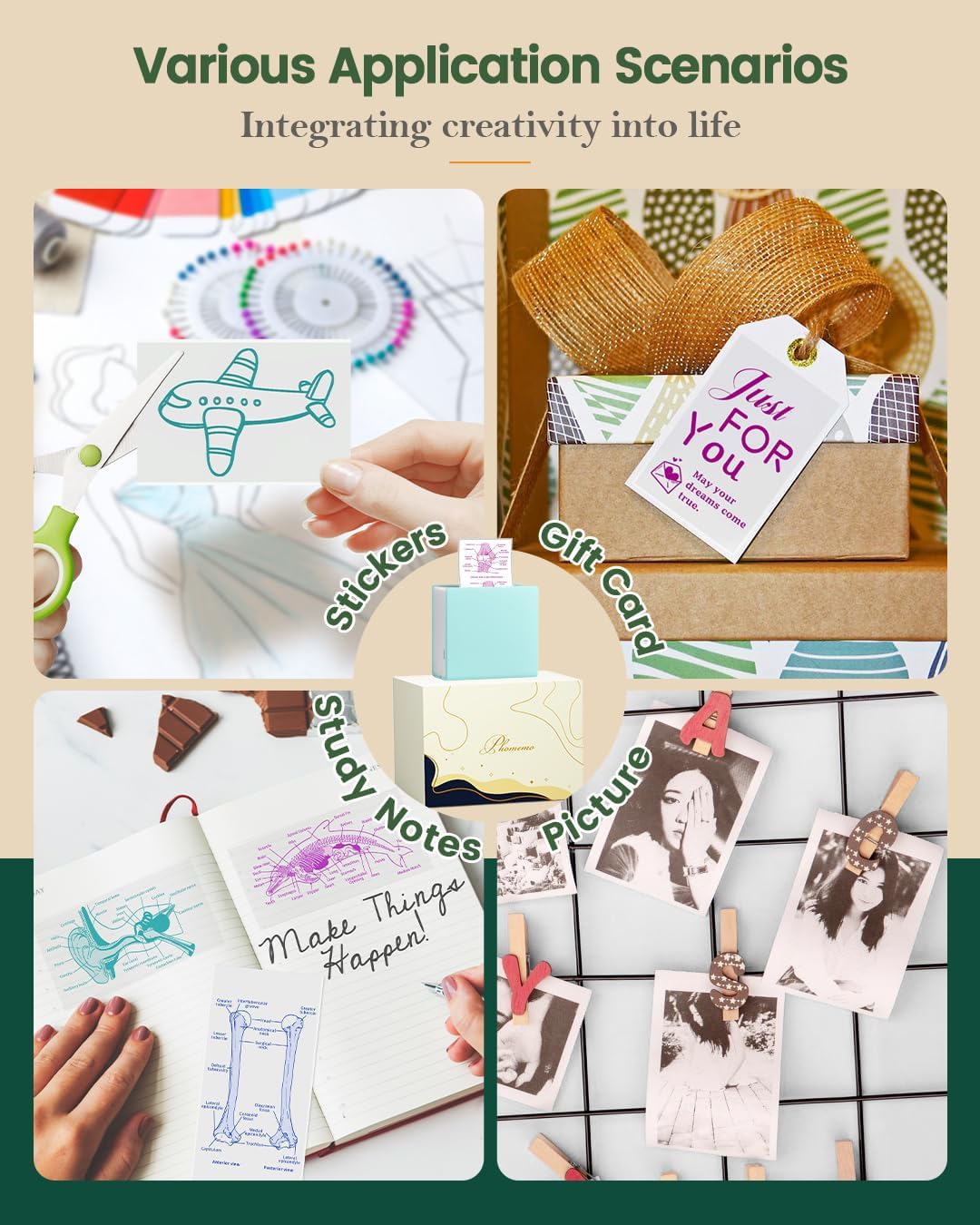
All in 1 Powerful and Versatile Sticker Printer: Phomemo mini sticker printer can be used not only to print photos, but also to print study notes, make bookmarks, DIY small objects, make clip art, diary journals, to do lists, memos, labeling categories and anywhere you need printers
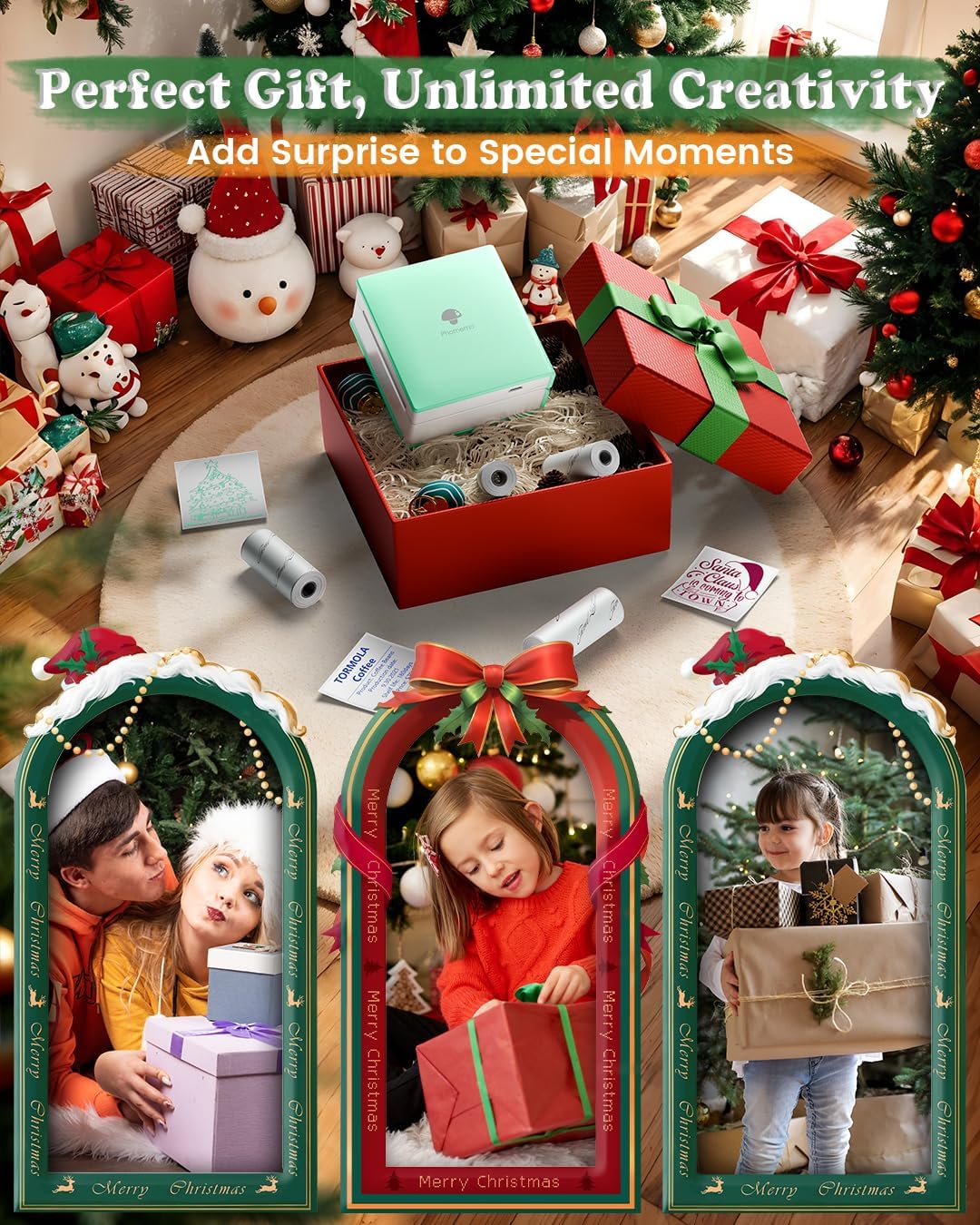
M02 Sticker Printer, Great holiday gift choice: Mini photo printer is a great gift for family, friends and kids, perfect for Christmas, Children’s Day and other celebrations, make every special moment worth cherishing
Customers say
Customers find the sticker printer easy to set up and appreciate its fast printing speed. The design receives positive feedback, with customers describing it as cute. While some customers are impressed with the print quality and consider it good value for money, others report that it only prints in black and white and has poor picture quality. The labeling feature also receives mixed reviews, with one customer noting it doesn’t come with a full roll as specified.
13 reviews for Phomemo M02 Mini Printer, Portable Bluetooth Pocket Printer, Mini Photo Sticker printer, Sticker Maker for Journal, Texts, Study Notes, Print Pods, Green
Add a review
Related Products

![SCANNERS TRILOGY [Blu-ray] New Release – Restored and Uncut – Special Edition (David Cronenberg)](https://i2.wp.com/m.media-amazon.com/images/I/51zoqeC-0cL._AC_.jpg?w=300&resize=300,300&ssl=1)


£47.49
Melissa –
Fab little thermal printer
Print quality is pretty good, printed a dark and a light photo and both came out good, easy to use and prints quite fast, such a bargain
Amazon Customer –
Absolutely brilliant
This printer is absolutely brilliant. My youngest uses it to make his own âMerchâ stickers.Iâve used it to create address labels.It only prints in black and white but the print quality is very good. Also prints very fast.The app salon great and easy to useHighly recommend
Penny Inkworth –
A must have for the craft inclined souls
This is a lovely gadget for anyone with the craft gene. It’s small, portable and very easy to use. There’s absolutely loads to choose from on the app as well as being able to print your own things. My kids seem rather enchanted by it too.Scrapbooking, journaling, card making, labelling everything in your house…. Possibilities are plenty.This is a thermal printer thus you do not need to buy ink and it only prints in black and white. You are not going to get picture perfect photos printed so do accept it’s limitations. You can buy lots of different types of paper rolls for it, personally I think photos look better printed on the gold shimmer paper than on the plain white. The papers are sticky backed too so great for crafting.It comes with a demo size roll of white paper that you peel the back off to stick. You will need to buy full size rolls as the demo one doesn’t last long at all.The only reason I don’t use this all the time is that unfortunately I’m craft inept and lack the vision to really get the most out of this really cool little printer.
Graham –
A great fun little printer, and some excellent customer service received from Phomemo.
Had fun with this printer, labelling all sorts of stuff around the kitchen and garage and creating fun stickers for which the app has lots of graphics and templates. It also has loads of effect to apply to photos to make them look cool in in black and white (and an inch across).The app connects easily, works well and lets you layout and save labels for all sorts of purposes.Prints a nice dark black (a bit paper dependant I suppose since this is a thermal printer) but colour can be introduced by using coloured label rolls.Unfortunately mine developed a fault a couple of weeks after the return window closed. I contacted Phomemo directly through the app, not expecting much, but got a real person on the other end who was very helpful, verified the fault and sorted me out with a new printer in next to no time. Thanks!
adam ola –
Great value for money
Brilliant clear print outs. Easy to install on iPhone perfect present for my teenager
Peter –
Great printer, great service.
This little printer is fantastic. Connects to your phone or PC so easily by Bluetooth. Uses thermal printing so no ink cartridges needed. Great quality prints. I had a query about the printer which was answered very quickly and efficiently.Couldn’t be happier with this.
VickyJS –
Doesnât come with a full roll of paper!
Works as expected BUT it just comes with a little âsampleâ roll of sticker paper that looks to be less than half a full roll and has a label on it saying sample.So itâs not such a good deal! Buy one that comes with more paper.
John Kirk-Housley –
Reliable product!
I couldnât encourage you to buy this product anymore. It prints the pictures so quickly with an a matter of seconds. since Iâve bought it Iâve not need to charge it once with long lasting battery. This is your sign to get this!!
marie elving –
Fick ej med laddkabel till skrivaren.
Hope It Helps –
Okay, this little printer is awesome for what it does. Is it the most perfect printer ever? No. However, with a few little tips, it is an amazing little device. Here’s what I have found.1. In my opinion, the transparent papers print the best. They seem to have more clarity than the white, solid papers. But, I do like the white paper for simple projects that I’m not terribly worried about the look. Let’s be real, I keep all the papers on hand.2. I find that printing on the “heavy” setting for files that are mostly text looks the best. Files that are mostly picture, take some trial and error to find a good print setting. For me, the best looking settings are the “medium” and “heavy,” but that’s personal preference.3. Use a different app to design what you need. I’ve made all kinds of labels and such, but as much as I love this printer, the design features in the app are lacking. So, I’ve started using other apps like Canva to design what I need and then either export it as a picture or PDF and print it. Works like a charm! They way I see it, I paid for the printer, not the app, so this workaround works for me.Overall, I’m very impressed with how much this little printer can do. It can print so many file types and that is awesome. I actually love this printer enough that I’ve bought like 7 of them and given them to nieces and nephews for birthdays. The kids love keeping a smash book/journal since it’s an easy way for them to use their technology but still keep some fun memories in a physical book. It allows them to be as creative or not as they want. I work with youth at my church and they also love when I bring this printer to activities. They make stickers and labels with memes and it’s a lot of fun for them.I highly recommend this little printer. I also have the M04 for larger printing and I love that one too. One last piece of advice, check both the Phomemo website and Amazon for papers. A lot of the time, the papers are cheaper directly on their site and you have more control of the variety you purchase.
Ich –
Was ich super toll finde ist dass die Kinder mit der App auch sich auch eigene Sachen aufschreiben können und ausdrucken können, es gibt einige Apps da funktioniert das nicht bei anderen Geräten da geht das nur mit Fotos aber hier funktioniert das perfektWenn mein Kind in der Pause etwas lernen muss, schreibt es sich das einfach in diese App rein und kann das dann mit den Bluetooth Drucker einfach ausdrucken und sich ins Heft kleben. Deswegen finden diesen Drucker gerade zum lernen Mega gut. Die Auflösung ist auch toll.Es gibt Klebe Stickers, und es gibt auch normale Folien zum Ausdrucken. Ich kann das für jeden, der in der Lernphase ist einfach nur empfehlen, weil schnelle Notizen dort leserlich und besser aufgeschrieben werden können und problemlos ins Heft geklebt werden können.Formeln, die auswendig gelernt werden müssen, kann man damit ebenfalls aufschreiben, ausdrucken ins Heft kleben und hat man als Notizen immer bei sich
Natalya –
Stampante carina piccola e funziona bene
eda –
Ãrün çok sevimli, beklediÄimden küçük bir boyutu var ama güzel. Baskı kalitesini çok yüksek beklemeyin, oyuncak gibi düÅünürseniz daha verimli bir alıÅveriÅ yapmıŠolursunuz. Günlük tutmak, not almak, ders çalıÅmak gibi Åeyler için gayet ideal ve yeterli. Sadece kargo prime üyesi olmama raÄmen beklenenden geç geldi ama yurtdıÅından gelmesine baÄladım.