

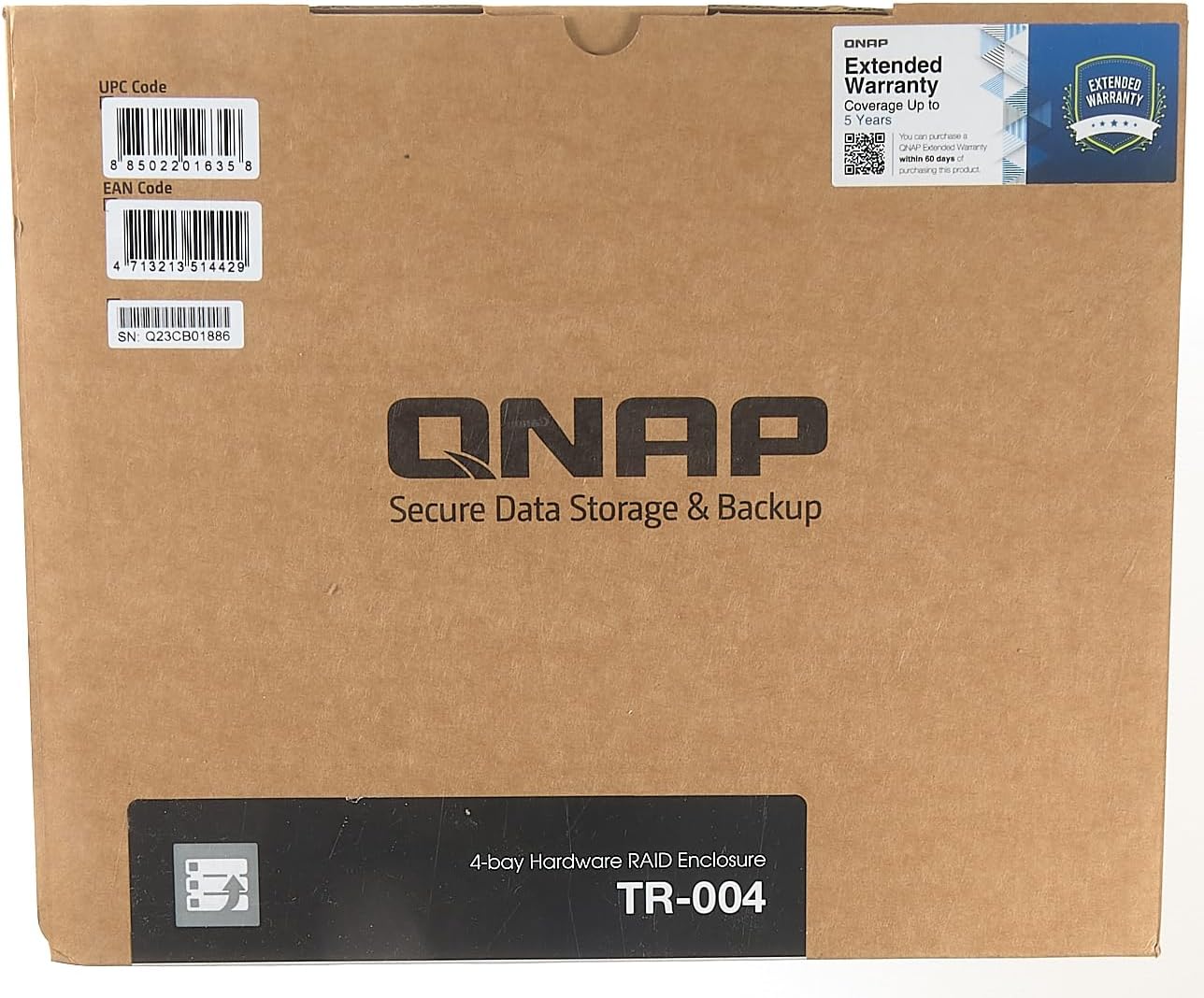
QNAP TR-004 4 Bay Desktop NAS Expansion – Optional Use as a Direct-Attached Storage Device
£222.95



Price: £222.95
(as of Jun 03, 2025 02:47:36 UTC – Details)
From the manufacturer

TR-004 – 4-bay USB 3.0 RAID Expansion Enclosure
The TR-004 USB 3.0 RAID expansion enclosure allows you to expand the capacity of your QNAP NAS and PC. The TR-004 can also be utilized as a DAS (Direct-attached Storage) device, allowing you to directly access its content just by connecting it via USB. The TR-004 features four 3.5-inch SATA drive bays with multiple RAID configuration options and USB 3.0 Type-C connectivity to bring you a highly reliable and secure storage capacity expansion solution.

USB 3.0 Type-C port for faster data transfer.

Supports up to four SATA drives for reliable read and write performance

Disk mode DIP switch to change from Hardware Control and Software Control configurations for setting RAID group.

Lockable hard drive trays to prevent accidental drive removal.

Eject button for disconnecting the TR-004 from a NAS or computer*.
*Requires the QNAP External RAID Manager utility.

Instantly back up files from the TR-004 to the NAS using the One Touch Copy button**.
**Requires a QNAP NAS with a one touch copy button and QTS 4.3.6 (or later) when in external drive mode.

Effective storage expansion with RAID Support
The TR-004 is an ideal storage expansion solution for PCs, especially for laptops which lack the ability to install larger, higher-capacity drives. Featuring four 3.5-inch SATA drive bays and supporting RAID configuration, the TR-004 provides the ability to store a vast number of files and data and to ensure protection against potential drive failure.
USB 3.2 Gen 1 Type-C port* for faster data transfer.
Supports up to four SATA drives for reliable read and write performance
Disk mode DIP switch to change from Hardware Control and Software Control configurations for setting RAID group.
Lockable hard drive trays to prevent accidental drive removal.
Eject button for disconnecting the TR-004 from a NAS or computer.
Customers say
Customers find the NAS expansion works perfectly out of the box and appreciate its cost-effectiveness. The build quality receives mixed feedback, with some describing it as solid while others note it’s made of cheap plastic. Setup experiences are mixed, with some finding it easy while others report frustrating experiences. Write speeds and drive recognition also get mixed reviews, with some reporting good performance while others experience poor write speeds and recognition issues. The noise level receives negative feedback, with customers reporting long beep noises.
AI-generated from the text of customer reviews
9 reviews for QNAP TR-004 4 Bay Desktop NAS Expansion – Optional Use as a Direct-Attached Storage Device
Add a review
Related Products


£222.95
Adrian R. –
A must have to save your files.
The QNAP extension storage is easy to set up and is a must to back up your files from your existing NAS. It matches the QNAP NAS series in size and build quality. Plus, it can use the same size discs as your NAS storage so you could potentially rotate discs and use them in this case. I have been using this for some years now and the auto back ups mean I don’t have to worry about losing my files.
CZM –
Cost effective QNAP RAID expansion with alternative use as computer attached storage
This is effective QNAP NAS RAID expansion (no disks included) with great alternative use as computer attached storage (if you are not wanting a remote standalone NAS). QNAP products are very reliable and long term supported with software upgrades.
Matt –
Cheap way of building a hardware RAID
This is sold as an expansion caddy for a QNAP NAS â but I’m using it as directly attached storage for my home server. It functions perfectly well as an external caddy, and provides a little more functionality than a standard 4-bay external caddy, at a price that’s competitive with other reputable brands.The Interface is USB-C, so it’s pretty straightforward to connect to a PC or Mac. There are dip-switches on the back that allows the user to select between RAID 0, RAID 1 and RAID 10 â or leave the caddy in JBOD mode, so your computer recognises individual disks inside.I was a little wary of this â assuming one false move with the dip-switches would wipe everything â but after moving the switches, you still have to press and hold a button before anything useful/calamitous can happen. The buttons and switches are nice and sturdy, so there’s no danger of doing anything accidentally.There’s a big 120mm fan on this, which means it turns a little slower and runs a little quieter than on units with an 80mm equivalent. It’s doing a good job of keeping everything cool. Running with minimal load, the 4x12TB WD CMR drives I have inside are running at 35°C for slots one and four, and 37°C for two and three. Setup as RAID 0, when copying 32TB of data to the drive, temperatures peaked at 55°C (S.M.A.R.T status) is viewable through the QNAP external RAID Manager software that comes with the device.I’ve had not particular problems with that. It did have a crazy day of going off-line in 12-second bursts four or five times. Can’t figure out what caused that, may have been nothing to do with the unit â but it’s been up now for two months and, that day apart, has ran like a sewing machine.Speed-wise, it doesn’t seem to be particularly quicker than using a software RAID system like SoftRAID. My files copied at around 7GB per minute, which is what I’d expect from a JBOD caddy â but the Mac Mini to which this is attached seems much more spritely with this Hardware RAID attached than it did running a software RAID. So, overall, I’m very happy with the purchase.
John Ford –
Ok but quite slow writing as is to be expected
I filled the device with four 10TB WD Red Pro NAS drives that already had data on them.As a test, I set it to individual drive mode and Windows detected all the drives and assigned a letter for each one. This is exactly what you would expect.Next, I switched to software controlled mode and installed the software. I reconfigured the drives as one large RAID 5 array. It built the array quite quicky and Windows detected it as one large drive. Again, exactly what you would expect.I haven’t connected it to my NAS because it wasn’t purchased for that purpose so I can’t comment on that aspect of the device.It wouldn’t win any awards in the speed department but overall, I’m quite pleased with it for the price I paid.One point I feel I should make about QNAP NAS, DAS and JBOD enclosures is that the caddies really need the screws fitted as the clip in disk retaining strips don’t support the drives well enough on their own. Personally, I feel that the instructions should tell the user to fit them rather than stating that fitting them is optional.Another thing is that if you have to replace a drive and rebuild the array, it doesn’t start until the host is alive and is best to set the host not to sleep because if it does, it will interrupt the rebuild and can cause loss of all the data.
DreamCatcher –
No es un sistema barato, pero la calidad se paga. He probado otros de este tipo de marcas más baratas y no cesaban los problemas. En algunos el molesto auto-sleep, inestabilidades del chip usb o bugs del chip sata, en fin cansado de buscar soluciones a servicios de atención lentos e inexistentes me decidà a gastarme un poco más de dinero y comprar este QNAP TR-002. Velocidad de 10Gbps USB3.1 Gen2 y SATA 6Gbps (Curiosamente su hermano mayor el TR-004 solo es 5Gbps y sata 3Gbps). Estoy encantado, funciona de maravilla. muy estable y los discos están mas frescos que en otras cajas. Uso discos individuales, sin RAID porque no lo veo útil, yo duplico las copias manualmente y cambio los discos de una maquina a otra cuando lo necesito (cosa que no se puede hacer usando RAID). Tiene un diseño elegante y sólido que le da apariencia profesional, muy bonito para mi gusto. Leds discretos, no de esos que te hacen daño al mirarlos o ni se ven. Se puede usar sin software de ningún tipo, pero dispone de un softtare de QNAP para gestionarlo muy práctico y funcional. Hay una comunidad entera de usuarios de QNAP respaldando el sistema y hay continuas mejoras de software y firmware que con otras marcas de abandonan a tu suerte. Eso también se paga. He pagado un 50% más que por otras marcas pero no me arrepiento, me dá mucha tranquilidad este producto, no me importa pagar un poco más por la seguridad y la estabilidad extra. Mis datos tienen un valor muy superior al del extra que pago por algo de calidad. ¿Cuanto valen vuestros datos? Producto recomendado al 100%
Jm –
Verkeerd gekeken dacht dat de nas ook een lan aansluiting had. Retour gestuurd
Shadows of Elysium –
A NAS would have been overkill, and so would the price. A DAS suits my need perfectly. Direct access storage with redundancy is a great compromise, if you are not after network storage. That said, it gives you the option as an expansion storage to a nas later down the track if you choose to go that route as well.
Kenny –
Installed 2 12TB disks without problem. Using Raid 1 and so far so good. Will see if it runs without problem in the long run. Write and read speed good with USB 3.0 port.
عبداÙÙ٠ا. –
اÙجÙاز Ùا Ùع٠٠Ùت٠استرجاع٠بسبب خطأ ٠صÙعÙ