

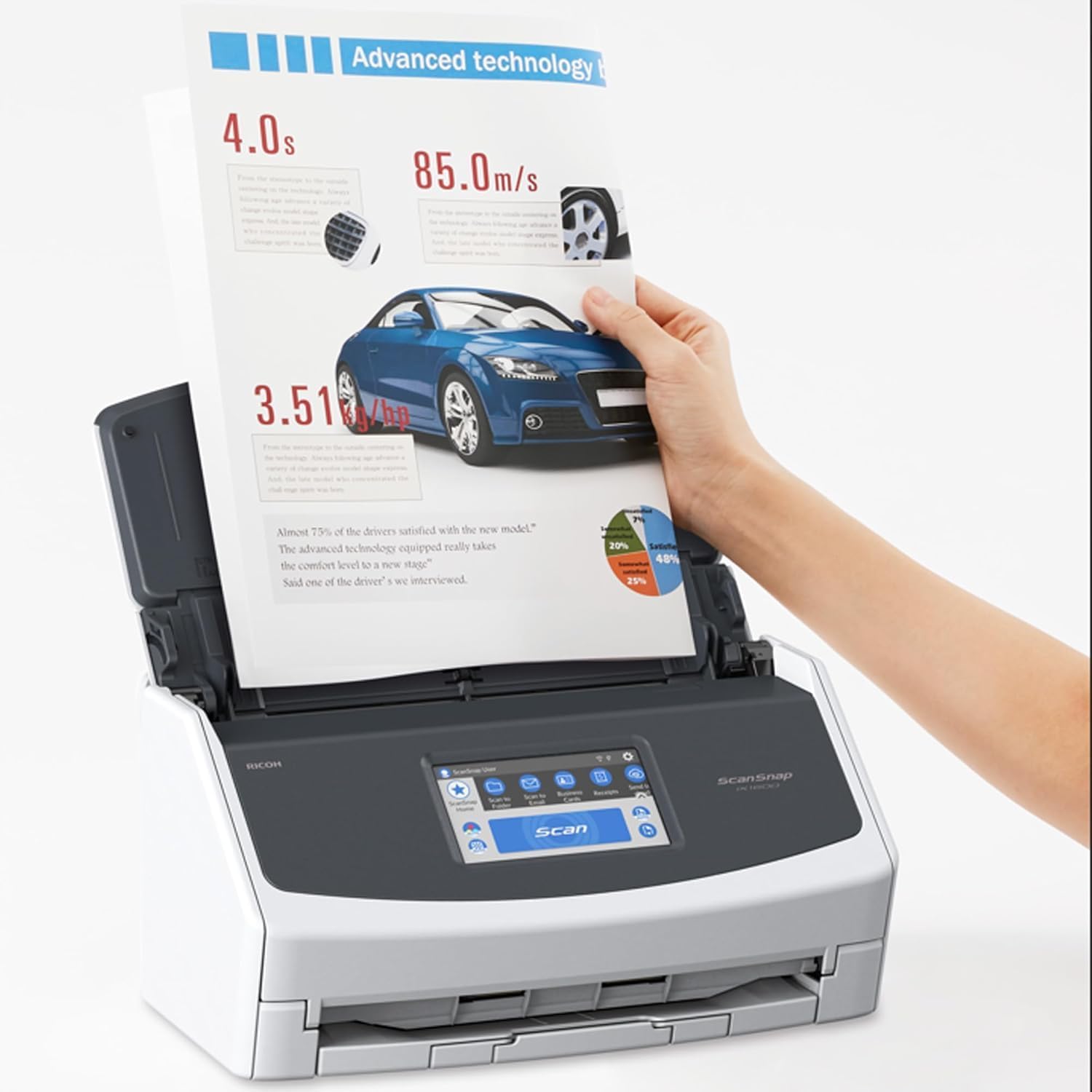
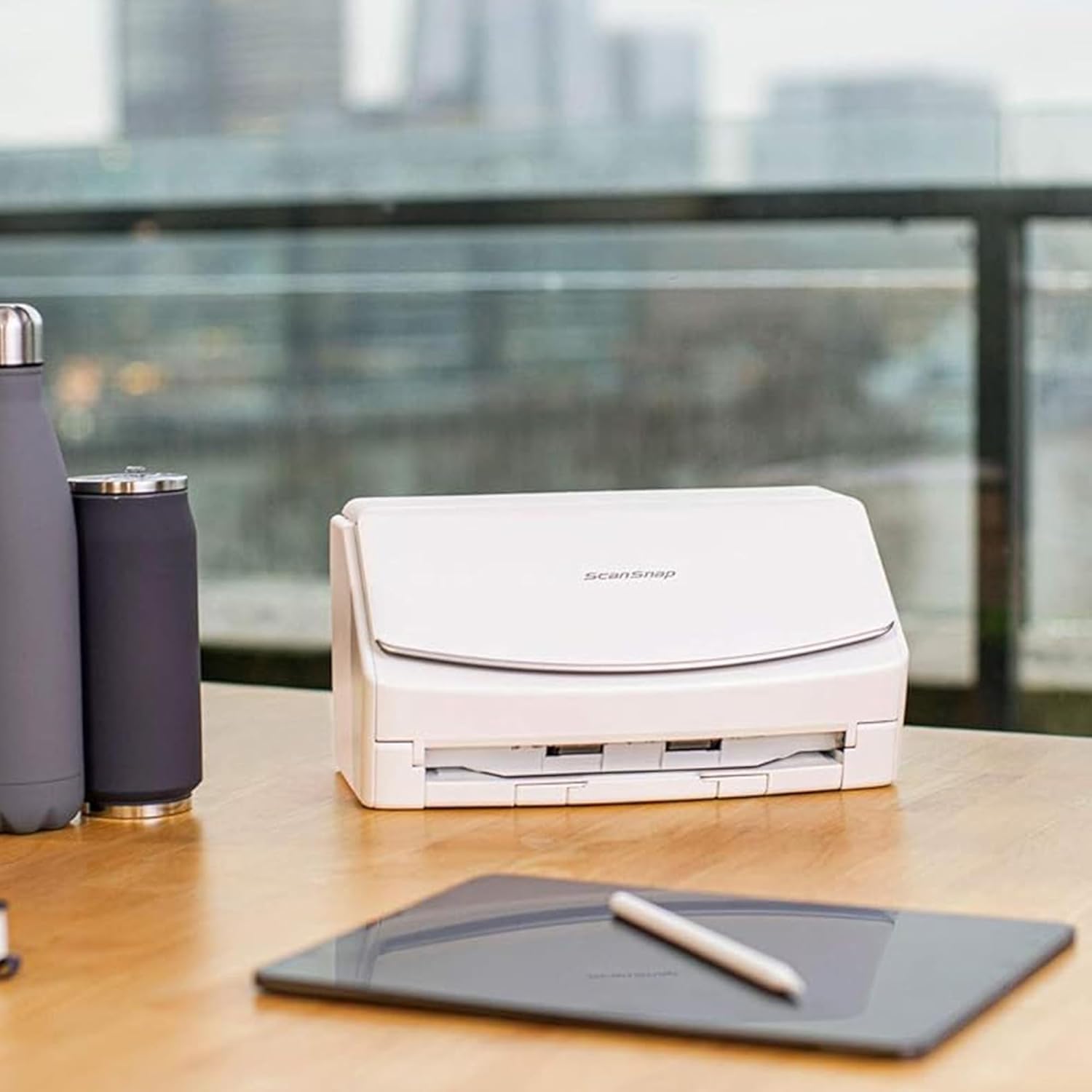
ScanSnap iX1600 White Document Scanner – Desktop, Double Sided with WiFi, Touchscreen, USB 3.2, ADF, Standard Sizes : A4, A5, A6, B5, B6, Business Card, Post Card, Letter, Legal and Custom Sizes
£381.18



Price: £381.18
(as of Jun 10, 2025 14:22:52 UTC – Details)
Product Description
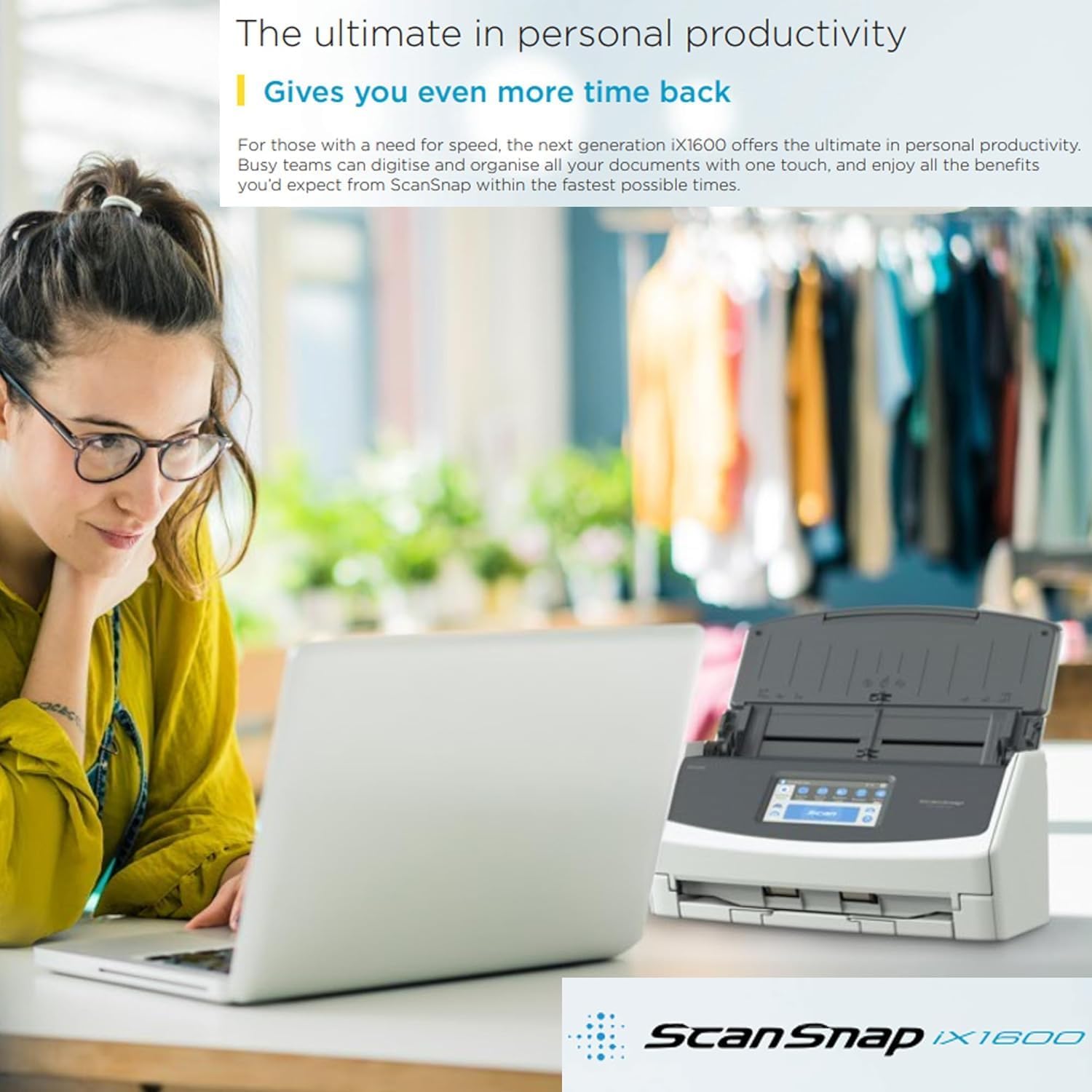
ScanSnap iX1600 White Document Scanner – The ultimate in personal productivity
For those with a need for speed, the next generation iX1600 offers the ultimate in personal productivity. Busy teams can digitise and organise all your documents with one touch, and enjoy all the benefits you’d expect from ScanSnap within the fastest possible times. It can be hard work keeping a business in shape, and everyone can do with a bit more time back at the end of the day. The ScanSnap iX1600 was designed to help anyone achieve maximum productivity, with advanced organisational features that give you greater control, effortlessly.
Total document management

Image Processing Functions Automatic: Size Detection Colour Detection Cropping / Deskew / Rotation Blank Page Detection / Deletion Image Smoothing / Image Emphasis Edge Correction JPEG Compression Vertical Streaks Reduction Multi-feed Detection
Overlap detectionLength detection
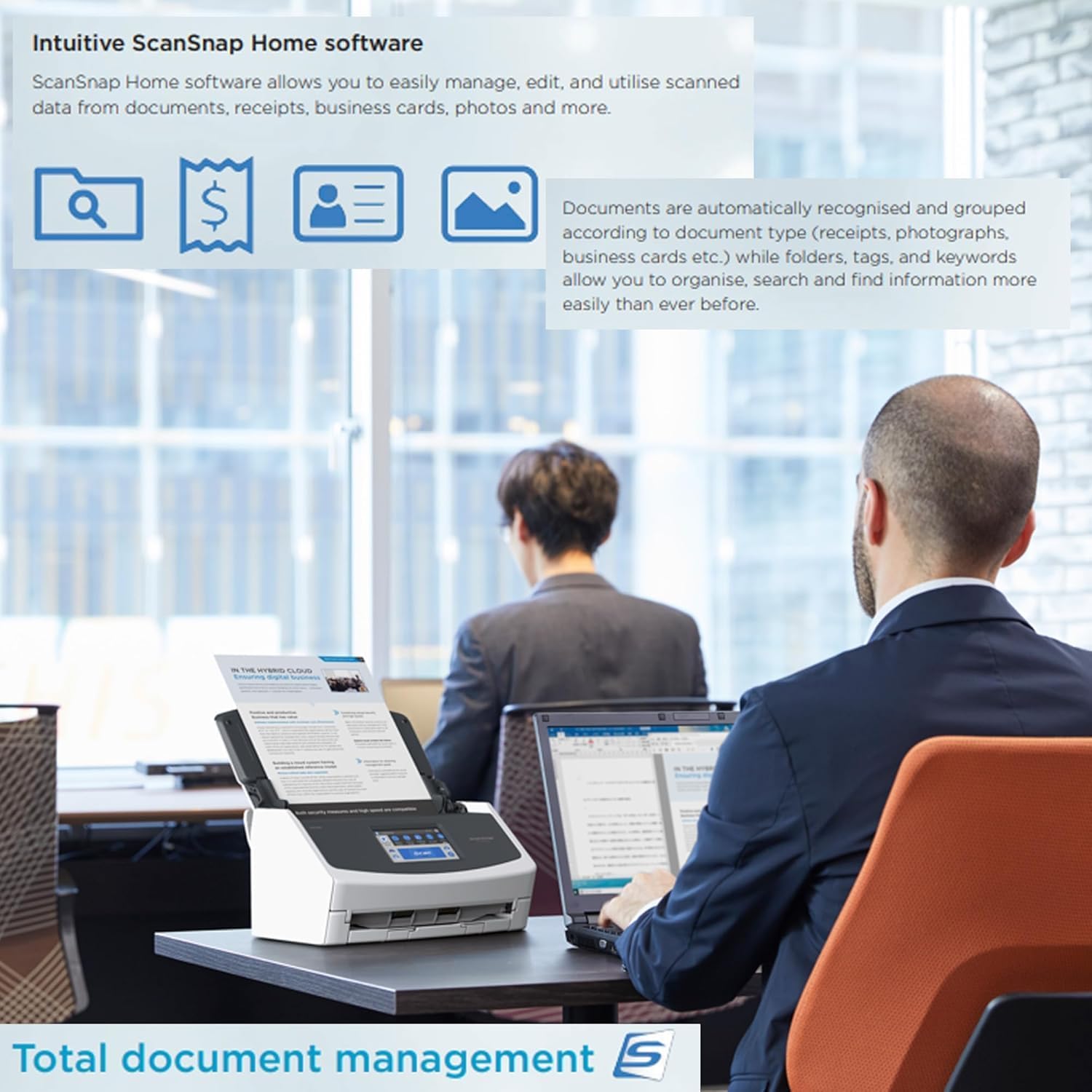
Intuitive ScanSnap Home software
Documents are automatically recognised and grouped according to document type (receipts, photographs, business cards etc.) while folders, tags, and keywords allow you to organise, search and find information more easily than ever before. ScanSnap Home software allows you to easily manage, edit, and utilise scanned data from:
DocumentsReceiptsBusiness CardsPhotosA3, A4, A5, A6, B4, B5, B6Post CardLetterLegalCustom Paper Sizes

Flexible and intuitive
The iX1600’s 4.3-inch LCD touchscreen delivers the future of scanning now.
Instead of choosing what you want to do each time you scan a document, with one touch, the pre-defined profile buttons will automatically create the required file type and save it to your preferred destination – even if it’s in your cloud. The touchscreen also allows for colour-coded button sets for up to 4 teammates, making it the smarter way to work together using the same device.
Plus, you can quickly set up and use the iX1600 anywhere you have Wi-Fi without the need for a PC.

Gives you even more time back
Scan straight to your cloud services using ScanSnap Cloud. And a streamlined scanning process lets you scan batches of different document types with no need to prep and sort, turning lengthy chores into quick, even enjoyable jobs.
The all-in-one ScanSnap Home software brings together all your favourite functions to help you power through your scanning in no time. By making your paperwork effortless, you can finally focus your day on what matters most.
Wherever you call your desk, the iX1600 offers next generation scanning performance and the ultimate in personal productivity to connect your worlds with one-touch.
Powerful, efficient performance

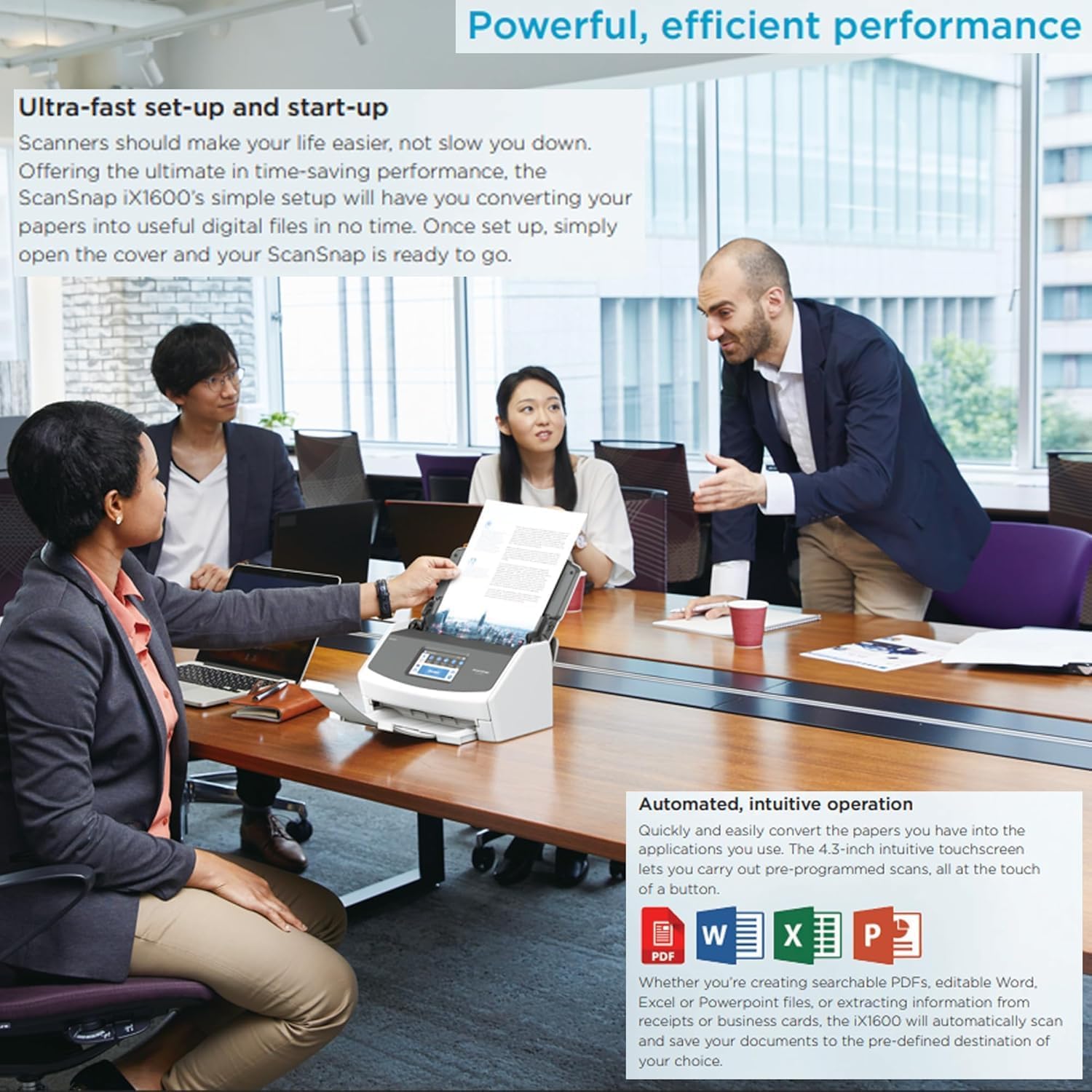
Ultra-fast set-up and start-up
Scanners should make your life easier, not slow you down. Offering the ultimate in time-saving performance, the ScanSnap iX1600’s simple setup will have you converting your papers into useful digital files in no time. Once set up, simply open the cover and your ScanSnap is ready to go.

PC-free scanning
Not everyone works from a desk these days. As long as there’s a Wi-Fi connection, ScanSnap Cloud functionality will automatically recognise up to four different document types and scan them to your pre-defined cloud storage locations. Even with no PC, ScanSnap Cloud will conduct image processing and optimisation along the way. Simply place the scanner in the most convenient location for you, and scan away.

Automated, intuitive operation
Quickly and easily convert the papers you have into the applications you use. The 4.3-inch intuitive touchscreen lets you carry out pre-programmed scans, all at the touch of a button. Whether you’re creating searchable PDFs, editable Word, Excel or Powerpoint files, or extracting information from receipts or business cards, the iX1600 will automatically scan and save your documents to the pre-defined destination of your choice.

Maximum productivity
Designed for busy people, the iX1600 makes your working day a breeze. In addition to scanning at a fast 40 pages per minute, the two-sided (Duplex) scanning function will have you digitising paperwork in half the time. The large Automatic Document Feeder holds up to 50 sheets, freeing you from the tedious job of manually inputting individual pages, so you can speed through your work even faster. Professional grade feeding technology and ultrasonic sensors mean the iX1600 handles multi-page documents with ease.

Flexibility at your fingertips
For small teams, the ability to share a single device among 4 users will be a game-changer for your productivity. Each can have their own set of colour-coded scanning profile buttons. Wi-Fi or USB provide flexible deployment options, or alternatively, you can scan a PDF directly to your mobile device via Wi-Fi in Direct Connect mode.

Quick Menu for instant scanning
When using a PC or laptop, activating the Quick Menu function allows you to scan first and then decide which application you want to send your document to, which comes in handy for adhoc scanning. You’ll find most of the applications you know and use ready for you in ScanSnap Home, and can always add more to the Quick Menu if required.
Gives you even more time back – It can be hard work keeping a business in shape, and everyone can do with a bit more time back at the end of the day. The ScanSnap iX1600 was designed to help anyone achieve maximum productivity, with advanced organisational features that give you greater control, effortlessly
Flexible and intuitive – The iX1600’s 4.3-inch LCD touchscreen delivers the future of scanning now. Instead of choosing what you want to do each time you scan a document, with one touch, the pre-defined profile buttons will automatically create the required file type and save it to your preferred destination – even if it’s in your cloud. The touchscreen also allows for colour-coded button sets for up to five teammates, making it the smarter way to work together using the same device
Ultra-fast set-up and start-up – Scanners should make your life easier, not slow you down. Offering the ultimate in time-saving performance, the ScanSnap iX1600’s simple setup will have you converting your papers into useful digital files in no time. Once set up, simply open the cover and your ScanSnap is ready to go
Maximum productivity – Designed for busy people, the iX1600 makes your working day a breeze. In addition to scanning at a fast 40 pages per minute, the two-sided (Duplex) scanning function will have you digitising paperwork in half the time. The large Automatic Document Feeder holds up to 50 sheets, freeing you from the tedious job of manually inputting individual pages, so you can speed through your work even faster
Scanner Type : Automatic Document Feeder (ADF) / Manual Feed, Duplex DESKTOP Scanner / ADF Capacity : 50 x A4 80 g / m², 50 x Letter 20 lb / Scanning Colour Modes : Colour, Greyscale, Monochrome, Automatic Detection (Colour / Greyscale / Monochrome) / Optical Resolution : 600 dpi / Scanning Speed (A4 Portrait) : Simplex 40 ppm / Duplex 80 ipm / Wi-Fi Interface : IEEE802.11b/g/n, 2.4 GHz, Access Point Connect Mode (Infrastructure Mode) / Direct Connect Mode (Ad-hoc Mode), WEP (64bit / 128bit), WPA (TKIP / AES), WPA2 (AES), WPA-PSK (TKIP / AES), WPA2-PSK (AES), WPS2.0
Included Software – ScanSnap Home, ScanSnap Manager, ABBYY FineReader for ScanSnap, Kofax Power PDF Standard / Kofax Power PDF Standard for Mac, ScanSnap Cloud, ScanSnap Connect Application
Device Dimensions – (Height x Width x Depth) : 292 mm x 161 mm x 152 mm, 11.50″ x 6.34″ x 5.98″
Image Processing Functions – Automatic: Size Detection, Colour Detection, Cropping, Deskew, Rotation, Blank Page Detection / Deletion. Image Smoothing, Image Emphasis, Error Diffusion, Edge Correction, JPEG Compression, Vertical Streaks Reduction
10 reviews for ScanSnap iX1600 White Document Scanner – Desktop, Double Sided with WiFi, Touchscreen, USB 3.2, ADF, Standard Sizes : A4, A5, A6, B5, B6, Business Card, Post Card, Letter, Legal and Custom Sizes
Add a review
Related Products


£381.18
Dennis –
A Game-Changer for Document Digitisation â Efficient, Fast, and No Cloud Required!
I recently purchased the ScanSnap iX1600 White Document Scanner, and itâs exceeded my expectations in every way. Initially worried Iâd struggle to send scans directly to an SMB share on my PC, I was pleasantly surprised to discover a pre-configured profile that made this seamlessâno cloud services or manual workarounds needed! This alone saved me time and hassle.The scannerâs speed and accuracy are outstanding. It handles large batches of documents with ease, making it ideal for anyone who needs to digitise files efficiently. Iâve only scratched the surface of its capabilities, but even in basic use, it feels like a powerful tool designed for serious organization tasks.My primary goal was to integrate it with paperless-ngx (an open-source document manager). This worked flawlessly: I shared the “consume” folder on paperless-ngx, mounted the SMB share via Windows/macOS software, and now scans go straight into my system. No PC tethering or cloud platforms are requiredâjust a direct, secure workflow.Itâs early days yet, but the iX1600 has already streamlined my document management. Whether youâre digitising archives or aiming for a paperless office, this scanner is a smart investment. Highly recommended for its speed, flexibility, and user-friendly setup!
TG Barnett –
Scans quickly and is easy to use
I am self-employed and use this to digitise all my paper records. It’s super quick – does a sheet of A4 in less than a second – and you can just place multiple docs in the feeder, press scan and away it goes. Settings are easy to use and you can create different pre-sets to have it save in different folders depending on what you are scanning. I’m delighted with it.
Shaw Family –
Great Machine over all, shame about the free shredder not materialising.
You have to experience the speed of the device. This scanner scans both sides simultaneously as the page passes through the guide path. It is so fast and accurate that I don’t know how I coped with my old flatbed scanner, even with the ADF.This allows me to process the mail and any other small booklets that I might need to reproduce or keep on hand.Using this will my 31ppm duplex laser is a dream when copying large documents, more than keeping up with the industrial machine.I received it the very next day after I ordered it and found it very easy to set up with my iMac Desktop, MacBook laptop, and Windows Machines. It’s a nice touch to be able to target any machine with the press of a button.I would recommend it to anyone who needs to do a moderate to large amount of scanning.
Quentin Whitfield –
Wow Wow Wow!
I have had a ScanSnap S1500 since they came out in 2009 but this iX1600 is something else! Its really fast and very good quality. I was not sure whether to get this model with the screen or the less expensive model without, but really pleased I did as it is very useful being able to configure whilst at the ScanSnap.I primarily use my ScanSnap to make electronic copies of contracts to send to my tenants as well as making an electronic backup of all my tax files, documents and receipts. The quality of the scans is excellent, but its the receipt feeder that is a real game changer as it can speedily scan through vast quantities of different sizes of receipts, width and length and make a very readable electronic copy.Its a pricey product but it is really worth the money.
drams –
Fantastic Scanner – but some flaws
I bought this scanner as a replacement – it had to be a scanner with a document feed and had to do double sided scans. I went for a model with wifiFirst the good points:It scans fastIt scans accuratelyThe document feeder has yet to pull through two pages at once or to fail to pull a page through (the scanner is brand new however)It seems to detect the best settings for document imaging well – no blacked out scansThe wifi connection has not let me down and the scanner sits at the opposite side of the room to my computer freeing up desk space.It turns on when opened and turns off when closed or not usedIt looks stylishHowever the best feature – and one I had not considered before buyiong, is that is can be set to scan to the cloud. This means that to scan I dont need to turn my computer on. A bank statement gets delivered. I open the letter, read it, open the scanner, stick it in and press a button, and the statement is now in Onedrive. When I open my computer later I can go into the general scanning folder in onedrive, which synchronises to my computer, rename the document and file where I want it. No piles of things to scan later. This upside to me outweighs the problems and I think I would buy again.The problems:The driver is proprietary It is not a standard TWAIN driver. You can buy a twain driver for it but it is extortionate – £100+ per computer. This means as far as I can see that although you can use the scanner to scan to other programs (which I have struggled with) you cannot use other programs to scan documents using this scanner. I mainly scanned directly from Paperport document management software and I cannot do this now. I have to scan in and then import the file.You can scan to pdf and to searchable pdf which is good. But because you cannot scan from another programme like omnipage you have to use the built in OCR software for searchable pdfs – ABBYY finereader (lite version only works with the scanner). You cannot scan to TIFF which I need for work documents. Online help suggests just buy conversion software but scanning directly to TIFF would be better – and if I could scan via a Twain driver I could do just thatThe scanning is all done from a touchscreen interface on the scanner. Or alternatively via a program on the computer which simply replicates the touchscreen interface. This works Ok on the scanner although for one touch scans I would prefer mechanical buttons. However on the computer it is a very simplistic interface with really no additional functionality beyond the rather basic touchscreen.It is very difficult to tweak settings – especially from scan to scan. The scanner decides what settings you want and you have to accept them. It does it very well but I am used to having the ability to easily control the definition contrast brightness etc and while some settings can be adjusted the settings seem limited and cumbersome.You can set up your own profiles but the scanner still seems to do its own thing at times – a colour scan from a profile supposed to force a black and white scan. The basic touchscreen is great if you have 4 scanning profiles but not if you have 20 – this is where better software on the computer would come in handy.Overall I am very happy with the scanner. the documents I am scanning are scanning easily, quickly, accurately and it is very simple to scan to an online holding folder. But the proprietary interface means you cannot just slot this into your current way of working – you need to re-learn. The proprietary software also means I am relying on fujitsu keeping producing updates as my idea of how long hardware should last is maybe longer than some manufacturers.This scanner has only been with me for 6 weeks and I am not a massively heavy user of the scanner just a few sans per day so my impression of some of the flaws may be because I have not had in in use or explored all options
FRANCISCO DANIEL –
Excelente escáner para documentos, rápido, preciso, flexible. Aún no lo he probado para fotos, pero no lo he comprado para ese fin.
Stefano Fattore –
Avevo la versione di alcuni anni fa, questo è notevolmente meglio anche se già il suo predecessore era notevole.Ottima la gestione in rete e nel cloud!!
Lesmirons –
J’ai acheté cet appareil essentiellement pour mes photos papier. Cet appareil est vraiment génial, même en 600 DPI les photos sont scannées en 1 seconde. On peut scanner facilement par lot, la macjine prend tout même les papiers très épais et tordus. Je recommande vivement, si comme moi vous avez des centaines de photos à scanner. Je gagne un temps énorme par rapport à mon scanner d’imprimante.Le logiciel qu accompagne l’outil est également très bien fait et intuitif. On peut, par exemple, dater les photos par lot. On peut aussi modifier les photos une à une quand il s’agit de les faire pivoter par exemple.Je ne regrette pas du tout mon achat. Un investissement, certes, mais très bien placé.
MURRAY LOMAX –
I was never happy with the scanning ability of my printer, and whilst I did not want to put my printer out to pasture, but I did want a better solution to handle my scanning needs. After research I decided upon this ScanSnap product. It fits my work flow situation far better, is faster with large volumes of scanning, and delivers it all to my storage facility conveniently. I highly recommend its quality, small footprint in my office, and reliability.
Bernard Defer –
Bien rapide et de qualité