

SinLoon PC Power Button Cable PC Power Button Switch for Easy Start 6.5FT Computer Motherboard Power Switch Button Extension Cord with LED Light (white)
Original price was: £9.99.£8.79Current price is: £8.79.



Price: £9.99 - £8.79
(as of Jun 04, 2025 08:26:18 UTC – Details)
SinLoon Desktop Computer Host Portable Power Switch
Specification:
4-Pin Connector: +HDD-/+Power Switch- Male.
Cable length: 1.6M/5.2FT
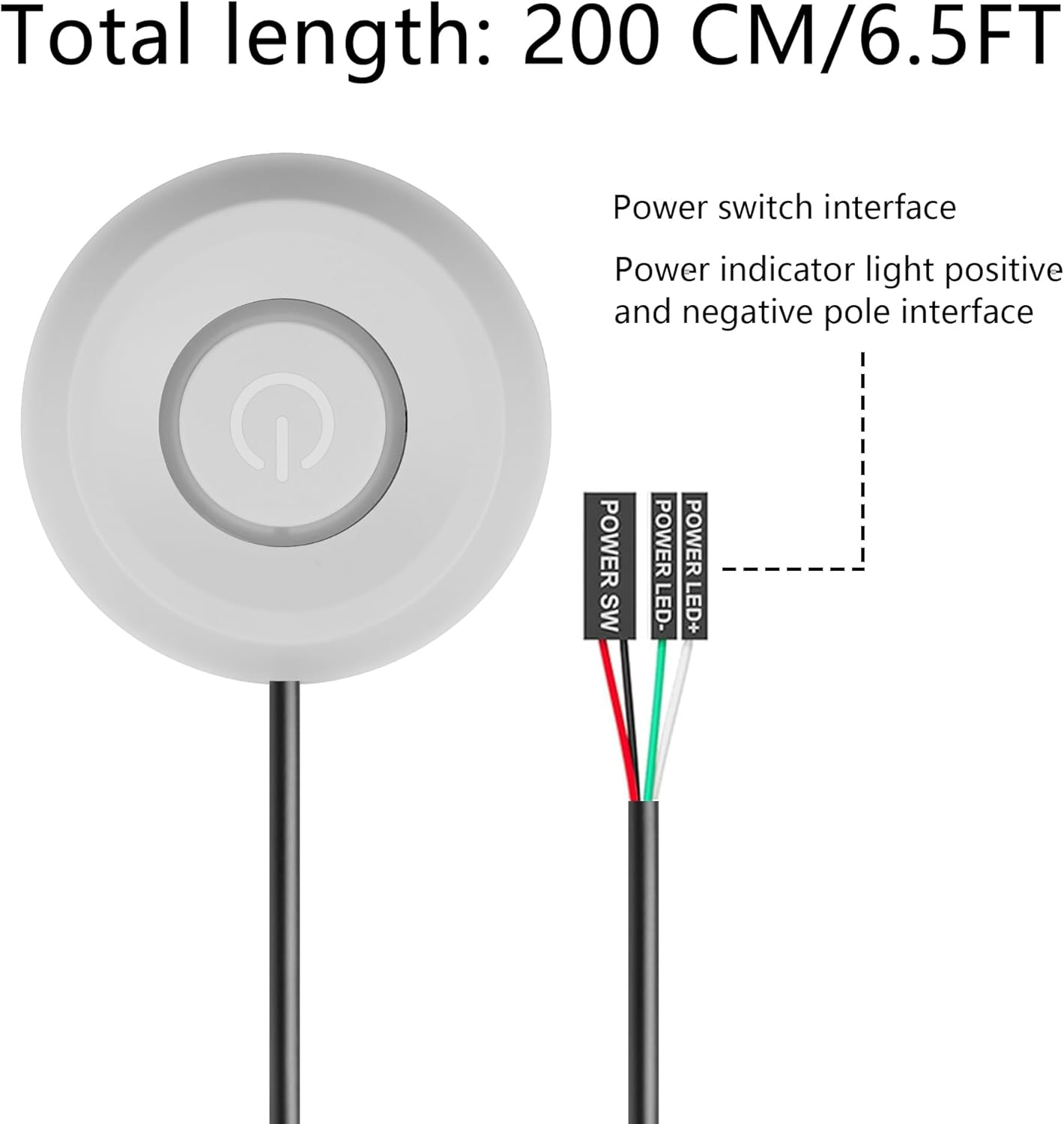
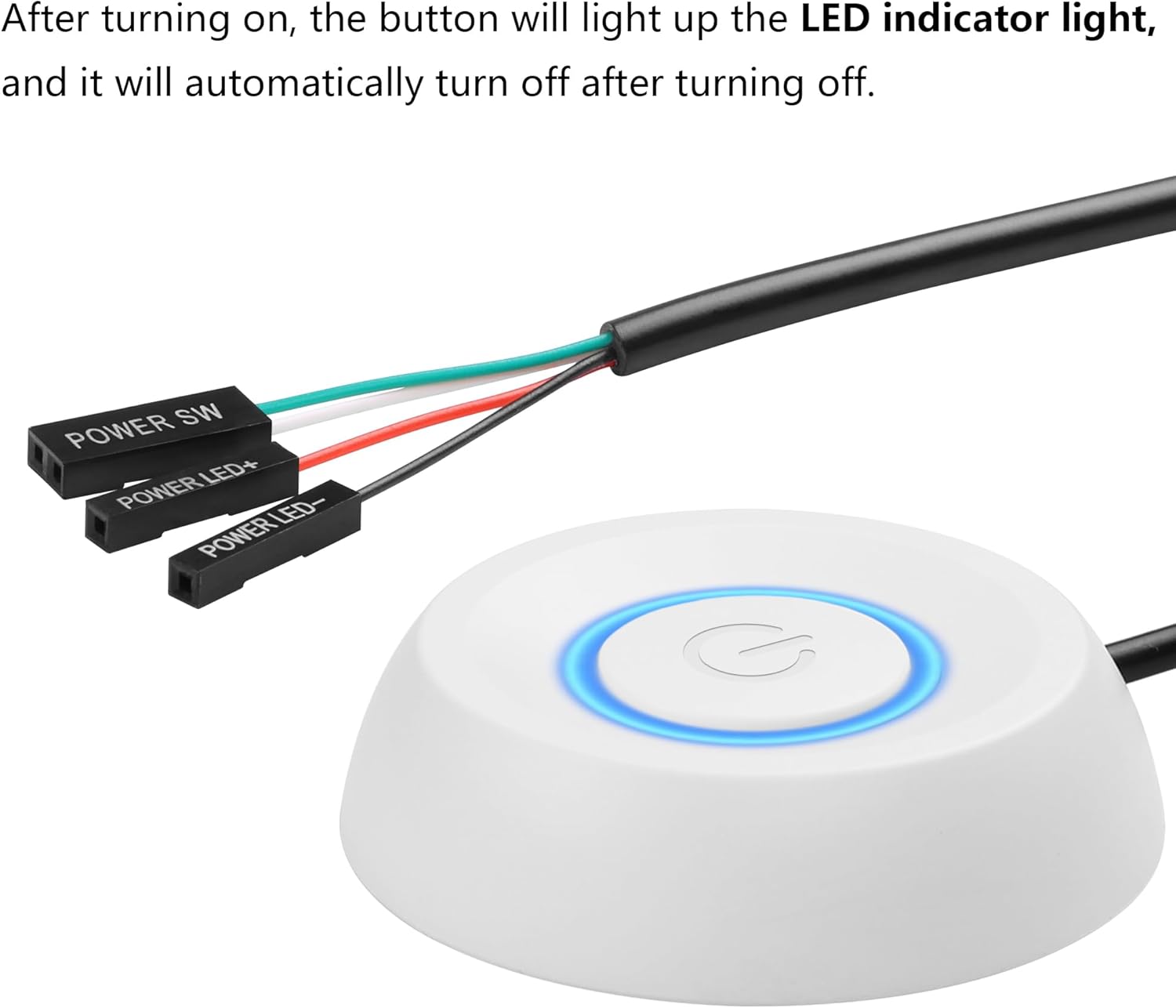
Material: copper + plastic + ABS shell. Connection terminals: POWER SW, POWER LED+, POWER LED-
feature:
1. Make power computers easier.
2. Good replacement for damaged computer host switch.
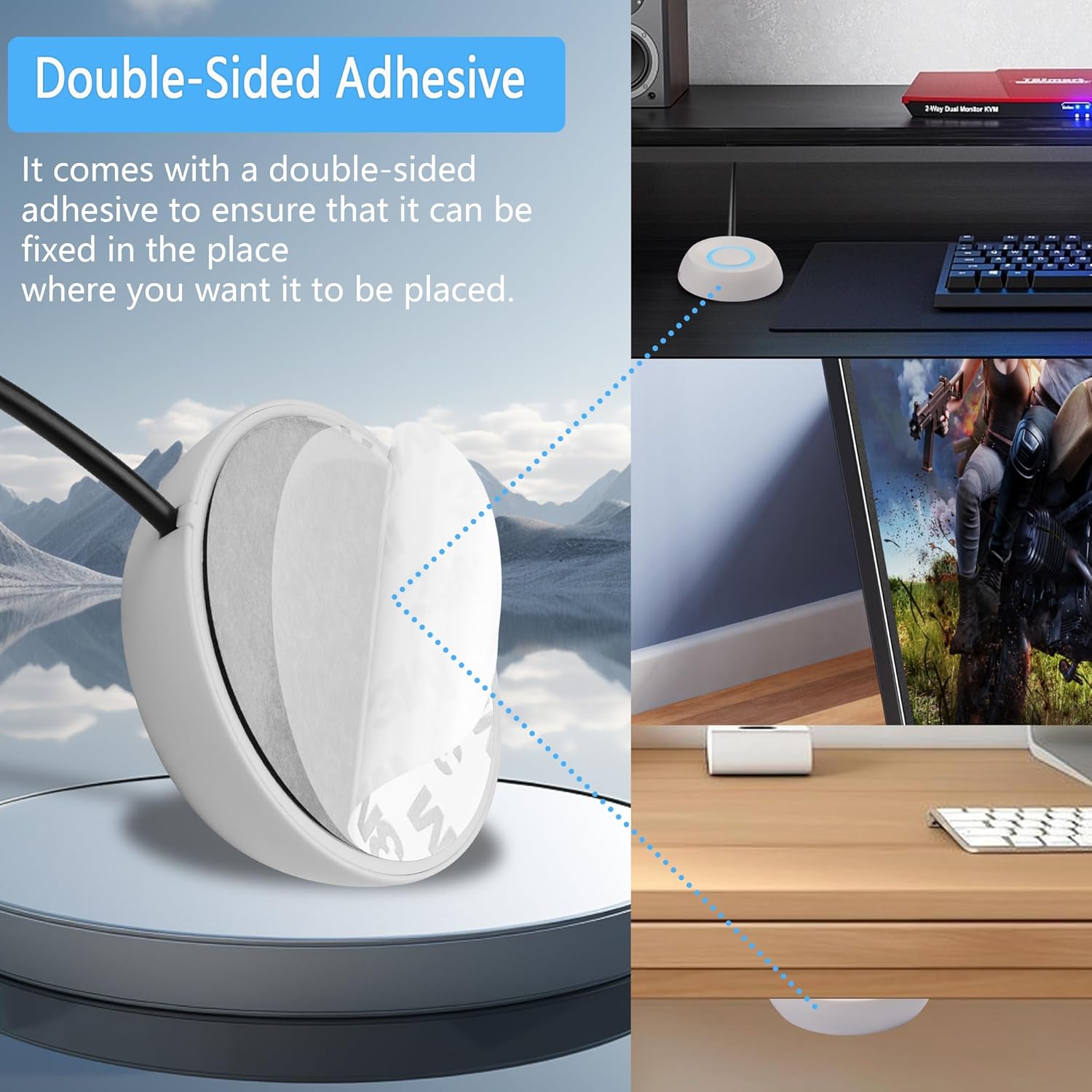
3. self-adhesive stickers
4. Easy to install.
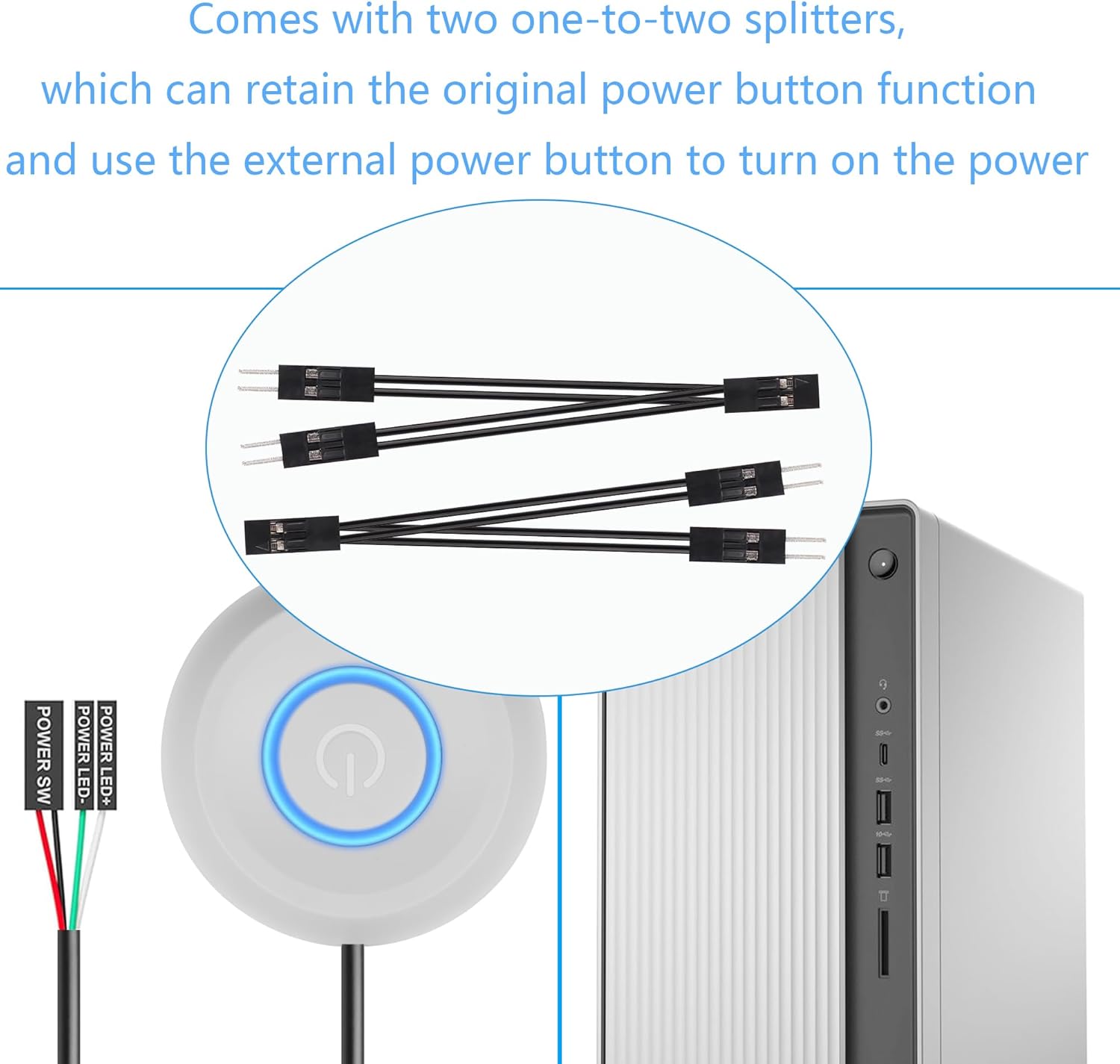
1)Find the hole corresponding to the power supply from the back of the case, and insert the two free 1-2 splitter terminal wires into the case. (If you no longer use the original power-on button and only use an external extended power-on button, you don’t need to use a splitter terminal line)
2) Replace the jumpers one by one, don’t put led+ and led- in reverse.
3) After checking that all terminals are connected correctly, confirm that the start button and indicator lights are functioning normally.
4) Both the original power-on button and the external power-on button must be able to work normally.
5) If you do not need LED lighting effects, you can choose not to connect the two POWER LED terminals.
5. In addition to the power switch, you will also receive a self-adhesive sticker for you to place the switch in a convenient location.
6. You can choose to buy other keycaps to replace your switches, making your computer case and keyboard more in line with the theme.
Widely used in homes, offices, hotels, Internet cafes, etc. Move the desktop mechanical switch key switch to a place that is more convenient to operate and use.
7. Packing list:
1* computer power switch on/off with 1.6M cable;
2* power switch splitter cable;
1* Self-adhesive sticker
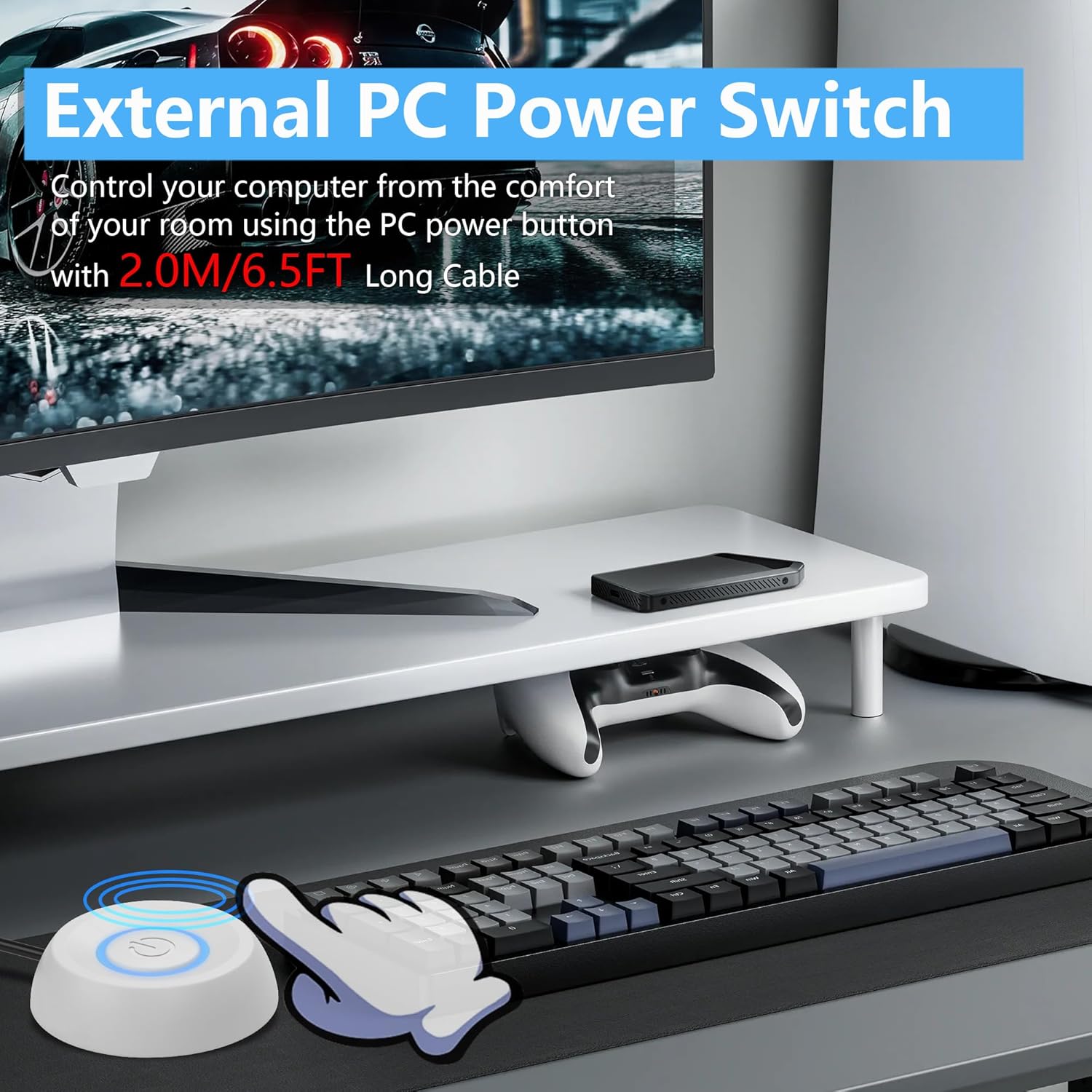
External desktop computer ON/OFF switch: Use a power switch with a long cable to add or extend the power-on button to a place you find more convenient.
Choose one of the remote PC power switch and the host switch: you want to use the original computer power on button and the external power on button at the same time. You only need to plug in the two one-to-two splitters we give you, and you can retain the original on/off key function and use the external power key to turn on the power. easy and convenient
Easy to install: Just connect the POWER LED+, POWER LED-, POWER SW connectors to the motherboard, then peel off the 3M glue and stick it to the correct position
DIY Design: PC power switch cable with LED is mainly used to replace old or damaged ATX power reset switch or computer host switch. Suitable for DIY computer switches
Wide application: cute shape and exquisite workmanship are loved by people, you can give it as a gift to your computer lovers family and friends, this computer power button is suitable for Internet cafes, homes, hotels, KTV, schools, companies Waiting for computer host switch line
Customers say
Customers find the power button switch easy to connect. They like the light feature, with one customer noting it’s subtle and uniform.
13 reviews for SinLoon PC Power Button Cable PC Power Button Switch for Easy Start 6.5FT Computer Motherboard Power Switch Button Extension Cord with LED Light (white)
Add a review
Related Products


Original price was: £9.99.£8.79Current price is: £8.79.
Bronson89 –
Handy
I placed my PC under my desk, so instead of bending down every time to turn it on, I placed this switch on my desk. It was easy to wire and the length is just enough even with my standing desk on the standing position. The light is subtle and uniform, awesome product!
Cheekyleebo –
Great external power switch
This external power switch is superb for those that want an easy to reach switch located on their desk. Easy to install. Looks good too.
Rupert –
Sturdy
Well built tactile button. No hassle given that you know where to plug it in.
Dáithà Farrell –
Great Button – Easy to Connect, but Could Be Slightly Stronger
This SinLoon PC power switch is fantastic! Itâs super easy to connect and works seamlessly with my desktop computer. The LED light adds a nice touch, and itâs a convenient way to power on my PC. However, the button doesnât feel as strong as Iâd like it to. Still, itâs a solid product and Iâd recommend it!
Steven –
Great value for money
Worked like a charm no issues at all
Customer –
Does the job perfectly
Coming in a little blue bag you have the button with a plenty long cable, some 3m stickers and two split headers.The button is kind of light and cheap feeling but once setup works with a loud clunk when pressing and is firm enough you should be able to do it by accident. There is a large sticker on the back so you can play it wherever you may need.The splitters a clever idea meaning you can have both this and the normal power button in your pc incase youre nearer to that.My pc is on the otherside of a wall so when reinstalling windows or upgrading etc its a pain to have to walk around the otherside to turn it on/off etc. The cable for this is plenty long to go from my pc through the wall and with loads of slack on the otherside to place it wherever i need.If you choose to attach the power LED pins then the button will glow blue when powered on along with its own splitter.
AmazonCustomer –
Great idea
This is such a great idea. Having this button has killed two birds with one stone for me. My computer is under my desk and I have to crawl under the desk to turn it on. This has left to me either leaving it on or putting it to sleep every night. Also, my cat likes to sleep on top of the computer and often presses the power button which is very annoying.I opened my case, few the cable through the corner of a PCIE blanking plate, unplugged the case buttons and put the buttons cables on the correct pin headers. It works perfectly.
Davey –
Does as intended nothing special.
Button works perfectly fine but the click action is cheap and unsatisfactory, build quality feels cheap and the LED power indicator light is way too dim, luckily its underneath my desk with no light so its not too bad. The front panel header splitters don’t have any polarity labels so the LED is easily connected incorrectly.
Timo S. –
Ordered the product since I moved my pc to below my desk. When delivered. The button is not aligned how it should be. Itâs not pointing the right direction and there is no way you can rotate it.I opened up my pc, plugged in the cables and powered it on. It worked! So I thought. It does power on the pc, but it didnât boot past the boot screen. It then said my pc was broken and diagnostics tool couldnât run it. Building computers for a living I figured I would switch it back to how it was. And everything works again! Switched it back. Broken. Something inside this button makes my pc not boot anymore. I work in IT, I build 100+ computers. I know what Iâm doing.
Sahil Dawka –
The build quality is good plastic, it feels solid and has a satisfying click that’s a little on the shallower side. No issues connecting to the motherboard.
Ben Le Barbu –
Très pratique et facile à installer, même si vos connaissances en informatique frôlent le zéro. Un vrai jeu dâenfant !
Amazon Customer –
ãã¹ã¯ä¸ã«è¨ç½®ãã¦ãããã¹ã¯ãããWin11 PCç¨ã«è³¼å ¥ãã¾ããããã¤ãWinâé»æºâä¼æ¢ããã¦ã¹ã§é¸ãã§ãã¾ããããé»æºã¹ã¤ããã«ä¼æ¢ãå²ãå½ã¦ã¦ãã®ã¹ã¤ãããæ¼ãã ãã§ä¼æ¢ã«åºæ¥ãã®ã¯ãã¨ã¦ãã¹ãã¬ã¹ã¬ã¹ã§ããæ¬ä½ã®é»æºã¹ã¤ããã¨LEDã¯ãã®ã¾ã¾ã«ã§ããåå²ãä»å±ãã¦ãã¾ããã¹ã¤ããèªä½ã¯è»½ãå®ã£ã½ãæ¯ãã¨ã«ã©ã«ã©ã¨é³ããã¾ãããæ©è½ã¯åé¡ããã¾ãããLEDã¯ãã£ããéãå ãæãã§ç©ããããã¾ãããããã¯ããã«ã¯ä»å±ãã¦ãªãã®ã§ãPCèé¢ã®ã°ã©ãå¸æ°ã®ééããã±ã¼ãã«ãéãã¾ãããèªä½PCã®ç¥èãå¿ è¦ã§ãããå®ä¾¡ã§æå ã«ã¹ã¤ããã伸ã°ããæ¬ååãããããã§ãã
Feng lin –
This is great value for money and highly recommended.