

StarTech.com Triple Monitor USB 3.0 Laptop Docking Station – 4K HDMI, 2x DisplayPort – Universal USB Dock for Windows & Mac OS (10.14 & Above) (USB3DOCKH2DP)
£109.25


Price: £109.25
(as of Jun 04, 2025 09:18:38 UTC – Details)
From the brand


Server Racks
Display and Video Adapters
Computer Cards and Adapters
Cables
Data Storage
Networking


Batteries : A batteries required.
Is discontinued by manufacturer : No
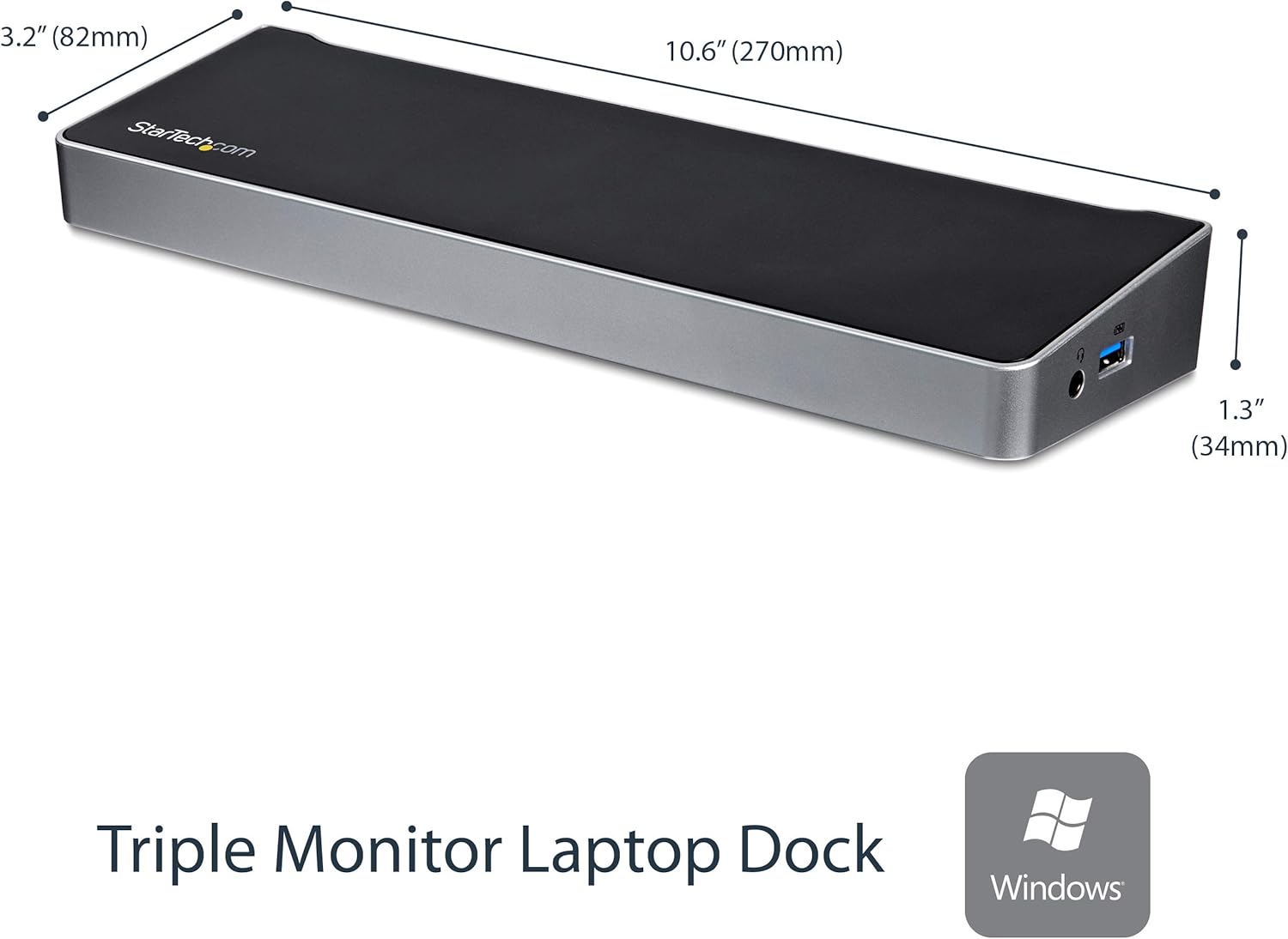
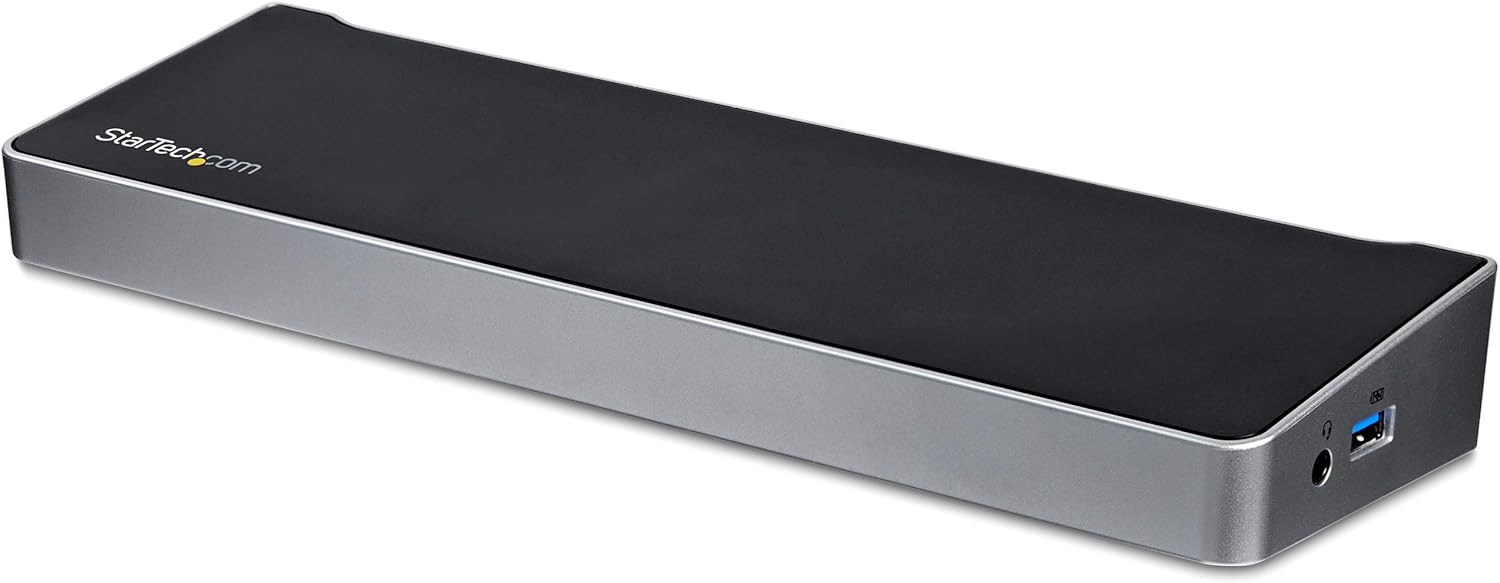
Product Dimensions : 26.92 x 8.13 x 3.3 cm; 376.48 g
Date First Available : 21 Aug. 2015
Manufacturer : StarTech
ASIN : B012VKW900
Item model number : USB3DOCKH2DP
Department : Default Category
Guaranteed software updates until : unknown
TRIPLE DISPLAY DOCKING STATION: This universal USB 3.0 laptop dock lets users maximize their display capabilities with a triple monitor (1 x HDMI and 2 x DP) or dual-monitor setup, which will help to boost productivity.
4K ULTRA HD RESOLUTIONS: Bring a lifelike picture to your monitor or display with this 4K USB docking station that supports resolutions up to 3840×2160 on one of the displays while supporting and 2048×1152 on the other two.
CONNECT & CHARGE YOUR USB PERIPHERALS: Connect up to five USB devices with this USB 3.0 DisplayPort & HDMI docking station. For added convenience, you can quickly charge your USB devices using the integrated USB fast-charge port.
CREATE A POWERFUL WORKSTATION: In addition to the five USB ports, the triple display docking station features a GbE RJ45 port and headset jack plus a separate 3.5mm audio and microphone port.
OS COMPATIBILITY: This USB docking station works with Windows (7 and above), macOS (10.14 and above), and ChromeOS (v55 and above).
Customers say
Customers find the docking station works well with both Mac and Windows systems, is easy to set up, and appreciate its three monitor outputs and extra USB 3 ports. They consider it a great value, with one customer noting the rapid charging ports on the front as a lifesaver. While customers describe it as well-made, some report it stops working after three months of use.
13 reviews for StarTech.com Triple Monitor USB 3.0 Laptop Docking Station – 4K HDMI, 2x DisplayPort – Universal USB Dock for Windows & Mac OS (10.14 & Above) (USB3DOCKH2DP)
Add a review
Related Products


£109.25
David J. –
Great Piece of Equipment
Works very well for 3 monitors. It works perfectly with windows to allow easy setup and individual control of each screen. Also allows audio on earphones and has a USB port that can be used for charging. There is it’s own on/off switch which is convenient to switch off all screen inputs in one go. The price is reasonable because it is a good solution for 3 monitors.
Martin –
Good laptop dock, but could be better
I have brought quite a few universal laptop docks for customers and these Startech models have always proven reliable. They work well and have a few extra USB 3 ports, an ethernet port and a choice of 3 monitor outputs – VGA, HDMI and DVI. Although it has 3 monitor outputs, the hub only actually supports 2 monitors and you also need to be aware that the VGA and HDMI ports are linked, so you can only use one of these at a time. You have to use a combination of the VGA / DVI ports or the HDMI / DVI ports.
RodH –
Reliable and Good Value Docking Station
I use my MacBook Pro 15″ Retina for home and work. At Work I use Bootcamp to run as Window machine which is where I use this dock. I connect to 2 monitors, keyboard, mouse and headset. Plus a Gigbit LAN connection. The monitors I use are older and I use a DVI and GVA connection.The dock came well packed with simple to follow instructions. It was easy and quick to set up.It’s quick and easy to connect and start by just plugging in the USB cable.The box and base plate are solid and look well made.If you are using the older monitors the screen resolution of 1920 shouldn’t be an issue but if you’re going to use more modern higher resolution monitors get a different dock.I’ve been using this for 3weeks now and have had no problems.At the price it’s good value
Ravinder S Bhangu –
Fantastic Docking Station
Delivery was nice a prompt (given the current COVID 19 Lockdown).The dock itself worked without issue on my Windows 10 laptop and Dell P2412H monitors, which are connected via the DVI port.Setup was effortless, no need for drivers and everything worked right away.The rapid charging ports on the front are a lifesaver, with the unit providing ample USB connectivity on the rear too.A good buy that saved me having to mess around with port adapters and was literally plug and play out of the box.
Owain –
Easy to use but could have used hdmi
Strange design choice to not use hdmi and a different design might have been better for cable management purposes but it’s easy and works.
Wayne Sundborg –
Startech dual monitor docking station
Perfect for travelling works well, small and compact
Michael Hill –
Fabulous dock for Mac (or PC), but doesn’t work with most streaming services
Excellent dock, and refurbished at this price, just amazing. It does almost everything I wanted, and makes my desk much tidier ’cause all those separate cables I used to have to plug directly into my Mac can now be replaced with one USB connector (and the power supply).If I had a later MacBook with only two ports this would be even more useful.Install the drivers (different versions depending on whether you want to use your laptop in “clamshell” mode or not) and it just works. There is only one drawback: On my current version of MacOS (Catalina) the DisplayLink driver works by using the operating system’s ability to allow recording of screens to redisplay the content on monitors connected to the dock. However a number of streaming services, including Netflix and NowTV, detect this, as they won’t allow illicit recording of their content, and blank the screen. So if you’re planning on using this device on a system where you also want to watch some form of streaming, then you might want to do a bit more research first.I have confirmed this is still a problem with Big Sur. Iâve not been able to test Monterey. Good luck.
richard herrington –
It works 🙂
We have the same model at work so I thought that it would be a good idea to get one so I can work from home easily. After being in use for several months I have not had any problems with it and it is used on both of my laptops.I have a wireless keyboard, mouse, headset, external hard drives and also my monitor all connected to the startech docking stationI have seen guidance from western digital that their hard drives can have problems if they are attached to a docking station rather than the computer directly but I have not experienced that issue
GB –
J’ai deux moniteurs externe branchés en DVI et j’utilise la résolution 1920×1080. C’est parfait tant avec mon laptop XP (driver obtenu de StarTech) qu’avec l’autre sur windows 10. Je n’utilise pas la connexion réseau car les 2 laptop sont wifi. Je ne perçois aucune instabilité d’affichage. Toutefois, lors que le PC s’éteint, les écrans externe deviennent noir au tout début du processus et il est difficile d’identifier si le laptop a terminé la procédure si l’écran principal n’est pas actif.
Antonio –
Buscaba un dock que me permitiera tener una salida en QHD y otra en FULLHD y que funcione holgadamente. Aquà tienes la solución, no se calienta, no falla, no ralentiza el pc, en definitiva es una maravilla de producto destinado al mercado profesional, no lúdico. Para jugar no va a valer.
Thomas W. –
Habe ich günstig als Warehouse Deal erworben. Funktion einwandfrei, insbesondere kann ich her wirklich 2 Monitore mittels VGA und HDMI unabhängig voneinander betreiben. Mit den preiswerteren USB-C Adaptern hat das nicht funktioniert.Kann das Gerät nur empfehlen.
A. Mayberry –
Ranting about modern laptop docks:I remember the good ol’ days when you could buy a splitter for a dollar at radio shack and turn your single coax cable into 2, and have your TV in 2 rooms instead of 1, and not pay the technician $100 for the privilege.It just doesn’t seem to work that way anymore. While I fundamentally disagree that USBc port replication streams are worth nearly the price everyone is charging, I cannot argue that they are more complicated than old splitters.We’re muxing and demuxing and other fancy stuff here, so I guess that’s why folks are paying hundreds of dollars.Ranting about DisplayLink:My company supplied laptop uses linux, and displaylink isn’t directly supported on anything other than ubuntu. This leads to general incompatibility and makes anything with displaylink strictly a windows (and maybe MAC) technology at the time I’m writing this. I tried very hard to find a non-displaylink dock, and they are rare and even more expensive. So I am forced to accept how things are instead of how I wish they could be.Anyway, ranting aside, this thing has worked quite well for me. I wanted to be able to support 3 monitors, and have a handful of USB ports to work with, and I wanted support for HDMI and DP. This thing meets all the requirements, and it’s not $500 so I call this a huge win.736801My laptop is a Razer Blade 15 base model (2017) and my laptop does not support USBc charging, so I cannot evaluate that aspect.My laptop gets quite warm on the bottom, so I greatly appreciate the design and shape of this dock, as it allows me to prop up the laptop to give better airflow and cooling to the underside.No issues with the construction quality, or issues with USB drivers in windows randomly disconnecting and connecting as I have seen on some types of USB hubs (usually due to power issues).Also, I have noticed issues with my laptop lid needing to be opened every 5 minutes to unlock my screen, however, I attribute this to the laptop, not the dock. It seems to only be an issue if/when I launch an application that triggers optimus to switch over to the GPU. After the discrete GPU (gtx 1060 ti) has been tickled, I have to leave the laptop screen open to avoid the display freezing. If I close the lid again, it freezes after ~5min, I have to open the lid to unfreeze it. If I reboot the laptop, it runs fine with the lid closed (until that discrete card gets triggered by optimus again). I tried updating the displaylink driver, but it did not help.
Laraki sofia –
Genial