

TP-Link Kasa Smart Thermostat Radiator Valve, Smart Radiator Valve, Energy Saving, LED display Radiator Thermostat Valve, Smart TRV Schedule, Works with Alexa & Google, Easy installation(KE100 KIT)
£38.99






Price: £38.99
(as of Jun 07, 2025 00:43:44 UTC – Details)
From the manufacturer
The app screen depicted is for visual reference only and does not necessarily represent actual product operation or app appearance. *Note: Do NOT use rechargeable batteries or 1.2V AA. AA/LR6 Alkaline batteries are recommended.
 Long-Rang Connection One Hub for All
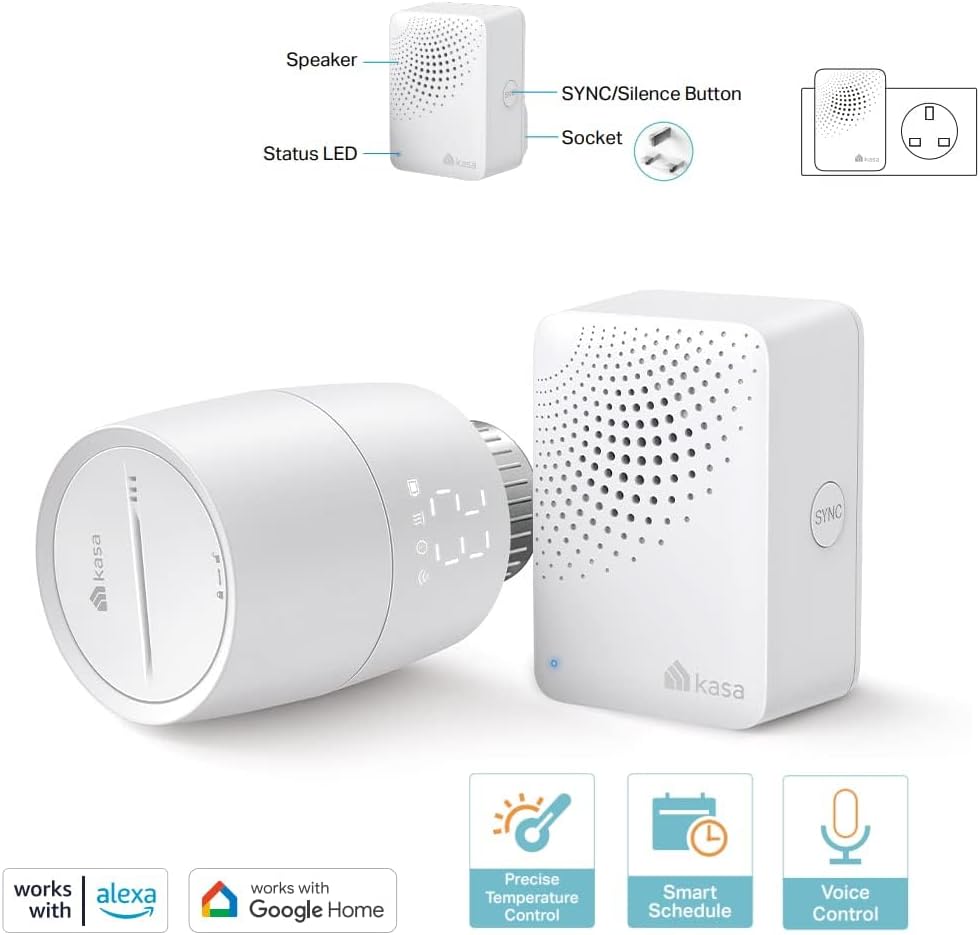
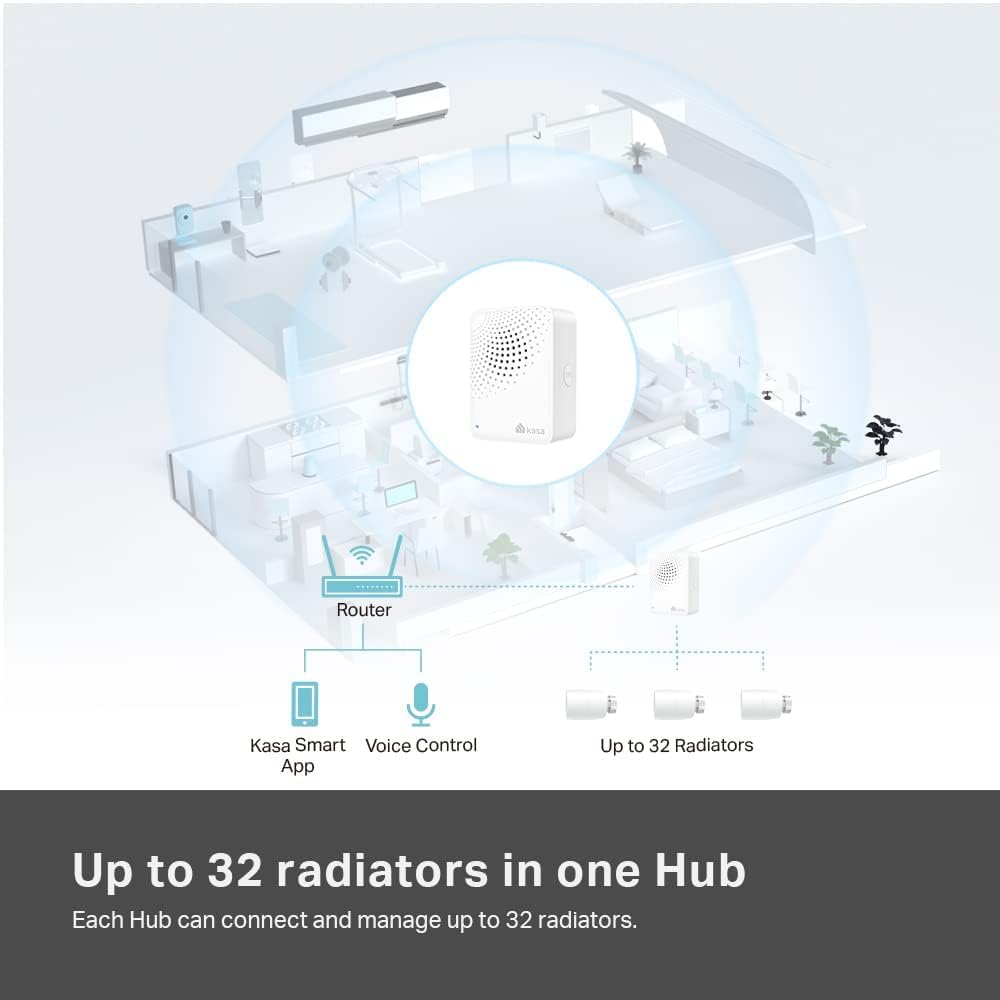
The Kasa Hub transmits signals to devices on a less-crowded, lower frequency broadband, providing a reliable and Long-Rang Connectivity. Each Hub can connect and manage up to 32 radiators. (KH100 Hub included)


1 Temperature Control
2 Voice Control
3 Group Control
4 Set Schedule
5 Control Anywhere


 Warm on Arrival
With the free Geofencing feature, you home will heat up when you are on the way home. Set your desired range, from 100 meters to 2 kilometers, and you can always walk into a suitably cozy home.
Better with the Tapo Sensor  External Temperature Sensor
Supports external temperature sensors like Tapo T310 and Tapo T315 and enjoy precise temperature control in any part of the room, as your TRV automatically adjust based on readings from these sensors, not just around the radiator.
 Open Window Detection
Automatically turns off the heating and activates Frost Protection when the connected contact sensor (Tapo T110) is triggered. This helps you save energy and keep your house safe.
Added Benefits  Frost Protection
–Keep your pipes unfrozen and your house safe.
 Child Lock
Prevent children from managing your radiator accidentally.
Ultra-Long Standby – Low-power wireless technology promises a longer battery life.
 Night Mode
Reduce the frequency of adjusting the motor while maintaining a comfortable temperature for a restful night’s sleep.
 Easy to Install
Simply replace your old radiator valve with Kasa and follow the step-by-step in-app guide for installation.
Temperature & Humidity Monitor
2.7″ E-ink Display
Smart Water Leak Sensor
Drip & Leak Alert
Tapo Smart Contact Sensor
Window/Door Safeguard
Flexible Installation
Flexible Installation
Easy Installation
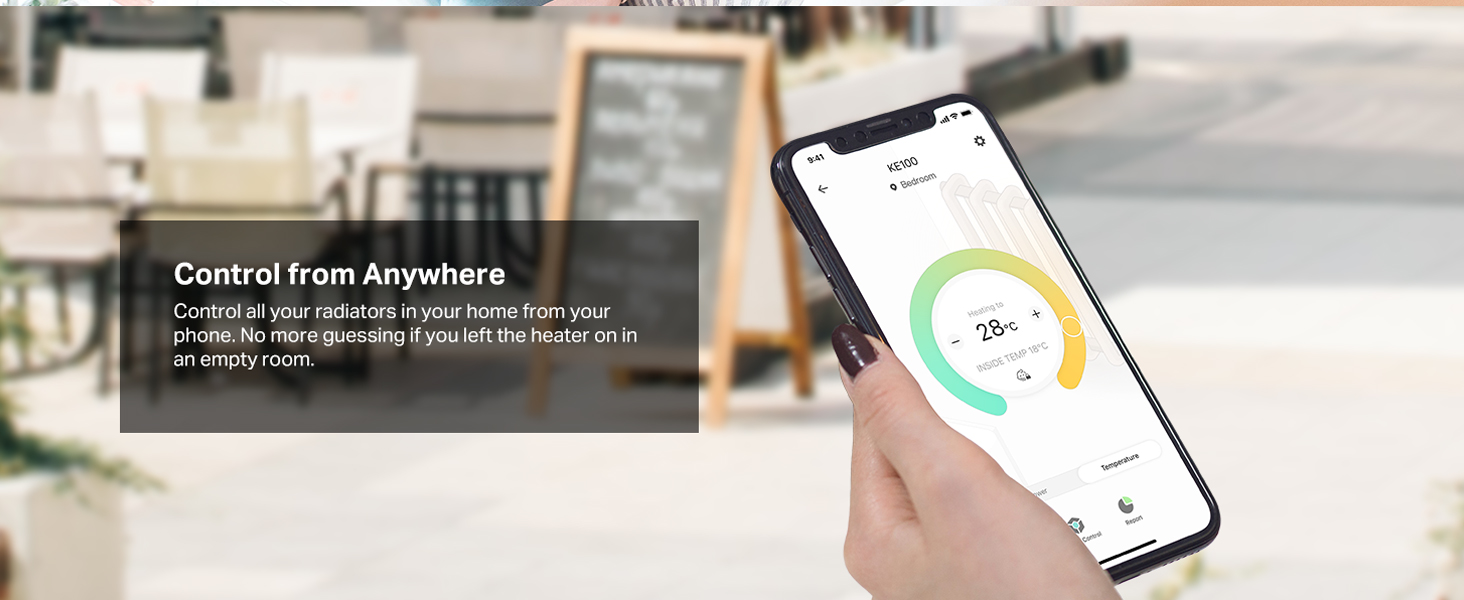
Control from Anywhere – Control all your radiators in each room from your phone; No more guessing if you left the heating on; No more heating an empty room
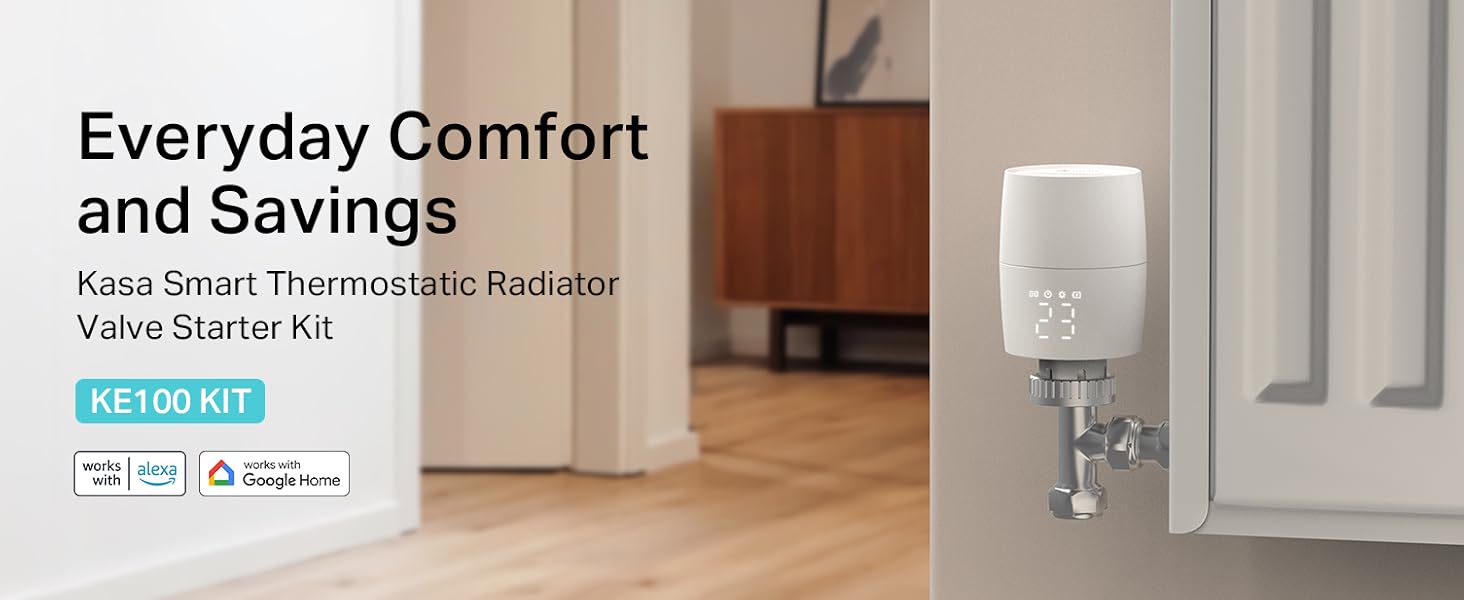
Saving Energy Made Easy- The Kasa Smart Thermostatic Radiator Valve allows you to set heating schedules based on your daily routines to make heating more efficient and save your money
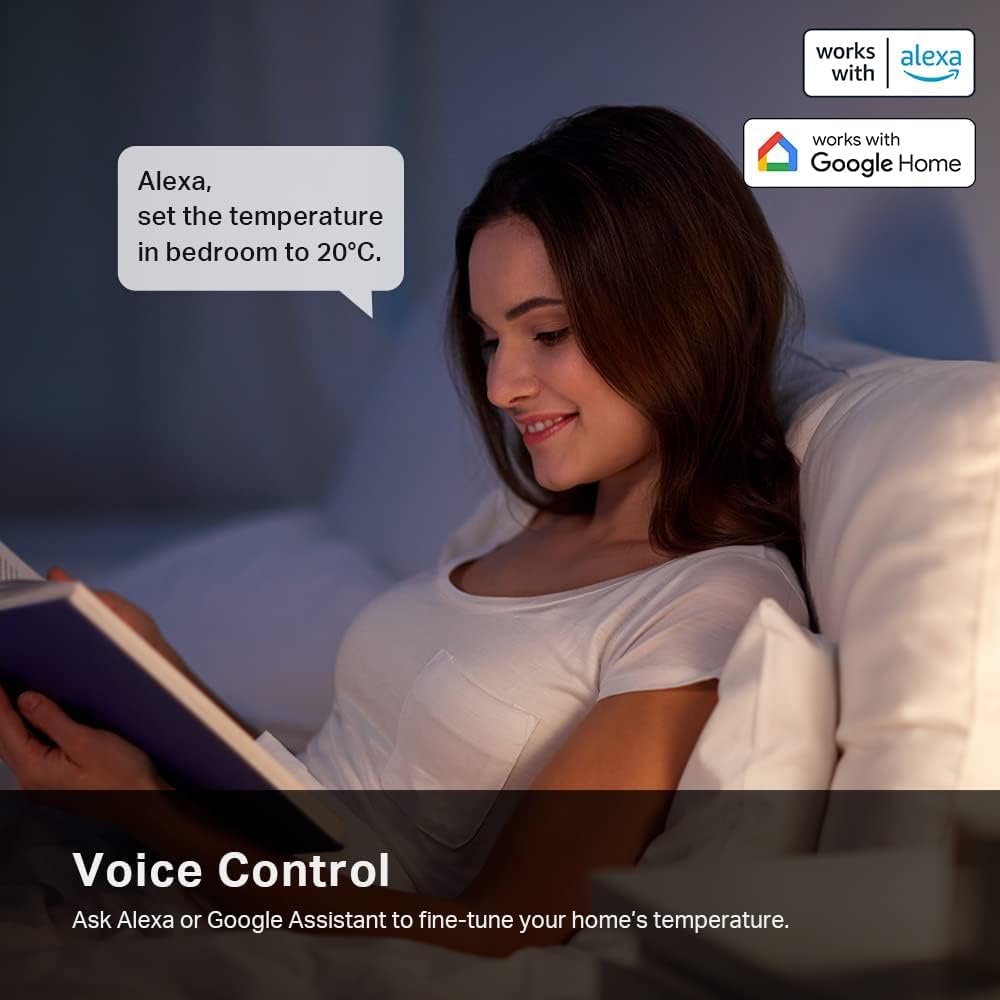
Hands-Free Voice Control- Ask Alexa or Google Assistant to fine-tune your home’s temperature; No need to get up from the sofa
Frost Protection – Keep your pipes unfrozen and your house safe; With easy installation, Just simply replace your old radiator valve with Kasa and follow the step-by-step in-app guide
Kasa APP Requirements: Version 3.1.4 on IOS or Version 3.1.1 on Android (Doesn’t work with Tapo)
Note-Check your existing Radiators valve carefully to ensure the compatibility, for noisy issue-try turning on “Night Mode” in the setting, because after switched to night mode, the valve opening frequency will be reduced, so the noise is reduced
Geofencing for Free: Introducing geofencing support-your home warms as you approach and cools when you leave; No manual tweaks required just seamless comfort and convenience
Device Group Control: Group several smart radiator valves and control them with one tab; Ideal for larger room with more than one radiator
External Temp Sensor Supported: With external temperature sensors (Tapo T310 or T315); KE100 adjusts heat based on your space not just near the radiator
Open Window Detection: KE100 now auto-shuts the heat and enables Frost Protection when the connected window & door sensor (Tapo T110) activates; Enjoy comfort; energy savings and peace of mind
Customers say
Customers find the thermostat easy to install and appreciate its temperature control capabilities, being able to set each radiator to their required temperature. The device works well with the Kasa app and offers good value for money, with one customer noting it’s an affordable way to digitally manage radiators. The app quality and ease of use receive positive feedback. While some customers report easy connection with Google Home, others find it difficult to pair with the hub, and opinions on build quality are mixed, with some finding it well-made while others report it breaking quickly.
9 reviews for TP-Link Kasa Smart Thermostat Radiator Valve, Smart Radiator Valve, Energy Saving, LED display Radiator Thermostat Valve, Smart TRV Schedule, Works with Alexa & Google, Easy installation(KE100 KIT)
Add a review
Related Products


£38.99
Christopher Balfe –
Easy to install and set up and great for the price
Baught 6 of these plus the hub that is needed to connect them to thei Internet.They are easy to install and come with adaptors for most radiator valves. Had one radiator adaptor break but had spares.Batteirs that come with them karnt great and when you connect them it says they are half charged or nearly dead but I had my own double AAs so wasn’t a problem.The app is easy to use and it connects easy to the Google home app. Hoping they stand the test of time they seem well built and they adjust on the app quickly so temperature can be adjusted.Haven’t set up the schedule features or the geofencing yet but it seems like a very good feature.
Legal Weapon –
Easy to install, it makes it very easy to control and coordinate heating your home
I purchased this hub, which included one smart thermostat valve, together with three more smart thermostat valves, separately purchased.Installing the hub and linking it to Alexa was very easy, and took only minutes to complete.The app is simple to use and straightforward and interfaces very well with Alexa.The thermostats give you an indication of the temperature in the room where they are installed, which I found to be accurate.The easy to read display on the handle clearly shows the temperature you set the thermostat to and the temperature can be easily varied with either the handle or through the app and/or Alexa, or using voice commands, giving you total control on the heating in your home and assisting in making the heating system energy efficient (saving you money by, for example, turning down or off the heat in rooms you do not use a lot).The thermostat handles come with a large number of adapters and are easily to install (although I would advice inserting the batteries before installing the handle on the radiator, particularly if the handles will be placed in difficult to reach positions on your radiators).I found the price to be very good value for money.Recommended, to make your home warm and smart.
bohica –
Great add on TRV if you already have the TP-Link Kasa hub
I already had the TP-Link Kasa hub (WHICH YOU NEED) and one other kasa TRV (thermostatic radiator valve) so this add-on just allowed me to control another radiator.Comes in a small box with 2 AA batteries, the smart TRV, a host of adaptors for different radiator valves (I’ve not needed to use) and a little plastic piece to help open the top of the TRV, add batteries and pair the device.Your best adding the TRV using the Kasa phone app and following the instructions but I’ll mention the process as it is more detailed than the app. Assuming you’ve started the add device, picked smart thermostat, given it a name and location the process is basically:In one of the two adaptor bags there is a small white plastic piece with a tiny pin like piece sticking out of it. Turn this on its side and push into slot in top of TRV, then turn anti-clockwise perhaps 20 degrees (there is a lock and unlock symbol with arrows on the top). The top plate should now be removable and a little silver metal piece can be prised up to fit the batteries (note the polarity on the back of the metal piece). Push the silver piece down and forward to lock batteries in place. Use the pin end of the plastic tool to press into the tiny hole in the middle of the top and start the process to connect to the hub. Refit top piece and use little plastic tool to turn the top plate clockwise to lock.Now, I did all of this with the TRV not even connected to a radiator and forgot it has an automatic calibration process where it pushes the radiator valve pin in and lets it out (you’ll hear the TRV make a small buzzing noise) to find the amount of travel in your radiator valve. As such at the end of the add device it failed because the calibration did not work because it wasn’t connected. I simply removed an old manual TRV (after first turning it to fully on[5] to make it easier to unscrew the collar) and replaced it with the Kasa TRV then restarted the calibration under settings for the new TRV (it is best to do this with the smart TRV valve turned off or you’re attempting to push the radiator valve pin in as you tighten it up).It is easy to set up schedules and temperatures in the kasa app and you can also add the TRV to your google home. At any time you can turn the top of the TRV to see the temperature setting, WIFI connectivity etc and if you stop and turn it again, you are adjusting the temperature up/down.One last thing to remember. WHen you screw the TRV on to your radiator valve make sure the lock/unlock symbols on the top point into your room or you won’t be able to see the display on the side of the TRV.I’ve had a few of the forerunner to these smart TRVs for over 10 years (the ones with no internet connectivity or phone app but which are programmable with a small handset). My biggest bug bear with the old ones (other than the one time programming) is the noise they made and the length of time it took to open or close the radiator valve. These TP-Link TRVs are a massive improvement. They make a barely audible buzz for at most a couple of seconds to fully open or close the valve (I can hear it if I’m awake but no way would it wake me up). You can also put them in night mode where they avoid oscillating open and closed all the time (not that ours do that anyway).
benson –
Great TRVs
I’d been looking for a while for a set of smart TRVs for our house, and these seemed good value compared to others especially with the black Friday discount- so bought a set of 11 plus the hub. This being the other bonus in that they can work with the nest thermostat.Installation is really easy- one set of dud batteries out of the set that I bought but swapped them over and worked perfectly. They replaced some old TRVs, the problem with those being that it isn’t really that easy to tell if they are working properly or if the pin is stuck. Therefore, just by replacing the TRV heads and installing these smart ones alerted me to a couple of pins that were indeed stuck on open.The app itself is really good and integrates with google home contrary to one of the other recent reviews. Easy to get them all displaying in the google home app and then voice control the temperature in each room if you want. I generally just use the Kasa app though.I’ve left it a week or so before reviewing but these have definitely improved the comfort of our home allowing us to fine tune the temperature in each room to make sure it is balanced throughout the house. Much easier to do this with the smart TRVs versus the dumb ones. The TRVs themselves are well designed; regarding the noise you can use night mode on the ones in the bedroom which limits it. I haven’t found the noise to be an issue; its a pretty quiet whirring noise when they do operate and this is definitely reduced in frequency as said if you set them in night mode.The only improvements I would like to see is being able to group the thermostats and set a schedule/adjust the temperature rather than having to do this individually.
Ousipost –
Sehr zu empfehlen!
Hendrik –
Leicht zu installieren unkomplizierte Nutzung
Isabelle C –
Jâai acquis ce kit composé dâune tête thermostatique et du hub pour 39,90⬠pour un radiateur difficile dâaccès. Les deux piles sont fournies. Je mâattendais à une qualité de plastique médiocre pour le prix mais pas du tout, la qualité est très correcte.Lâinstallation de la tête a été très facile avec lâadaptateur GIA dans mon cas. La tige qui va avec est la plus courte. Tout est bien détaillé dans le mode dâemploi.Il faut télécharger lâapplication Kasa smart pour contrôler la tête via le hub.Dans mon cas, jâai dû aller sur lâapplication Free Connect afin (dans les paramètres réseau) de diviser le réseau (il y a un tutoriel très bien fait sur Free). Ainsi apparaît le réseau 5Ghz ET le réseau 2,4 Ghz ce qui rend lâappairage du hub possible. Vous aurez besoin du mot de passe wifi.Jâai installé lâapplication sur un appareil android et sur un IOS sans souci.Jâai vu dans les commentaires quâun certain nombre de personnes rencontrent des problèmes de connexion. Le plus important se trouve dans les paramètres réseau de votre fournisseur internet. Une fois le 2,4 GHz activé tout se passe bien.La tête est silencieuse. Je sais quâelle sâest activée lorsque jâentends lâeau circuler dans le radiateur.La température baissée pour la nuit, le radiateur était bien froid le matin. Donc ça fonctionne.La seule chose qui manque est un historique dans lâapplication pour pouvoir suivre lâactivité de la tête thermostatique. Espérons que cet outil sera prochainement ajouté.
Bardzo sztywne naciski boczne. –
Prosta obsÅuga. DziaÅa, ciekawe na ile wystarczy baterii.
BasiaZaron –
Ok