

vretti Thermal Label Printer 4×6 – Desktop Shipping Label Printer Machine for Parcels | Built-in Large Paper Tray | Royal Mail & Vinted Compatible | 99.99% Scan Rate | USB for Windows/Mac/Linux
Original price was: £89.99.£69.99Current price is: £69.99.




Price: £89.99 - £69.99
(as of Jun 07, 2025 17:48:24 UTC – Details)
Product Description
Add To Basket
Add To Basket
Add To Basket
Customer Reviews
4.4 out of 5 stars 754
4.4 out of 5 stars 754
4.4 out of 5 stars 754
4.3 out of 5 stars 200
4.3 out of 5 stars 200
4.0 out of 5 stars 12
Price
£69.99£69.99
— no data
£99.74£99.74
— no data
£85.49£85.49
— no data
Support Connection
USB USB+Bluetooth USB+WIFI USB+Bluetooth USB+WIFI USB+Bluetooth
Support System
Windows, Mac OS and Linux Windows and Linux Windows, Mac OS and Linux Windows, Mac OS and Linux Windows, Mac OS and Linux Windows, Mac OS and Linux
Sheet
1 1 1 1 1 1


Vretti Thermal Label Printer
Features:
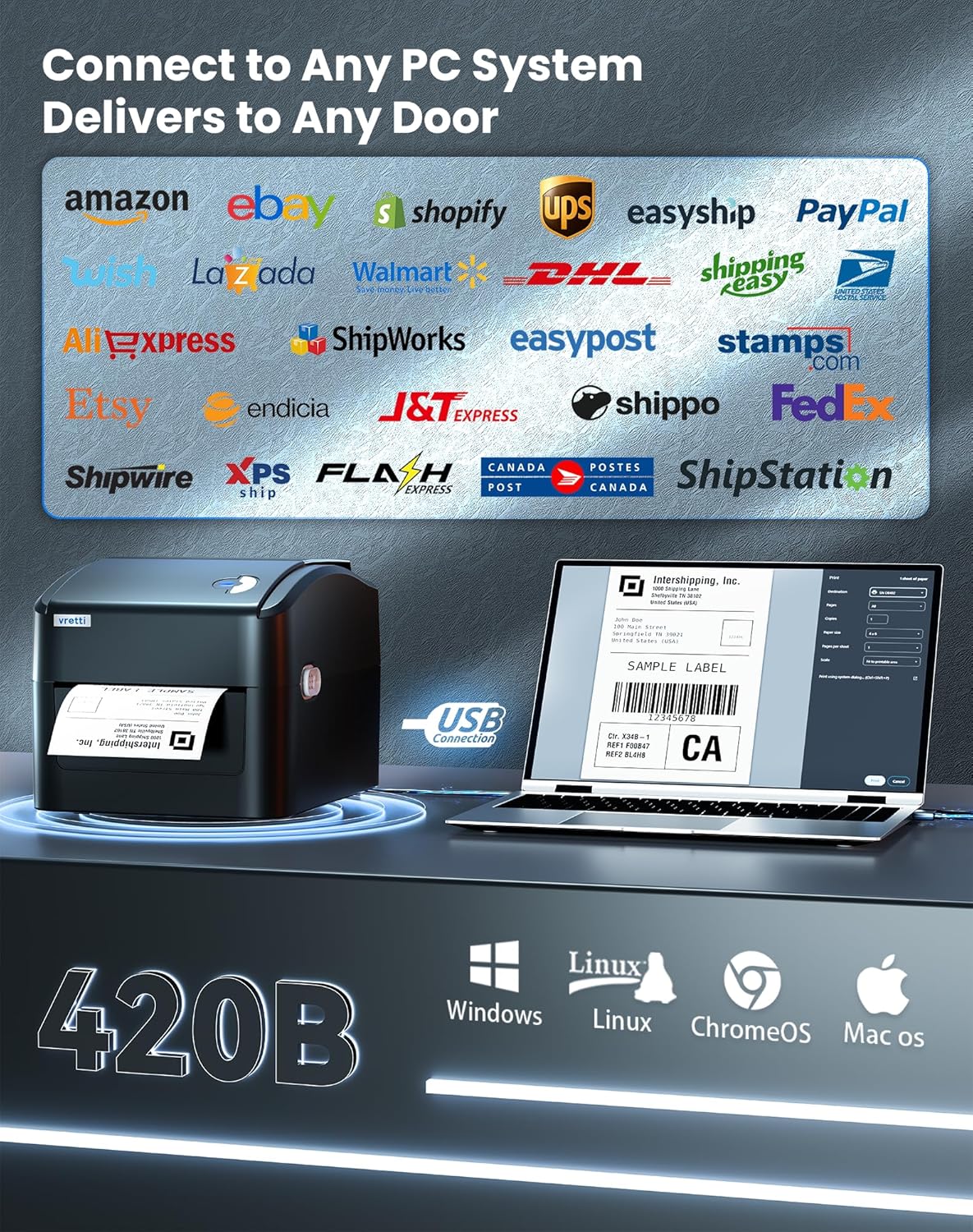
This shipping label printer support label width from 25.4-115mm(1-4.5″).High Speed Printing at 6″(152mm)/s. Adjustable Printing Width between 1-4.25″.Widely application for Amazon, eBay, USPS, UPS etc. No ink/TTR ribbon requirement, save your money.vretti thermal label printer works with all windows, mac, linux system.
Package Included: Shipping Label Printer X1 USB Cable X1 Adapter X1 label shaft X1 Label fixing Panel X1 User Manual X1 CD(ONLY INCLUDED THE WINDOW DRIVER &DIAGNOSTIC TOOL X1
Specification
Resolution: 203DPI Printing Method: Direct thermal Max.Print Speed: 152mm(6″)/s Max.Print Width: 108mm(4.25″) Max.print length: 1788mm Printing Language: TSPL、EPL、ZPL、DPL Compatible System: Windows,Mac,Linux Printing Label Type: Roll label and fanfold label Interface: USB Media Type: Continuous, gap,fan-fold and punched hole Media Width: 25.4mm-115mm Media Thickness: 0.06-0.254(2.36-10mil) Label Length: 10mm-1778mm Print Reliability: Print head life 30km Printer Output Type: Monochrome Power Supply: AC 110-240V,DC 24V 2.5A

When I print the label, the label is too small?
Please ensure that the label size you use is the same as the label size you set up on the
driver.
Window: Go to the control panel → devices and printers→click print preferences→option→change print speed and darkness→click apply
Mac: Open your file with preview. Click print→select “show details→choose the paper size you want or manage custom sizes”

I’m printing blank labels?
1.Please make sure your labels are properly loaded. The printing side is facing up.
2.Ensure your labels are direct thermal labels.
3.It’s possible that the printer do not recognize the label size correctly yet.Please calibrate the label in the printer.

How to calibrate the label?
Please press and hold the feed button while turn the power ON, until you see the red light flashes three times flashing at the same time, then release the Feed Button. The printer will automatically eject paper, and after the paper is successfully ejected, the machine will automatically calibrate.

More information
Pls feel free to contact-us for more infortion.
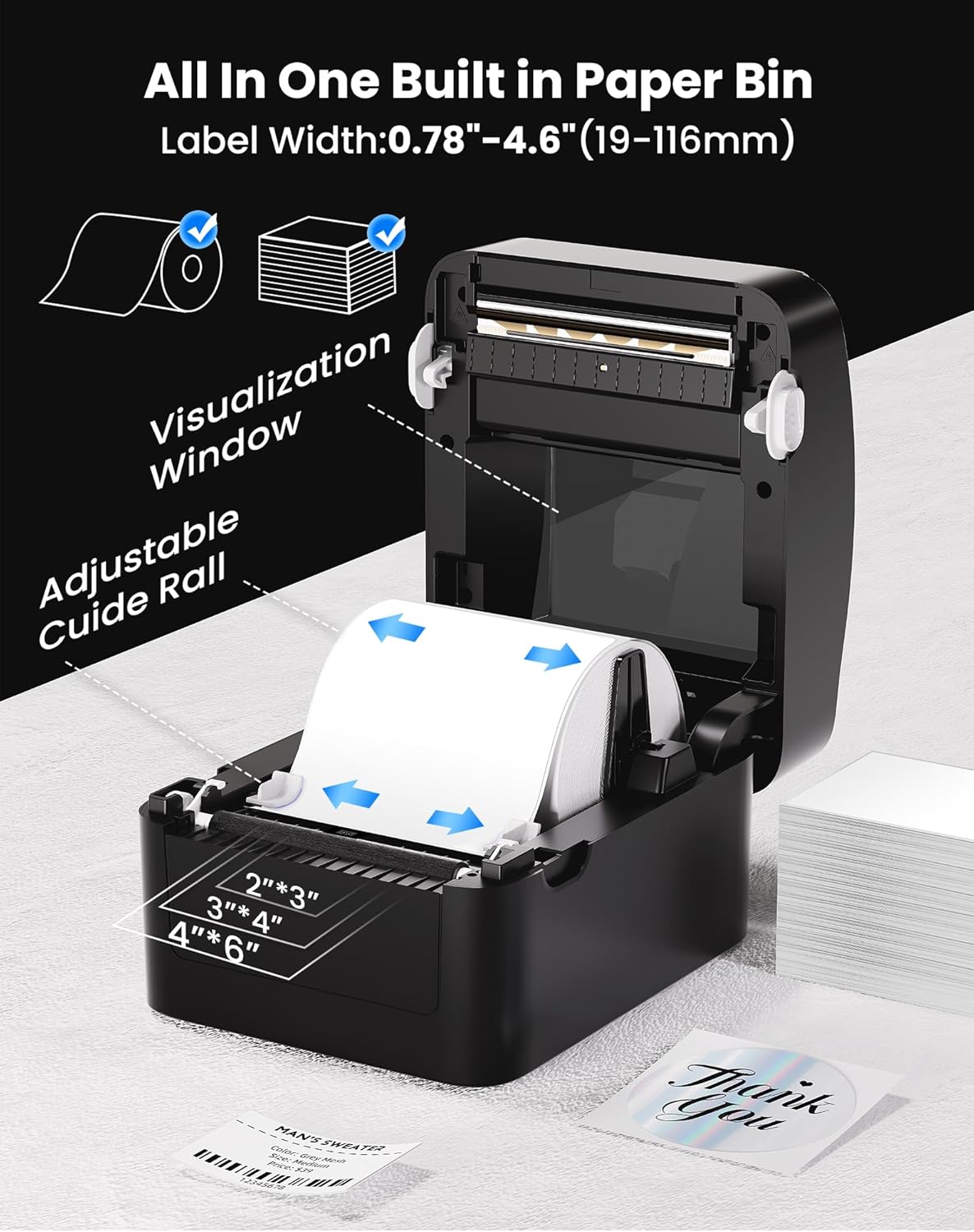
Massive Built-in Paper Tray, Zero Extra Accessories Say goodbye to bulky external trays! Our thermal label printer features an oversized built-in paper compartment holding 500+ sheets, eliminating the need for additional paper holder. Save space and costs with all-in-one design.
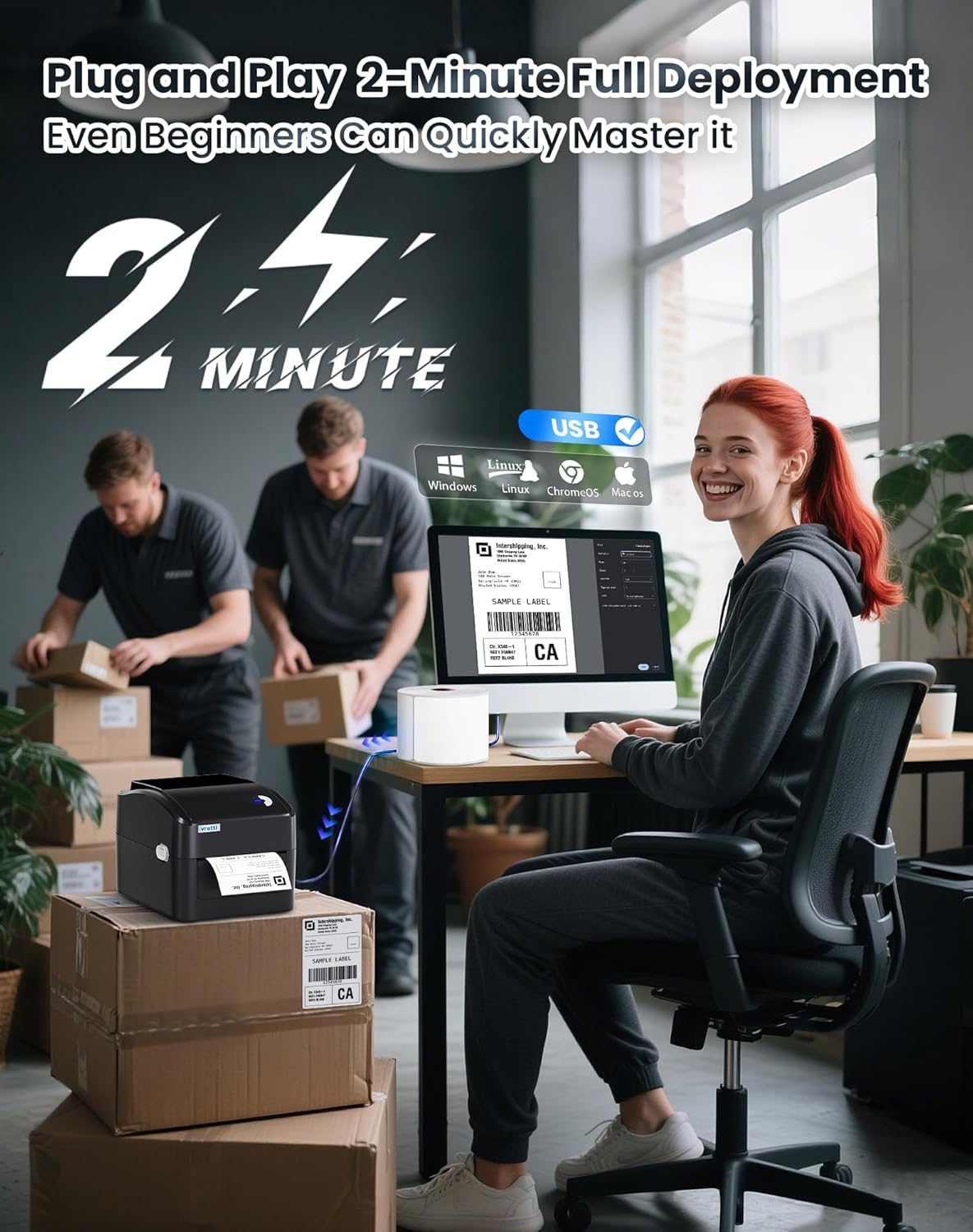
Universal USB Compatibility & 2-Min Setup Plug-and-play USB connectivity works seamlessly with Windows, macOS, Linux, and ChromeOS. Driver installs in 1 click – from unboxing to printing labels in 2 minutes, no tech skills needed!
99.99% Barcode Scan Success Rate Engineered with 203DPI high-resolution printing for flawless barcodes and shipping labels. Achieve industry-leading scan accuracy on Royal Mail, DPD, and Evri parcels – reduce failed deliveries!
3x Longer Lifespan & 70% Annual Savings Japanese industrial-grade print head lasts 3x longer than standard models. Ink-free thermal technology eliminates toner costs – slash operational expenses by 70% yearly!
All-Platform Ready for Vinted/Amazon/eBay Print 4×6 labels for every major platform: Amazon FBA, Shopify, eBay, Vinted, Royal Mail, DHL. Supports 1.57″-4.3″ widths including postage labels and parcel tags.
Customers say
Customers find the thermal label printer easy to set up and use, with clear printing and fast label production. The printer is sturdy and reliable, offering excellent value for money, and customers appreciate its compact design that’s not too big for desktop use. They like the label quality, with one customer noting the labels are clear and scanable, while another mentions it works well with any brand of labels.
13 reviews for vretti Thermal Label Printer 4×6 – Desktop Shipping Label Printer Machine for Parcels | Built-in Large Paper Tray | Royal Mail & Vinted Compatible | 99.99% Scan Rate | USB for Windows/Mac/Linux
Add a review
Related Products

![Scanners [Blu-ray]](https://i0.wp.com/m.media-amazon.com/images/I/81LRrjJhvbL._AC_SL1500_.jpg?w=300&resize=300,300&ssl=1)


Original price was: £89.99.£69.99Current price is: £69.99.
Serenity Hygiene –
Better than much pricier machines
Excellent printer so far. Faster than Zebra and TSC and a breeze to set up with native Mac support.
Amazon Customer –
Easy to use, cheaper to run
Very easy to use. Much cheaper to run compared to Dymo products
Dan Redhead –
Great printer for the money
Fast delivery, great price, a little lightweight. Noisy compared to previous printer but does the job. Dont expect Epson etc quality but of course the price reflects this.
Andrew –
Great
Great
Empty Seas –
READY, VRETTI? PRINT!
Simple set-up of a smart-looking printer (the glossy black finish looks decidedly sleek!). Print quality is first rate, and outperforms that of my previous printer. Customer service is prompt and helpful (database update for warranty registration).
Curly Wordy –
Unreliable and temperamental. Very frustrating!!
NB I think this listing has changed since I made my purchase at the end of November 2022 – I bought the Bluetooth version.Alsoâ¦I initially wrote a 1 star review as the printer simply wouldnât work, but I later updated the score to 4 stars and amended my written review as described below.However today – 17th September 2023 – I am updating the score to 1 star and adding further comments at the bottom of my review.I did a lot of research before buying this printer and I chose this one because it had all the features I wanted (Bluetooth printing, can take different sizes of labels, labels stored inside the printer, compact, easy to use) at a good price. However, it ended up being a huge let down at first.Although it was easy enough to download the app and connect to the printer from my iPhone, I just couldn’t get to grips with printing a label successfully. The instruction manual is in poorly translated English so it’s not particularly helpful, and the app is not intuitive and parts of it are in Chinese so it’s pretty useless. I was able to import a returns label but for some reason whenever I tried to print it the printer would think about it for 30-60 seconds and then spew out a tiny QR code as shown in the photo. The code isn’t even related to the label I was trying to print; when I scan it it comes up as ‘123457789’, so it must be a test code or something. I tried asking for help but got no reply, so customer support is completely lacking. It was so frustrating to continuously waste labels so I decided to give up and I intended to return the printer for a refund. What a waste of time and trouble.However, I decided to give the printer a final try (if only to print its own return label!!) and it suddenly started working properly. I didnât do anything differently; it was as if the printer all of a sudden wanted to play ball for some unknown reason and I canât say I was unhappy about that! Now it prints labels in a matter of seconds and Iâm absolutely thrilled. I may need to play around with the thickness of the printing as some of the barcodes can look a little thickâ¦but that said they still scanned without issue by both Evri and Royal Mail so perhaps Iâm better off leaving well alone!The fact this printer is black is a big plus to me as it looks slick and it wonât change colour over time (I hate how white plastic so often yellows as it ages).I would have liked it to come with a few sample labels for practice runs, but Iâve not marked down for the fact it doesnât as this is mentioned in the listing so it came as no surprise.So if you have a similar experience to me at first, donât despair as hopefully your printer will suddenly buck up its ideas like mine did!UPDATE 17/09/2023Please do not waste your time and trouble on this printer. I have spent the past 3 hours trying to print a label but the printer does nothing.I started experiencing issues a few weeks ago when the printer spat out blank labels. I cleaned the print head with isopropyl alcohol as directed but this did nothing. Eventually after many tries it did print something but it was partially off the page and I had no idea why. I had set everything up as normal but for whatever reason the printer decided to play up. I reprinted it several times, each time adjusting the position so that finally it did print fully on the label, even though on my phone’s screen it was showing as hanging off the page. So bizarre.Today I have gone to print a label and it spat out blanks again. I cleaned the print head; no change. I reinstalled the app; no change. The app keeps telling me ‘printing completed’ but I’m still sat here waiting for my label to print. It is so frustrating and it has wasted so much of my time.When it works properly this printer is great. But when it doesn’t work the app compounds your frustration and exasperation by acting as if nothing’s wrong. No error messages or anything to help explain the problem.Please save yourself the same hassle and inconvenience – don’t buy this printer!!
M M –
Perfect
This label printer is very easy to install and use. Exactly what i needed
Pragnesh Ajitsinha –
Vretti Thermal Printer
Satisfied !
User262144 –
Drucker lässt sich super flink unter Ubuntu LTS Linux einrichten und läuft tadellos.- Mensch sollte für Formate abseits von 4×6″ jedoch sich mit CUPS auskennen.Ich selbst hab’s jedenfalls allein hinbekommen (einfach die PPD-Datei im Unterordner anpassen und CUPS ans Service neustarten). Hier wäre Luft nach oben seitens des Herstellers, was Dokumentation angeht.Zu Windows & macOS kann ich nichts sagen, weil keine entsprechenden Geräte vorhanden oder im Einsatz.
Per Johansson –
Enkel installation på min Mac. Smidig att få ut fraktsedlar. Det kunde kanske kunnat vara med några provetiketter eller en första rulle.
Paul A. –
It works out of the box, with their supplied USB cable, power supply & lead. Easy to set up: connect the cables, turn it on, load the labels, close the lid and press the top button to calibrate it for the installed labels. Comes with a getting started leaflet, plus a USB drive with everything else you’d need on it: manuals, videos & drivers. Their website and online support is easily found via the QR code in the packaging. The A6 labels are printed so quickly and yet the quality is excellent.
Xathä Bio Lab –
si installa in un minuto e lavora molto bene
ferreira –
Produit excellent très bien reçu !