

WD 4TB My Book external hard drive, Desktop HDD with Password Protection, USB 3.0, SuperSpeed USB, software for device management, backup, hardware encryption, Black
Original price was: £129.00.£120.99Current price is: £120.99.

Price: £129.00 - £120.99
(as of Jun 06, 2025 06:35:01 UTC – Details)
From the manufacturer

Complete Backup
My Book desktop storage comes equipped with backup software(1) to help make sure your photos, videos, music and documents don’t get lost. You can set it to run automatically to your schedule. Just pick the time and frequency to back up important files from your system.
(1) Download and installation required. Terms and conditions apply. User account registration may be required.

The video showcases the product in use.The video guides you through product setup.The video compares multiple products.The video shows the product being unpacked.
 Massive Capacity
With up to 22TB(2) of capacity, there’s plenty of room to save the massive amounts of photos, videos, and music you love, plus your important documents.
 256 Hardware Encryption
My Book drive’s built-in 256-bit AES hardware encryption with password protection keeps your content private and safe.
 Easy to Use
Start transferring files, saving memories and backing up. Downloadable software (TsCs apply) included to help protect your data.
 Compact Design
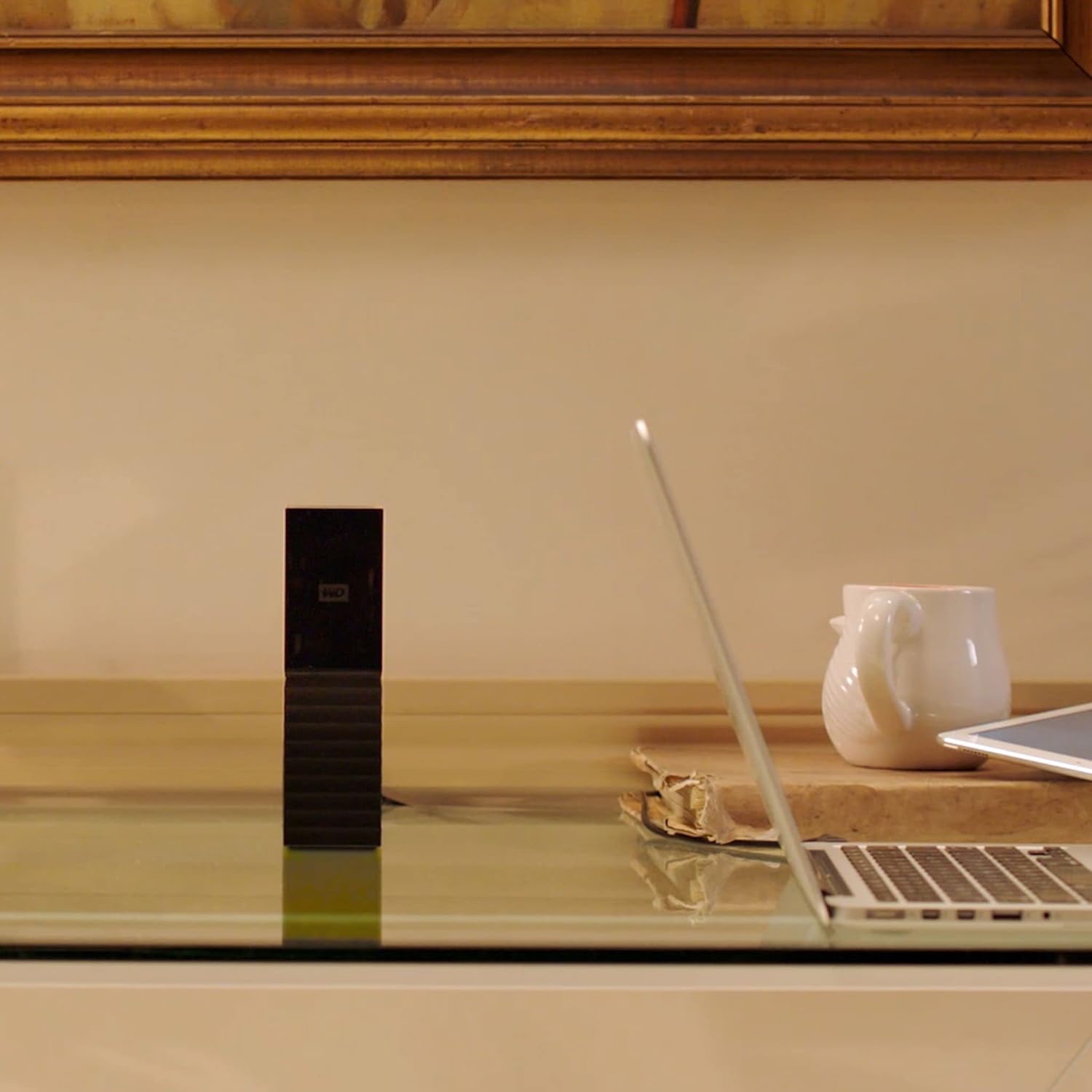
The My Book drive exudes a confidence reflective of its reliability. You can trust your My Book drive to be the home of your digital life.
 WD Quality
Designed to meet WD’s demanding requirements for durability and long-terms reliability, we stand by the trusted My Book desktop storage.
My Book
Comparison Metric
Up to 22TB
Capacity(2)
Up to 44TB
No
Remote Access
No
1 x USB 3.0
USB Ports
2 x USB 3.1
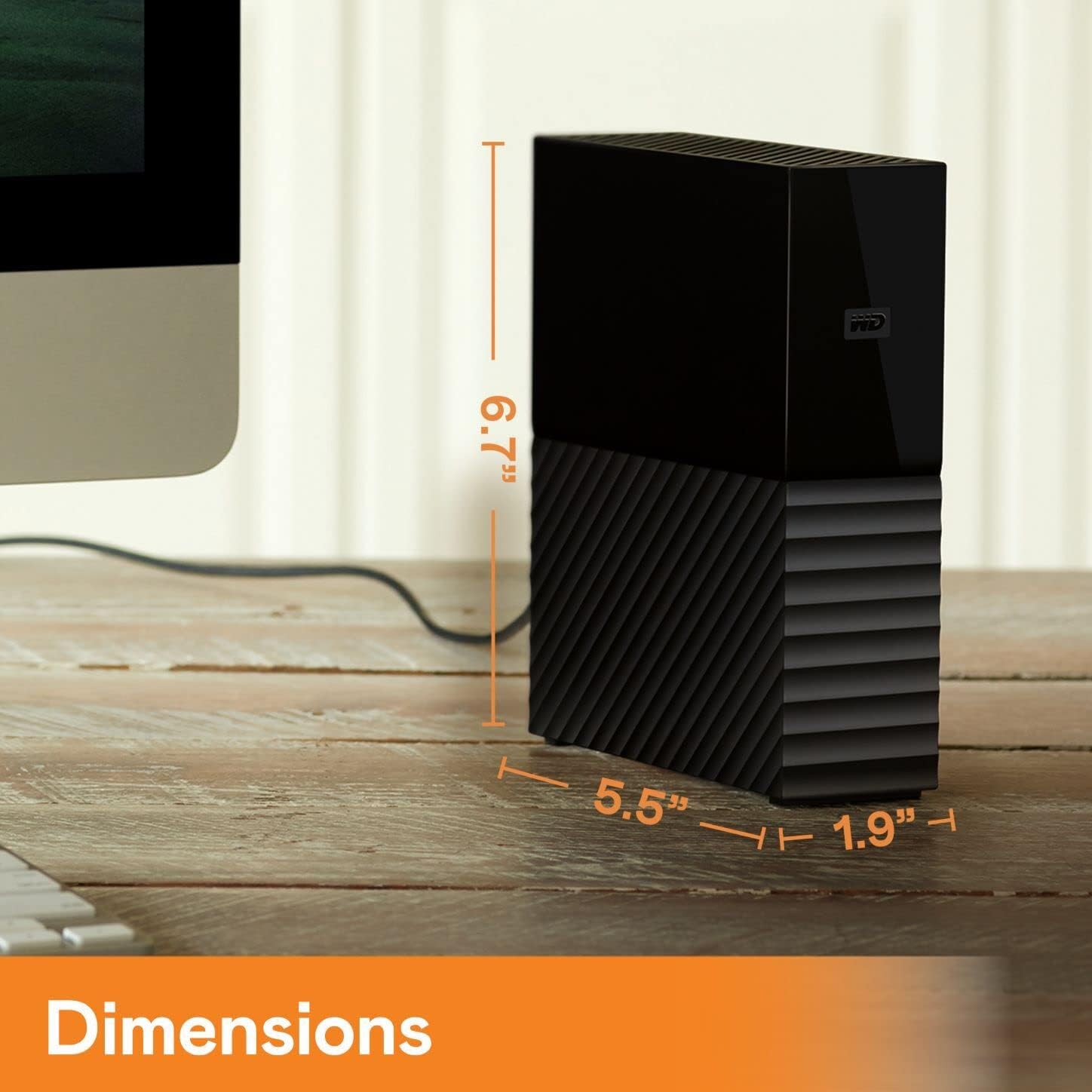
5.5 x 1.9 x 6.7 in
Size
6.3 x 3.9 x 7.0 in
Included
Backup Software
Included
256-bit AES
Hardware Encryption
256-bit AES
Up to 22TB
Capacity(2)
Up to 8TB
No
Remote Access
Yes
1 x USB 3.0
USB Ports
1 x USB 3.0
5.5 x 1.9 x 6.7 in
Size
5.5 x 2.1 x 6.9 in
Included
Backup Software
Included
256-bit AES
Hardware Encryption
No
My Book Duo 
My Cloud Home 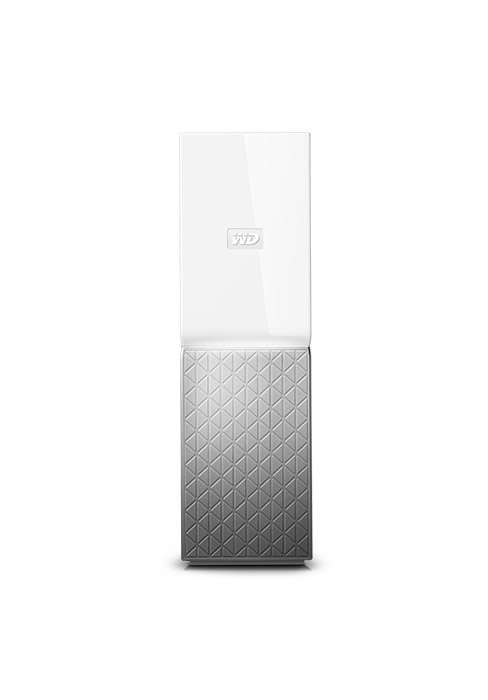
(1)Download and installation required. Terms and conditions apply. User account registration may be required.
(2)1TB = 1 trillion bytes. Actual user capacity may be less depending on operating environment.
Product specifications subject to change without notice. Pictures shown may vary from actual products. Western Digital, the Western Digital Logo, WD, the WD logo, My Book, and My Cloud are registered marks or marks of Western Digital Corporation or its affiliates in the U.S. and/or other countries. All other marks are the property of their respective owners.
2022 Western Digital Corporation or its affiliates. All rights reserved.
Equipped with WD backup software for Windows and Apple Time Machine compatibility for Mac, the My Book desktop hard drive can back up your photos, videos, music and documents
Works with acronis true image WD edition software to schedule full system backups
Password protection with built-in 256-bit AES hardware encryption with WD Security software, just set your own personalised password to help keep your content private and safe
Millions of people around the world trust their data to My Book desktop storage; designed to meet WD’s demanding requirements for durability, shock tolerance and long-term reliability, we back up (pun intended!) the trusted My Book desktop storage with a 3-year limited warranty
The My Book desktop hard drive can back up your photos, videos, music and documents
Customers say
Customers find the external hard drive reliable and easy to set up, working well out of the box. They appreciate its storage capacity, with one customer noting it’s partitioned for Time Machine and mass storage, and its speed, with one mentioning 100MB/s+ transfer rates on USB3. The drive is quiet during operation, and customers consider it good value for the storage size. The software compatibility receives mixed reviews.
10 reviews for WD 4TB My Book external hard drive, Desktop HDD with Password Protection, USB 3.0, SuperSpeed USB, software for device management, backup, hardware encryption, Black
Add a review
Related Products


Original price was: £129.00.£120.99Current price is: £120.99.
topgazza –
My Book Duo – Easy Install
Easy install and format on my iMac as a backup drive. To me its silent as I can barely hear it. Copied all by files, movies and photos to their own folders. Created a750mb partition for Time Machine to limit it’s size. Scheduled Time Machine via Time Machine App and the rest via Carbon Copy Clone for weekly updates. everythings works fine with no problems.One thing to note and I’ve had this before on WD and Mac is that some operations like formatting or setting up a partition can take 2-3 attempts after failures but then goes like a train. So dont think the first failure is a problem.It’s not and it will workUpdate: Box failed twice in a week after a RAID 1 error with 2nd drive offline. Rebuilt once which took 18 hours and it was OK for a week then happened again. Box replaced by Amazon so will keep an eye on it
Rich Heath –
Not loud, but does take a while to spin up. Good backup drive for a NAS.
Having read dozens of reviews of these WD MyBook Duo drives, the conclusion I had come to was that they are very loud, but otherwise ok. I found a ‘used’ one on the Amazon Warehouse at a vastly reduced price, so I was happy to give it a go for myself. I was chiefly interested in using it in RAID 1 (mirrored mode) as an expansion for my QNAP T451 NAS although I decided to also try it directly connected via USB to my Macbook.Dealing with the ‘noise’ issue first, I’m not sure if I’ve been exceptionally lucky, but other that when it first switches on (you get a brief flurry from the fan, just to prove it works) it is basically silent (other than a little bit of clicking of the HDD heads getting in the right position). There’s no audible fan noise and it seems to run pretty cool. I wasn’t worried about noise as it was going to live in a cupboard with my NAS, but I’m glad it’s very quiet in case plans change and it moves out of it’s under-stairs home. When testing via USB, it was tucked away on a bookshelf behind the sofa with a long USB3 lead and noise was not an issue.Speed is very good plugged into my Macbook. As you can see from my screenshot, in RAID 1 (mirror) mode it achieves ~100MB/s Write and ~135MB/s Read over USB 3.When plugged into my macbook, it takes a little while to be recognised, but once it is, it responds quickly and seems very solid. It comes up formatted as a single drive using the capacity of both drives with data striped across them both (RAID 0). This is a terrifying proposition (to me at least) as if one of the drives fails, you lose all the data on both. Luckily you have the opportunity to install an app (Windows or Mac, download from the WD website) that can change the formatting of the drive. You thereby have 2 alternatives:RAID 1 – only gives you half the capacity but if a drive fails, all of the data is safely on the other driveJBOD – which treats each disk like a separate drive, so if one fails, you only lose the data on that drive – data on the other is safe.The big advantage of how it comes set up is you get one nice big drive, and it works faster than either of the other 2 options. Fine for a backup as it’s unlikely both your main disk and the backup would go at the same time. Whether it’s worth the risk as a storage drive is up to you…The drives inside are WD Reds, which are designed for NAS use, and regarded as some of the more reliable drives you can buy, so you should get many many hours of use without any issues.One annoying thing on the Mac is that when you wake your Mac from sleep with the drive plugged in, the WD software will frequently alert you that there is a RAID error. There is no error, it’s a false alarm. The best way to deal with this is to simply uninstall the WD software after you’ve configured the drive to your requirements. It has very few functions, aside from changing RAID modes and giving annoying alerts! You can always reinstall should you need to change the RAID mode (which will also wipe out all of your data).
Mark Aitch –
Worked out of the box.
I bought this drive as the previous WD drive I use for system/data backups threw a wobbly after a power cut. Straight out of the box I connected it up and fired up the iMac backup software. After choosing this drive as the backup target the system formatted it and I ran the first backup. My backups come out at just under 2gb so this 4gb drive will have ample space for the process. It just sits thee doing itâs thing until I need to recover a file. These drives are reliable and last for a good time the last one for five years until a rogue heater dropped out our RCD and caused an issue with it. I am able to read from it so will still have nearly six months of previous backups to hand if needs be. I would recommend this drive especially at its current price point.
e –
Great quality drive, looks good, fast read/write speeds and plug and play.
Purchased on 17th June 2019 for £87.49.Iâve been waiting for the right moment to add some storage to my PC so when this 6TB hard drive went on offer I went for it.I already have a 5TB Western Digital Elements external hard drive but itâs been really low on space for quite a while so it was time to get another one.The hard drive arrived well packaged with plenty of protection. It came complete with a UK power adapter and USB 3.0 cable.I love the look of this hard drive, the mixture of glossy and matte panels works really well and the rectangular design with the ridges looks very stylish. I actually prefer this design to the rounded design of my Elements hard drive.I literally plugged it in and it was good to go, it already had the latest firmware and was pre-formatted so I could see it on my PC.I ran the CrystalDiskMark v6 hard drive benchmark utility and as you can see from my pictures it scores an impressive sequential read/write score of over 190MB/s which is pretty impressive for a mechanical hard drive.The usable space on my Windows PC shows up as 5.45TB which is down to the conversion of the units and is perfectly normal and the same for all hard drives.Overall, this was a great buy at a great price and I would throughly recommend it if your looking to add some additional space to your PC.
christopher blampied –
archive storage
Hi I am an avid collector of tv series , films and especially documentaries, well my collection has grown to over 50tb using 3, & 6TB back up hard drives so now I wanted to use larger drives to cut down the number of units attached to my computer ( at 1 stage I had 12 attached at once) also to give me extra storage and to enable me to achieve back up of my collection. Well I bought the 10tb drive which arrived very quickly and well packaged ( the 10tb drive only gives about 9.25tb storage ) once I formatted the drive it worked perfectly 1st time and on that drive alone I managed to store all my documentaries’ with room to spare . I will buy more drives in the future after I saved some money , I am a pensioner and this drive is not cheap but well worth it’s value. thank you very much.
Egn4m –
Extern hårddisk som gör vad den ska. Man behöver inte formatera den. Det följer med programvara för både windows och mac att installera om man vill. Dessa filer ligger på hårddisken. Personligen har jag ingen nytta av dom då hårddisken fungera perfekt utan. Perfekt för backup
N. C. Ebsen –
I WILL be able to use this drive.I bought this external hard drive to add storage capacity to my DVR.The drive came with a “Wall Wort” style power supply. It came with adapter plugs for other countries, but none for American sockets.However, since the drive works on 12 volts DC and I have at least six WD drives , I have extra power supplies.I WILL be able to use this drive.
LuPi –
Dopo anni di utilizzo, posso confermare che si è trattata di una buona scelta
RGDAD –
Jâai acheté ce disque dur externe pour mettre à lâabri mes données personnelles que je ne perdrai pas en cas de panne de mes ordinateurs.ce disque fonctionne à merveille et je trouve que les gens devraient plus penser à faire ces sauvegardes et ce disque externe est indispensable pour faire ce travail.En plus il a une capacité de de 8 TO , câest excellent .
George hanna –
تÙصÙÙ Ù٠تابع٠رائعÙÙ Ùتج Ù Øتر٠Ùاتعر٠عÙÙ Ùظا٠تشغÙ٠أب٠ÙÙÙÙدÙز