

Xenocam Waterproof Outdoor Gate Smart Rim Door Lock WiFi Fingerprint Lock Support Password IC Card Key Wiring Digital Gate Access Control for Tuya
£69.99


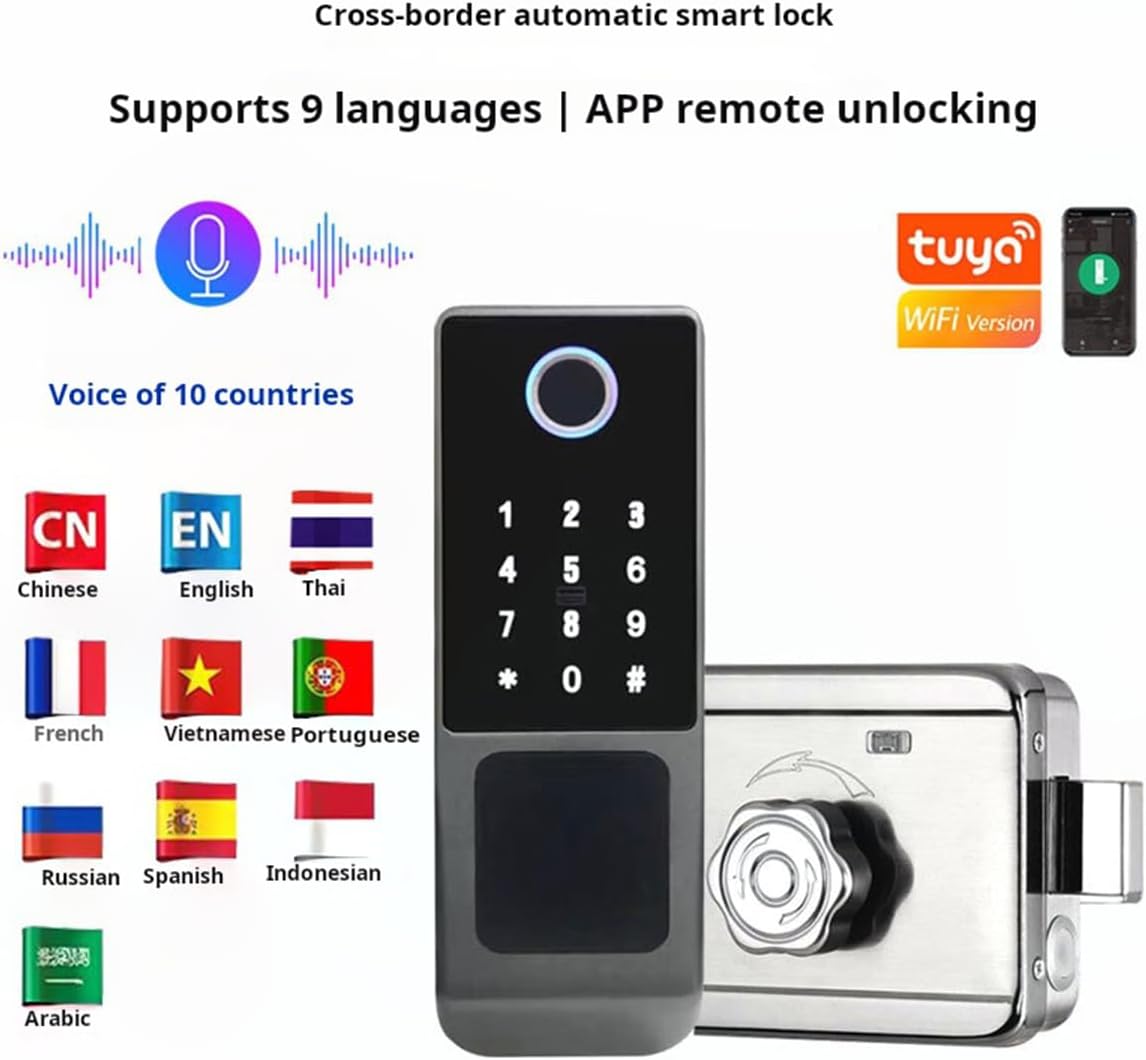



Price: £69.99
(as of Jun 03, 2025 05:07:33 UTC – Details)
Product Description

Tuya Smart Lock Wifi Fingerprint Rim Door Lock Biometric Password RFID Card Digital Keyless Entry Electronic Lock
Access by app, M1 card, fingerprint, pass code, wristband or key (5 in 1).
2. TUYA App version are available to choose, support remote unlock from different city
3. Compatible with various mortise to fit 99% doors, easy installation of new doors or replacement.
4. One-touch access biometric fingerprint sensor on the reader.
5 .Strong and secure Aluminum alloy lock panel, Anti-corrosion and study.
6. Back-up USB external power supply interface and mechanical key unlock.
7. Reversible free style handle.

Product paramenters
Product Name: Xenocam Smart Lock
Style: Tuya.
Lock mortsie: rim lock.
App: Tuya.
Material: aluminium alloy.
All the wifi lock only support remote unlock,not support close remotely! !
5 Unlocking Methods: This fingerprint door lock has 5 unlocking methods: fingerprint unlocking, password unlocking, IC card unlocking, mobile phone APP unlocking, and key unlocking. It can also be used with other graffiti products, and can also be connected to WiFi.
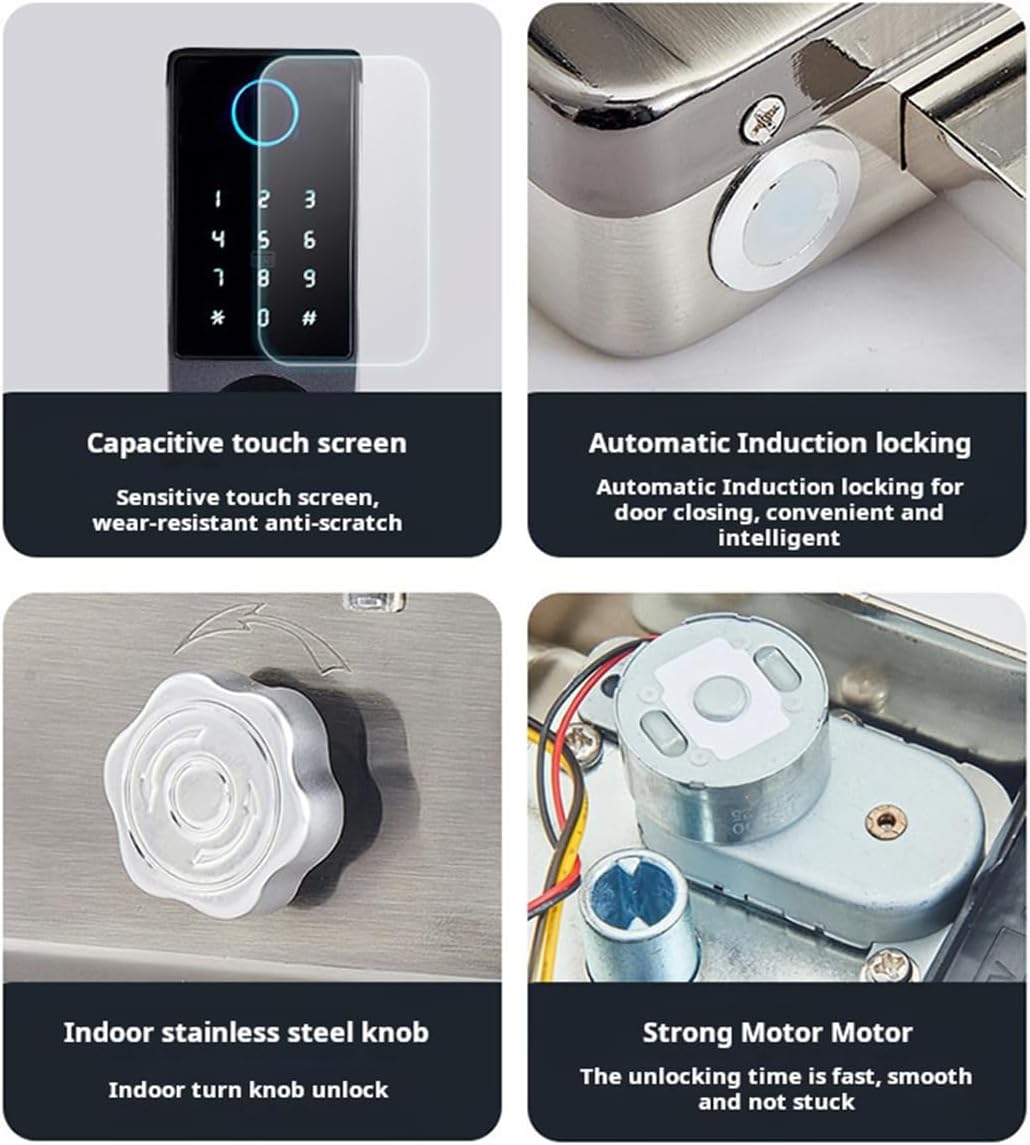
High Fingerprint Recognition Rate: Capacitive , sensitive unlocking: After entering the correct password, you need to press the # key to confirm to unlock, 550 DPI biometric fingerprint sensor, high recognition rate, every unlock will pass an intelligent algorithm , The more fingerprint recognition the better.
Security: This fingerprint glass door lock has a password anti-peeping function: supports garbled unlocking to prevent peeping, enter the wrong password more than 5 times within 5 minutes, the keyboard locks for 90 seconds, and the system does not respond to any operation within 90 seconds.
Low energy consumption: This WIFI door lock is powered by four 5th batteries (not included), with low energy consumption and long battery life. With low battery reminder function: low voltage alarm will occur after the voltage is lower than 4.5V, and the door lock can be unlocked 200 times after the alarm. There is also an emergency charging interface: in order to deal with the situation where the product is out of power.
Convenience: The smart lock uses a stainless steel rotary switch: the single-head lock uses rotation, and the key unlocks the design. The rotating side needs to be installed in the indoor environment, quiet design, low noise. It is widely used in areas that need enhanced , such as home door locks, office door locks or commercial door locks. Bring enough security to your life.
5 reviews for Xenocam Waterproof Outdoor Gate Smart Rim Door Lock WiFi Fingerprint Lock Support Password IC Card Key Wiring Digital Gate Access Control for Tuya
Add a review
Related Products


£69.99
Simon B –
Cool
Item title: Xenocam Waterproof Outdoor Gate Smart Rim Door Lock WiFi Fingerprint Lock Support Password IC Card Key Wiring Digital Gate Access Control for TuyaDelivered price with Prime: £69.99How is it packaged?: Retail BoxWould I recommend? YESSuitable as a gift? YESMy comments and opinion: OK so this is way overkill for my gate but I do love it. Works well, was easy enough to fit, and I’m a gadget lover, so why not! My concerns are durability over time (fingerprint pad getting marked/dirty scratched etc and general fatigue from british weather) and connectivity but so far I’m proud of it on my side gate!!
Dave Baldwin –
ðð¼ You get what you pay for
Guess itâs a case of you get what you pay for. Only worked about 80% of the time. Even putting in correct code it would say itâs wrong sometimes and same with thumbprints then lock you out for 90 seconds so unless you used manual key you were unable to enter. Would accept thumbprint/code for unlocking and then say it was wrong for entering administration settings. Walk away for 10 minutes, come back and working fine. Ended up removing it and replacing it with a Simpled smart lock, same brand I have on my main front door. Costs over twice as much but works 100% of the time, not one unaccepted thumbprint or fob etc.
Kerse –
Not up to standard
First impression, from the ripped top of the box, was that the unit I received had been already bought and returned by someone else. So I was already wondering if it was going to have problems. Not disappointed there.Before that though, the description says ‘outdoor gate smart rim door lock’ and I wanted a good smart gate lock for the rear exit from the garden, a basic wooden gate and not solid hardwood or metal. This won’t work with a gate like that at all as it needs to be mounted on something very very solid, not 1/2″ thick pine planks.Reliability issues seem to exist so I powered up sitting on a bench and tried it out there. Nope, definite issues with reliably accepting fingerprints or PIN numbers. This is the biggest issue and the one for which I will be returning the unit to the seller.Last comment – the instructions. See the photo and judge for yourself, but I can’t call them clear and understandable.
Abbie –
Good lock, remote unlocking by sending user a password
Good lock, easy to fit. Only problem was the fact I thought you could unlock it via the app. Well you can in a way. You create a temp password and use that to unlock it there is no simple unlock feature apart from that. Well worth the money though. Would give it 5 stars but the discription is a bit hit and miss
SecureJohn –
Wouldn’t program
Tried to set this up for over 2 hours.The instructions at best would be described as woeful.The device out of the box worked using the default code 123456# It unlocked and when the prox sensors lined up with the keep, the locked relocked. But the configuration menu just didn’t work as the menu indicated. Out of the box any finger print will unlock, so you need to be able to program the unit for it to be of any use.The instructions indicated use *#123456# to enter admin menu. This worked.There is then a very poor quality audio instructions which state 1 for admin, 2 for User, 3 for System and 4 to reboot.Pressing 1 allowed me to enter in to the admin setting. This worked fineThen the submenu gives 3 options 1 = Admin code 2 = Delete Admin 3 = NetworkAny key press 1, 2 or 3 just returned an error and the keypad to display a random pattern of numbers.I reset the device using the buttons on the PCB in the lock, but still didn’t give an different results.The Tuya app wouldn’t see the lock because I couldn’t get the device onto the WiFi.The device wouldn’t even allow me to enter a user code. Every function I attempt to program just returns a random number pattern on the keypad and sometimes a failed audio voice message. Even the reboot function number 4 returned the error random keypad numbers. Its like the device has the memory write functions disabled, which might be something as simply as missed solder chip leg.There are two push buttons on the lock PCB, after playing I did identify the button for a factory reset is the left button. The instructions just indicate this as a menu button. I think this did a factory reset but as I couldn’t change any of the factory setting, I couldn’t confirm. It certainly didn’t allow me to change any setting.The manufacture need to look at the rewiring the instructions to be more meaningful. Also maybe a QR code on the device to allow the Tuya app to connect the scan option.Only positive from my side is I did this evaluation on the test bench, not installed on a door and not working.