

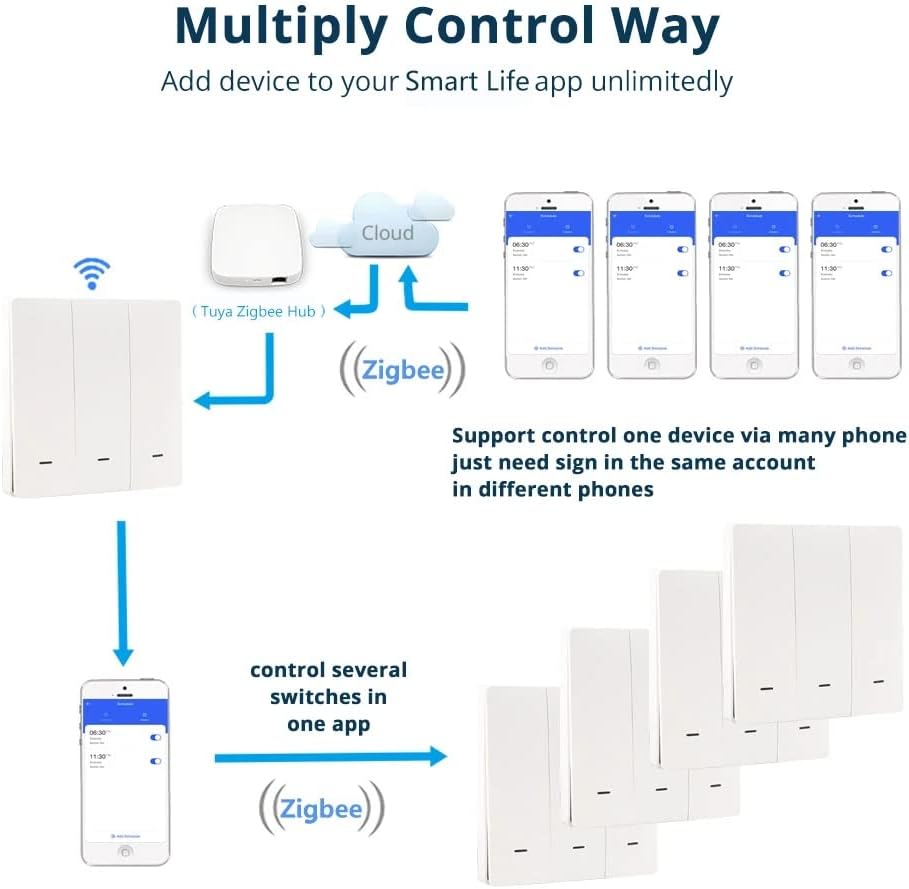
Yagusmart Zigbee Smart Wall Light Switch, Neutral Wire Optional, Need to Work with Tuya Zigbee hub, Compatible with Alexa and Google Home, IFTTT, App Remote Control, Timing Function(1 Gang)
£20.99
Price: £20.99
(as of Jun 15, 2025 04:25:46 UTC – Details)
Brand Name: yagusmart
Highight: wifi button switch
Application: Wall light switch
Voltage: 110v to 240v
Color: White
Type: 1gang / 2 gangs / 3 gangs
Size: 86mm *86mm
Standard: EU standard
Package Dimensions : 15.4 x 11.4 x 8 cm; 143 g
Manufacturer : Yagusmart
ASIN : B08FM3FG38
Item model number : 783903379267
Country of origin : China
Guaranteed software updates until : unknown
☆Simple and Elegant Appearance: Comfortable to touch, sturdy and durable, long service life.
☆Voice Control: Smart Light Switch for Amazon Alexa, IFTTT and Google Home, activates the on/off button with voice commands, making life easier.
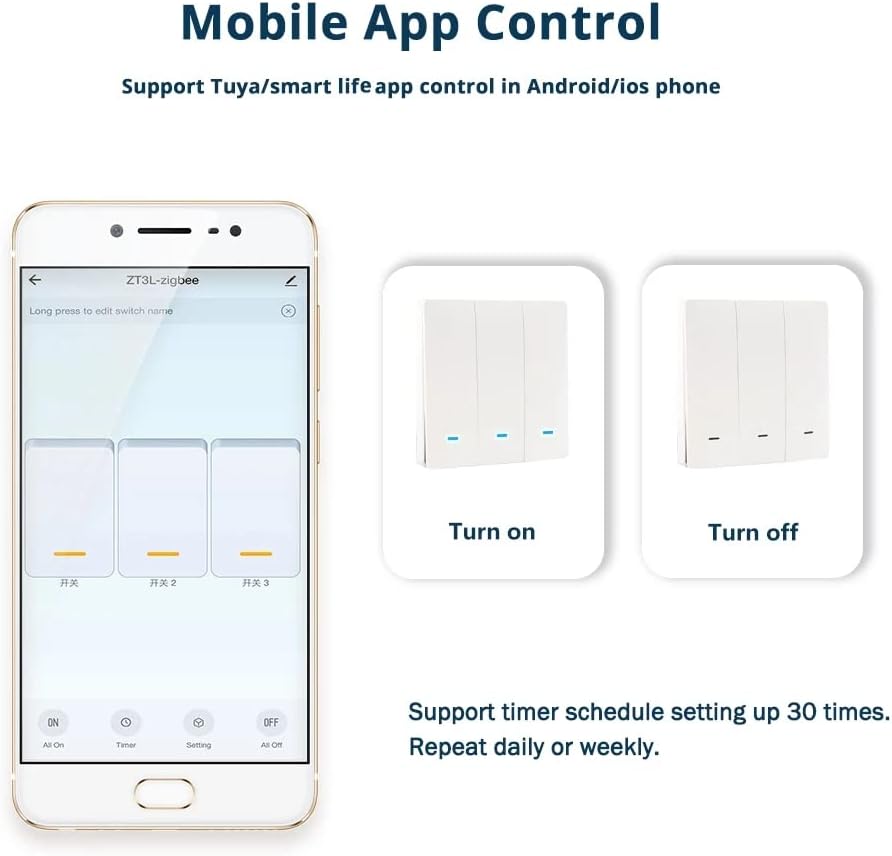
☆Remote Control: Even if you are not at home, you can use the mobile app to remotely control the device from anywhere and control the lights on/off at any time.
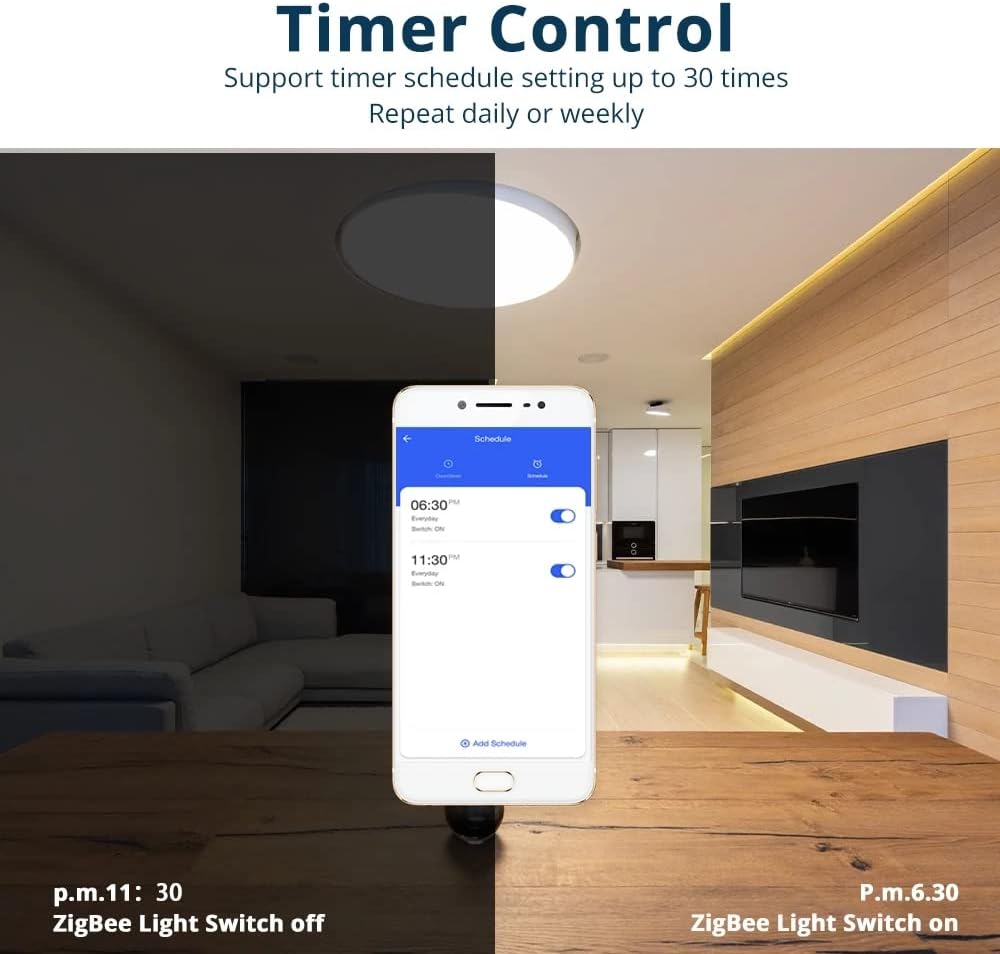
☆Timing Function: You can set the time to turn the light on/off, wake you up and start a new day.
☆No Worries After sale: As a manufacturer, we believe in our products, customer satisfaction is our main goal.
Customers say
Customers find the wall switch works well with their hubs, with one mentioning it pairs flawlessly with their Zigbee hub. However, the installation process receives mixed feedback, with some finding it straightforward while others report difficulties. Moreover, customers report issues with power saving features, noting that the device unexpectedly turns off. Additionally, the lifespan is concerning, with multiple customers reporting that their units failed after a few months of use.
8 reviews for Yagusmart Zigbee Smart Wall Light Switch, Neutral Wire Optional, Need to Work with Tuya Zigbee hub, Compatible with Alexa and Google Home, IFTTT, App Remote Control, Timing Function(1 Gang)
Add a review
Related Products


£20.99
Steff –
It lasts a month or two and then itâs a nightmare, I know Iâve been through two if them
I purchased this switch so that when I turn on the kitchen lights the countertop lights from Philips Hue would also turn on. I did this by connecting to Samsung Smartthings. I read another review which suggested the device type should be ZigBee Multi Switch, this did work but suffered from one problem which was the device status would not report back to the Smartthings hub, so basically it could be controlled but could not be used to trigger another event. So I tried a little bit of experimentation and eventually found a solution to my issue which was to set the device type as âZigBee Switch Powerâ.So to set up my device I basically held down the on button for about 10 seconds until the little led light starts flashing, went to smart things and did a scan for local devices, it did take a while but eventually it was found. Then I went to Samsung smart things IDE and edited the device type so that it was ZigBee Switch Power, and I was all set.UPDATE:So the first unit failed after a few months, and what it did was turn off sometimes after a minute and sometimes after an hour, but it would unexpectedly turn off. So I contacted customer support who sent a replacement and this one lasted about 4 weeks. First it started to go offline from Samsung Smartthings and was completely erratic, youâd have to turn on 5-6 times before it would register it was off and trigger an automation, and just this evening this one too has started to turn itself off.So basically itâs just so frustrating, as itâs the hassle or reinstalling, plus to avoid my issues I removed two smart lights I had with the new unit to avoid any clashes (as someone advised to do that), so Iâve spent more than the purchase price.I can only say avoid, itâs just not worth the hassle.
Santapanter –
Owned 2 of the single gang for 3 years now
I think they work well and pair easily with hubitat1 thing it took me a while to solve was the auto power off after 1 minute, you have to turn the light on , then hold the switch down to after it flashes red/ amber then let it turn off and that should disable the auto offThen all works perfect
Mr. Alan T. Fidler –
Works a treat in my 7 led lit office
Easy to install and neutral is not required although if you have it use it, I didn’t so just wired Lin and Lout to the led bulbs, no capacitor used and no issues with lights. Not sure if a longer wiring run between switch and ceiling rose would make a difference, my run is less than 2 meters.East to setup on my Hubitat ZigBee hub, just press and held the switch until the blue led started flashing then paired it up as a Zigbee device and used the generic Zigbee switch driver, very easy and it worked straight away.UPDATE March 2024. I have another two of these in addition to the office one I bought last year and all three work well. I use all pf them via my Hubitat hub and have a good strong Zigbee mesh which is essential for reliable operation.
Ross McAusland –
Easy to install
Really quick and easy to install and paired with my Zigbee hub flawlessly (the Lidl Silvercrest, but should work with any other up to date hub). Pairing instructions aren’t included but a quick google of the model number on the back (x711a) found me the answer. To pair, when switched off, hold down the switch until the light turns green and you should then be able to pair it to your hub. Now to order 5 more come payday!
Tregaron –
Failed after 2 years
Update: I bought two; one is still going this, but one fell off the network, and insists on turning itself off after a few minutes, no matter what I do with press-and-hold etc. I have had to replace it. This appears to be a common failure mode. It may have been a relatively cheap option, but 2 years really isn’t good enough for a light switch!I bought this having read the reviews as I needed a “no neutral” Zigbee lightswitch. A big thank you to earlier reviewers who pointed out:A) To get it to work with SmartThings, pair it normally (it adds as a generic “Thing”) and then use the Groovy IDE to edit the device type – it will NOT work otherwise.B) There is an undocumented automatic shut-off. To bypass you have to turn on the light, hold the switch until the led blinks red and amber, then wait until the light switches off.SMARTTHINGS WARNING: the “Groovy IDE” is being discontinued by Samsung! There is some talk of a replacement, BUT you may not be able to edit the device profile like you can now, in which case this switch may NOT be compatible in the future.
JS L. –
Just switches off randomly.
I would advise anyone to avoid this product. The switch paired ok with Samsung Smartthings and all appeared to working ok after initial testing. However, when the light is switched it switches off by itself after about a minute. If you switch it back on either through the manual switch it smartthings and it still switches off after about a minute.A waste of money.
Andrew Cook –
Disappointing
Installation isn’t too bad. The bit that goes into the wall is pretty big but a spacer took care of that.Then the problems start. Pairing took all afternoon. When the light is on the switch buzzes. Want to use the switch to turn the light out – tough, it’s going right back on again. Press it again and it’ll actually turn off.Connect it to a zigbee hub… the switch turns itself off every few minutes.This should have been good, but the electronics are iffy, and the physical quality of the switch is cheap and flimsy. I can’t imagine it lasting more than a few months.But it doesn’t do the job. I can’t rely on it to switch the light, and the buzzing is annoying. It’s coming out of my wall as soon as I put a regular switch back there.
CC –
Good price for a SmartThings/Hubitat compatible switch
Have been searching for a switch that’s compatible with my Hubitat Elevation hub, but doesn’t need a neutral wire and I was delighted to find a suitable switch. I particularly like the fact that the LED on this one stays lit (a different colour) when the light is off, so it’s easy to find in the dark.Good price, compatible with my hub and available in different configurations so I can get switches that match, almost throughout the house – a two-way version would be nice though.