

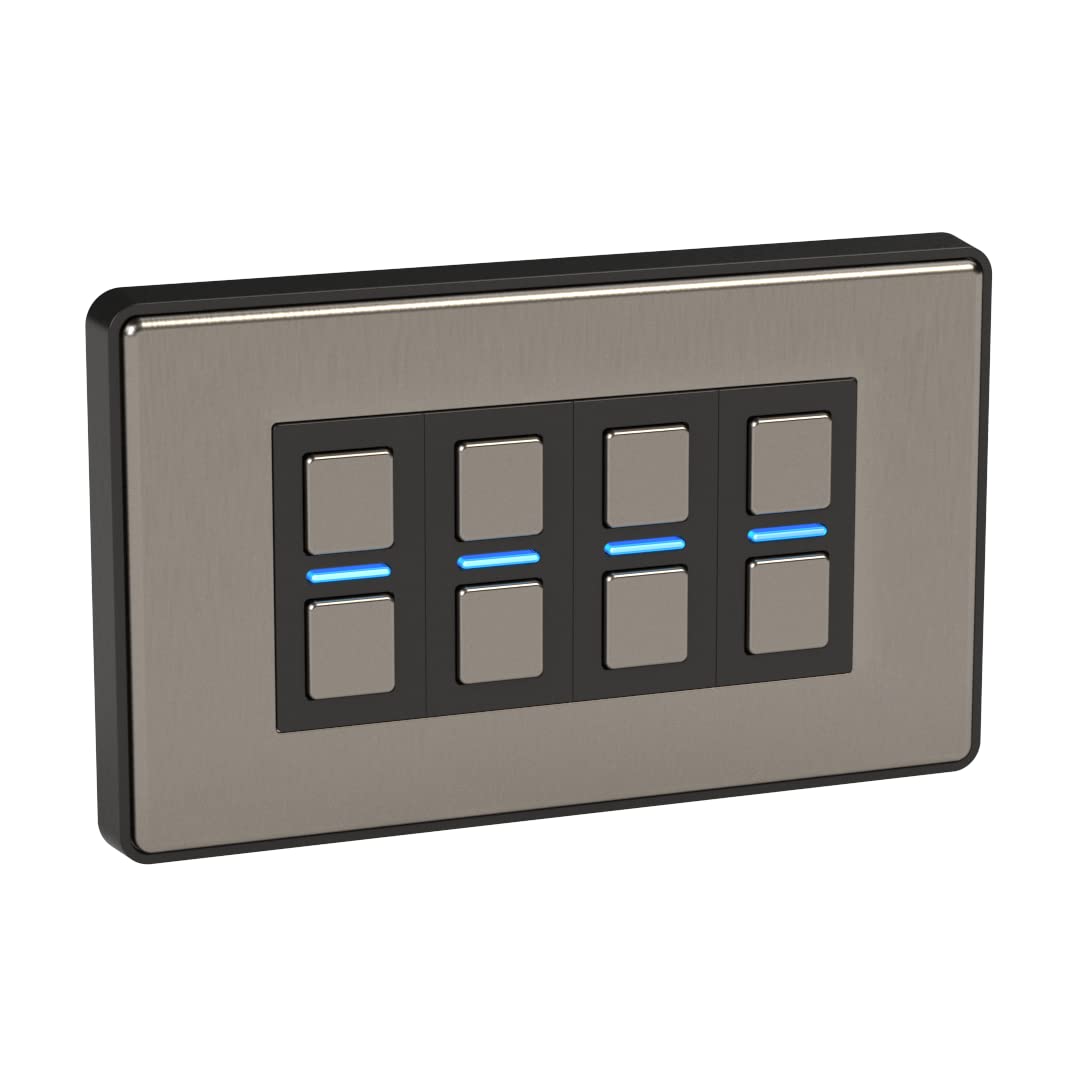
Lightwave LP24MK2 Smart Dimmer with Energy Monitoring, 4 Gang, Stainless Steel – Works with Alexa, Google Assistant, HomeKit. iOS & Android Compatible
£228.74


Price: EUR228.74
(as of Feb 19, 2026 22:01:51 UTC – Details)
From the manufacturer

Your Home. Smarter.
Simply replace your existing light switches with a Lightwave Smart Dimmer and experience the potential of smart lighting!

The Link Plus App
 Technical Specifications 150 x 88 x 30 mm Weight: 230 g Max Dimmable Load: 200W Max Dimmable Load (LED): 60W Min Dimmable Load (Without Neutral): 10W Min Dimmable Load (With Neutral): 0W LED BULBS MUST BE DIMMABLE
LP24 – Lightwave Smart Dimmer (4-Gang)
Much more than a switch
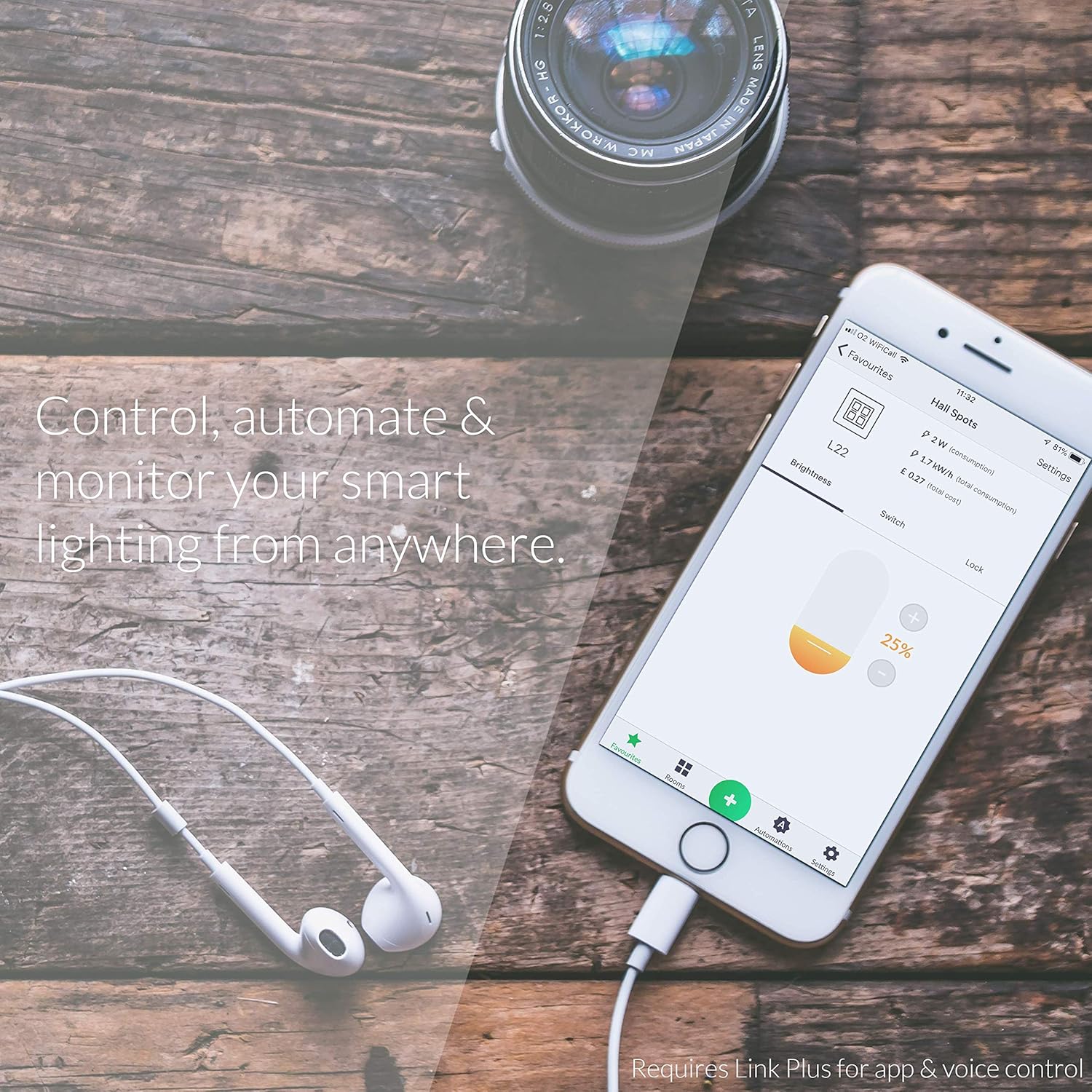
Control your home lighting from anywhere using your smartphone.
Create timers, scenes, triggers and other automation Works with Apple HomeKit, Amazon Echo, Google Home & IFTTT including voice control Lightwave Link Plus required Simple installation: replace your existing switches using the same wiring Smart Dimmer fits standard 35mm back-box Optional 10mm spacer included Compatible with dimmable LED bulbs WiFi router with broadband internet connection required

Magic Button – One Switch to Rule them All
Without any extra wiring, you can create a master switch to turn off every Lightwave device in your smart home. You can create Automations through the Lightwave App to trigger any number of devices at the touch of a button.

Save Energy the Smart Way
Keep track of your energy use from anywhere using your smartphone. The Lightwave App allows you to monitor energy use of each individual Lightwave Smart Dimmer and Smart Socket. You can identify energy-hungry appliances and create schedules to minimise wasted electricity.

A Gentle Wakeup in the Morning
Increase the lights slowly to simulate a gradual increase in sunlight; a natural way to start the day. This feature is particularly useful in the winter months. Timers are simple to create using Automations in the Lightwave App.

Be Home When You’re Away
Your lights can automatically turn on & off to simulate occupancy while you’re out of the house. A Schedule Automation allows Lightwave devices to behave differently every day of the week. This provides added security while you’re away from home.
Magic Button – One Switch to Rule them All
Save Energy the Smart Way
A Gentle Wakeup in the Morning
Be Home When You’re Away

Multiple Control Options
Lightwave Smart Home is compatible with all three major voice platforms – Amazon Alexa, Google Assistant and Apple HomeKit (Siri). The Lightwave App is also available on Android or iOS mobile phones and tablets. Whether using voice, app or manual control, Lightwave Smart Home is simple and intuitive.

Simple Installation
Lightwave Smart Dimmers and Smart Sockets are simple to install using existing wiring. Simply replace your existing switches and sockets to make your home smart. Consult a qualified expert with any installation concerns.

Magic Button
Create an Automation through the Lightwave app to trigger any number of Lightwave devices at the press of a button. You can create a Magic Button to turn on your floor lamps and ceiling lights together. Left a light turned on downstairs? Create a Magic Button on your landing to turn off all downstairs lights before bed.

Why change every bulb?
For rooms with more than one bulb or a chandelier, choosing a Smart Dimmer instead of multiple Smart Bulbs can be a more economical option. If someone accidentally turns off the light switch, Smart Bulbs cannot be controlled. Lightwave Smart Dimmers are always ready to go, whether the switch is on or off.

About Lightwave
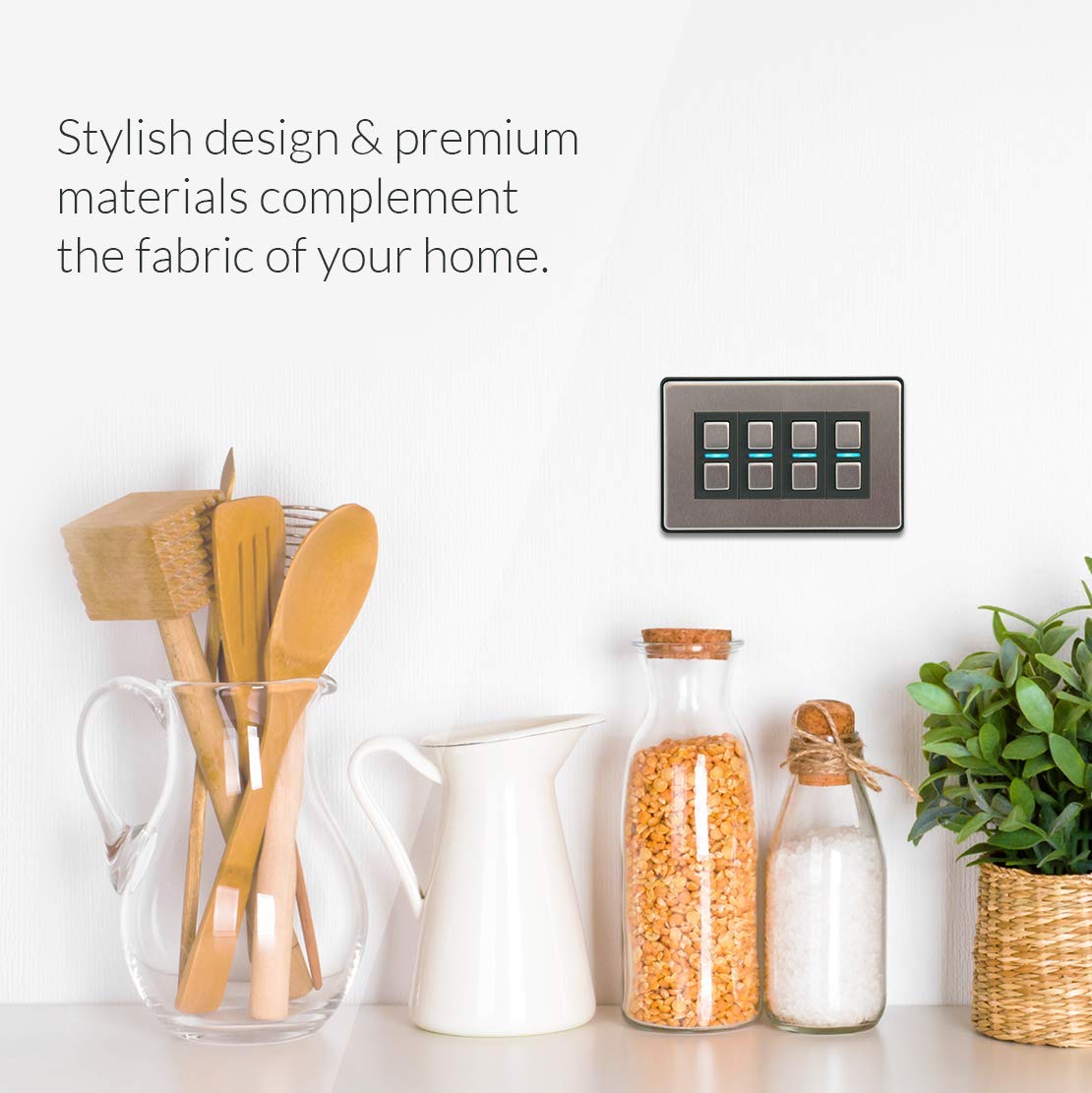
Lightwave’s clever devices offer practical and unique solutions through an innovative approach to Smart Home technology. Lightwave products can be retrofitted with no need for additional wiring and allow a world of smart possibilities. Your Home. Smarter.
Begin your home automation adventure with Lightwave’s stylish Smart series dimmers
This smart Dimmer is simple to install and requires no extra wiring. Once installed, pair this smart Dimmer with the Lightwave Link Plus and use the Lightwave app to control every aspect of your smart lighting, available for iOS or Android. always consult a suitably qualified expert if you have any concerns
Lightwave’s smart dimmers allow you to control the look and feel of your home. Entertaining? Quiet evening in? Create the perfect mood, room by room
Away from home? Gain peace of mind and use Lightwave’s home automations to set schedules for lights to come on at certain times to simulate occupancy. Two way communication allows you to instantly see the state of each Smart Dimmer, from wherever you are.
You can start with just one device and expand your system to transform your entire home. Discover the true potential of your smart home with Lightwave. Requires Lightwave L2 link Plus to enable voice or app control
10 reviews for Lightwave LP24MK2 Smart Dimmer with Energy Monitoring, 4 Gang, Stainless Steel – Works with Alexa, Google Assistant, HomeKit. iOS & Android Compatible
Add a review
Related Products


£228.74
Ian Davies –
Brilliant Kitâ¦â¦
LightwaveRF has been around for a long time, love their kit and is very reliable! Just wish they would add a fuse spur to their range and also a basic socket and switch that doesnât include the automated side as there are some places I want matching sockets and switches but can use the smart switch. Just want everything in my house to match⦠But a brilliant product!
Matthew Smith –
Fantastic SMART Home Lighting and Sockets
I’m very impressed with this technology to the point where I’ve now put LightwaveRF light switches in every room of my home and have started to change some of the basic electric sockets to LightwaveRF. I’ve been using the system for a number of years and they have have worked perfectly. It works seamlessly with my Google Home setup, where I have a NEST Hub Max in each of the main rooms. The setup is easy and there are fairly regular firmware updates. The app is easy to use, but to be honest I only ever use that to set up the devices and routines, I use Google assistant to control them either from my phone or the Google Home devices. I prefer LightwaveRF over some of the other systems as you can use your existing lights and light bulbs, in most use cases there is no need to change, which means you have access to far more variety of light fittings, than say a Phillips Hue system. You do need to also purchase a Link Plus device, which is the router that connects the devices to the internet. but you only need one of these per home for all of the devices. I have a fairly large home and it hasn’t failed to reach every switch.I can’t recommend the system enough.
Amazon Customer –
Genuinely brilliant piece of kit
Working on making my whole house smart and I needed great smart switches.These are brilliant I found compatible aurora bulbs dimmable there is a list of compatible bulbs . The light switch is easy to fit.Iâve also incorporated into my home assistant and it works great. Ofcourse these are definitely expensive so I canât afford to do the rest of my house for quite some time but I think they work really well and Iâve actually had no issues with them at all. So as a brand these are brilliant, I mentioned to a friend also and he fitted his entire house with them too as he was renovating.For those geeks who want to kit out their home with smart lights these are a great buy and later I plan to also have sensors so lights come on and off as and when needed aswell . And I like the fact itâs a clickable button too.
Chris B –
Solidly finished product with a slightly niggly install
A very solidly built two button smart switch. Simple to use either smartly or locally via the buttons (tab either button to turn on/off or push and hold a button to adjust dimming).If you’re going into a backbox with much less than 35mm you will need the spacer. It’s a great finish but does make the switch protrude a little – it doesn’t bother me but if you want a flat-against-the-wall switch make sure that backbox has plenty of room.The instructions for fitting in the box are good for the electrical size of things and the warnings on how to wire and not to wire. Getting the switch to sit in the spacer and “snap” all four corners of the chrome front plate into place was a sodding nightmare, and eventually took two of us to apply a ton of pressure all around (and the handle end of a screwdriver behind a cloth) to get the last damn corner in. This was despite having removed and checked out alignment, flatness against the wall/spacer and so forth.Once it’s on, looks really does look great and that finish is solid and polished – I’m really happy with it.Pairing with the hub is easy (although in my hub setup originally Alexa couldn’t find the switch until multiple hub resets and calls to LW support – but that’s a hub issue not a switch issue), and if their is a pairing problem it’s easy to reset them (although that instruction isn’t in the box – if you need more info there’s various docs on the LW website)The only slight niggle I’ve noticed is that when at the switch you tap the down button to turn it off, the light flicks off, comes back a bit and flicks off. I’m using Phillips bulbs, and there are many posts from Gen 1 that talk about the need to use good quality bulbs – so bear that in mind. Turning on the light however, no issues at all.I’ve not put one in a bedroom yet, but be warned that the blue LED on the light between the button goes red when it’s off, and stays red whilst it’s off. It’s not hugely bright, but in a pitch black bedroom, may annoy folks that are light sensitive.
Philip –
UPDATE: Overheats, disconnect and won’t turn off – AVOID!
I’m surprised that there aren’t many other “smart” dimmable switches that don’t need the neutral wire, but this can work either alone, or with the Lightwave hub if you want to remotely control it (via app or smart device), but that’s EXPENSIVE, so only get that if you intend to get more of their devicesThe fitting is shallow enough to fit into most of the switch holes, but it sticks out more than I expectedAs mentioned by others, the lights on the front (red for off & blue for on) is quite bright, so with the lights off you end up with an annoying light on the wall, I’m sure you can put a little tape over it to dim it down, but that shouldn’t be a real issue in these days!UPDATE: After months of having this installed, it gets VERY hot to the touch and while hot doesn’t dim the lights at all – I’m going to be removing it to replace it with a manual dimmer as I don’t want to risk a fire, plus it disconnects itself from the wireless hub that is used to control it, making this nigh on useless.UPDATE #2: A few months after it getting hot we stopped using the main lights in the room as the switch was always warm to the touch, it refused to connect to the hub (a lovely waste of money there), and only allowd you to turn on the light, dim it SLIGHTLY, and then refusing to let you turn the light off – I turned off the electrics to the lights, left it a few minutes, back on and it STILL wouldn’t let you turn them off! I’ve now replaced them with a manual dimmer switch which works perfectly.AVOID THIS JUNK LIKE THE PLAGUE – it is a complete waste of money and the hub is STUPIDLY expensive for what it does!
Henryk S. –
Was bringt ein guter Schalter wenn er nicht in eine genormte 68er Dose passt ?Viel zu groÃ.
Alyn –
Works really well .. premium material
Carlos –
Perfecto
Wim Bonjean –
I had one switch go completely nuts after 1 year because of a power outage. The second one is also busted after we turned the power off for maintenance. Two buttons do not respond anymore. What a low quality product for such a high price.
Edunicky –
No nos ha gustado , no se puede usar , no es commutable con el cuadro eléctrico . Ya hemos llamado a tres electricistas para que nos lo instale y ninguno da con la forma , uno de ellos especializado en domotica .No nos sirve para nada el regulador , un gasto de dinero absurdo y encima no lo podemos devolver , hasta que salimos del estado de alarma y mientras buscaba a un electricista que supiera instalarlo , resulta que al final no se puede .