

ZTE U10S Pro Blue, 4G+LTE Mobile Wi-Fi 6, unlocked low-cost portable travel WiFi, connects 32 Devices, 3000mAh 10hr Battery life, roams on all world networks, no configuration required
Original price was: £39.99.£31.99Current price is: £31.99.



Price: £39.99 - £31.99
(as of Aug 03, 2025 04:05:34 UTC – Details)
From the brand


Global Leading Provider of Integrated Information and Communication Technology Solutions
ZTE serves global telecom operators, government and enterprise customers, and consumers. Covering more than 160 countries and regions, ZTE serves over 1/4 people worldwideCommitted to achieving a bright future of connectivity and trust everywhere.
Visit ZTE Store

ZTE G5B
Connect up to 64 WiFi enabled devicesSupports high speed 5G networkWPA-PSK & WPA2-PSK encryptions

ZTE U30 AIR 5G
WiFi peak speeds up to 867MbpsWiFi coverage up to 100 metersWLAN: 802.b/g/n/ac, 2 x 2 MIMO

ZTE U50
5G speed with Qualcomm Snapdragon X5Support 32 WiFi enabled devicesHigh Gain 4×4 MIMO Antennas

ZTE 5G CPE MC888
Downlink rate reaches 3.8GbpsSupport any 64 WiFi enabled devicesSafe with PP2P/L2TP protection
See More Of Our Products
Travel the world with the ZTE U10S pro: enjoy super-fast 4G+ mobile Wi-Fi speeds wherever you go! It gives you a pocket-sized solution to low-cost travel Wi-Fi
Longer lasting removal battery: powerful, rechargable 3000mAh battery, up to 10 hours of working time, easy battery management with screen – simple to keep an eye on battery life so you can stay connected for longer
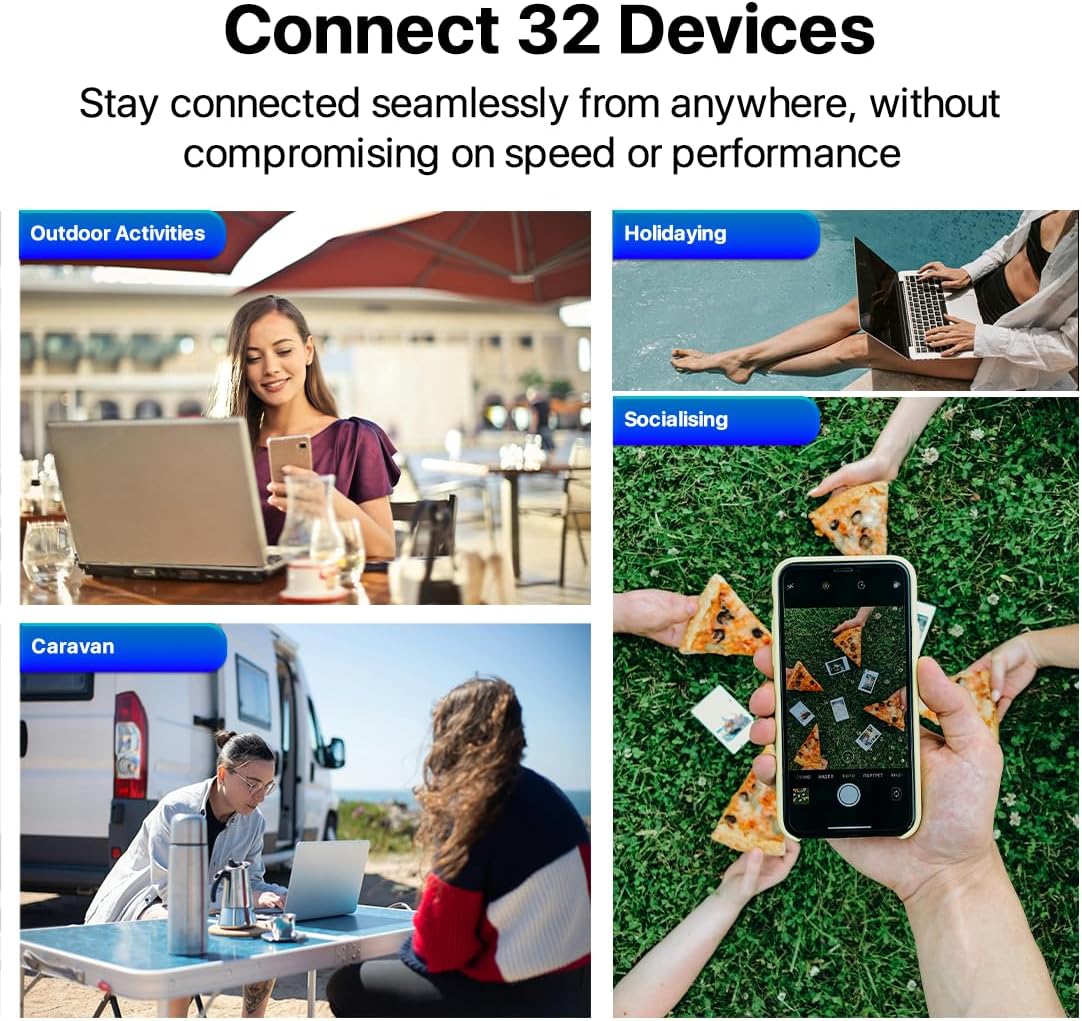
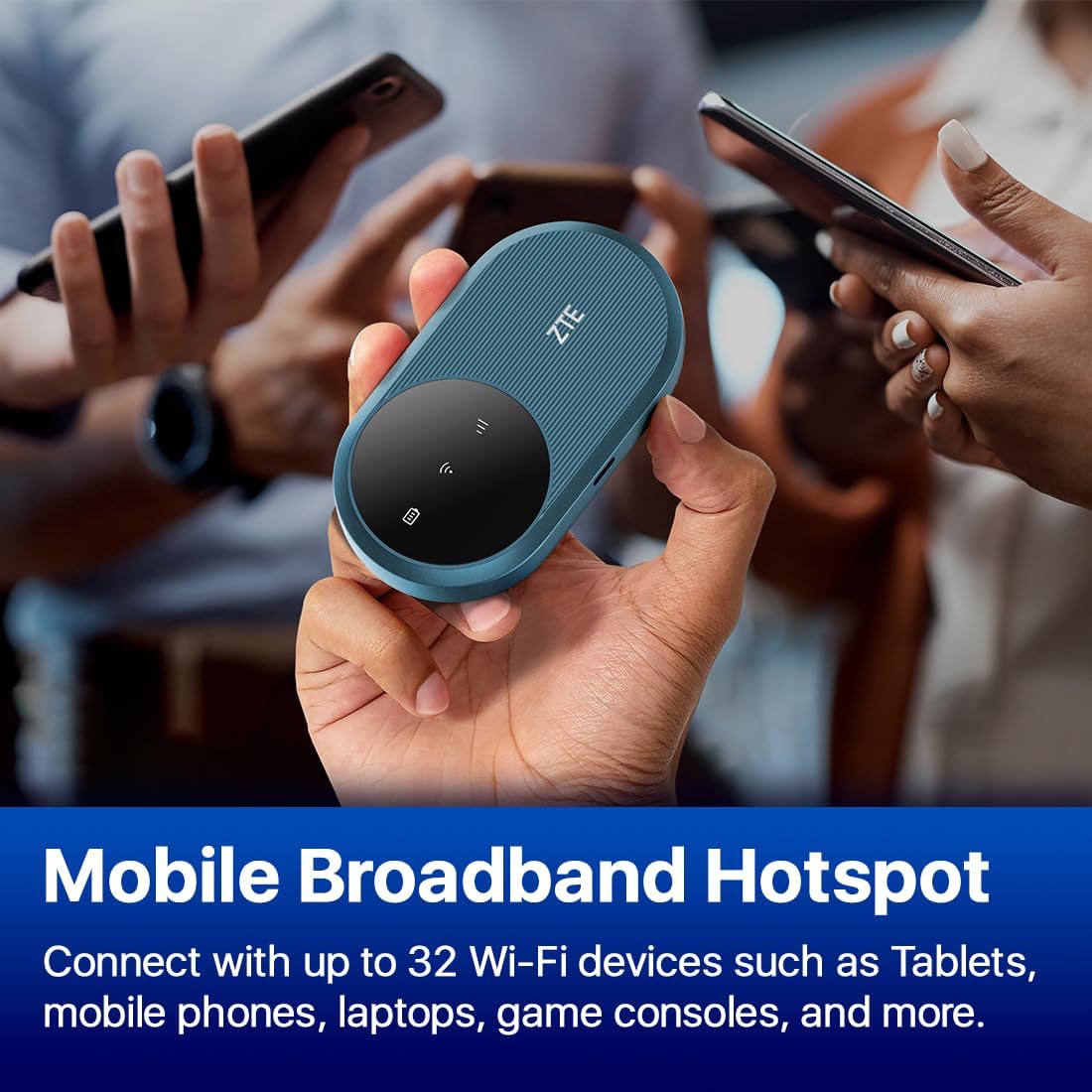
Mobile Broadband Hotspot: Simply insert any NANO 4G SIM card to create your Wi-Fi Hotspot, Instantly share 300Mbps 4G/3G connection with up to 32 Wi-Fi devices such as Tablets, mobile phones, laptops, game consoles, and more
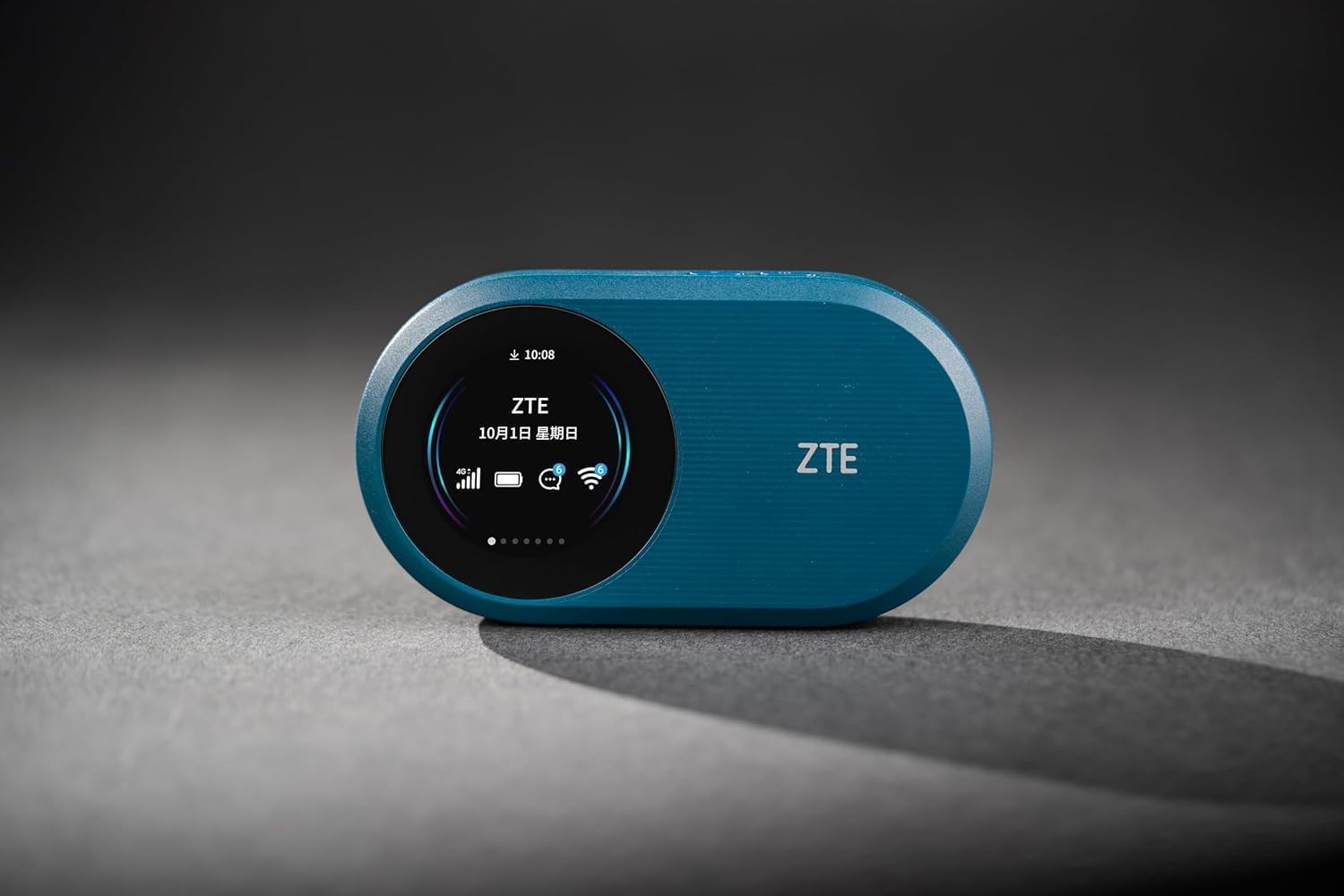
Screen offers easy management: displays device status, upload and download speeds, QR code for WiFi connection, battery life, users, connection strength plus more
Boost your connection: 4G/3G high gain internal antennas work constantly to boost your signal strength further, always offering you the best WiFi speeds up to 2.4Ghz, enjoy streaming, working or gaming without interruption
Customers say
Customers find the router easy to set up and appreciate its compact design that fits in bags, with one customer noting it’s easy to set up with a local SIM card. The device works well and feels reliable, though opinions on value are mixed, with some finding it worth the price while others consider it a waste of money. Signal strength and speed receive mixed reviews – while some praise the 4G reception and good speeds, others report weak connections and slow performance. Battery life is also mixed, with some saying it lasts for hours while others find it doesn’t last long.
9 reviews for ZTE U10S Pro Blue, 4G+LTE Mobile Wi-Fi 6, unlocked low-cost portable travel WiFi, connects 32 Devices, 3000mAh 10hr Battery life, roams on all world networks, no configuration required
Add a review
Related Products


Original price was: £39.99.£31.99Current price is: £31.99.
Julia –
Fast 4G speed,reliable, and super easy to use
I bought this ZTE kit for last week’s half-term family traveling. Amazon delivery was quick and the U10S device has been amazing. No complicated setup needed and works everywhere we’ve been during the holiday. The little gadget gives fast 4G+ speeds, connects with all our familyâs devices and fits perfectly in your pocket. Absolutely a lifesaver for work and holidays!
Mary –
Easy to set up and use. Buy it!
I ordered a one month unlimited data micro usb card to go with this hub and, after charging the ZTE U10S Pro, inserted the micro usb card following the instructions that came with the unit. After inputting the password I was able to link it to my phone and iPad easily and access the internet. We took it on holiday and it performed perfectly, often having four devices linked to it at once. Easy to set up and fast enough for streaming videos it is an excellent standalone piece of kit. Recommended for ease of setup and use. A great buy!
readaholic –
world’s most secret password included
ZTE U30AIR 5G Wi-Fi pocket Router â High-Speed 5G Connectivity, Dual-Band Wi-Fi, Seamless Streaming & Gaming, Easy Setup, Portable, Supports Multiple DevicesI recently updated to this from a cheap 4G ZTE mifi which served me well for 2 years. I use it with an unlimited payg data sim to avoid the financial enslavement and ever worsening service that comes as standard with UK broadband contracts.Previous routers and mifis all handily had the password on the back. With this one it is so well hidden that Amazon customer services had to help me locate it. Finding the password involves taking the back off the mifi (every single time). The plastic clips holding the back on don’t seem overly robust. This necessitated a diy approach where I made my own sticker. This avoided repeated dismantling during that period where I was finding yet another item that needed the new password to connect.My previous mifi could easily be propped up. Not so with this one. The addition of a phone holder overcame this nicely.This mifi has an energy saving feature where the lights indicating charge level and signal strength turn off to save battery. There is no override, apart from to manually press the on button to see the lights for a few seconds. Consequently it does often run out of charge as I have forgotten to check it. When charging the indicator lights do stay on. The charging light flashes and changes from red (deceased) to blue (so so) to white (yay! ready to go all day – maybe). The white status doesn’t differentiate between only just turned white and fully charged. If it is only just on the white it will not last the stated time. Unfortunately when taken off charge the battery indicator will just show solid white so there is no way to ascertain if it is really fully charged.I am on the edge of a 5G area. It should only work outdoors. However, I am consistently getting 5G via this mifi indoors, in a concrete / metal building with other floors above, and several buildings and half a mile between me and the 5G mast. That seems quite impressive.This was the cheapest 5G mifi I could find from a reputable manufacturer. Despite the secrecy over the password and charge level display it’s good value for money and performs very well. Recommended.
Slam T. ââBaddââ Badger –
Don’t bother.
The Amazon listing claims that this comes with a quick start guide, and the warranty card. I got neither, unless they are referring to the included QR code that takes you to a site of instructions. A site that kept crashing long before i could find anything in English. And while i’m not a complete noob with these kind of devices, i would still appreciate some basic instructions for this unit..I then tried the web in general, and i think i used every combination of words, in several search engines, as well as looking at a couple of ”Instruction Manuals for free” kind of websites, but it’s like this particular model doesn’t exist. All of it’s siblings exist, and there’s plenty of sites trying to sell this version to me. But any kind of instructions? Good luck..Even which way around the SIM card goes in feels a little like they tried to catch me out. Because, in anything other than the brightest of direct lights, the usual logo of a square with a corner missing is not as obvious as usual..And printing all of the passwords you’ll need for set up UNDER where the battery goes? If you do buy this, take a quick photo of those for reference before you put the battery in. That’ll make sense very quickly..I was looking forward to this arriving. After less than an hour i couldn’t wait to get rid of it. But after some more trial and error i did eventually get this up and running..For a while i thought that the connection problems might be from Smarty overhauling their system at the moment. But i don’t think it’s just that. The reason i chose this ZTE model was because i already have a ZTE internet dongle. It cost a third of what this does, and i also have a Smarty Sim in that. While it doesn’t do Wi-Fi, and it’s certainly not perfect at the one thing it does do, that £10 (ish) dongle works a lot better than this does on one computer at a time..And any claims that this can handle 32 devices are nothing short of fantasy. This struggles at a grindingly slow speed on just one device. The GUI shows the speeds, and this constantly flickers between various numbers and zero. But at one point when it was working, that speed registered at less than a single kilobit (0.8) per second. Not megabit, kilobit. I think that would have been humiliatingly slow even in 1985. And that’s when it WAS working, and plugged directly into a desktop computer. I didn’t bother to check the Wi-Fi stats later. In fairness, it’s Wi-Fi did function, but if you are wanting to stream anything then forget it..And before you go thinking that maybe there’s just bad service where i am, it’s not that. The reason the i use these kind of things is because regular internet here is patchy at best, but the phone masts less than 30 yards from my home provide solid coverage..As i said before, i know Smarty are going through some changes at the moment. But my old ZTE dongle with a Smarty Sim is working better than this, as are my phones with Smarty Sims in them as well. I think the problem is this device. And if it struggles with a signal 30 yards from the phone masts, then what good will it be for you on your camping trip or whatever?.Later…I ended upkeeping this (to lazy to return it i guess), and it died a complete death after nine months..
CSGroth –
ZTEUPDATE 07.07.Aus dem Urlaub zurück, der Router hat soweit seinen Dienst getan.Allerdings, wie bei vielen anderen Routern auch, kann er nicht dauerhaft am Strom hängen.Nach gewisser Zeit schaltet das Gerät in einen sogenannten Schutzmodus, um angeblich den Akku zu schonen.Leider kommt er aus diesem Modus nicht automatisch heraus und der Akku wird nicht mehr geladen, was zur Folge hat, dass das Gerät irgendwann abschaltet!ABHILFE:Morgens und abends das USB-Kabel für ein paar Minuten gezogen und wieder eingesteckt.Mit dieser Methode sind wir 4 Wochen ohne Unterbrechung gefahren.Falls jemand einen mobilen Router kennt, der auch ohne Akku betrieben werden kann, bitte melden.UPDATE, 22.06.Roaming in Frankreich, alles bestens.Unser Vertrag läuft mit max. 100 Mbit/s und die werden auch locker erreicht und zeitweise sogar übertroffen.Wir hatten überall mindestens 55 Mbit/s im download, damit geht HD Streaming auf mehreren Geräten gleichzeitig, was will man mehr.Der Akku schafft die angegebenen 10 Std. nicht und wird auch ordentlich warm, besser immer am Kabel betreiben.Moin,ich habe lange nach einem Ersatz für meinen defekten Netgear Aircard gesucht.Der neue Router sollte dabei auch schon den 5G Standard haben.Viele der vorgestellten Router sprengen dabei aber den preislichen Rahmen im Verhältnis zu unserem Nutzungsverhalten.Installation war in 5 Minuten abgeschlossen, wobei zuerst keine Verbindung mit dem Internet zustande kam. Nach korrekter Einstellung der APN, hier Vodafone, klappte es aber dann auf Anhieb.Die Verwaltungsoberfläche im Browser ist klar strukturiert und verständlich, bietet diverse Einstellmöglichkeiten.Für manche mag es ein Nachteil sein, dass der Router im WLAN nur 2,4 oder 5 GHz funken kann. Wir besitzen nur Geräte, die 5 GHz können und der Einsatz im Wohnmobil bedingt auch keine gröÃere Reichweite.Der erste Test lieferte, gemessen an dem schlechten 4/5 G Empfang bei uns, brauchbare Ergebnisse.Mit einem iphone 15 wurden 25 Mbit/s, mit dem ZTE-Router 35 Mbit/s im download erreicht, (Lidl Connect/Vodafone) beides mit 5 G.Damit können wir alle unsere Bedürfnisse abdecken, selbst das gleichzeitige streamen unterschiedlicher Videoinhalte klappte hervorragend.Dauertest steht noch aus, nächste Woche geht es nach Frankreich, ein update folgt dann.
J-P. G 78 –
Petit boitier fonctionnant comme un routeur ou une box, très bonne qualité d’image et de son sur les Smart TV. Se fournir d’une carte SIM avec forfait pour effectuer votre paramétrage. Par contre se connecter avant sur votre smartphone pour obtenir le mot de passe
Aritz Beraza Garayalde –
Compré este router 4g para poder teletrabajar este verano mi pareja y yo. Ha soportado dos videoconferencias simultáneas, descargas de varios gigas y tests de carga como un campeón en los dos meses de uso intensivo quele hemos dado. Sin fallar ni una sola vez.Usamos una sim de SIMYO. Levantas la tapa donde tienes la información del wifi que va a crear el dispositivo. Pones la sim, la baterÃa y enciendes. (Aconsejo la primera vez ir a la web de gestión del router y cambiar la wifi (nombre y contraseña)).La red wifi creada funciona bastante bien y con un alcance al nivel de routers fijos de cualquier operador. La velocidad de la conexión 4g muy correcta. Haciendo pruebas, llega a superar mi teléfono (Pixel6a) en 4G en parte por que tiene mejor recepción/calidad de señal.Tiene funciones sencillas pero útiles como el medidor de consumo de datos (puedes poner lÃmites, fecha de renovación, decir que pasa cuando se supere el lÃimite de datos (bloquear internet o seguir funcionando), cuantos clientes quieres que se puedan conectar (hasta 32), configurar los parámetros habituales (ips, dns, canal wifi, etc) e incluso he visto soporte para albergar un dominio typo dyndns como duckduck.go o similares (aunque no lo he probado).Un acierto que me obliga a preguntar qué ofrecen el resto de dispositivos similares para ser tan caros comparados con este. Estoy hasta por comprar otro para el internet de mis padres y que dejen de sangrarles con una fibra que no necesitan
faisal alharbi –
بعد تجرب٠شÙر اÙراÙتر ٠٠تاز ٠اÙبطارÙ٠تطÙ٠٠عÙ
mery –
No funcionó nunca