

Linksys Velop MX12600 Tri-Band Whole Home Mesh WiFi 6 System (MX4200) WiFi Router, Extender & Booster up to 9000 sq ft, 3.5x Faster Speed for 120+ Devices, MU-MIMO & Parental Controls – 3 Pack, White
Original price was: £288.21.£278.93Current price is: £278.93.


Price: EUR288.21 - EUR278.93
(as of May 05, 2026 11:20:52 UTC – Details)
From the manufacturer

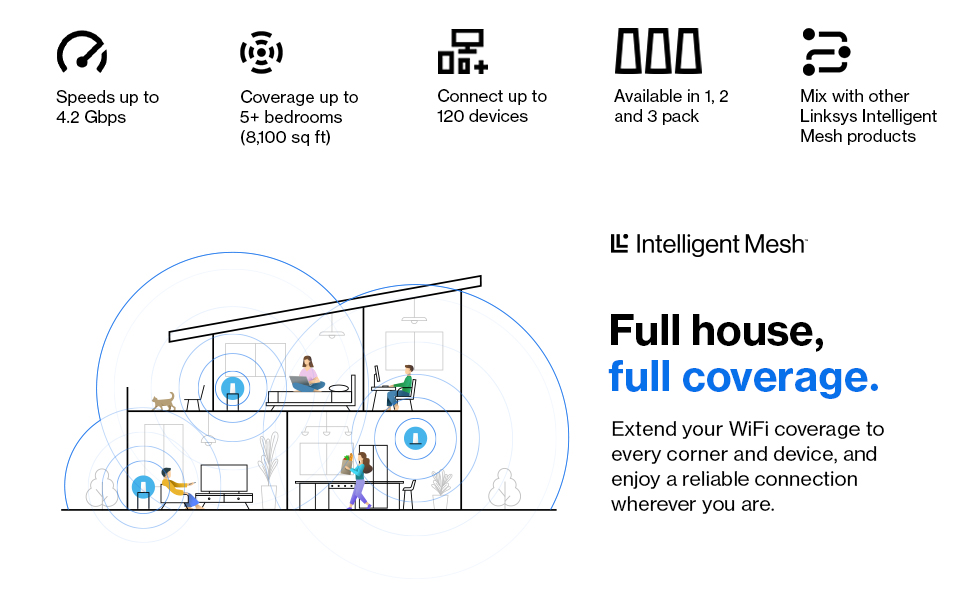
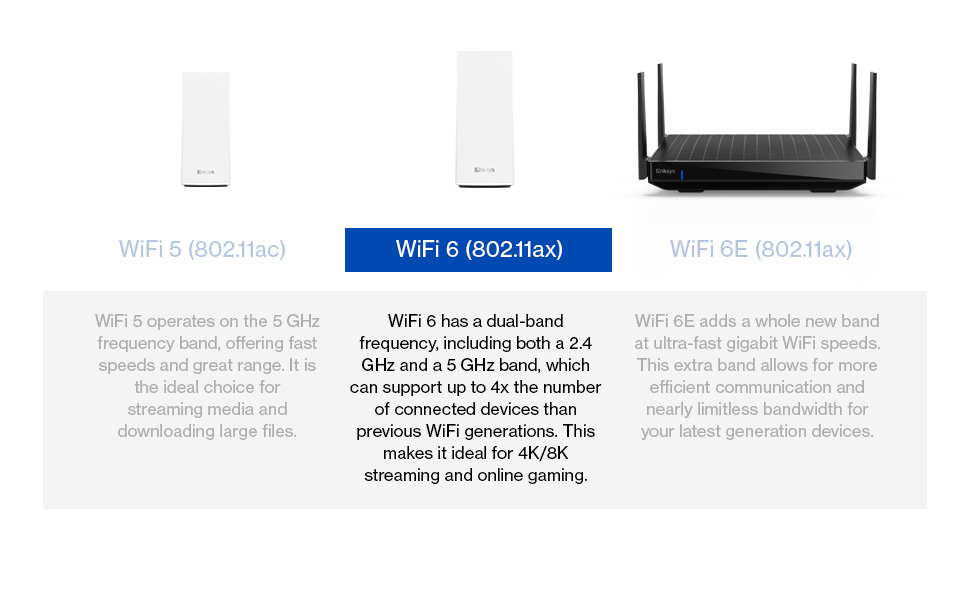

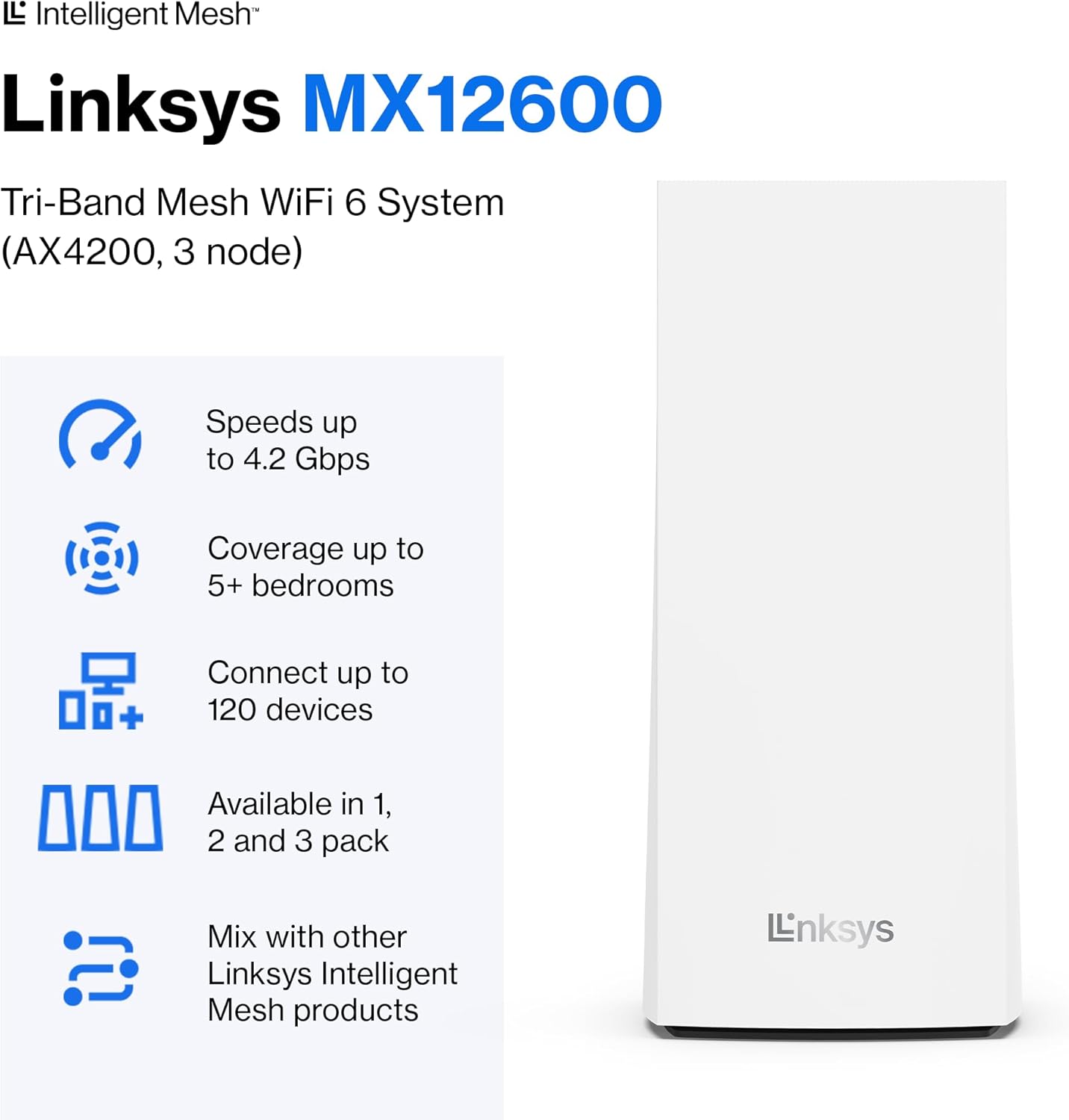
Powerful Whole Home WiFi: Going beyond just fast internet, Intelligent Mesh Technology & WiFi 6 bring connection stability, greater bandwidth & eliminate dead zones in your home.
Seamless Streaming: Surf and play unbuffered with 3.5x faster blazing WiFi speeds up to 4.2 Gbps. Work at home efficiently with coverage up to 3000 sq ft & support for 40+ devices per node.
Kid-Safe Internet: Enable Parental Control features to set time limits, schedule WiFi access & restrict explicit content on kids’ devices so they can browse & play safely online.
Easiest App-Based Setup: Get online in minutes with a simple setup process in the Linksys app. Set up separate guest access and remotely manage your home mesh network in the app.
Unbreachable Network: Backed by 3-Year Limited Warranty & Tech Support. Protected by WPA2, SPI Firewall & auto firmware updates. Compatible with Apple HomeKit adding extra security to your smart home.
4 reviews for Linksys Velop MX12600 Tri-Band Whole Home Mesh WiFi 6 System (MX4200) WiFi Router, Extender & Booster up to 9000 sq ft, 3.5x Faster Speed for 120+ Devices, MU-MIMO & Parental Controls – 3 Pack, White
Add a review
Related Products


Original price was: £288.21.£278.93Current price is: £278.93.
Quentin –
Easy to set up and great signal strength with no black spots
Whilst this is an expensive mesh solution, it has worked perfectly so far and done exactly what it is intended for – creating a single network that covers our house. We have an old property with a newer extension and previous BT Home Hub had areas it would not reach, and we had to use two networks to get coverage downstairs, and upstairs was always extremely patchy.The Linksys app worked really well and guided the set up using our Home Hub 4 as the modem. When plugging in the parent node, the app says use any port on your modem, but it actually has to be an ethernet port – the WAN port will not work. It just took a minute or two to connect, choose a new network name and it was a simple as that. The second node connected without a problem and the app helped check that the position upstairs was suitable. The third node for our extension has a wired connection, as we put in a Cat 5 cable during the extension build. Again, this was simple to set up – just switch on the node (close to the parent) and add it to the network as a wireless node. Move it to your desired location and use your Cat 5 cable to attach one of the the node’s ethernet ports to a parent node ethernet port. It’s a simple as that, as the system automatically will switch the new child node to wired set up. All 3 nodes now cover our 4 bed house and single story extension in a unified network, which is great for mobile wifi calling (very poor mobile network), shifting where you work, wireless printing etc. The speed of the wifi has noticeably improved with the tri-band too, which is a bonus, though it wasn’t that bad previously.One final adjustment was to change the Home Hub configuration via the online Home Hub Manager to disable its wifi, just so there was no contention with two networks. It’s now just working purely as a modem and seems fine to do so.Overall, very happy with the investment in this. It may be pricier than some, but so far no complaints at all.
Dad_Of_Two –
Perfect for community fibre users
Had recently moved from copper to fibre broadband. It was a big jump in speeds from 70MBPs to 1GBPs. So I decided to upgrade my existing Google Wifi. The service provider in UK “Community Fibre” had provided a router, which was essentially the Linksys AX4200 model with some ISP specific branding. So I bought the 3 units and added them as nodes. With this setup I have essentially got 4 units now , providing great coverage from loft to the room at back of garden. Setup was a breeze. Just install the Linksys app on phone and create an account. Plug in the 3 units near the main router and just let them sync. Took around 15 mins for all nodes to sync. After that I could move them to various corners of the house to get complete coverage. With my Google Wifi, my wifi speeds were 80-150 MBPs. Now with Linksys, I am getting 300-600MBPs around the house. So its a huge upgrade — though its debatable if anyone notices it for normal web browsing/streaming activities. It connected seamlessly with my 5 Ring cameras which use 2.4GHz.The mobile app is basic but useful, if you dont need any complex network setup. One good feature are the ability to put parental controls on kids specific devices.One odd thing I did notice, if your device connects to the master and you move to another corner of the house, it doesnt always switch to the strongest signal from nearby node. I noticed this on my ipad and had to turn wifi off/on to make it pick the nearest node. I expect to have around 25 devices connected to it and it would support upto 50.It is a bigger unit compared to my google wifi pods, but the rectangular shape doesnt stick out too much.
snowmonkey –
Absolutely useless. Do not buy this junk.
I only give it one star because I canât give it zero.I donât really know where to start. Ok, firstly the range. Itâs just terrible. Iâve had to buy five of these things to cover my not particularly big house. One of them, simply doesnât accept any connections despite there being not error messages or any indications of problems. I regularly canât get connected, and canât stay connected. Even when standing right next to a node. Again, there no errors and no problems reported at all. It thinks itâs working just fine.The app and web interface are equally bad. The app crashes all the time. The web interface is slow and logs you out frequently. Theyâre both useless for diagnosing faults. There are no logs, you canât easily see which devices are connected to which node.The app shows the nodes, but it regularly gets it wrong when showing which one is connected to the broadband. It also shows my iPhone as being connected via Ethernet. Obviously my phone doesnât have an Ethernet port.There are plenty of other solutions to home WiFi. DO NOT BUY LINKSYS VELOP. You will regret it.
DB –
Came with “US-Style” power adapter. Not usable in UAE.